Netherlands Passport Photo Requirements: Complete 2026 Guide
Everything you need to know about Dutch passport photo (pasfoto) specifications, including size, background rules, and how to create a compliant photo at home with Passlens.
Overview
The Netherlands requires a 35 x 45 mm passport photo (pasfoto) for Dutch passports, identity cards, and driving licences. Photo requirements are set by the Rijksdienst voor Identiteitsgegevens (RvIG) and follow European biometric standards.
Dutch passport photos have a notable specification for head height: 26 to 30 mm from chin to crown, which is smaller relative to the frame than many other countries. This means the photo shows more of the upper body and background compared to, say, German or French photos.
Official Specifications
| Requirement | Value |
|---|---|
| Document | Passport |
| Size | 35 × 45 mm |
| Background | Light / neutral |
| Head height | 26–30 mm |
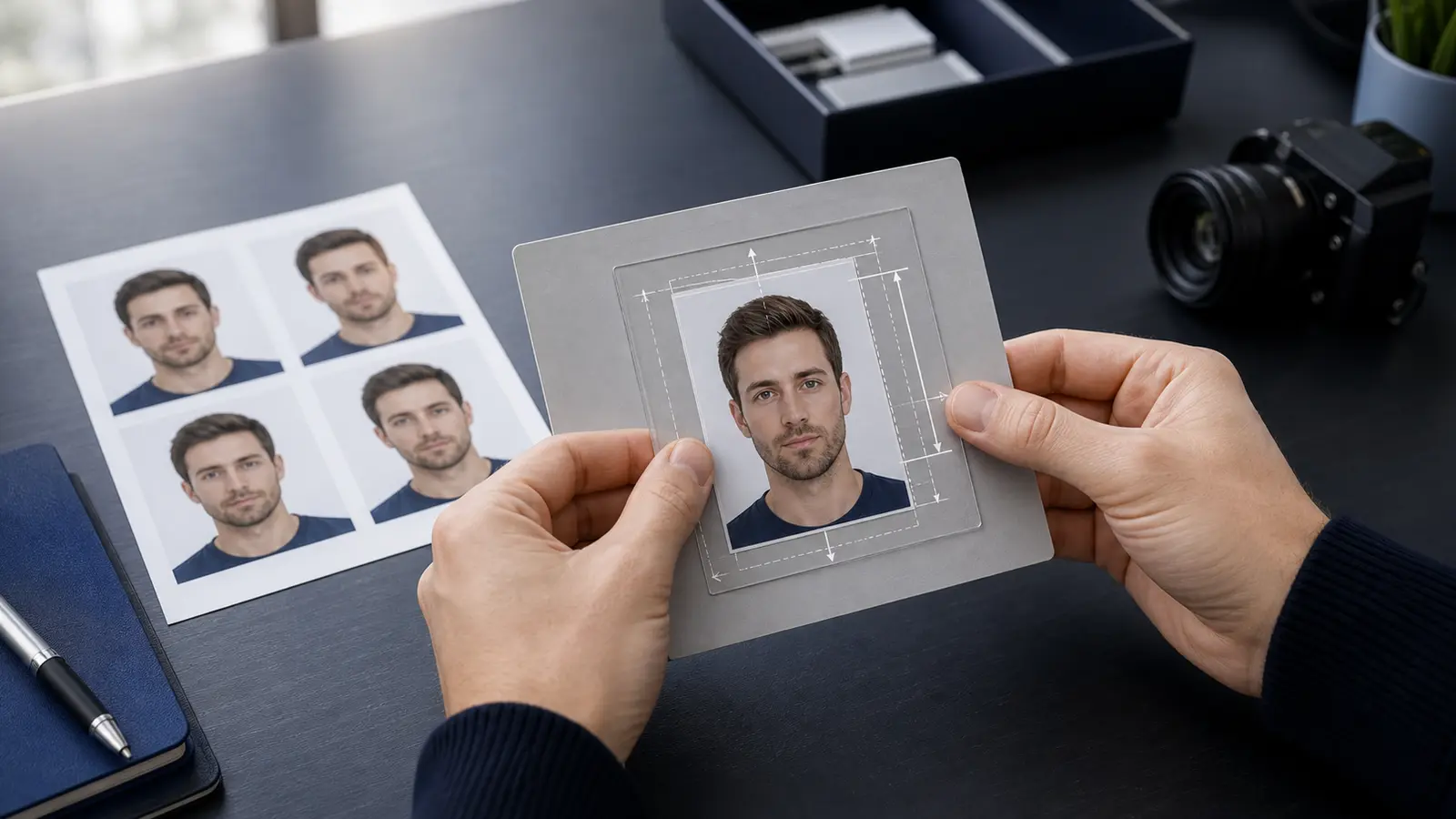
The photo must be 35 mm wide and 45 mm tall. The head height from the chin to the top of the skull (not hair) must be between 26 mm and 30 mm. The face must be centered horizontally, and there should be adequate space above the head.
| Specification | Requirement |
|---|---|
| Photo size | 35 x 45 mm |
| Head height (chin to crown) | 26–30 mm |
| Background | Light, uniform, no pattern |
| Color | Full colour |
| Paper | Glossy or matte photo paper |
| Focus | Sharp, especially around the eyes |
| Recency | Taken within last 6 months |
Background Requirements
The RvIG requires a uniform, light-coloured background without patterns or shadows. Light grey, light blue, or off-white backgrounds are all acceptable. The key requirement is that the background provides clear contrast with your face and hair.
The background must be evenly lit with no visible shadows, especially behind the head and shoulders. Gradient backgrounds or backgrounds with visible texture are not accepted.
Contrast Matters
If you have very light hair or a light complexion, choose a slightly darker light-grey background. If you have dark hair, a lighter background works well. The goal is clear distinction between you and the background.
Clothing and Appearance
The Netherlands follows strict biometric photo standards. Your expression must be neutral, with your mouth closed and both eyes open and clearly visible.
- Glasses: Not permitted in Dutch passport photos since 2020. This applies to all types of eyewear, including prescription glasses with clear lenses.
- Head coverings: Only allowed for religious beliefs. The face must be fully visible from the bottom of the chin to the top of the forehead. Both cheeks must be visible.
- Expression: Neutral and relaxed. The mouth must be closed. No smiling.
- Eyes: Both eyes must be clearly open and visible. Red eye is not accepted.
- Hair: Must not cover the eyes, eyebrows, or significant portions of the face.
- Babies (under 1 year): The head does not need to be perfectly upright. Eyes should be open. No pacifiers, toys, or hands of parents visible.
How to Make It with Passlens
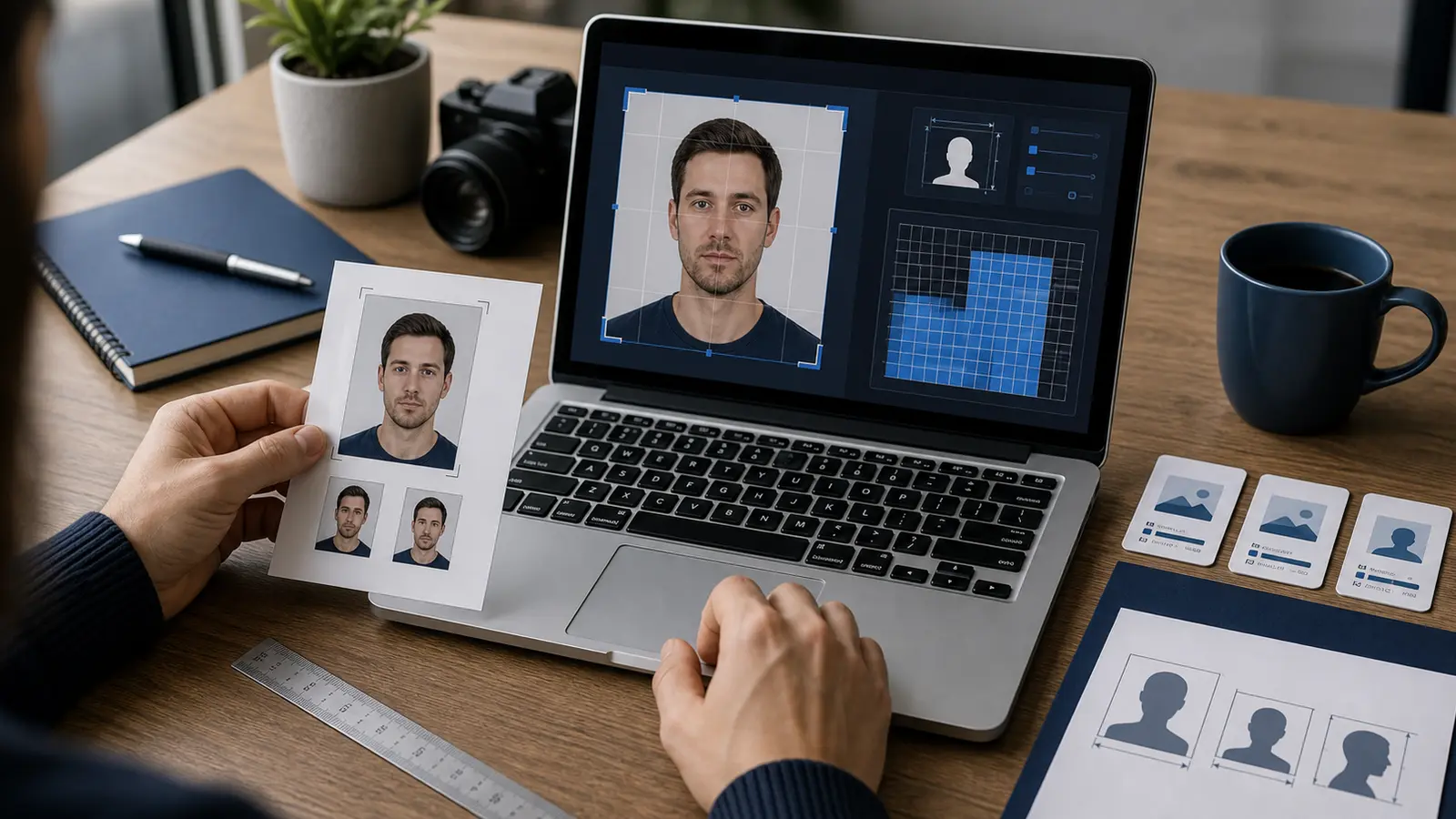
Passlens supports the specific Dutch head-height requirements (26–30 mm). Create a RvIG-compliant pasfoto at home.
- Open Passlens and select the Netherlands Passport preset.
- Take a frontal photo with a neutral expression, or upload an existing portrait.
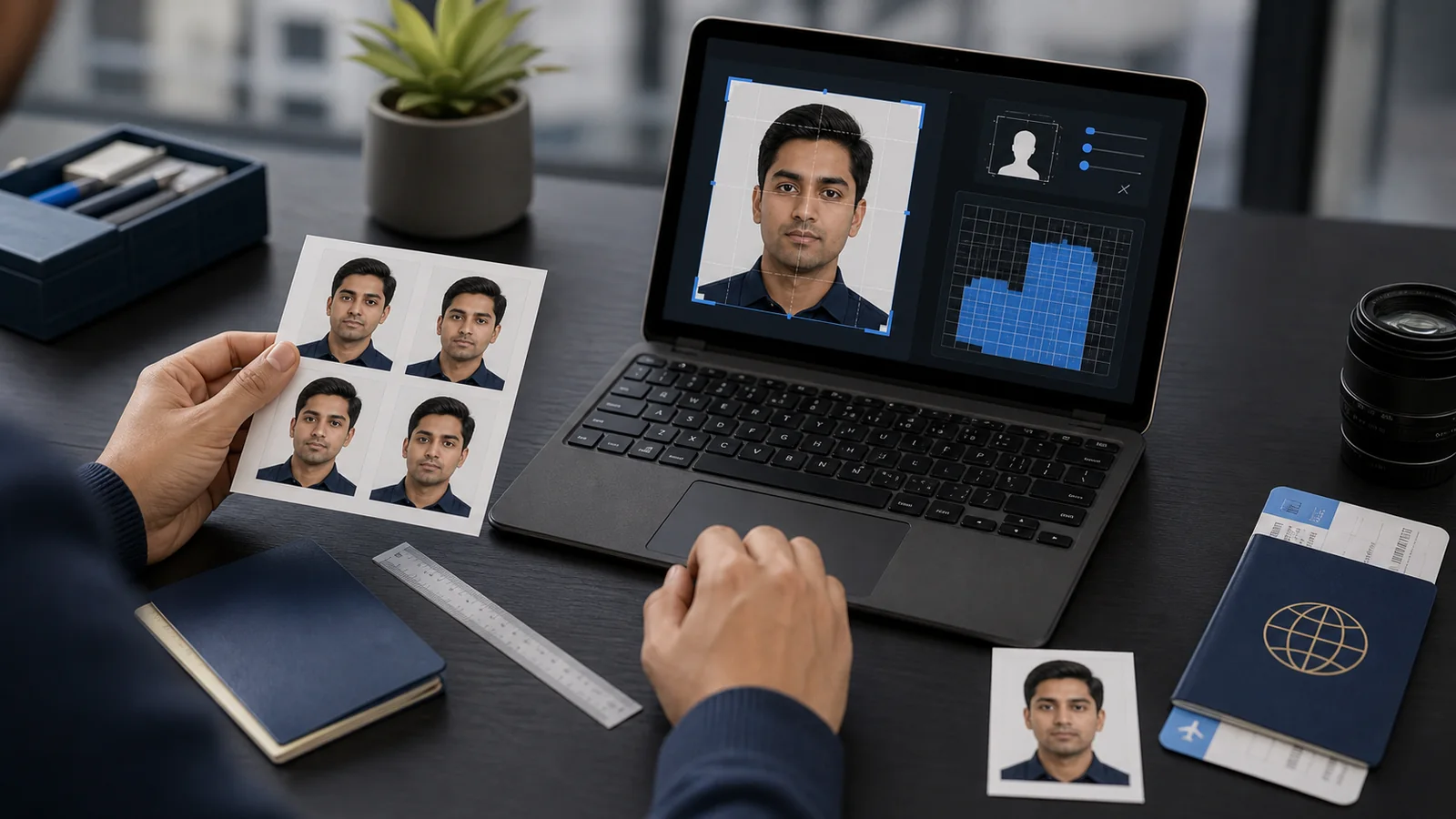
- Passlens crops to 35 x 45 mm and validates the Dutch-specific head height range (26–30 mm).
- AI background removal applies a compliant light-coloured background.
- Review the automated checks for centering, head size, and background uniformity.
- Download for digital submission or print for your gemeente (municipality) appointment.
Where to Submit
Dutch passport and ID applications are handled at your local gemeente (municipality) office. You must apply in person with an appointment.
- Gemeente office: Book an appointment online through your municipality’s website. Bring one passport photo (the staff will scan it digitally).
- Dutch embassies/consulates abroad: Dutch citizens living abroad can apply at their nearest embassy or consulate.
- Photo requirements at municipality: Some gemeentes offer photo services on-site, but bringing your own compliant photo is recommended.
| Document | Timeline | Cost (2026) |
|---|---|---|
| Paspoort (passport) | 5 working days | €83.85 (adult) |
| Identiteitskaart (ID) | 5 working days | €75.80 (adult) |
| Spoedprocedure (urgent) | 1 working day | Additional €50–60 |
Common Mistakes
The Netherlands uses automated biometric verification, which is particularly sensitive to these common errors:
- Head too large in frame — The Dutch 26–30 mm head height is smaller than most countries’ requirements. Photos cropped to other countries’ standards will be rejected.
- Wearing glasses — Not permitted since 2020.
- Shadows on background — Must be completely uniform and shadow-free.
- Red eye — Not accepted. Use natural light instead of flash.
- Expression not neutral — Even slight smiling is rejected.
- Uneven lighting on face — Both sides of the face must be equally lit.
- Low resolution or out of focus — The eyes must be sharp and clearly defined.
Frequently Asked Questions
Why is the Dutch head height requirement smaller than other countries?
The Dutch specification of 26–30 mm head height in a 45 mm tall photo means the face occupies about 58–67% of the frame height. This is slightly less than Germany (71–80%) or France (71–80%). The Dutch standard allows more of the upper body to be visible, which some biometric systems use for additional identification points.
Can I use a Dutch passport photo in other EU countries?
While the base size (35 x 45 mm) is the same across most EU countries, the head height and background requirements differ. A Dutch photo may be too small (head size) for German requirements, for example. Always check the specific country’s rules.
How do I get a pasfoto for my baby?
Lay your baby on a white or light-coloured blanket and take the photo from directly above. The baby’s eyes should be open. No toys, pacifiers, or other people should be visible. Passlens can process infant photos to meet Dutch requirements.
Do I need to bring photos to the gemeente, or can I submit digitally?
Most gemeentes require you to bring a printed photo that staff will scan during your appointment. Some municipalities are piloting digital photo submission, but this is not yet universal. Check with your local gemeente for their specific process.