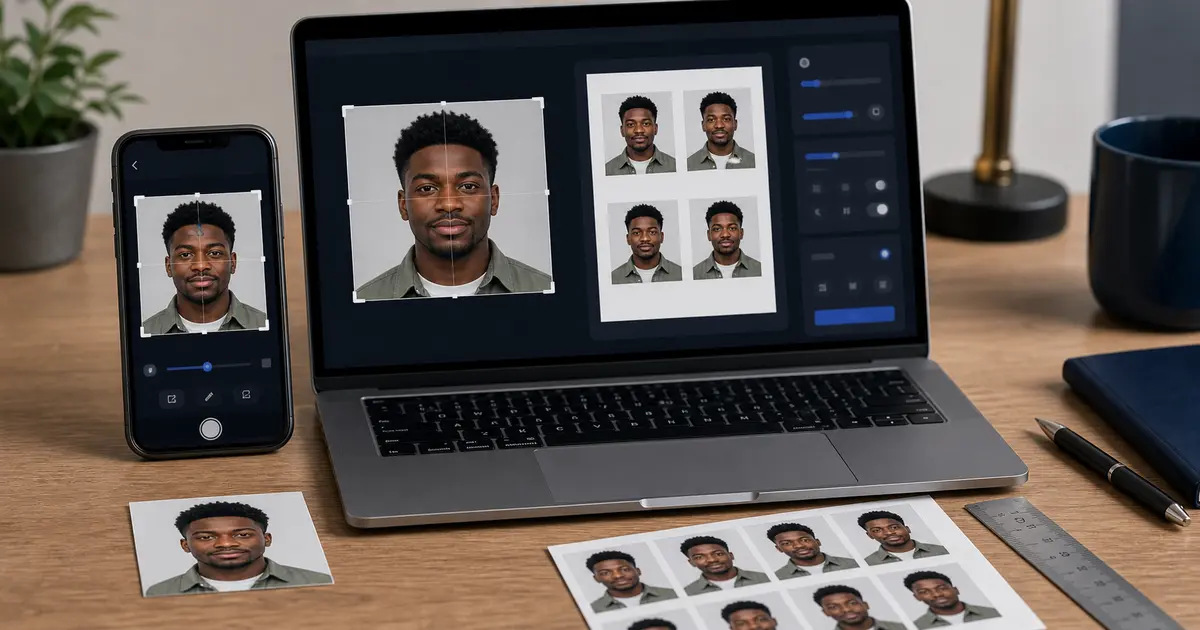
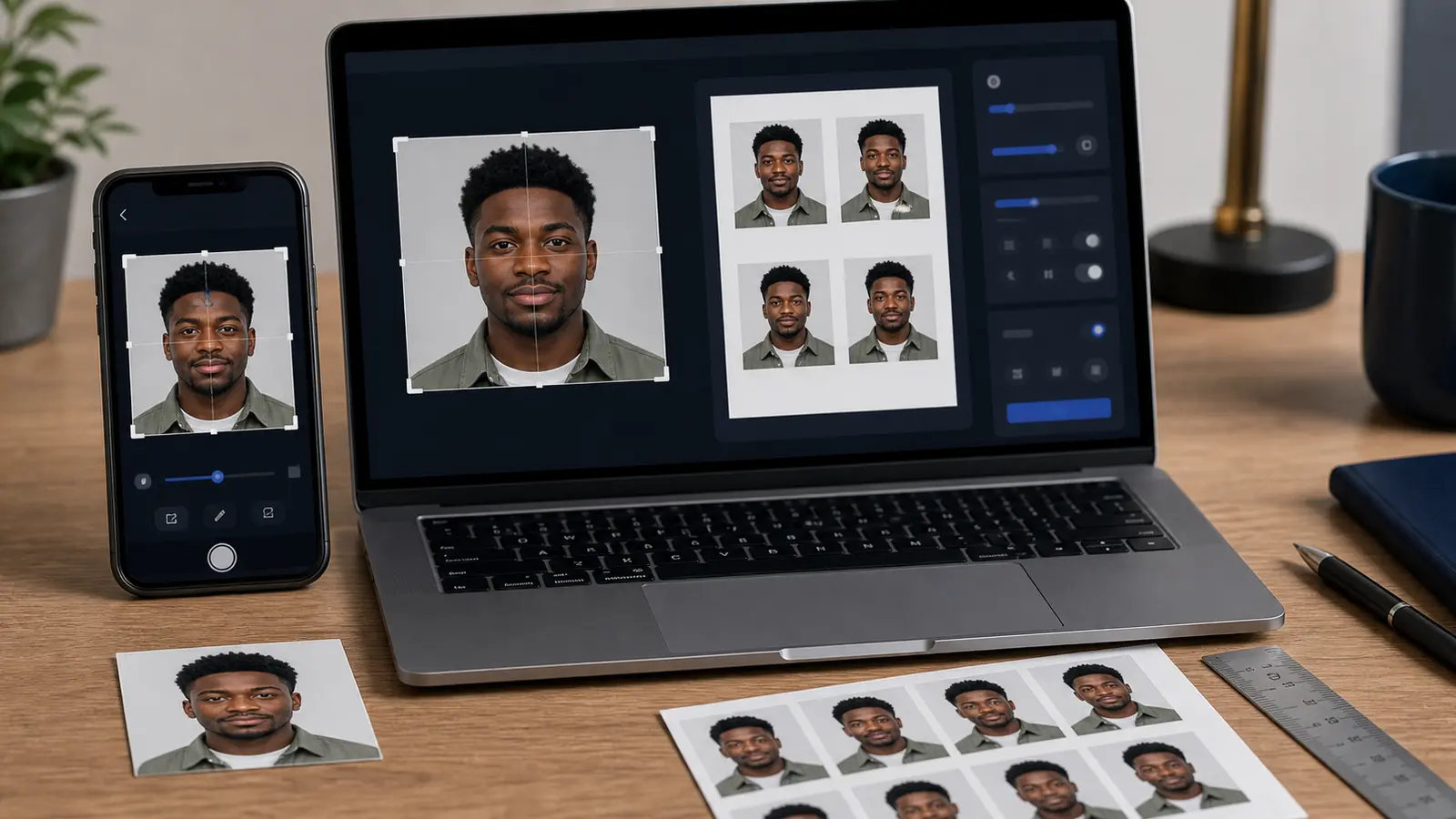
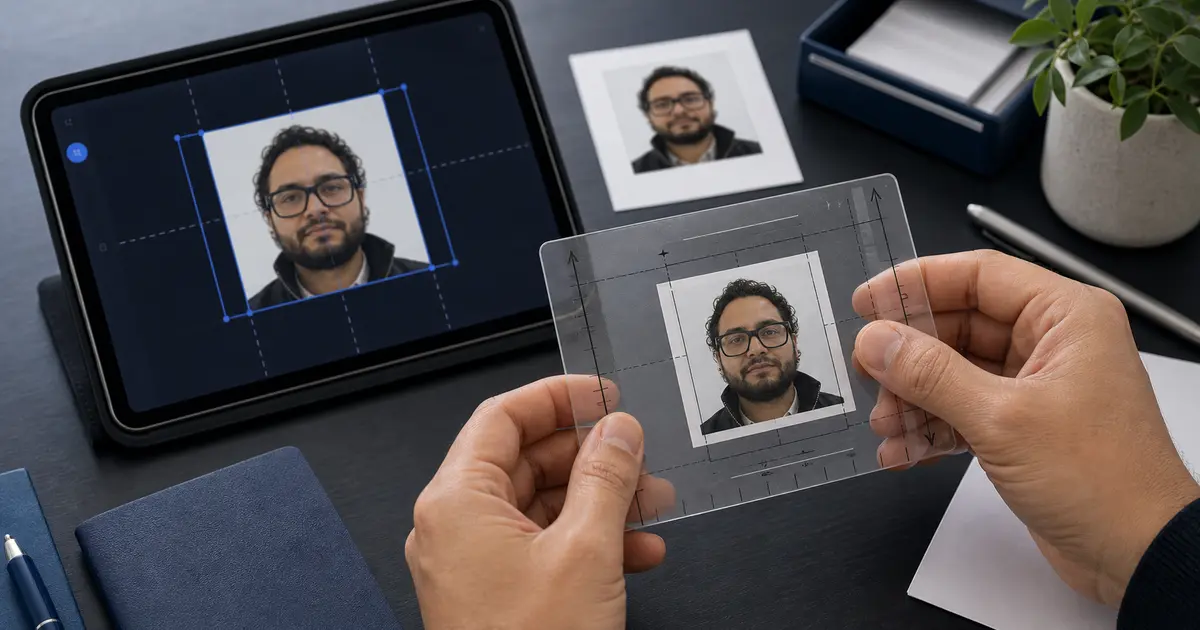
How Passlens Verifies Passport Photo Rules: Official Sources, Editorial Policy, and Update Workflow (2026)
Read how Passlens researches passport and ID photo requirements, which official sources it trusts, how presets are updated, and why unsupported workflows are called out instead of guessed.
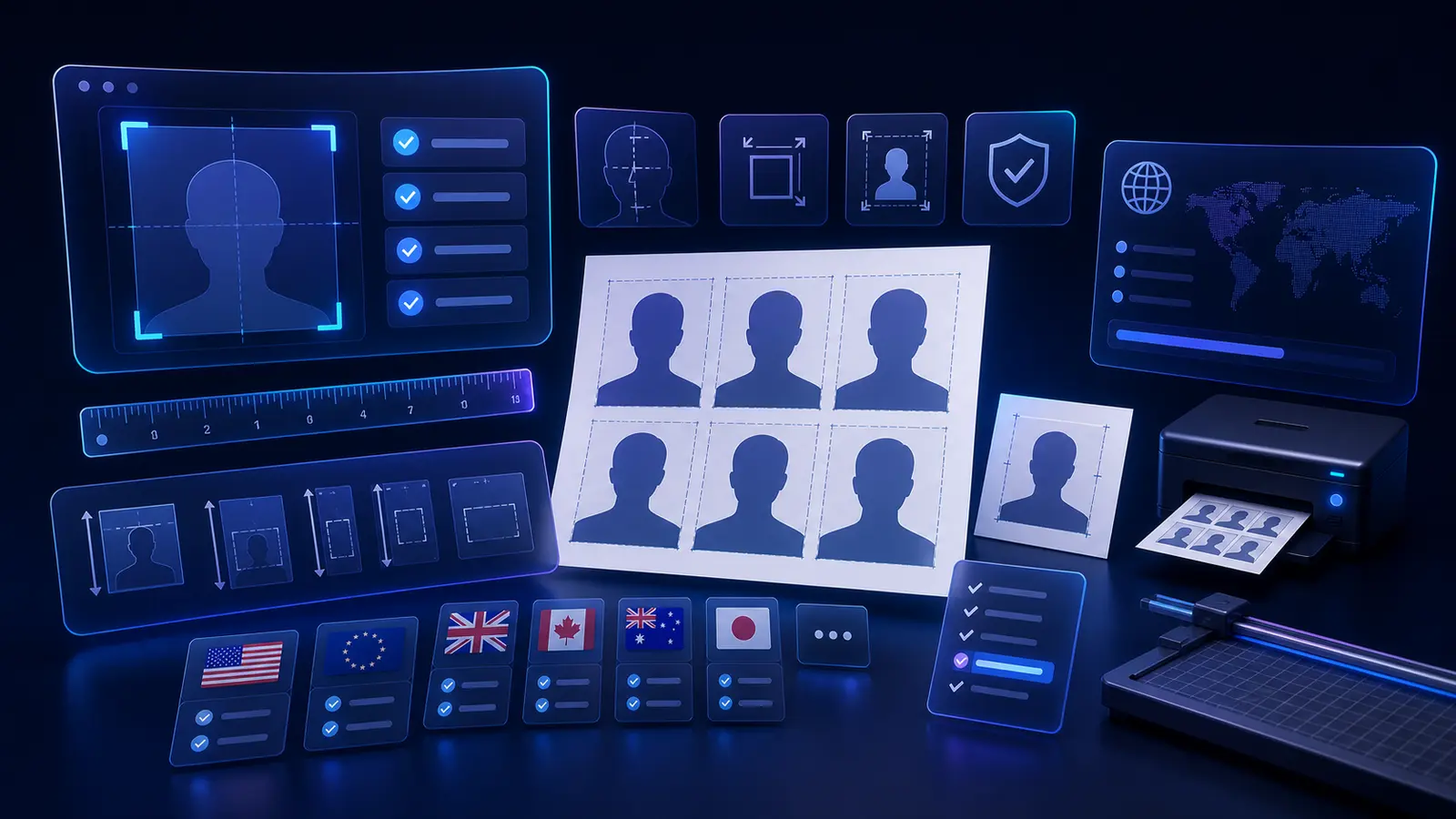
Why this page exists
Passport-photo sites often tell users to “just upload and crop” without explaining where the rules came from, how often they are checked, or what happens when two sources disagree. That is not good enough for a document workflow. If a passport office rejects a photo, the user does not care that the website looked polished; they care that the website said the requirements were correct. This page exists so Passlens is explicit about how it handles that responsibility.
The goal of Passlens is not to impersonate a government authority. It is to help users turn public requirements into a practical workflow: choose the right size, understand the head-height rule, decide whether the background must be white or light grey, export at the right DPI, and avoid obvious rejection reasons before printing or uploading. The only way to do that responsibly is to publish the methodology instead of hiding it.
This guide explains the source hierarchy behind Passlens, the editorial rules used for public posts, the situations where we deliberately refuse to overclaim support, and the update workflow we use when a rule changes. It also links directly to official source material from authorities such as the U.S. Department of State, GOV.UK, Immigration, Refugees and Citizenship Canada, the Department of Foreign Affairs in Ireland, the New Zealand passport service, and other primary issuers.
If you do not need the research workflow and just need to make or review a file, go straight to the passport photo maker, the passport photo checker, or the passport photo size guide. If the question is what counts as official photo ID before you choose a document route, use the government-issued photo ID guide. This page explains how Passlens verifies the rules behind those routes.
Plain-English version
If an official government source exists, that source wins. If the rule is unclear, the page should say so. If the workflow is not truly user-supplied, Passlens should not pretend that a preset alone makes it supported.
The source hierarchy Passlens follows
Passlens uses a simple editorial hierarchy. Primary issuing authority guidance comes first. That means the government department, passport office, immigration service, identity-card authority, or licence agency responsible for issuing the document. If that authority publishes photo size, digital-upload, or biometric presentation rules, those details are the basis for the preset and the guide.
The second tier is official supporting material from the same authority or the same government system. That can include downloadable application packs, photo-guideline PDFs, digital-upload help pages, and instructions embedded in a government application flow. These materials are useful because they often contain the details that summary landing pages leave out: minimum upload sizes, file-size caps, head-height ranges, or notes about glasses, shadows, and background colour.
The third tier is secondary official clarification, such as embassy pages, regional office pages, or official public-service portals that repeat the same requirement. Secondary official clarification can help confirm a rule, but it should not override the issuing authority unless the source is clearly closer to the specific workflow the user is following.
What does not outrank the issuing authority? Retail photo-booth pages, travel blogs, SEO articles that cite each other, commercial “passport photo rules” roundups with no government reference, and application-helper pages that collapse print and digital requirements into one vague sentence. Those sources can be useful for understanding how people get confused, but they are not the basis for a preset.
| Priority | Source type | How Passlens uses it |
|---|---|---|
| 1 | Issuing authority page | Primary source of truth for size, head range, background, and acceptance rules |
| 2 | Official PDF or application help page | Used for detail such as file size, pixel minimums, print count, or digital upload limits |
| 3 | Secondary official clarification | Used to confirm a rule or clarify document-specific workflow differences |
| 4 | Non-official commercial sources | Never used as the rule source; only used to understand common user confusion |
How official rules become a Passlens preset
Turning an official requirement page into a usable preset sounds simple, but there are several separate decisions involved. The first is the physical size: width and height in millimetres. That is the easy part because many authorities state it directly. The second is the head-height or face-position rule. Some authorities specify chin-to-crown range, some specify percentage of image height, and some only give a visual example. That difference matters because two countries can both use 35×45 mm while expecting visibly different head placement.
The third decision is the background rule. Users assume “passport photo background” always means pure white. That is wrong. The UK and many 35×45 workflows tolerate light grey or neutral backgrounds. France is a classic edge case because many users remember a generic European rule and miss the fact that the French identity-photo workflow specifically rejects plain white in some contexts. The preset and the guide need to separate those cases clearly instead of flattening them into one global rule.
The fourth decision is the output mode. Some documents are fundamentally print workflows. Some are digital-upload workflows with minimum pixel dimensions and maximum file sizes. Some allow both, but with different constraints. A good preset therefore is not just “35×45 mm”; it also needs to answer whether the user should be thinking in millimetres, pixels, JPEG size limits, or print copies.
Finally, Passlens documents notes and warnings that do not fit neatly into a preset value. Examples include “no glasses” policies, “ears visible” expectations, guidance around e-photo systems, and warnings that a workflow is booth-captured rather than user-supplied. Those notes are often the difference between a helpful country guide and a page that is technically indexed but practically useless.
- Identify the issuing authority and the exact document workflow.
- Extract the required physical size and any explicit head-height rule.
- Record background, expression, glasses, and headwear rules if they are stated.
- Separate print requirements from digital-upload requirements.
- Add notes for workflow-specific limits such as e-photo systems or code-based submission.
- Link the public guide back to the authority source so the user can double-check the rule.
Printed photos and digital uploads are not the same problem
A major source of bad passport-photo advice is the failure to distinguish print specification from digital upload specification. Some countries publish one set of photo rules but accept both printed and digital submissions. Others publish a print size and then add a separate digital-upload rule with file-size caps, minimum pixel dimensions, and image-format requirements. If a guide ignores that distinction, users end up with the right crop in the wrong file shape.
The United States is a good example. The classic passport rule is a 2×2 inch print with a white background and a specific head-height range. But the digital photo used in online renewal or visa workflows also has file-format and upload constraints. A page that only repeats “2×2 inch” is incomplete. It may help for printing, but it does not answer the actual upload question a user is facing.
The same is true in many 35×45 markets. The print rule may be stable, but the digital submission can still introduce separate constraints such as image dimensions, file size, or a built-in government photo checker. Passlens tries to treat those as two connected tasks: the photo rule and the submission rule. That is why some guides talk about exact millimetres while others focus heavily on pixels, JPEG constraints, or the difference between printed and digital submission.
| Question | Print workflow | Digital workflow |
|---|---|---|
| What matters most? | Millimetres, DPI, paper scaling, head placement | Pixel dimensions, JPEG format, file size, upload checker constraints |
| Typical failure mode | Printer scaling or wrong sheet layout | Wrong file size, wrong pixel dimensions, compression, or background check failure |
| Best Passlens output | Exact-size PNG/PDF with print layout | Upload-sized export with the correct crop and file handling |
Where passport-photo sites usually go wrong
Most public passport-photo content fails in one of five ways. First, it publishes thin content: a page name, one paragraph, and a generic call to upload. Second, it collapses many different workflows into a single “global passport photo rule” that does not really exist. Third, it confuses print instructions with digital-upload instructions. Fourth, it republishes the same copy across dozens of country pages with only the country name changed. Fifth, it treats unsupported workflows as supported because the query volume looks attractive.
Those failures are not only bad for users; they are bad for trust. A user who lands on a country guide wants to know whether the page was actually researched, whether the site understands the difference between a passport and a national ID card, and whether there is a source link they can click if something looks wrong. A site that buries all of that under aggressive marketing copy is asking the user to trust a black box.
Passlens therefore tries to do three things differently. First, each substantive guide should answer a real user question with enough original text to be useful on its own. Second, the guide should document the specific workflow and note its limits. Third, the guide should link into the larger network of related pages so a user can move from “what size is this photo?” to “how do I print it?” to “what if my application is digital?” without falling off the site into guesswork.
Editorial rule
If a page cannot honestly explain the requirement, the submission mode, and the main failure points, it is not ready to exist just because the keyword has traffic.
When Passlens deliberately does not overclaim support
One of the most important parts of the methodology is deciding when not to pretend a flow is supported. Some identity-photo workflows still rely on a live photo taken at the authority office, a physical booth network, or an official e-photo code rather than a user-supplied image file. In those cases, a generic “make your photo here” page may be misleading even if the site knows the nominal size.
Passlens would rather publish a clear warning than pretend that every official photo requirement can be satisfied by a browser preset. A guide should explain whether the user can actually upload or print a self-prepared image for that workflow, whether a booth or kiosk is expected, and whether a code-based system changes the submission path. That honesty can reduce conversions in the short term, but it is better for user outcomes and better for long-term trust.
The same principle applies when the official source is weak. If a requirement cannot be confidently traced to an authority page or equivalent official guidance, the right move is not to invent certainty. It is to keep the page out of the public support matrix or to label the uncertainty clearly until better evidence exists.
How Passlens updates guides and presets
Requirement maintenance is not a one-time content exercise. Public-service portals change, PDFs are replaced, upload rules evolve, and digital workflows often change before older commercial roundup sites notice. The Passlens update workflow therefore starts with source review, not keyword review. When a country guide or preset changes, the first question is “what did the issuing authority change?” rather than “what headline should we write?”
In practice, that means the guide and the preset should be checked together. If an official source changes a head-height range, the preset needs updating and the public article needs updating. If an authority adds a digital-upload limit, the guide needs to call it out and any export workflow needs to respect it. A content-only update without a preset change, or a preset-only change without a guide update, leaves users exposed to inconsistent information.
The public site also publishes “updated” dates because users deserve to know whether they are reading a page that was checked recently or a page that has been sitting untouched for a year. A fresh date is not proof by itself, but it creates an accountability surface. If the page is wrong, there is at least a visible marker saying when it was last reviewed.
- Source change detected -> review the official page or PDF again.
- Preset value changed -> update both the preset data and the related guide text.
- Submission mode changed -> document the new digital or print constraint in the guide.
- Workflow support changed -> update the page so it does not imply broader support than exists.
What users should still verify for themselves
Even with a careful methodology, users should still verify the exact workflow they are about to use. That is especially important when applying through a consulate, a document subtype, a fast-moving online renewal portal, or a regional agency that layers extra instructions on top of the national baseline. Passlens can reduce avoidable mistakes, but it cannot remove the need to read the live authority page you are actually submitting to.
The most important self-check is to confirm the document and submission mode. “Passport photo” is often too broad a search term. Are you printing for an in-person appointment, uploading to an online renewal system, preparing a visa image, or dealing with an e-photo code workflow? The physical crop can be identical while the submission rules are completely different.
Users should also verify whether the authority mentions special rules for glasses, head coverings, infant photos, file-size caps, or recent-photo age. These details are easy to ignore when people focus only on size, but they are exactly the details that trigger avoidable rejection. The best result comes from combining a verified preset with a quick final check against the official authority page linked in the relevant guide.
Before you upload or print
Confirm the document type, submission mode, background rule, head-height rule, and any file-size or pixel limits on the live authority page you are actually applying through.
Examples of official sources Passlens relies on
The links below are examples of the kind of primary and secondary official sources used in Passlens research. They are included here because methodology pages should be specific, not hand-wavy. When a guide cites a requirement, this is the category of evidence it should be based on.
| Market | Authority | Typical use in Passlens research |
|---|---|---|
| United States | U.S. Department of State | 2×2 inch size, white background, head-height, and digital-upload guidance |
| United Kingdom | GOV.UK / HM Passport Office | Printed vs digital passport-photo guidance and facial presentation rules |
| Canada | IRCC / Passport program | 50×70 mm print size, face-height range, and print-copy requirements |
| Ireland | Department of Foreign Affairs | Passport photo and online upload guidance |
| Australia | Australian Passport Office | 35×45 mm and presentation rules |
| New Zealand | Department of Internal Affairs | Passport and digital photo upload instructions |
| Singapore | Immigration & Checkpoints Authority | Photo guidelines and passport workflow distinctions |
| Hong Kong | Immigration Department | 40×50 mm size, head-height range, and digital-photo limits |
Use the methodology with the tool
The best use of this page is practical: choose the correct document workflow, cross-check the linked authority source, then use Passlens to size, crop, and export the photo in the right format. The methodology is here so users can understand the basis of the guides, not so they have to read a black box and hope it is current.
Official sources and reference links
These are representative primary sources used to maintain Passlens passport and ID guidance. They are public authority pages or official guidance documents, and they are the kind of sources that should be checked before a preset is treated as current.
- U.S. Department of State — Passport Photos
- GOV.UK — Photos for passports
- Government of Canada — Canadian passport photos
- Department of Foreign Affairs Ireland — Passport photo guidelines
- Australian Passport Office — Passport photos
- New Zealand Passports — Passport photos
- Immigration & Checkpoints Authority Singapore — Photo guidelines
- Hong Kong Immigration Department — Photo requirements for travel documents
- Hong Kong Immigration Department — Guidance Notes on Local Application for HKSAR Passport
If you spot a rule on Passlens that appears to conflict with a live authority page, treat the authority page as the source of truth and contact us with the exact link. That is the fastest way to improve the guide, the preset, and the public methodology.