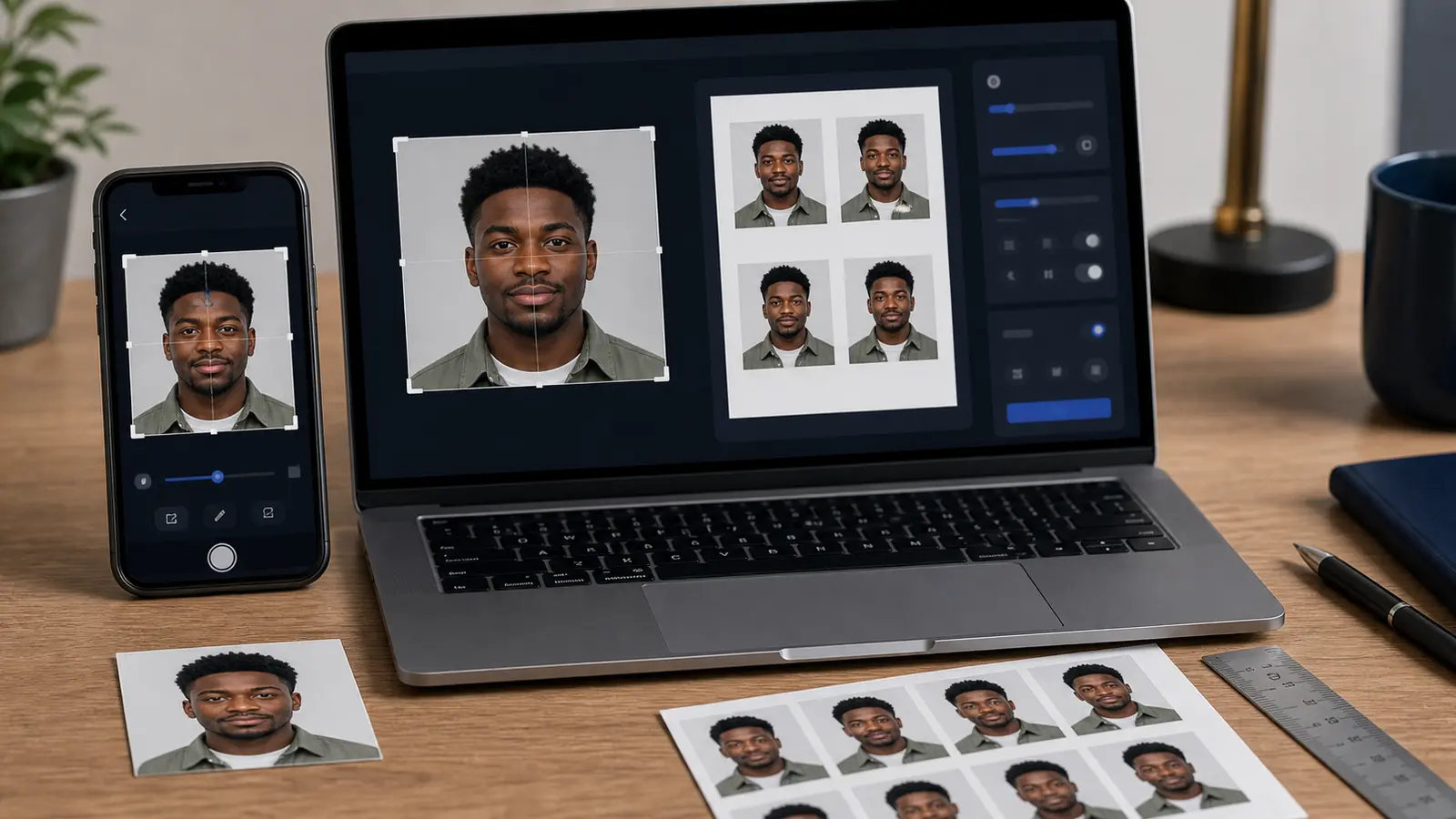
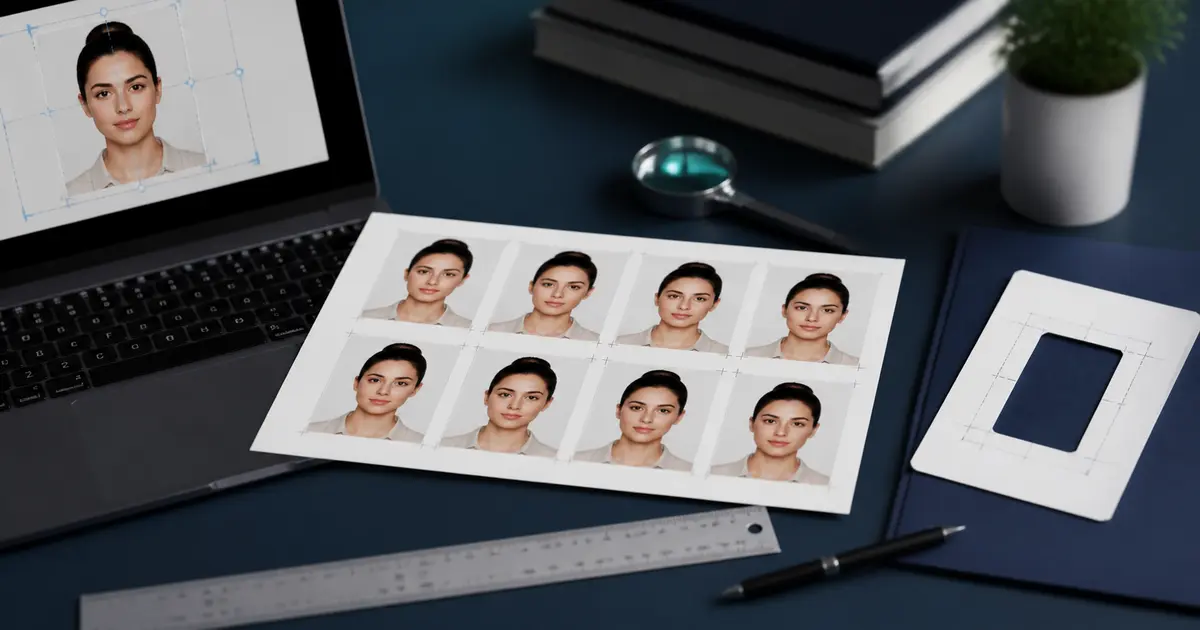
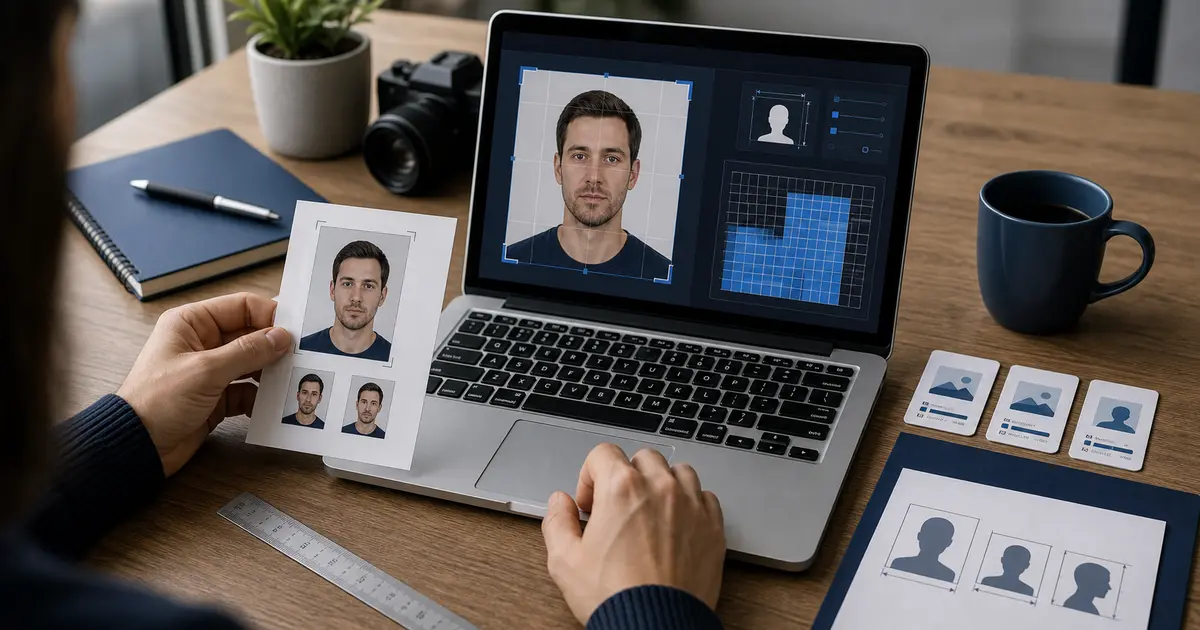
2x2 Picture Size 2026: 2 by 2 Passport Photo Dimensions in Inches, cm, mm, and Pixels
Fast 2x2 picture size answers: 2 inches by 2 inches, 5.08 x 5.08 cm, about 51 x 51 mm, 600x600 pixels at 300 DPI, plus when 2x2 is not the right passport size.
Fast answer: 2x2 picture size
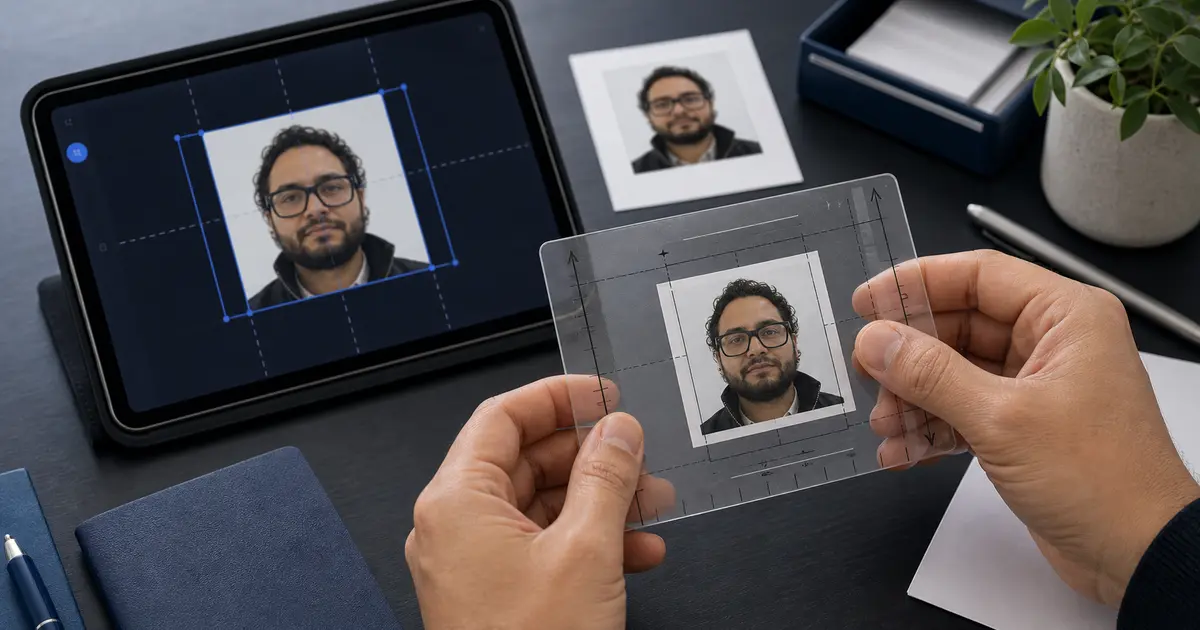
A 2x2 picture is 2 inches wide and 2 inches tall. That is 5.08 x 5.08 cm, or about 51 x 51 mm. For U.S. passport photos, that square is only the outer frame. The U.S. Department of State also says the head must measure 1 inch to 1 3/8 inches from the bottom of the chin to the top of the head, with a white or off-white background.
600x600 pixels is the 300 DPI version of a 2 x 2 inch photo. A higher-resolution print export can be 1200 x 1200 pixels at 600 DPI. Pixel size alone does not make the photo acceptable; the crop, head size, background, and upload or print rules still have to match the document.
2x2 is passport size for U.S. passport photos, but not for every country. Many non-U.S. passport routes use 35 x 45 mm, 50 x 70 mm, or another format. If the country is not the United States, check the passport photo size guide before exporting.
| Question | Direct answer | Best Passlens route |
|---|---|---|
| What size is a 2x2 picture? | 2 in x 2 in; 5.08 x 5.08 cm; about 51 x 51 mm. | 2x2 passport photo maker |
| Is 600x600 the same as 2x2? | Yes only when 600x600 px is exported as a 2 x 2 inch image at 300 DPI. | 600x600 passport photo maker |
| Is passport size the same as 2x2? | Yes for U.S. passport photos; no for many other countries. | US passport photo maker |
| Can I submit it? | Check head size, background, recent-photo rules, print scale, and upload limits before you use it. | passport photo checker |
If you already know you need the square U.S.-style format, start with the 2x2 passport photo maker. Use the 600x600 passport photo maker when the upload target is pixels, the US passport photo maker when the document is a U.S. passport, and the passport photo checker before you print or upload.
2x2 picture size in the Philippines: passport vs ID use
In the Philippines, 2x2 picture size often means a 2 inch by 2 inch ID-style photo for school, work, visa, or form use. It does not automatically mean the Philippine passport photo rule.
For a Philippine passport, use the Philippines passport photo guide. That page covers the DFA 35 x 45 mm passport format, white-background expectations, on-site capture, bangs, glasses, and dress-code checks. If a form specifically asks for a 2x2 picture, use the square size on this page instead.
| Search wording | Use this answer | Best Passlens route |
|---|---|---|
| 2x2 picture size Philippines | 2 in x 2 in; 5.08 x 5.08 cm; about 51 x 51 mm. | 2x2 passport photo maker |
| Philippines passport photo size | Use the DFA-style 35 x 45 mm passport format, not a 2x2 square. | Philippines passport photo guide |
| 2x2 picture size in pixels | 600 x 600 px at 300 DPI is the common square export. | 600x600 passport photo maker |
| Need to check a finished file | Check the crop, background, head position, and export size before upload or print. | passport photo checker |
The safest habit is to read the exact form or appointment checklist before exporting. If it says 2x2, make a square 2 inch photo. If it says Philippine passport or points to a DFA passport route, start with the 35 x 45 mm Philippines guide instead.
What 2x2 passport photo size actually means
A 2x2 passport photo means the finished photo must be exactly 2 inches by 2 inches, or roughly 51 × 51 mm. It is the best-known passport-photo size because it is used in the United States for passport books, passport cards, visa workflows, and a number of related immigration uses. People often search for “2x2 passport photo size” as if the outer square is the whole rule. It is not. The outer dimensions are only the start.
The same demand also shows up as American passport photo size, American passport picture size, and 2 inch by 2 inch passport photo. Those terms usually indicate that the searcher is trying to match the U.S. passport workflow specifically, so if you need the official American rules as well as the size math, keep the U.S. passport photo guide open alongside this page.
People also phrase the same problem more loosely as passport pic dimensions or what are the dimensions of a passport photo. If the route is U.S.-style, this page is the right answer. If the route is not U.S.-style, jump to the broader passport photo size guide and match the country first.
You also see the same intent as 2x2 picture size in cm or passport 2 by 2 photos. In metric terms, the U.S. 2x2 format is about 5.1 x 5.1 cm, even though the official rule is still stated in inches.
The same search family also shows up as 2x2 picture actual size, 2x2 photo passport, 2x2 inches passport photo, and even 2 passport size photos. Those phrases all point back to the same practical question: what does the U.S. square photo actually measure, and how do I make sure the final crop still matches the passport workflow instead of just looking roughly square?
If your starting point is a broader query like free passport photo maker online or create passport photo online free, use this page together with the free passport photo maker online guide. That gives you both halves of the job: the size math here and the browser workflow on the maker page.
If you are solving the digital-file side rather than the print size alone, combine this page with the digital passport photo requirements guide. That page covers the JPEG, pixel-range, and portal upload checks that sit on top of the 2x2 crop itself.
A lot of users search for 2x2 photo maker when what they really want is not just a square crop but a workflow that gets the 2x2 size, the head framing, and the export right in one pass. If that sounds like your situation, keep the passport photo maker online guide open too. This page handles the size math. The maker guide handles the full browser workflow.
What usually causes rejection is the combination of outer size, head height, background, and digital upload constraints. That is why a random square crop from a phone gallery is not enough, even if the final image looks roughly centred. The face still needs to occupy the right amount of space inside the square, the background has to meet the authority rule, and the exported pixels or file size may also need to land in a narrow range.
Quick answer
2×2 inches is about 51 × 51 mm. At 300 DPI that is commonly 600 × 600 pixels, and at 600 DPI it is 1200 × 1200 pixels.
Quick answers for 2x2 picture size searches
Most 2x2 picture size searches are really asking one of three things: the physical print size, the pixel size, or whether a 2x2 photo is the same as a passport photo. Keep those separate. A 2x2 photo is a physical square first. Pixels only become meaningful after you choose the DPI or upload rule.
If you only need the short answer, a 2x2 photo is 2 inches by 2 inches, about 51 x 51 mm, and usually 600 x 600 px at 300 DPI. If you need to make the file now, use the 2x2 passport photo maker. If you need to check the export before print or upload, use the passport photo checker.
| Search question | Short answer | Useful next step |
|---|---|---|
| 2x2 picture size | 2 inches wide by 2 inches tall. | Use this page for the physical size and the 2x2 pixel guide for 600x600 or 1200x1200 exports. |
| How big is a 2x2 photo? | It is a square print measuring exactly 2 in x 2 in, or about 51 x 51 mm. | Print at 100% scale and measure the result before trimming. |
| 2x2 picture size in cm | About 5.1 x 5.1 cm. | Use centimetres only as a conversion; the U.S. rule is still written in inches. |
| Is 600x600 the same as 2x2? | Only when the file is intended as a 2 x 2 inch image at 300 DPI. | Still check head size, background, JPEG quality, and upload limits. |
| Is 2x2 and passport size the same? | For U.S. passport photos, yes. For many other countries, no. | Use the passport photo size guide if the country is not the United States. |
| What does a 2x2 picture look like? | A square photo with the face centred, neutral expression, and enough headroom. | Compare with the U.S. passport photo guide before export. |
| Actual size of 2x2 | The final printed square must measure 2 inches on each side. | Use a 4x6 passport photo template if you need multiple printed copies. |
If the search phrase uses inches, centimetres, millimetres, or pixels, answer the measurement first. If it asks whether 2x2 is “passport size,” answer the country question first. That small distinction prevents the common mistake of treating every passport photo in the world as a U.S. 2x2 photo.
2 by 2 passport photo: same size, different wording
2 by 2 passport photo, 2 x 2 passport photo, and 2x2 passport photo all mean the same U.S.-style square photo: 2 inches by 2 inches, about 51 x 51 mm. The wording changes, but the finished size does not.
For 2 by 2 passport photo size searches, start with the square size, then check the document route. U.S. passport and visa photos use the 2 by 2 format, but many other countries use 35x45 mm, 50x70 mm, or another size. If you are not applying through a U.S. route, use the passport photo size guide before exporting.
For 2 by 2 passport photo print, make the final file at 100% scale and avoid any print dialog setting that says fit, shrink, or scale to page. If you need the full browser workflow, use the 2x2 passport photo online guide. If you are comparing maker tools, use the 2x2 photo maker guide. For the official U.S. rules, keep the U.S. passport photo guide open too.
2x2 size in inches, millimetres, and pixels
| Format | Width | Height |
|---|---|---|
| Inches | 2 in | 2 in |
| Millimetres | 51 mm | 51 mm |
| Pixels at 300 DPI | 600 px | 600 px |
| Pixels at 600 DPI | 1200 px | 1200 px |
Those pixel figures are the practical answer to searches like 2x2 passport photo size in pixels. They are useful because many online systems validate image dimensions before a human ever looks at the picture. But those numbers are not universal upload rules by themselves. A specific application may still have its own file-size range, compression requirement, or photo-checker step on top of the standard 2×2 crop.
The same is true for simpler searches like 2x2 in pixels. The number alone is not enough if the file still misses the authority upload rule. The crop, the face size, the background, and the final file constraints still have to agree.
If your exact question is 2x2 picture size in pixels, use the dedicated 2x2 pixel guide. It keeps the 600 x 600 and 1200 x 1200 answers separate from the broader passport-photo size rules on this page.
That also covers queries like what is 2x2 in px. For the common U.S. print math, the practical answer is 600 × 600 pixels at 300 DPI and 1200 × 1200 pixels at 600 DPI. If the application portal expects a different digital range, the portal rule still wins over the print math.
2 x 2 size in px, cm, and mm
If you only need the conversion, 2 x 2 inches is about 5.1 x 5.1 cm, or 51 x 51 mm. The same square becomes 600 x 600 px at 300 DPI and 1200 x 1200 px at 600 DPI.
Searches like 2 x 2 size in px, 2 by 2 size in px, 2x2 in mm, and 2x2 in cm usually mean this conversion, not a separate photo rule. Use the passport photo pixel-size guide if an upload portal is checking image dimensions, and use the 2x2 passport photo online free guide if you want the full crop, check, and export workflow.
The conversion logic is simple: 2 inches × 300 DPI gives 600 pixels; 2 inches × 600 DPI gives 1200 pixels. The harder part is making sure the source image stays sharp after cropping and that the head remains within the official position range rather than simply filling the canvas by eye.
Which workflows really use a 2x2 photo
In practice, “2x2 passport photo” usually means a U.S. government-style document photo. The classic examples are U.S. passport applications, U.S. visa submissions, and a number of immigration-related forms that inherit the same square format. A few state-level and out-of-state licence cases also reuse a passport-style 2×2 requirement, but those are exceptions rather than a global driver-license standard.
- U.S. passport: exact 2×2 inch photo with a white or off-white background.
- U.S. visa / DS-160: same square format, but its own digital upload process.
- Selected immigration workflows: often follow the same square passport rule.
- Selected state or mail-renewal edge cases: only when the authority explicitly says to use a passport-style 2×2 photo.
This is why Passlens treats the document preset as the source of truth, not the size keyword alone. Two workflows can both be “2x2” while still differing in digital upload limits, background interpretation, or whether the authority expects a print or a file.
Why head size matters as much as the outer square
The U.S. Department of State does not only care that the outer frame is square. It also cares about how large the head appears inside the square. A 2×2 image with a tiny face or an over-zoomed face is still wrong. This is where many people fail after using generic image tools: the canvas is 600 × 600 pixels, but the face sits too low, too high, or too small relative to the official example.
That is why auto-fit and head-position guidance are useful. The point of a proper passport-photo workflow is not to create a square picture. It is to create a square picture where the subject occupies the correct part of the frame with the right amount of headroom, chin spacing, and neutral presentation.
- Head too small: the photo looks distant or the shoulders dominate the frame.
- Head too large: the crown is too close to the top edge and the face feels over-cropped.
- Face too low or high: the eye line and overall composition no longer match the official examples.
2x2 for digital upload versus print
A 2×2 photo can be both a print specification and a digital-upload specification. For print, you care about the physical square and the output DPI. For digital, you care about pixel dimensions, file size, JPEG format, and upload compatibility. The safest workflow is to keep those two jobs separate in your mind. A print-ready 2×2 sheet is not automatically the same as an upload-ready file, even though both start from the same crop.
For the U.S. passport flow, those two ideas meet in one place: a square crop that is correct in inches for print and correct in pixels for upload. If you need the full authority-level summary, use this page together with the U.S. passport photo guide rather than treating 2x2 as only a print-lab size.
If you are still deciding which editor or maker to use, keep the free passport photo maker online guide nearby. It explains how to choose a tool that can actually create the 2x2 file you need without leaving the print or upload step unclear.
If you are printing at home or through a retail lab, print at 100% scale and measure a sample. If you are uploading digitally, confirm the exact pixel and file-size constraints on the application portal. Passlens can help with both outputs, but the authority still decides the final acceptance rules.
Common 2x2 mistakes
- Using a square crop that is visually close to 2×2 but not exact in print.
- Matching the outer square while getting the head size wrong.
- Uploading the wrong pixel dimensions or an over-compressed JPEG.
- Letting a printer dialog rescale the photo with “fit to page.”
- Assuming every 2×2 workflow has identical digital-upload rules.
Best shortcut
Use the exact document preset first. That avoids guessing the crop, head height, export pixels, and print settings manually.
Frequently asked questions
What is a 2x2 passport photo size in pixels?
For a typical print-ready export at 300 DPI, a 2x2 passport photo is commonly 600 x 600 pixels. At 600 DPI it is commonly 1200 x 1200 pixels. Those numbers come from the 2 inch by 2 inch physical size, but the exact upload rules still depend on the authority, which is why U.S. digital workflows should be checked against the U.S. passport photo guide rather than pixels alone.
What is a 2x2 photo?
In passport-photo terms, a 2x2 photo is a square image that measures exactly 2 inches by 2 inches, or about 51 × 51 mm. In practice it usually points to a U.S. passport, U.S. visa, or other U.S.-style document workflow rather than a generic international passport size.
Is 2x2 the same as American passport photo size?
In practice, yes. When people search for American passport photo size, American passport picture size, or America passport size photo, they usually mean the standard U.S. passport format: a 2 x 2 inch photo with the correct head-height range, white or off-white background, and the right digital-upload settings.
Can I use the same 2x2 photo for print and online upload?
Often yes, but only if the export path stays aligned with the authority. The same U.S. crop can support both print and digital use, but the online workflow still has to meet JPEG, pixel, and file-size expectations. That is why the safest path is to use this page with the digital passport photo requirements guide instead of treating every square image as upload-ready by default.
Do all 2x2 passport photos have to be exactly 600x600 pixels?
No. 600x600 pixels is a common 300 DPI target, especially in U.S. workflows, but it is not the only legitimate digital output. A 2x2 photo can also be 1200x1200 pixels at 600 DPI, and some portals accept a range rather than one exact square. The critical thing is that the physical size, the crop, and the portal requirements all still agree.
What is the actual size of a 2x2 passport photo?
The actual size is 2 inches by 2 inches, or about 51 × 51 mm. If you are checking the digital version, that usually becomes 600 × 600 pixels at 300 DPI or 1200 × 1200 pixels at 600 DPI. The outer square is fixed. What still varies is the crop quality, head size, and upload workflow around it.
Create a 2x2 passport photo
If you need a compliant 2×2 photo, start from the right preset so the crop, head position, background, and export settings all align with the real document workflow rather than just the square outline. For the broader browser workflow, pair this page with the free passport photo maker online guide so you can move from the size math to the actual editing path cleanly.