U.S. Citizenship Photo Requirements (2026): N-400, N-600, 2x2 Photos, and Biometrics Caveats
Use this guide when a U.S. citizenship or naturalization route asks for passport-style photos. Covers 2x2 photo preparation, USCIS form-specific checks, biometrics caveats, and print handling.
Start with the USCIS form, not a generic photo answer
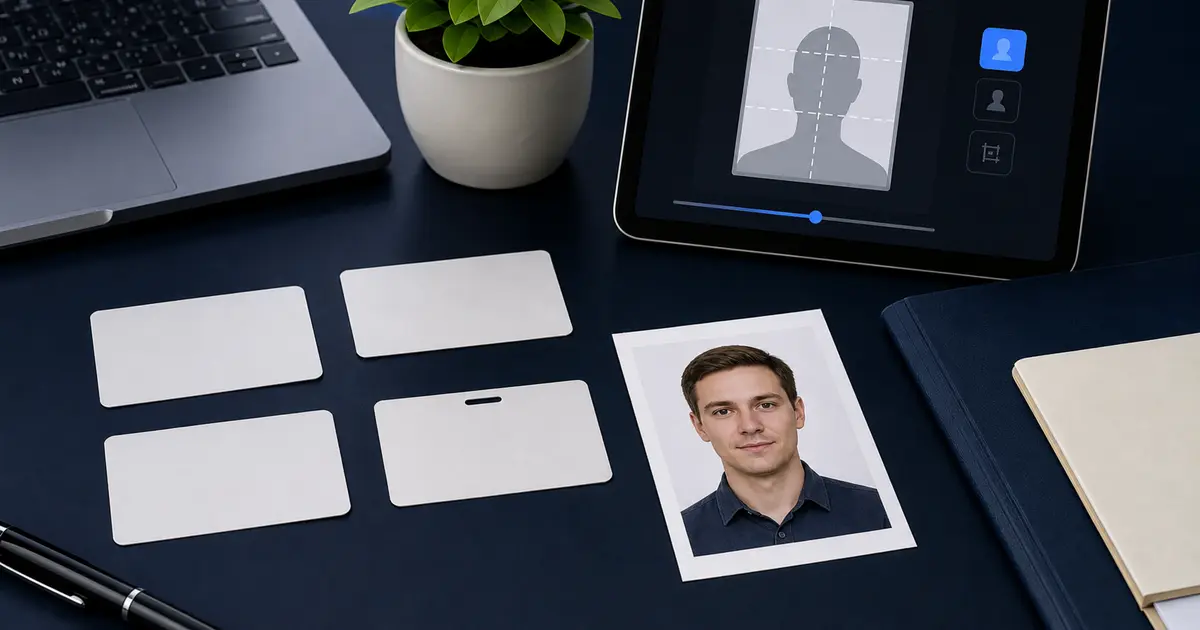
Searches for U.S. citizenship photo requirements often mix three different workflows: naturalization, certificate of citizenship, and replacement certificate filings. Some USCIS routes use biometrics appointments. Some instructions ask for passport-style photographs only in specific situations, such as filing from outside the United States. The form instructions control the answer.
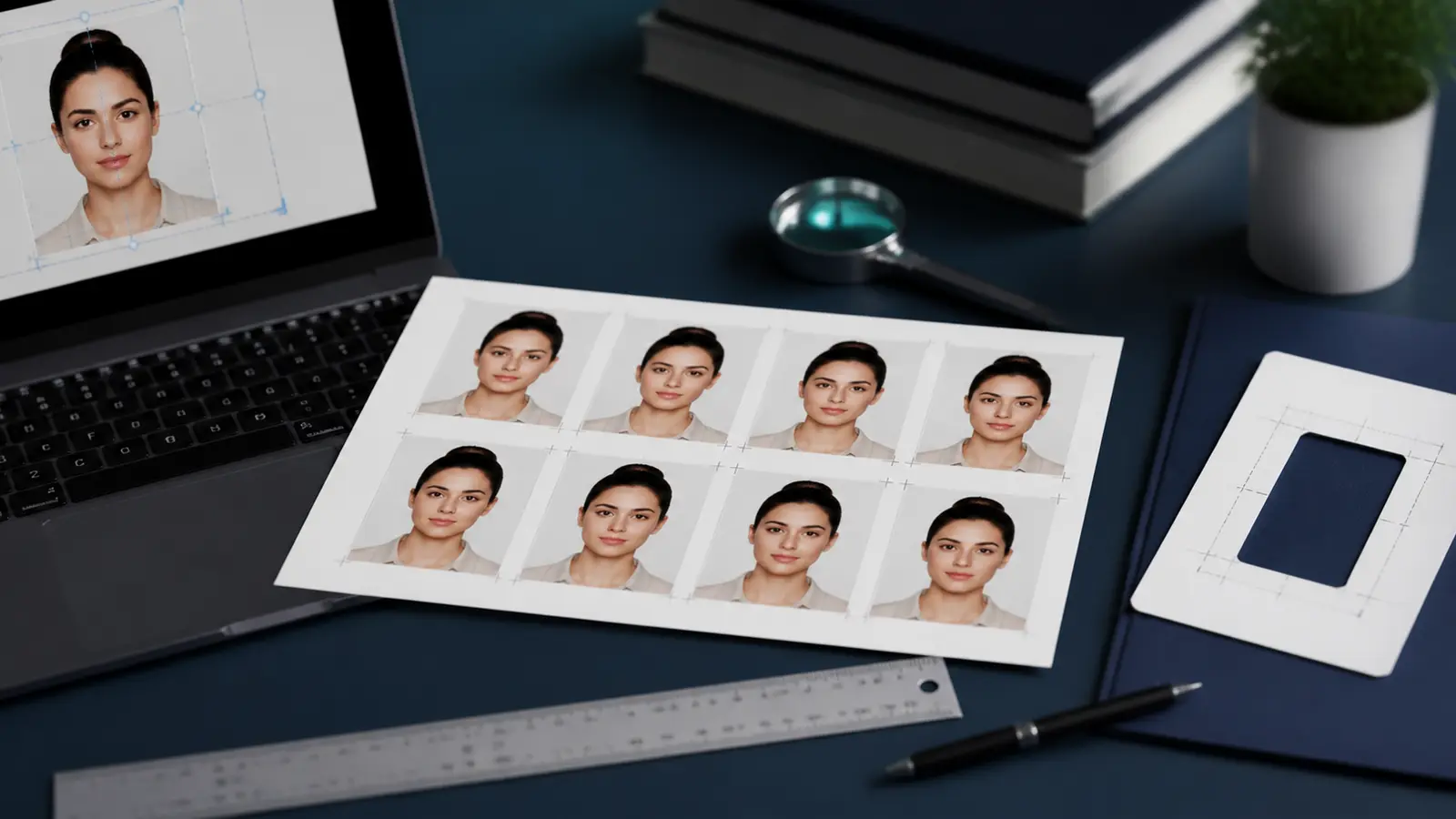
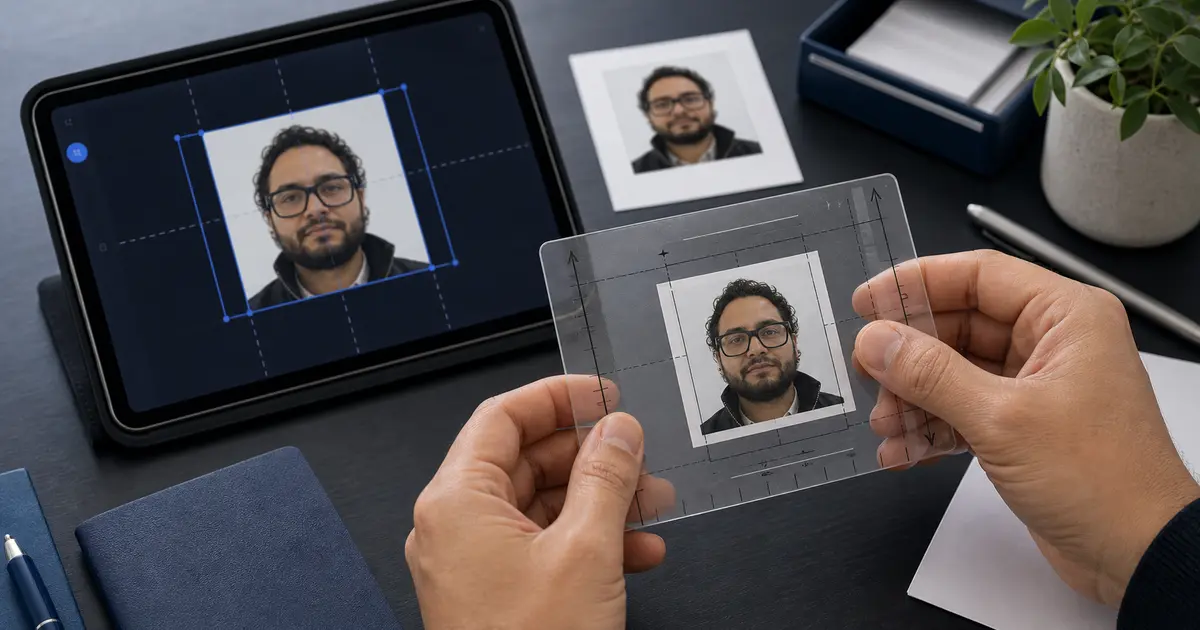
When a USCIS instruction does ask for passport-style photos, the safe technical model is the standard U.S. 2x2 inch photo: plain white or off-white background, recent photo, front-facing face, neutral expression, and no appearance-changing edits.
Quick checks for USCIS passport-style photos
| Check | What to prepare when photos are required |
|---|---|
| Outer size | 2x2 in / 51x51 mm |
| Background | Plain white or off-white |
| Pose | Full face, looking at the camera |
| Expression | Neutral expression with both eyes open |
| Print handling | Print at true size and avoid fit-to-page scaling |
| Route caveat | Do not prepare photos if the current USCIS instruction says biometrics or live capture controls the image step |
Where citizenship-photo searches go wrong
- Preparing a printed photo when the form route only needs a biometrics appointment.
- Borrowing a passport-photo answer without reading the latest form instructions.
- Using a 35x45 mm biometric photo instead of the U.S. 2x2 inch format.
- Printing a square file with fit-to-page enabled, which changes the physical size.
- Submitting a retouched portrait that no longer looks like a plain identity photo.
Passlens can help with the photo file or print when the route asks for one. It should not pretend to replace USCIS biometrics, live capture, or form-specific filing rules.
How to prepare the photo in Passlens
- Open the current USCIS form instructions and confirm whether photographs are required for your filing route.
- If photos are required, use the U.S. 2x2 passport-style crop.
- Keep the background plain and avoid appearance-changing retouching.
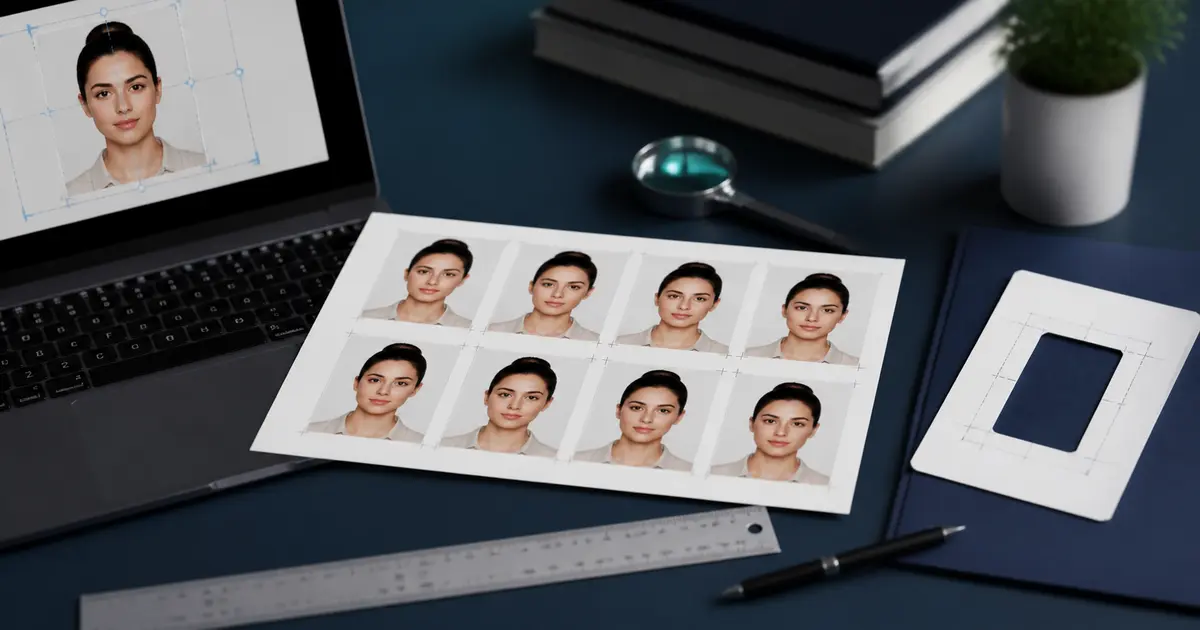
- Export a print sheet at actual size, then measure the photo before mailing or appointment use.
- Use a separate digital export only if the USCIS route asks for an upload file.
Related pages: USCIS 2x2 photo requirements, 2x2 passport photo size, U.S. passport photo guide, and how to print passport photos.
Frequently asked questions
Do I always need photos for naturalization?
No. Check the current USCIS form instructions for your filing route. Some applicants are handled through biometrics rather than user-supplied printed photos.
What size are U.S. citizenship photos when they are required?
When the route asks for passport-style photographs, prepare the standard U.S. 2x2 inch format unless the form instruction says something different.