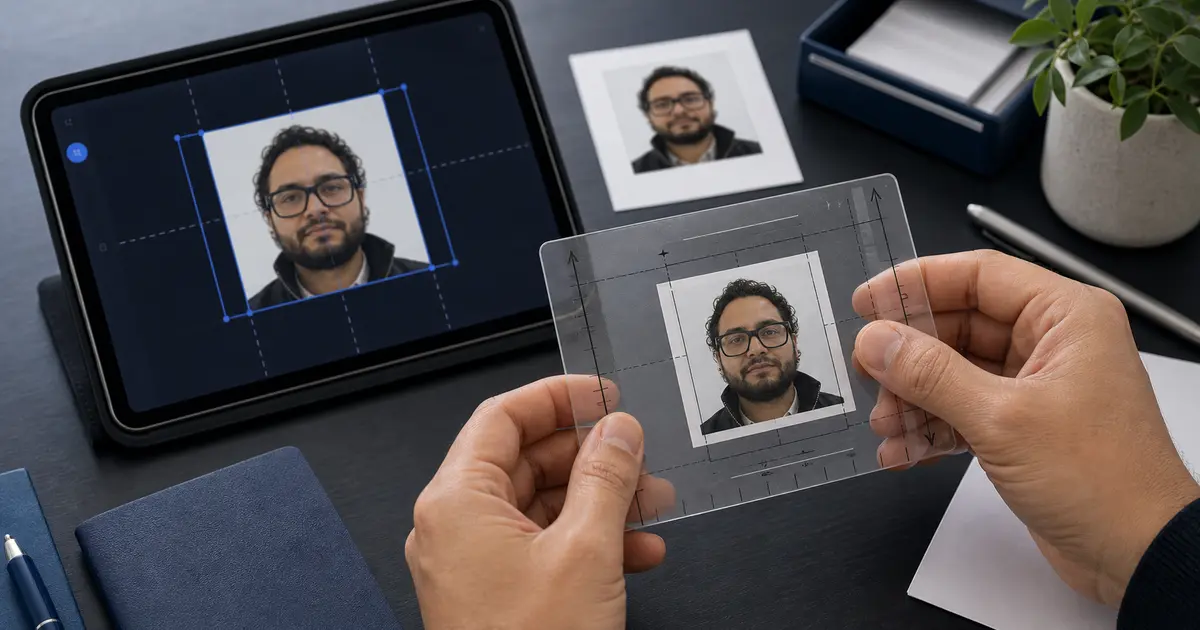
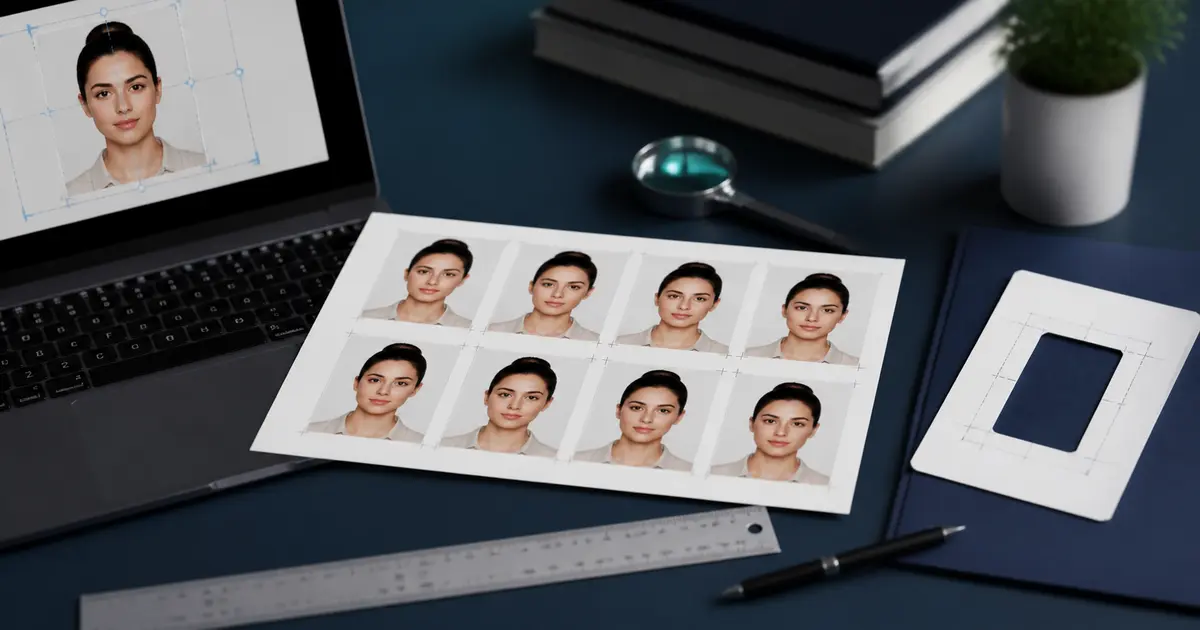
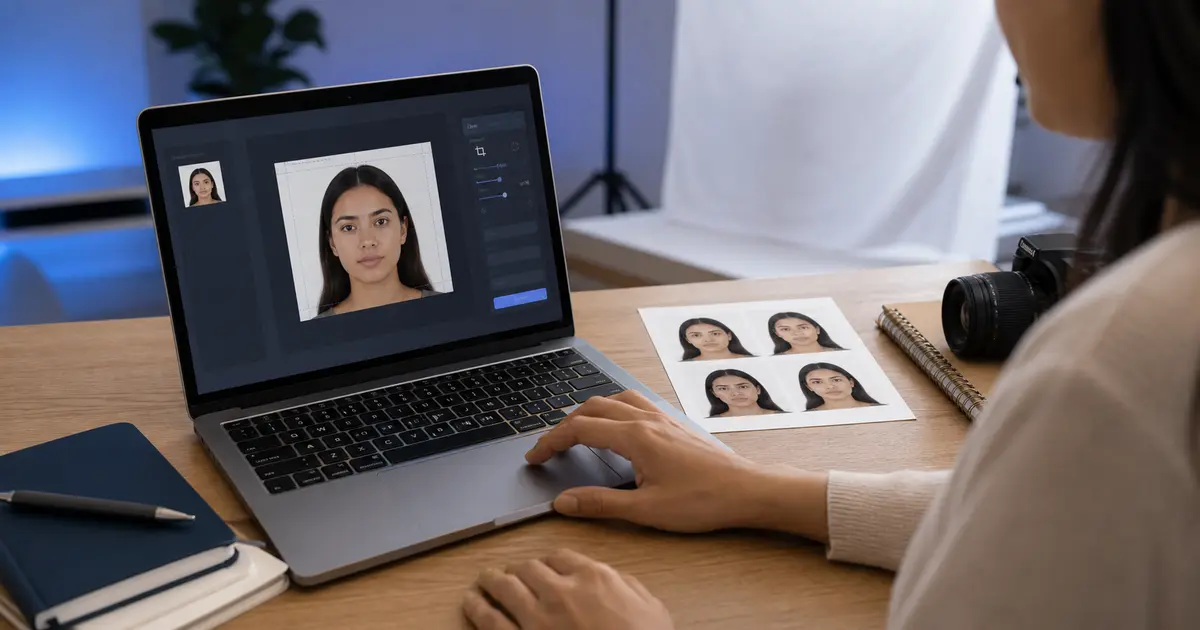
USCIS Photo Requirements 2x2 (2026): Green Card, EAD, and Passport-Style Immigration Photos
Use this USCIS photo requirements guide when an immigration route asks for passport-style 2x2 photos. Covers green card, EAD, filing-route checks, head size, and print handling.
Start with the current USCIS route
USCIS photo requirements are form-driven. Some immigration workflows still ask applicants for passport-style photos. Other workflows lean on biometrics, online uploads, or appointment capture. That means the first step is not cropping. The first step is opening the current USCIS form instructions, request notice, or online account step and confirming whether photos are actually required for your filing route.
When the route asks for passport-style photos, the practical image standard is the familiar U.S. 2x2 photo family: a square 2 inch by 2 inch image, plain light background, and a head position that matches U.S. passport-style composition. The filing route still controls the number of photos, whether they are printed or uploaded, and whether the photo step has been replaced by biometrics.
2x2 USCIS-style photo checklist
| Check | What to use when the route asks for passport-style photos |
|---|---|
| Outer size | 2 x 2 inches, about 51 x 51 mm |
| Digital print math | 600 x 600 pixels at 300 DPI, or 1200 x 1200 pixels at 600 DPI |
| Background | Plain white or off-white style background unless the form gives a different instruction |
| Pose | Full face, eyes open, neutral expression, no heavy shadows |
| Head size | Use the same U.S. head-size guidance as a passport-style 2x2 photo |
| Workflow check | Confirm the current form or USCIS notice still asks for applicant-provided photos |
The important word is "when." This guide is for the photo-preparation branch of the process. It is not saying every green card, EAD, or immigration filing still needs paper photographs. USCIS instructions and notices change, and the current filing route wins.
Green card, EAD, and other immigration-photo searches
Searches like green card photo requirements, green card picture size, EAD photo requirements, and USCIS photo specifications usually point to the same user problem: someone has reached a filing step that mentions passport-style photos and needs to know what that means. Treat those queries as a U.S. 2x2 photo workflow until the official instruction says otherwise.
For a paper packet, print scale matters. A 2x2 photo that prints at 1.9 inches or 2.1 inches is not a harmless detail. For an upload, file format and pixel rules can matter more than print DPI. Keep the filing route and the photo rule separate so you do not fix the wrong part of the problem.
How to make the photo in Passlens
- Confirm that the USCIS form, notice, or online step currently asks for applicant-provided photos.
- Use the U.S. passport or U.S. visa 2x2 workflow as the crop model unless the USCIS instruction gives a different rule.
- Review head size, background, shadows, and edge quality before export.
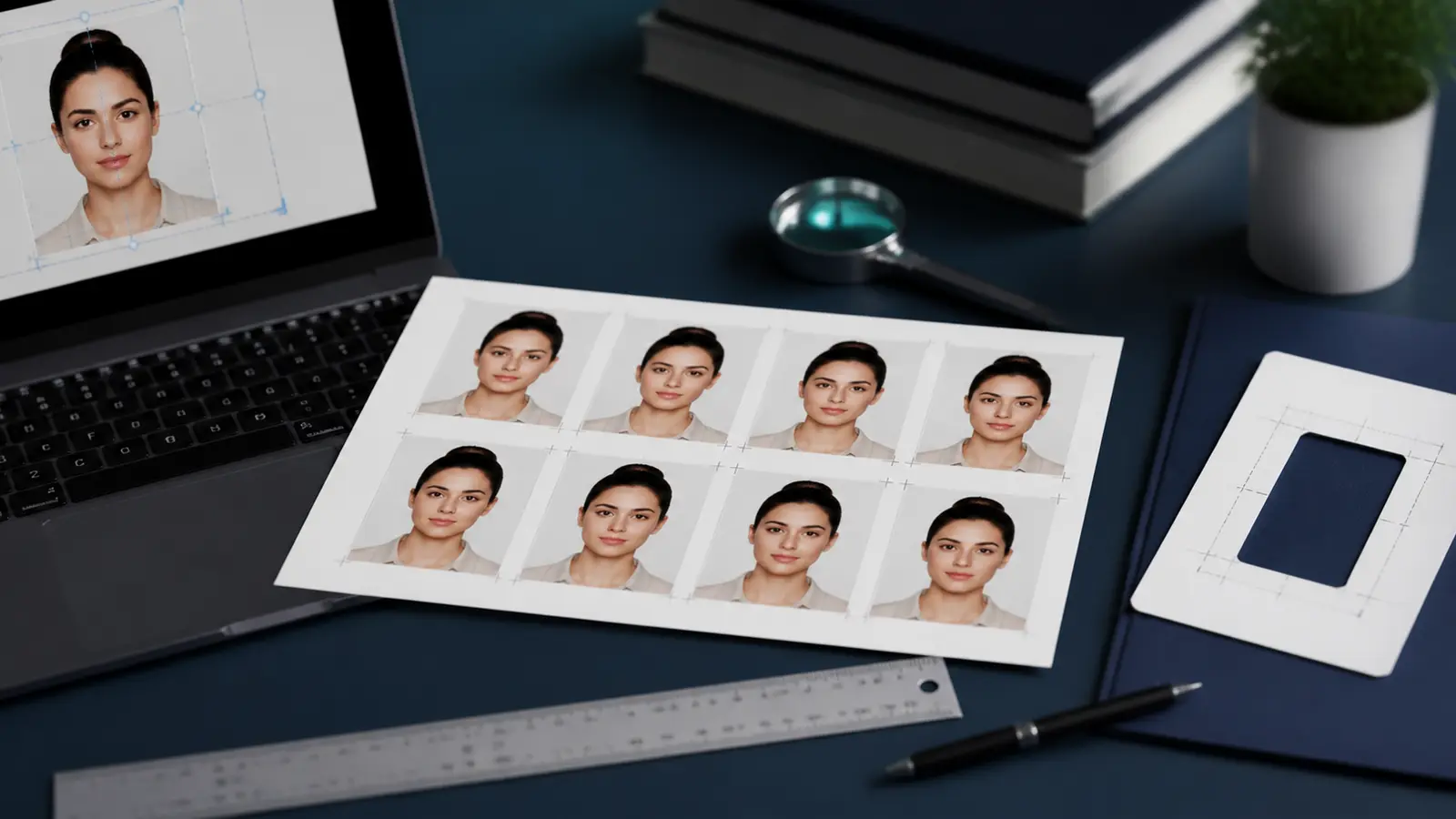
- If the route needs printed photos, export or compose a sheet and print at 100% scale.
- If the route needs upload, check file type, pixel dimensions, and size before submitting.