

Image tools
Quick browser tools for everyday photo fixes.
Crop, brighten, blur, flip, rotate, sample colors, and export a clean PNG without sending the image anywhere. Use these tools for simple edits, then move into the Passlens editor when the photo needs official passport, visa, or ID sizing.
When to use this page
Fast fixes before the official photo step.
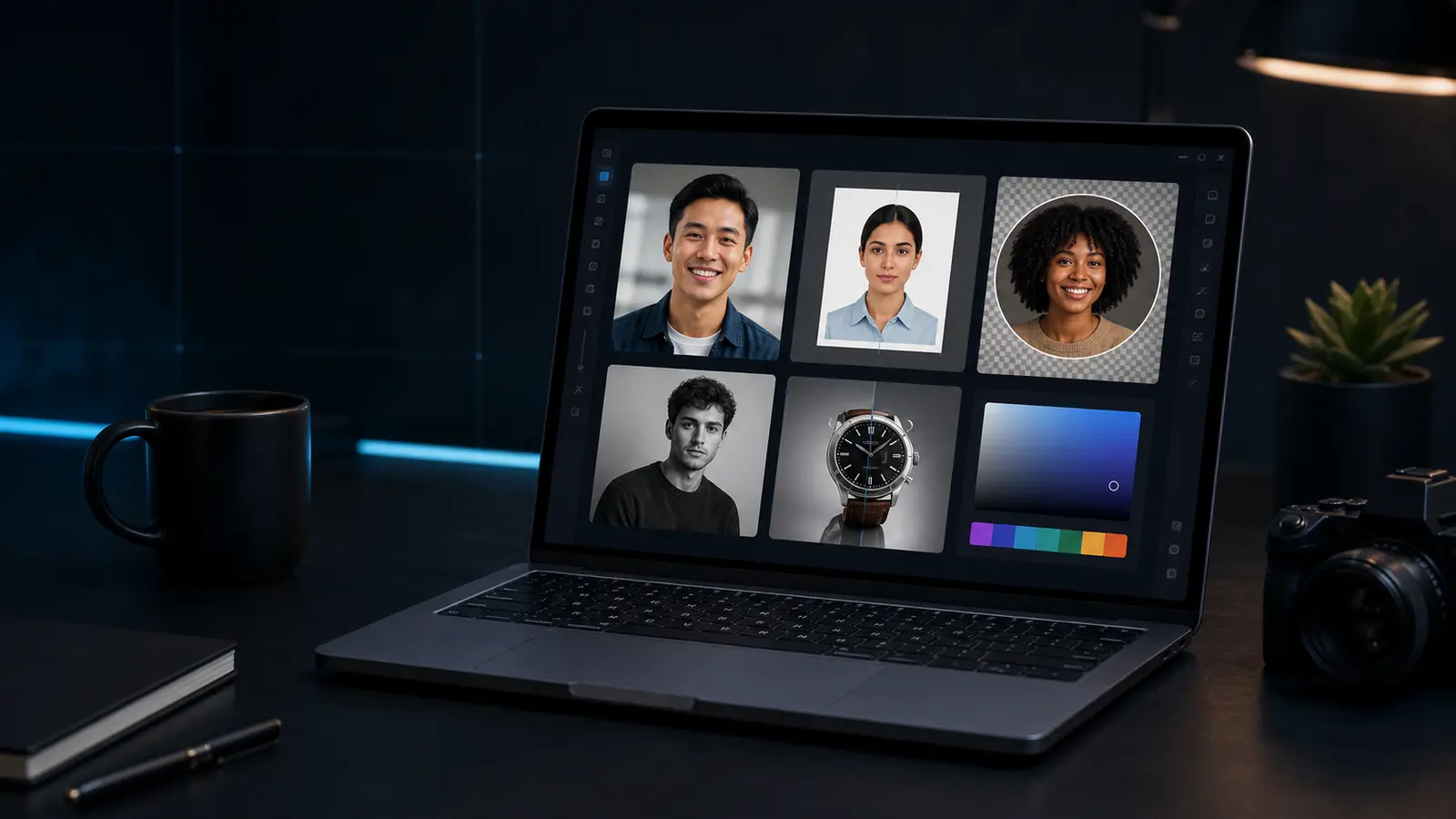
These tools cover the general edits people often need before making a passport photo or ID photo: cleaner lighting, a quick crop, a rotated scan, a circular profile image, a color sample, or a simple PNG export. When the output has to match a government photo rule, switch to the full Passlens editor so the crop, head position, background, DPI, and print size can be checked against a preset.
Card layoutID card imposerPlace front and back card photos on measured A4, Letter, or duplex print sheets.RequirementsID photo requirementsCheck the target document rule before you crop, size, or print the photo.Print setupPassport photo print layoutsReview paper size, DPI, margins, and sheet exports before printing.TemplatesPassport photo sheet templateUse sheet templates when you need repeat passport-photo copies on one page.Print guideHow to print ID photosCheck size, DPI, paper, and scaling before using a home or shop printer.