

Rotate a photo before you crop or export.
Straighten a tilted scan, portrait, or product image with a browser rotation control. Download a PNG or continue into Passlens for official sizing.
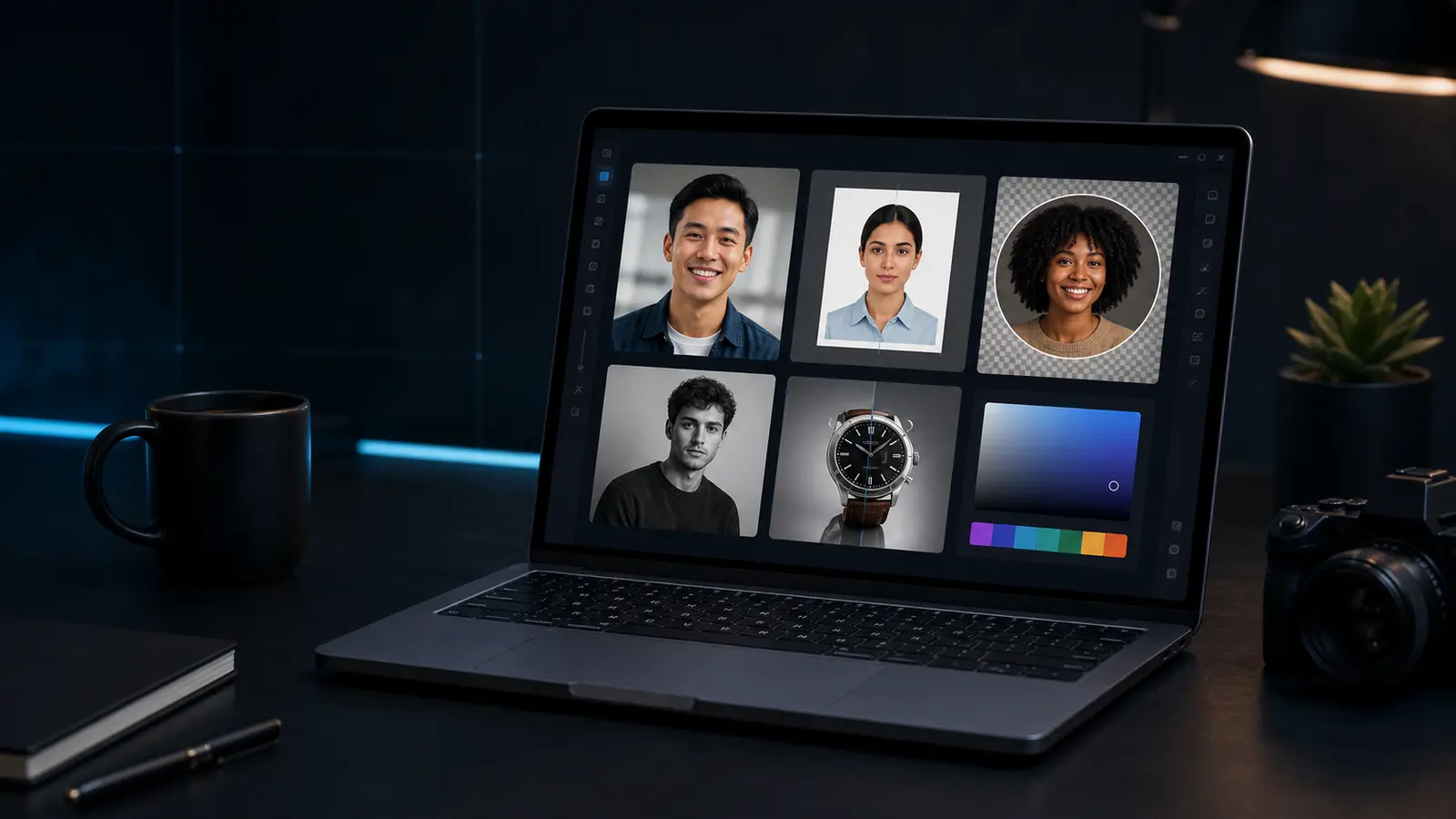
Photo rotator
Rotate a photo by small or large angles and export the result.
For passport-photo straightening, the main editor still gives document overlays.
Need this for a passport, visa, or ID photo?
Open the Passlens ID photo editorWhen the photo rotator helps.
This page is for quick browser work. For passport, visa, or ID-photo rules, use the Passlens editor after the quick fix so size, background, and print output can be checked.
Use it when
- A phone photo or scan is slightly tilted.
- An image is turned sideways and needs a quick correction.
- You want to rotate before crop, background removal, or print layout.
Before you download
- Small rotations can create transparent corners in the PNG.
- Use crop after rotation if you need a clean rectangular frame.
- For passport photos, check the head guides in the main editor before export.
Before using it for a passport or ID photo
The photo rotator can clean up a source image, but it is not the final compliance check. Use it first when the photo needs a quick fix, then open a document preset to confirm the outer size, head position, background, file format, and print scale.
What happens to the file
The preview runs in this browser tab and the normal download is a PNG. Keep the original nearby if the edit makes skin tone, edges, or text look worse. For official photos, export only after the document editor shows the crop you actually need.