

Remove mild shadows from a photo before you export.
Open a JPG, PNG, or WebP and lift soft shadows in the browser. It is best for small lighting problems on portraits, paper scans, and product shots.
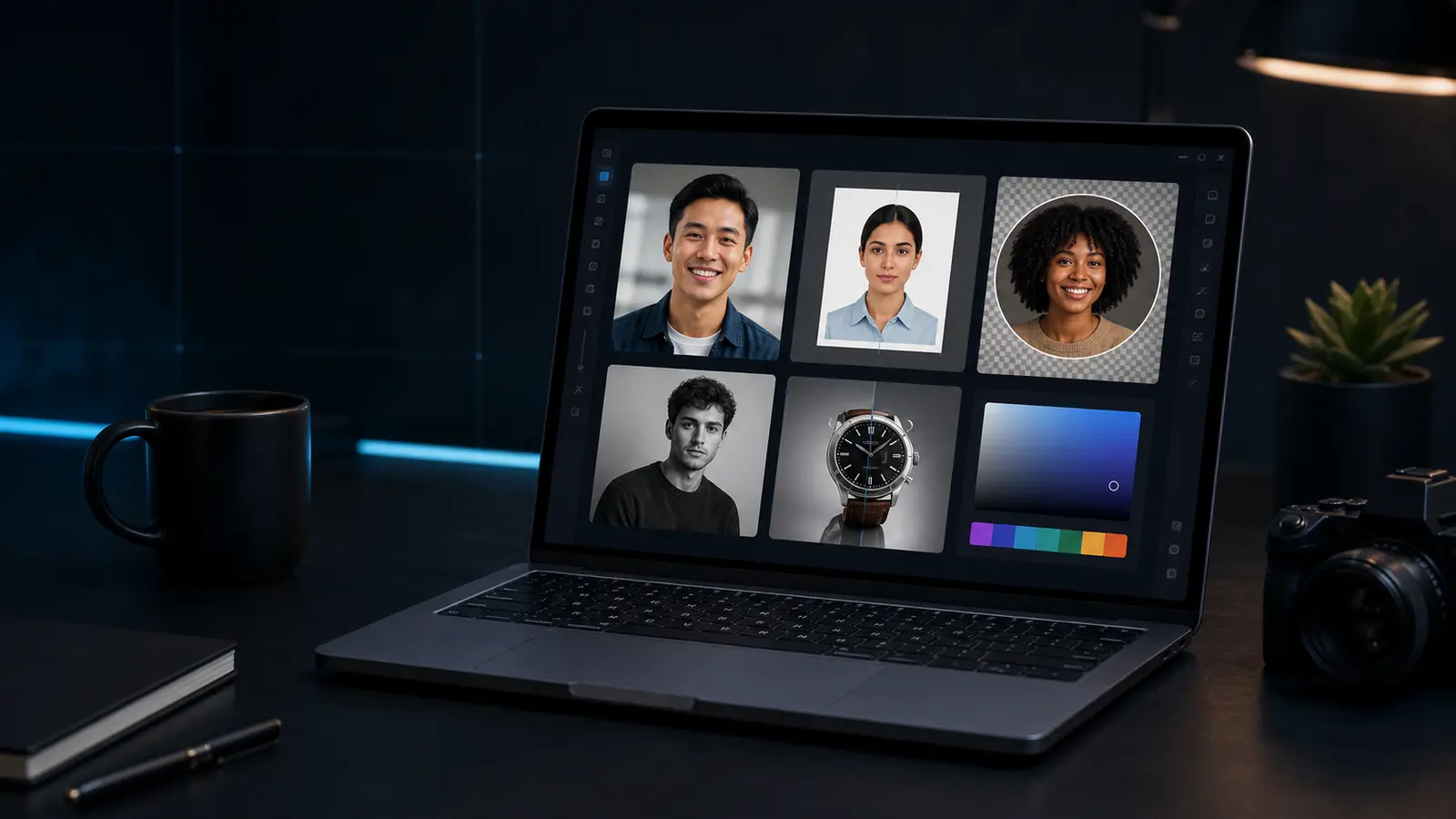
Shadow remover
Lift mild face and paper shadows with a local brightness and contrast pass before you export.
Best for small lighting problems. Heavy shadows still need a better source photo.
Need this for a passport, visa, or ID photo?
Open the Passlens ID photo editorWhen the shadow remover helps.
This page is for quick browser work. For passport, visa, or ID-photo rules, use the Passlens editor after the quick fix so size, background, and print output can be checked.
Use it when
- A face, document, or product photo is a little too dark on one side.
- A phone scan picked up desk shadows that make the page look uneven.
- You want to clean up a photo before checking passport or ID sizing in Passlens.
Before you download
- Start with a low strength setting and increase it only until the subject is readable.
- Retake the photo if the shadow hides facial detail or document text.
- Use the full Passlens editor after cleanup when the image needs an official size.
Before using it for a passport or ID photo
The shadow remover can clean up a source image, but it is not the final compliance check. Use it first when the photo needs a quick fix, then open a document preset to confirm the outer size, head position, background, file format, and print scale.
What happens to the file
The preview runs in this browser tab and the normal download is a PNG. Keep the original nearby if the edit makes skin tone, edges, or text look worse. For official photos, export only after the document editor shows the crop you actually need.