

Convert image formats in the browser.
Drop in one image or a batch, choose the output format, and download converted files without uploading the originals.
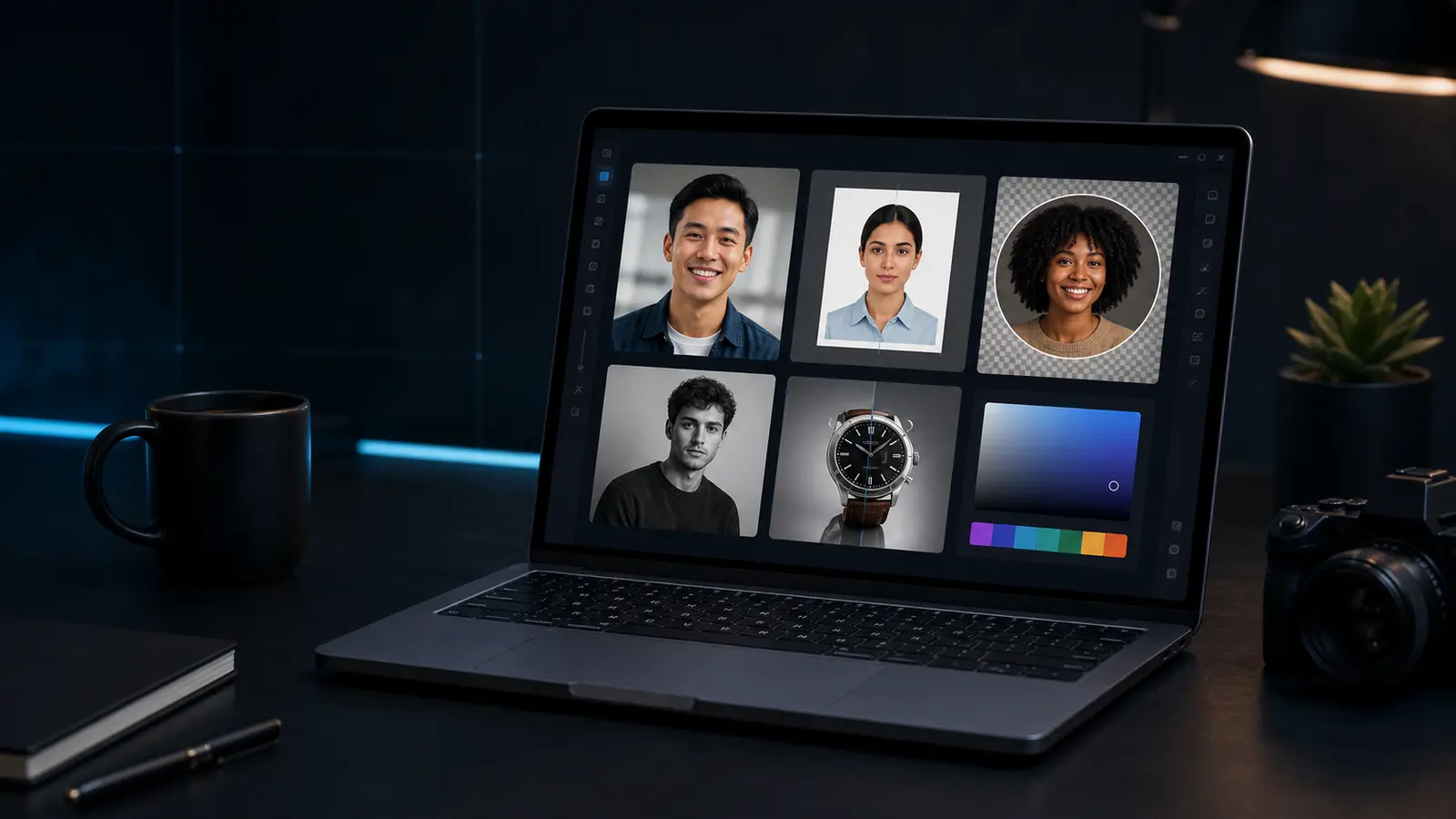
Image format converter
Convert JPG, PNG, WebP, AVIF, GIF, or BMP files when your browser can decode them.
PNG is always available. JPEG, WebP, and AVIF are shown only when this browser can encode them.
Need this for a passport, visa, or ID photo?
Open the Passlens ID photo editorWhen the image converter helps.
This page is for quick browser work. For passport, visa, or ID-photo rules, use the Passlens editor after the quick fix so size, background, and print output can be checked.
Use it when
- A form accepts PNG but your phone saved a JPEG or WebP.
- You need a JPEG copy of a transparent PNG or a PNG copy of a JPEG.
- A batch of images needs the same browser-supported output format.
Before you download
- For JPEG output, transparent pixels are placed over white because JPEG has no alpha channel.
- Advanced formats depend on browser codec support; unsupported formats show a clear error.
- For passport, visa, or ID files, check the final size and format in the Passlens editor before submission.
Before using it for a passport or ID photo
The image converter can clean up a source image, but it is not the final compliance check. Use it first when the photo needs a quick fix, then open a document preset to confirm the outer size, head position, background, file format, and print scale.
What happens to the file
The preview runs in this browser tab and the normal download is a PNG. Keep the original nearby if the edit makes skin tone, edges, or text look worse. For official photos, export only after the document editor shows the crop you actually need.