

Pick a color from an image.
Upload a photo, click the preview, and copy the color value you need. Passlens shows the sampled color with HEX and RGBA values.
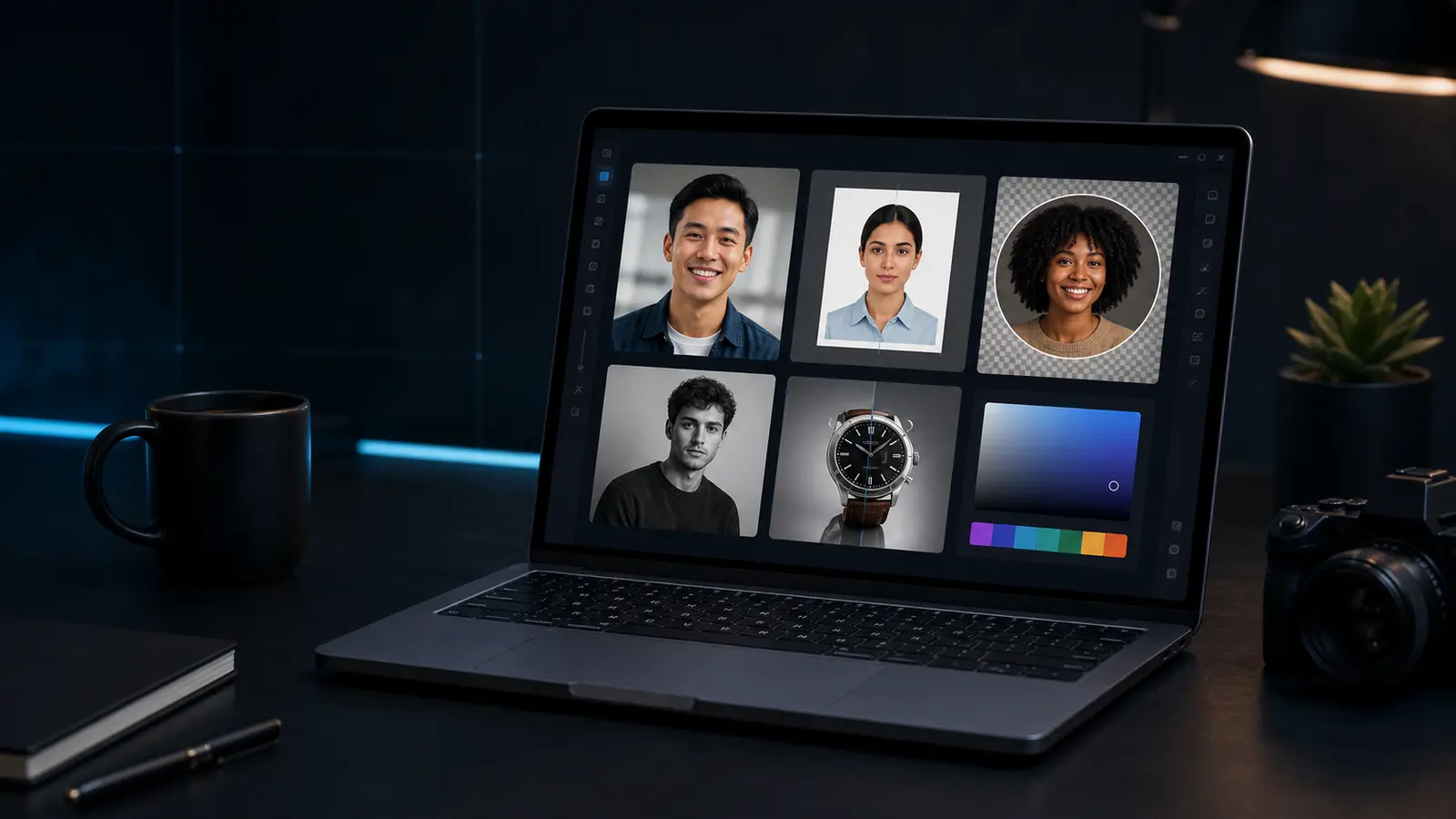
Color eyedropper
Click the preview to read a color from the image.
Picked colors show as a swatch, HEX, and RGBA.
Need this for a passport, visa, or ID photo?
Open the Passlens ID photo editorWhen the color eyedropper helps.
This page is for quick browser work. For passport, visa, or ID-photo rules, use the Passlens editor after the quick fix so size, background, and print output can be checked.
Use it when
- You need to match a background, brand color, paper tone, or clothing color.
- A designer or support request asks for a HEX or RGBA value.
- You want to sample a color without installing a separate editor.
Before you download
- Click a flat area of the image for the cleanest sample.
- Small JPEG artifacts can change nearby pixels, so sample a few points.
- Use official background-color rules when the image is for a passport or visa.
Before using it for a passport or ID photo
The color eyedropper can clean up a source image, but it is not the final compliance check. Use it first when the photo needs a quick fix, then open a document preset to confirm the outer size, head position, background, file format, and print scale.
What happens to the file
The preview runs in this browser tab and the normal download is a PNG. Keep the original nearby if the edit makes skin tone, edges, or text look worse. For official photos, export only after the document editor shows the crop you actually need.