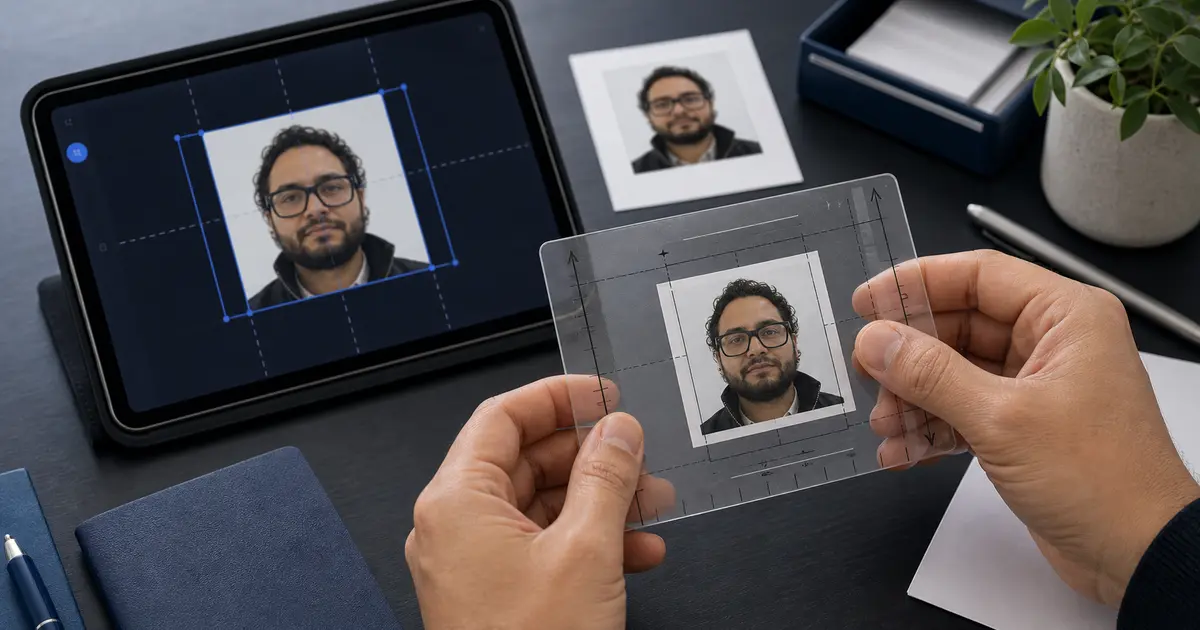
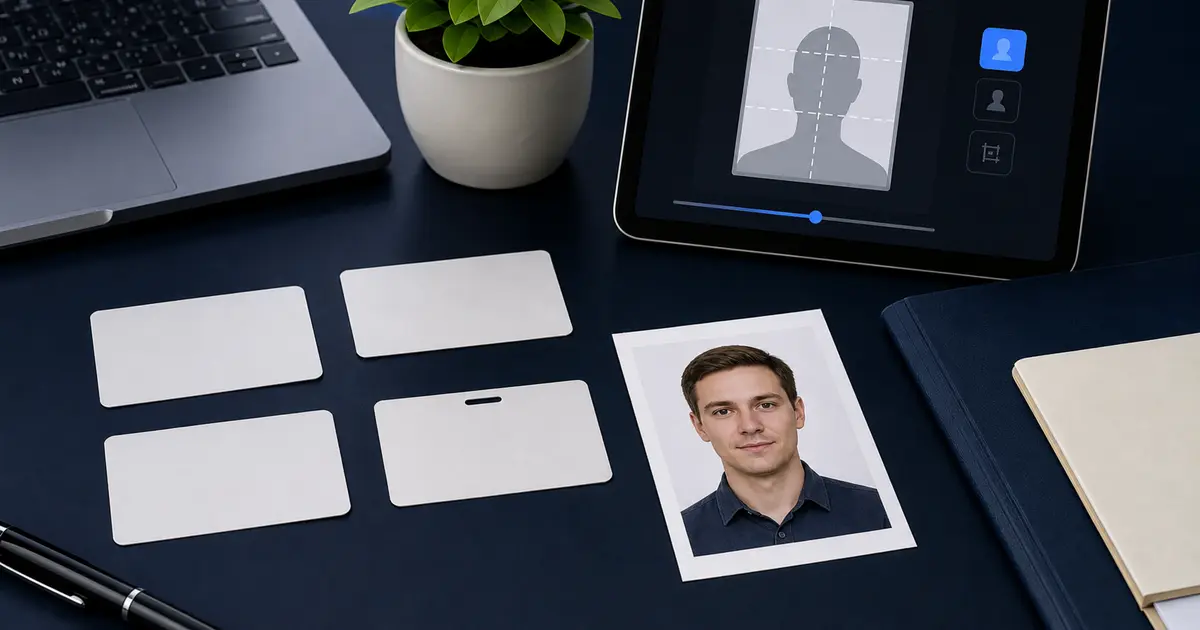
US Passport Photo Requirements 2026: 2x2, Online Renewal, No Glasses
Check the current U.S. passport photo rules: 2x2 print size, one printed color photo, online renewal upload limits, no glasses, no filters, and no AI edits.
Overview
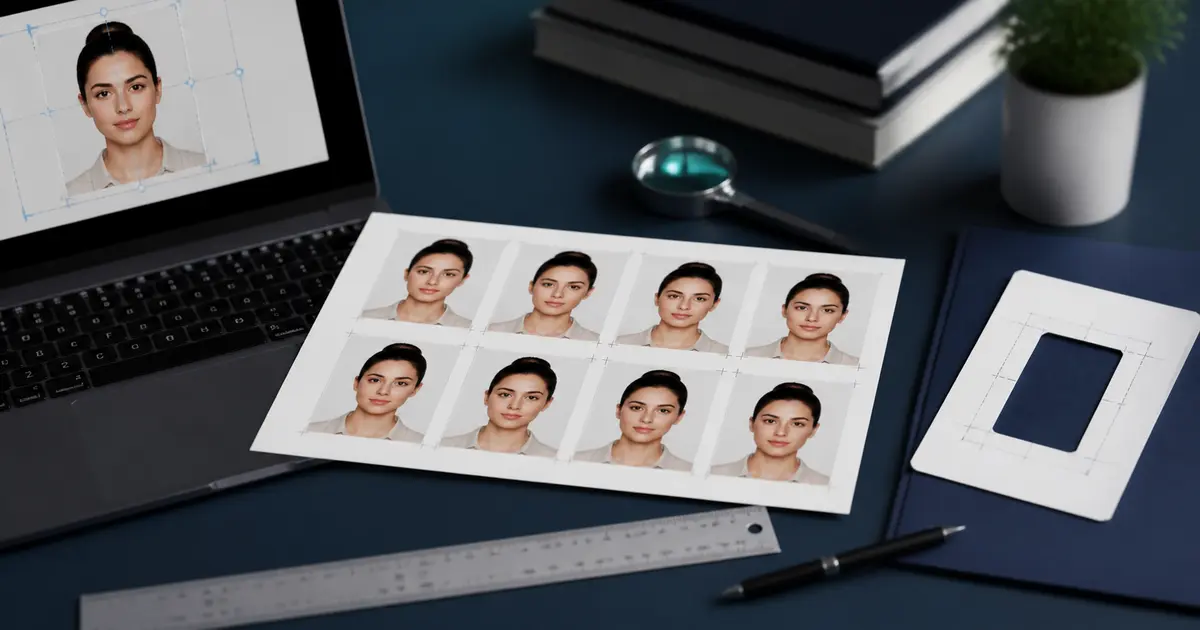
The US passport photo requirements 2026 start with a recent color photo sized at 2 x 2 inches (51 x 51 mm). The photo needs a plain white or off-white background, the correct head height, no glasses, and no edits that change your appearance.
The export depends on how you submit. Paper applications and mail renewals use one printed color photo. Online renewal uses an online renewal digital upload instead. U.S. visa and DV Lottery routes still use the 2x2 baseline, but they can add stricter pixel, JPEG, and file-size rules.
If you need to make the file now, start from the US passport photo maker. Use this guide when you want the rule details before you print, upload, or check a photo that is already close.
Searches such as 2 by 2 passport photo, 2x2 passport photos, American passport photo size, and U.S. passport picture specifications all point back to the same official baseline: a measured 2x2 frame, the right head-height range, and a clean white or off-white background.
The direct answer to what size is a U.S. passport photo is still 2 x 2 inches. Similar searches, including U.S. citizenship photo specifications, usually mean the same passport-style photo baseline unless the USCIS or State Department form gives separate instructions.
Keep U.S. passport renewal, U.S. visa, and DV Lottery photo rules separate unless the official page for that route says otherwise. The photos look similar, but online renewal accepts JPG, PNG, HEIC, or HEIF from 54 KB to 10 MB, while visa-style routes often care more about JPEG output and square pixel ranges.
If your question is mostly about the square format math, keep the 2x2 passport photo size guide open alongside this page. If your problem is the file you need to upload, pair it with the digital passport photo requirements guide so the crop and the portal constraints stay aligned.
Choose the right U.S. photo route
Use this guide for the official requirements. Use the direct tool pages when the next step is making, exporting, or checking the file.
If you only need the fastest route, use the US passport photo maker for the full U.S. workflow, the 2x2 passport photo maker for the square crop, the 600x600 passport photo maker when the upload target is the real blocker, and the passport photo checker before you submit or print.
| What you need to do | Best route |
|---|---|
| Make the U.S. passport photo now | US passport photo maker |
| Crop a square 2 x 2 inch photo | 2x2 passport photo maker |
| Prepare a 600x600 square file | 600x600 passport photo maker |
| Review the photo before upload or print | Passport photo checker |
Official U.S. passport photo requirements quick answers
These are the short answers behind common searches such as US passport photo requirements 2026, 2 by 2 passport photo, American passport photo requirements, black and white passport photos, and crop photo for U.S. passport.
| Search or question | Official answer for 2026 |
|---|---|
| US passport photo requirements 2026 | Use a recent color photo, 2 x 2 inches for print, plain white or off-white background, no glasses, no filters, no AI edits, and a neutral expression or natural smile. |
| Print route versus online renewal route | Paper applications and mail renewals need one printed color photo. Online renewal needs one online renewal digital upload instead. |
| Online renewal digital upload | Use a JPG, PNG, HEIC, or HEIF file between 54 KB and 10 MB. The application lets you reposition or crop the photo after upload. |
| State Department photo tool | The State Department photo tool can help check or crop some photos, but it is not for online renewal uploads and it does not replace final review by an employee. |
| No glasses for U.S. passport photos | Remove eyeglasses before taking the photo unless the official route gives a rare medical exception. |
| Do not use AI edits, beauty filters, or face retouching | The Department of State says not to change your appearance with computer software, phone apps, filters, artificial intelligence, or other digital tools. |
| What size is a U.S. passport photo? | 2 x 2 inches, about 51 x 51 mm. |
| Is a 2 by 2 passport photo the same as a 2x2 passport photo? | Yes. 2 by 2, 2 x 2, and 2*2 all describe the same square U.S. passport photo size. |
| Can U.S. passport photos be black and white? | No. The Department of State asks for one color photo. Black-and-white photos are not the normal U.S. passport route. |
| How many pictures do I need for a U.S. passport? | For paper passport applications, submit one printed color photo. Online renewal uses one digital photo upload. Some visa routes can ask for printed copies at interview, so check that route separately. |
| What background should I use? | Plain white or off-white, with no shadows, texture, lines, or objects. |
| How do I crop a photo for a U.S. passport? | Start with a clear uncropped image, then crop to 2 x 2 inches with head height between 1 and 1 3/8 inches. Use the 2x2 and pixel-size guides linked below for the math. |
For the square-format math, use the 2x2 passport photo size guide or open the 2x2 passport photo maker. For export pixels, use the passport photo size in pixels guide. For upload-first routes, use the digital passport photo requirements guide. For U.S. visa and diversity-visa routes, check the U.S. visa photo guide and the DV Lottery photo guide before exporting.
Print route versus online renewal route
A lot of U.S. passport photo advice gets confusing because it mixes two different submission paths. If you are applying with a paper form, renewing by mail, or going to a passport acceptance facility, prepare one printed color photo. If you qualify for online renewal, prepare an online renewal digital upload instead. Both routes need a recent, natural-looking photo, but the final export is different.
| Route | Photo output | Main checks |
|---|---|---|
| Paper application or acceptance facility | One printed color photo, 2 x 2 inches | White or off-white background, head 1 to 1 3/8 inches, no glasses, recent photo, no digital changes. |
| Renewal by mail | One printed color photo attached to the paper renewal form | Same print rules as a paper application. Do not send a digital-only file for a mail renewal. |
| Online renewal | One digital photo upload | JPG, PNG, HEIC, or HEIF; 54 KB to 10 MB; color; recent; no filters, retouching, or AI edits. |
| U.S. visa or DV Lottery route | Usually a digital file, often JPEG with stricter pixel rules | Do not assume the passport renewal upload rules apply. Check the visa or DV page first. |
Passlens can help with either side. Use the U.S. passport preset or the 2x2 passport photo maker for the crop, then use the passport photo checker before downloading. If you need a measured sheet, go through passport photo print layouts. If you need a digital upload, keep the online-application guide open while you export.
State Department photo tool: useful, but not the whole check
The State Department photo tool is worth knowing about because it appears in many U.S. photo searches. It can help with basic checks and cropping for some passport or visa photo workflows, but it is not a full guarantee. The official online renewal page says the upload tool checks basic requirements and that a Department of State employee reviews the photo again after submission.
There is one important limit: the State Department photo tool is not for online renewal uploads. If you are renewing online, upload the digital photo inside the online renewal application and follow that page’s file rules instead. Treat any separate crop tool as a preparation aid, not as the final authority.
American Passport Photo Size Explained
Many people search for American passport photo size, American passport picture size, or America passport size photo. In practice, all of those searches mean the standard U.S. passport photo format: 2 x 2 inches, which is about 51 x 51 mm.
That outer square size is only part of the requirement. The face must still fit the Department of State head-height rules, so a random square crop is not enough. If you specifically need the format math and pixel conversions, see the 2x2 passport photo size guide. If you need the official American passport rules, keep following this page.
That distinction matters because a lot of people search for the dimensions first and the compliance rules second. The dimensions are easy to repeat. The actual U.S. passport picture specifications are what decide whether the file still survives the print counter or the upload form.
| US requirement | Value |
|---|---|
| Printed size | 2 x 2 inches |
| Metric equivalent | 51 x 51 mm |
| Digital upload | Online renewal uses JPG, PNG, HEIC, or HEIF; some U.S. visa routes use 600 x 600 px JPEG rules |
| Head height | 25-35 mm |
Official Specifications
| Requirement | Value |
|---|---|
| Document | Passport |
| Size | 51 × 51 mm |
| Background | White |
| Head height | 25–35 mm |
The photo must be 2 x 2 inches (51 x 51 mm) in size. Your head, measured from the bottom of the chin to the top of the hair, must be between 25 mm and 35 mm (1 to 1-3/8 inches). The image must be in color and taken within the last 6 months.
| Specification | Requirement |
|---|---|
| Photo size | 2 x 2 inches (51 x 51 mm) |
| Head height | 25–35 mm (1–1⅜ inches) |
| Background | White or off-white |
| Color | Full color (no black & white) |
| Online renewal file format | JPG, PNG, HEIC, or HEIF |
| Online renewal file size | 54 KB to 10 MB |
| Visa/DV digital routes | Check the route: some use JPEG and 600x600 px rules |
| Recency | Taken within last 6 months |
Background Requirements
The background must be plain white or off-white. No patterns, textures, or shadows are allowed. The U.S. Department of State will reject photos with visible shadows on the background or on your face.
If you are taking the photo at home, use a blank white wall or hang a white sheet behind you. Position yourself about 4 feet (1.2 m) in front of the background to avoid casting shadows. Ensure even lighting from both sides.
Shadow-Free Lighting
Stand near a large window for natural light, or use two lamps placed at 45-degree angles on either side of your face. This eliminates harsh shadows that cause rejections.
Clothing and Appearance
Your everyday appearance should be reflected in the photo. You should have a neutral facial expression or a natural smile, both eyes open, and your mouth closed enough that the result does not look like a posed grin. No glasses for U.S. passport photos is the safest rule: take off eyeglasses before capture.
- Glasses: Not allowed. As of November 2016, the U.S. Department of State no longer accepts passport photos with any type of eyeglasses.
- Head coverings: Not permitted unless worn daily for religious reasons. A signed statement is required, and your full face must remain visible from hairline to chin.
- Uniforms: Military, airline, or other uniforms are not allowed. Wear normal civilian clothing.
- Hats and headbands: Not permitted.
- Jewelry: Allowed if it does not obscure your face. Avoid highly reflective pieces that may cause glare.
- Hair: Must not cover your eyes. Keep hair pushed back if necessary.
How to Make It with Passlens
Passlens helps you create a U.S. passport photo at home without turning the job into a store visit. The important part is still the same: a clear color photo, correct 2 x 2 inch crop, plain white or off-white background, and a file or print that matches the submission route.
If your starting query was closer to create passport photo online free or free passport photo maker, keep the free passport photo maker online guide open as well. It explains the broader browser workflow, while this page stays focused on the exact U.S. 2x2 rule set.
That is useful whether you need a printed 2x2 sheet or a digital upload. The same official crop drives both outputs, but the online application workflow adds pixel and file-size checks on top of the print rules.
If your file is already close but you do not trust the final export yet, keep the passport photo validator online guide and the passport photo upload checker guide nearby. They are the quickest follow-up when the crop looks right but the submission path still feels risky.
- Open Passlens and select the US Passport preset from the country list.
- Take a photo or upload an existing one. Use a front-facing camera, look straight at the lens, and keep a neutral expression.
- Passlens will automatically detect your face, crop to the correct 2 x 2 inch dimensions, and verify head size compliance.
- Use background cleanup only to create the plain white or off-white result the passport route expects. Do not retouch your face or alter your appearance.
- Review the automated compliance checks — head size, centering, and background color are all validated.
- Use the passport photo checker before export if you want another review pass.
- Download your photo as a digital file for online submission, or generate a print-ready 4x6 sheet through passport photo print layouts.
Where to Submit
US passport applications are processed by the U.S. Department of State, Bureau of Consular Affairs. There are several ways to submit your application and photo:
- In person: At a passport acceptance facility (post offices, libraries, county clerk offices). Bring one printed color photo unless your exact form or appointment instructions say otherwise.
- By mail (renewals): Mail Form DS-82 with one printed photo to the address on the form.
- Online (digital): Upload a digital photo through the online renewal system at travel.state.gov. The current upload page accepts JPG, PNG, HEIC, or HEIF files from 54 KB to 10 MB.
| Processing Type | Timeline | Cost (2026) |
|---|---|---|
| Routine | 6–8 weeks | $130 (book) / $30 (card) |
| Expedited | 2–3 weeks | $130 + $60 expedite fee |
| Urgent (agency) | 1–2 days | By appointment only |
Common Mistakes
The Department of State rejects thousands of passport photos every year. Here are the most frequent reasons for US passport photo rejection:
- Wearing glasses — This is the single most common mistake. Remove all eyewear.
- Using AI edits or filters — Do not use AI edits, beauty filters, or face retouching. Take a new photo instead of digitally fixing red-eye, shadows, or expression problems.
- Shadows on face or background — Often caused by overhead lighting or standing too close to the wall.
- Incorrect head size — Head must fill 50–69% of the frame vertically (25–35 mm).
- Photo too old — Must be taken within the last 6 months. Significant appearance changes require a new photo.
- Wrong background color — Only white or off-white is accepted. Cream, grey, or blue backgrounds will be rejected.
- Low resolution or blurry image — Digital submissions must be at least 600x600 pixels.
- Selfie perspective — Arm-length selfies cause distortion. Use a tripod or have someone else take the photo.
Frequently Asked Questions
Can I smile in my US passport photo?
A natural, neutral expression is required. A slight, closed-mouth smile may be acceptable, but showing teeth is not allowed. The safest approach is to keep a relaxed, neutral face.
Can I wear a hijab or turban in my passport photo?
Yes, religious head coverings are permitted if you wear them daily. You must include a signed statement explaining that the head covering is part of your religious practice. Your full face must be visible from the bottom of your chin to the top of your forehead.
Are US passport and visa photos the same size?
The printed photo size is the same: 2 x 2 inches (51 x 51 mm). Digital upload rules depend on the route. Online passport renewal currently accepts JPG, PNG, HEIC, or HEIF files from 54 KB to 10 MB, while some U.S. visa and DV routes use stricter JPEG and 600x600 pixel rules.
Is a 2 by 2 passport photo the same thing as a 2x2 passport photo?
Yes. 2 by 2 passport photo, 2 x 2 passport photo, and 2x2 passport photo all describe the same U.S. requirement: a square photo that measures 2 inches by 2 inches, or about 51 x 51 mm.
How many passport photos do I need?
For standard paper passport applications, the Department of State asks for one printed color photo. Mail-in renewals also use one printed photo. Online renewals use one digital photo upload. Some U.S. visa routes still have separate interview-photo rules, so check the embassy or consulate instructions for that route.
Can I take my own passport photo at home?
Yes. The Department of State accepts home-taken photos as long as they meet the photo rules. Use a white or off-white background, even lighting, and a measured crop before you print or upload.
Official U.S. Passport Photo Sources
Use these Department of State pages when you need to check the current rule before submitting.