Passport Photo Upload Checker: Digital Compliance Checks Before You Submit (2026)
Use a passport photo upload checker to review digital file shape, crop, background quality, and portal-readiness before you submit. Covers passport and visa upload checks without drifting into generic photo editing.
What people usually mean by passport photo upload checker
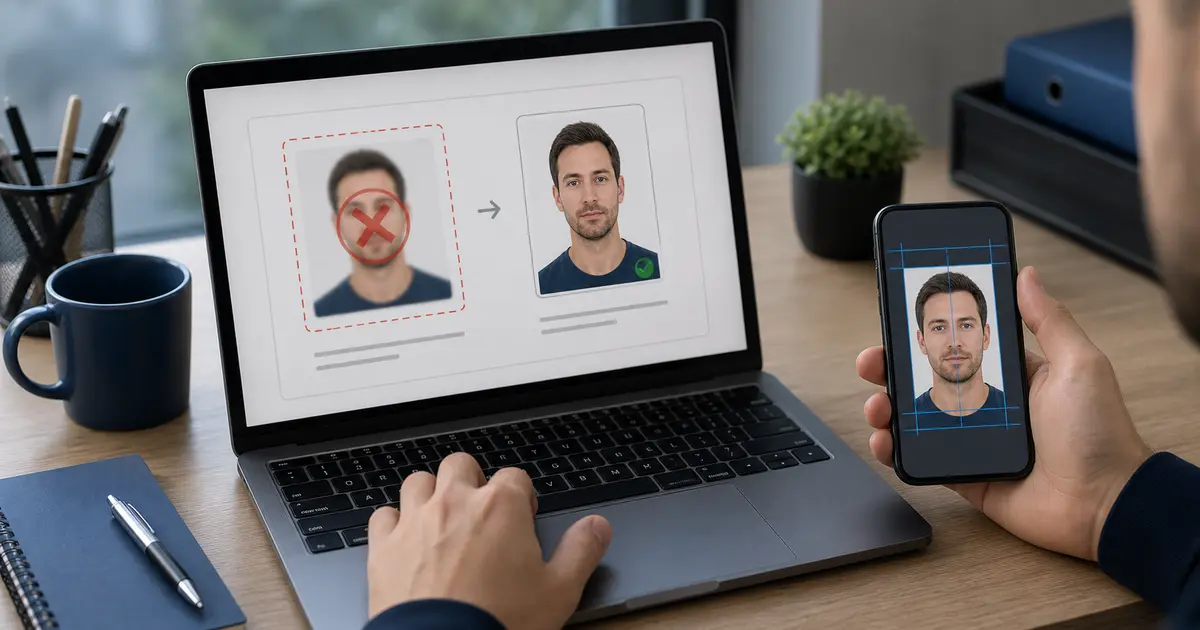
A search like passport photo upload checker usually appears late in the workflow. The photo already exists. The crop may already look decent. The user is not shopping for a broad editor anymore. They are trying to answer a narrower question: “Will this file survive the upload step, or am I about to get bounced by the portal?”
That is different from a general passport photo checker. A broad checker asks whether the photo looks safe overall. An upload checker asks whether the digital file still looks safe after export, compression, resizing, and whatever extra rules the authority or visa portal adds on top.
If your real route is a U.S. passport or renewal upload, start with the US passport photo maker. If the blocker is the square digital target itself, use the 600x600 passport photo maker. If the file still needs to be rebuilt inside the normal editor flow, go back to the passport photo maker. If you want the default workflow to stay in the browser until you choose otherwise, use the passport photo maker without uploading by default. If you only need a final review before you submit, use the passport photo checker.
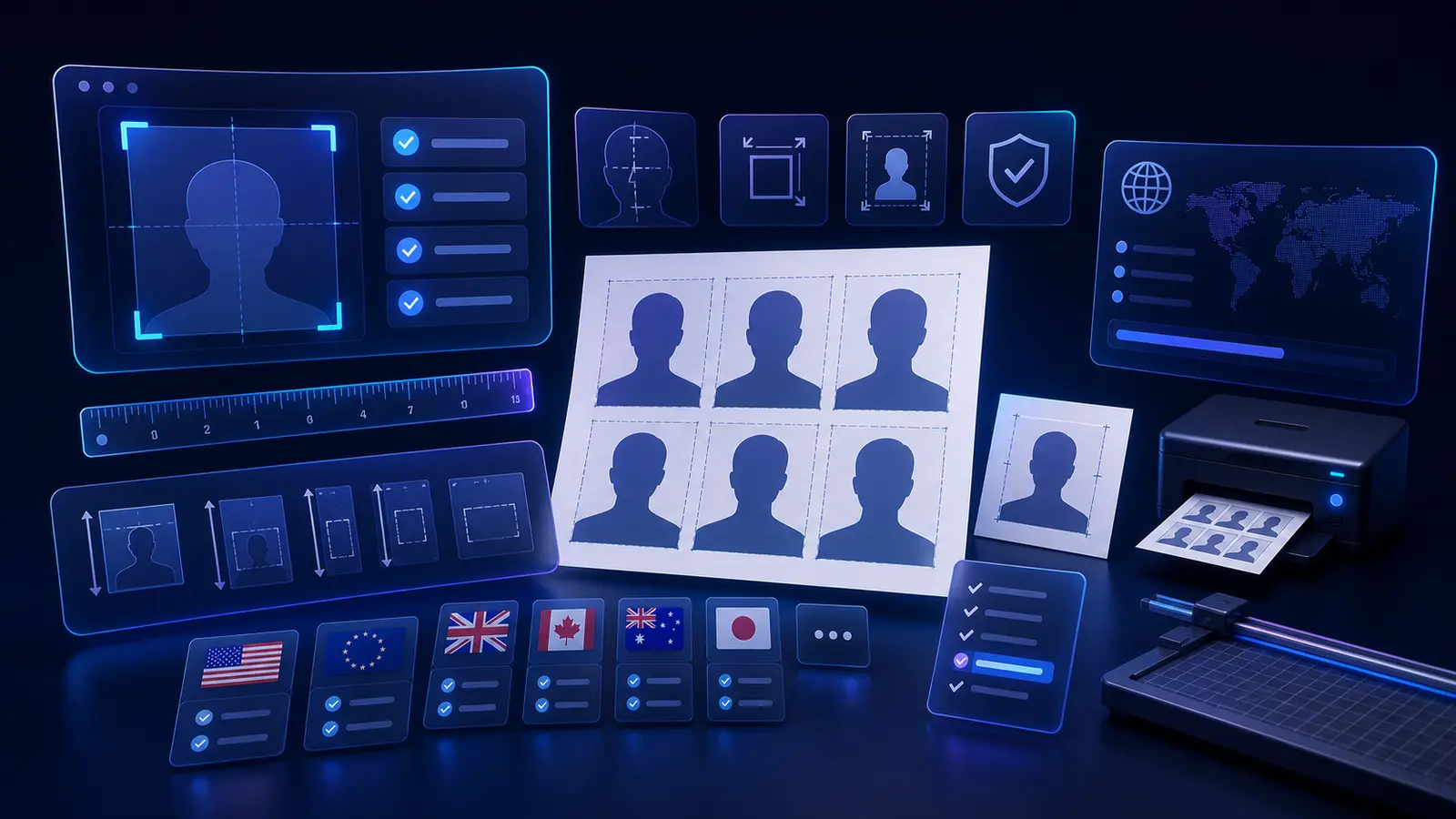
What a useful upload checker should actually check
| Check | Why it matters |
|---|---|
| Aspect ratio and dimensions | Many upload failures happen before anyone looks at the photo because the file shape is wrong. |
| Compression quality | A file can be small enough to upload but still look visibly damaged after export. |
| Face framing after export | A good crop can become less trustworthy if the final digital file is resized badly. |
| Background uniformity | Edges that look fine at one size can fall apart when the portal preview shrinks the image. |
| Format and file-size fit | Authorities often care about JPEG, maximum size, and pixel range more than people expect. |
That list is why upload-checker intent belongs close to the editor and export path. The user is not trying to learn a concept. They are trying to avoid a re-upload loop.
Passport upload checks and visa upload checks are similar, but not identical
The same file can still land in different digital lanes. A U.S. passport renewal upload, a U.S. visa submission, a Schengen visa workflow, and a New Zealand portal upload all care about a clean biometric-looking file. They do not always care about exactly the same digital limits. That is why the safest route is still to start from the right preset, then validate the export against the submission path you are actually facing.
Where users usually get caught at the upload stage
In practice, upload failures tend to cluster around a few predictable mistakes. The file is technically a JPEG but over-compressed. The aspect ratio is almost right but not quite. The portal limit is strict enough that the user resizes the photo manually and wrecks the face framing. The background looked fine in the editor, then turns uneven in a smaller upload preview. None of those problems are glamorous, but they are exactly the reason this query class has strong intent.
This is also why the best answer is not “use more AI.” The best answer is a calmer workflow: start with the right document preset, review the crop, export for the right upload path, then run a last compliance check before you submit.
A practical way to use an upload checker
- Choose the exact passport, visa, or ID route first.
- Finish the crop and background review inside the editor.
- Export specifically for digital upload rather than recycling a print file.
- Check dimensions, file size, and visible edge quality one more time.
- Keep the original workflow open until the portal has accepted the file.
Best habit
Treat the upload step as part of the workflow, not as an afterthought once the crop looks good.