Visa Photo Upload Failed? 2026 Troubleshooting for DS-160, UKVI, India eVisa, Canada PR, and Schengen Files
A practical troubleshooting guide for visa photo upload errors: wrong pixels, file-size limits, HEIC files, JPEG compression, background problems, and route-specific fixes for major visa workflows.
Start here: upload failure is usually technical, visual, or route-specific
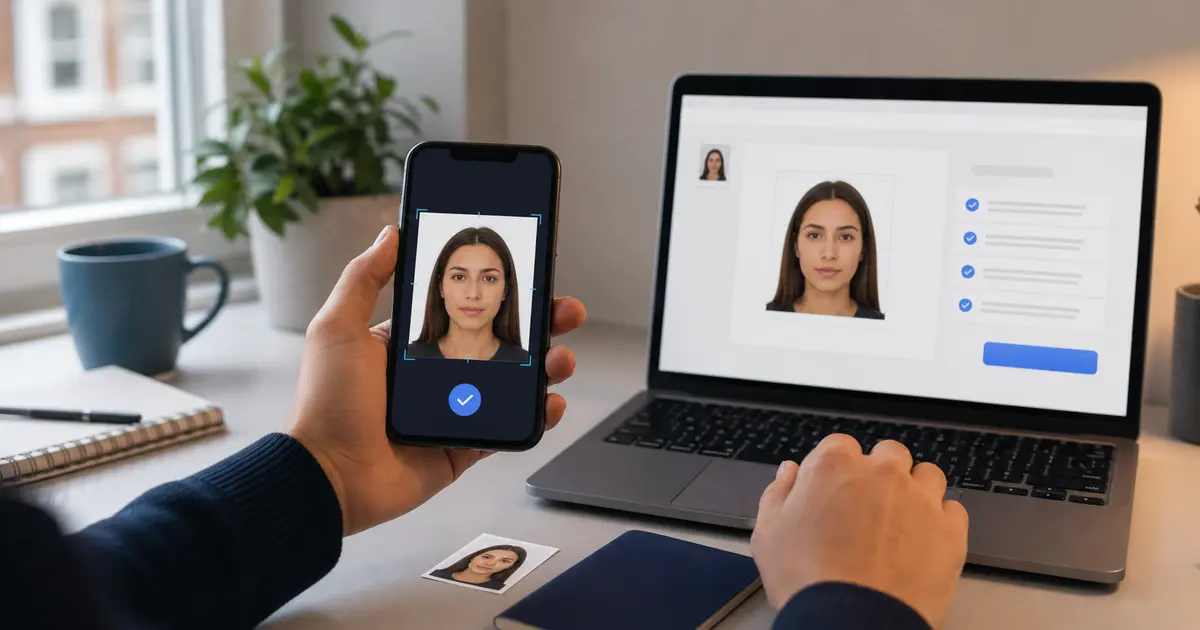
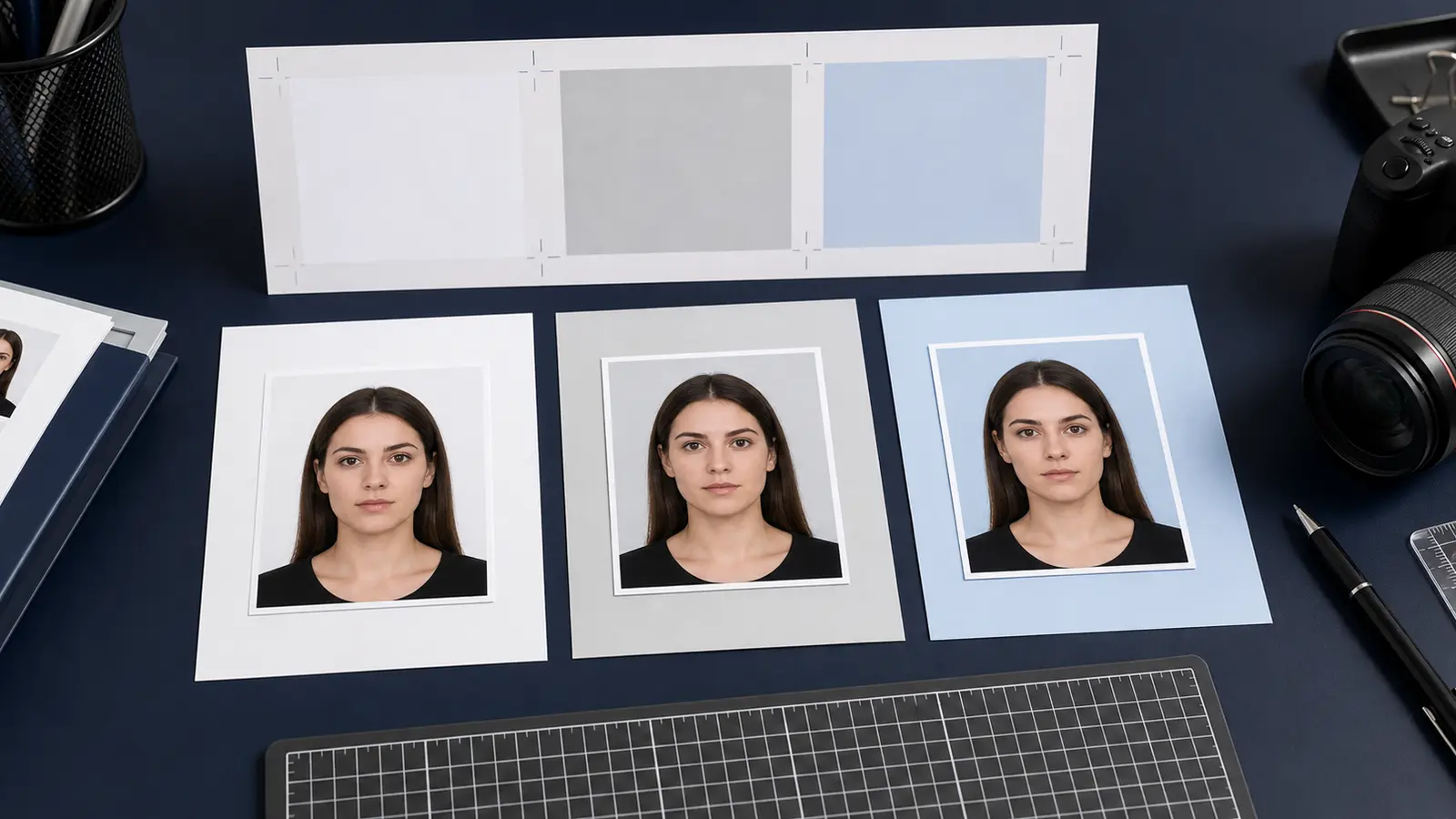
A visa photo upload failure does not always mean the face crop is wrong. Portals reject files for boring reasons first: wrong format, too many KB, too few pixels, unsupported HEIC files, a rotated image, or a photo that was compressed until it looks damaged. Once the file itself is acceptable, visual rules still matter: background, head position, shadows, expression, and whether the photo is recent.
If your real route is a U.S. visa or passport-style upload, start with the US passport photo maker. If the blocker is the square digital target or export size, use the 600x600 passport photo maker. If you only need a final review before you submit, use the passport photo checker.
| Error pattern | Most likely cause | First fix |
|---|---|---|
| File type rejected | HEIC, WebP, PDF, or PNG where JPEG is required | Export the exact format named by the portal |
| File too large | Camera file kept full resolution | Resize or export from the crop, then compress lightly |
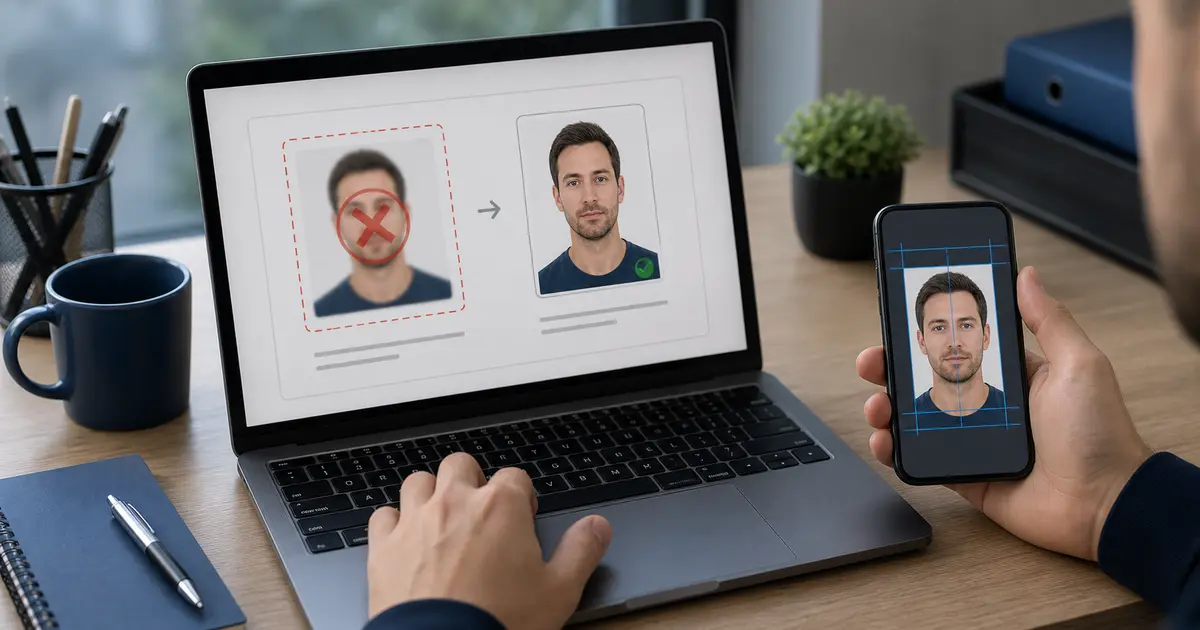
| File too small or blurry | Over-compressed JPEG | Return to the original image and re-export |
| Dimensions rejected | Wrong pixels or non-square file | Use the route-specific pixel target |
| Photo rejected after upload | Visual issue such as shadows, background, glasses, or crop | Fix the source photo, not only the export settings |
Route-specific checks before you re-export
| Workflow | Technical checks to start with |
|---|---|
| U.S. DS-160 | JPEG, square, 600x600 to 1200x1200 px, 240 KB or less, 20:1 compression or less |
| UK visa or permission | JPG or PNG, at least 600x750 px, usually 50 KB to 6 MB for the GOV.UK upload route |
| India eVisa | JPEG, equal height and width, 10 KB to 1 MB |
| Canada PR card | Digital image in the listed pixel and KB range; avoid altered-background workflows |
| Schengen / France / Germany | Often a print or appointment workflow first; check whether a digital upload is actually required |
If your route is not listed, do not borrow another country target. Search the official visa portal for words like photo, photograph, file size, JPG, JPEG, pixel, upload, and scan. Those terms usually expose the actual blocker.
The fix order that avoids making the photo worse
- Confirm the official route: digital upload, app capture, appointment photo, or printed photo.
- Fix the crop and background while the source photo is still high quality.
- Export the required file type only after the crop is correct.
- Resize to the required pixel dimensions or range.
- Compress once, enough to fit the KB limit, without making the face blocky.
- Open the final file and check the visible result before uploading again.
Do not keep recompressing the rejected file
Repeatedly saving a JPEG makes artifacts worse. Go back to the original crop whenever you need a new export.
Phone files, HEIC, and rotation problems
Many upload failures start on an iPhone. A good portrait can still be saved as HEIC, rotated with EXIF metadata, or shared through an app that strips quality. If the portal asks for JPEG or JPG, convert the image before crop/export and confirm the final file opens upright in a normal browser or image viewer.
Avoid screenshots. They add extra pixels, reduce detail, and can include hidden scaling that makes the file pass one check but fail another.