UK Visa Photo Requirements 2026: Digital Upload Rules, 600x750 Minimum, JPG/PNG, and UKVI Checks
A detailed guide to UK visa and immigration photo uploads: GOV.UK digital-photo rules, minimum pixels, file size, background, face visibility, common rejections, and when the portal captures the photo itself.
Quick answer for UK visa and permission photos
GOV.UK treats many visa and permission photos as a digital-photo upload. The useful working target is a portrait image at least 600 pixels wide and 750 pixels tall, in JPG or PNG format, and usually between 50 KB and 6 MB. Some routes use official app or appointment-centre capture instead, so check the exact flow before assuming you can upload a prepared file.
| Requirement | GOV.UK digital-photo direction |
|---|---|
| Digital dimensions | At least 600 px wide and 750 px tall |
| File format | JPG or PNG |
| File size | 50 KB to 6 MB |
| Photo age | Taken in the last month |
| Background | Plain light-coloured background |
| Face | Clear, in focus, neutral expression, eyes open |
What the UKVI photo workflow is really checking
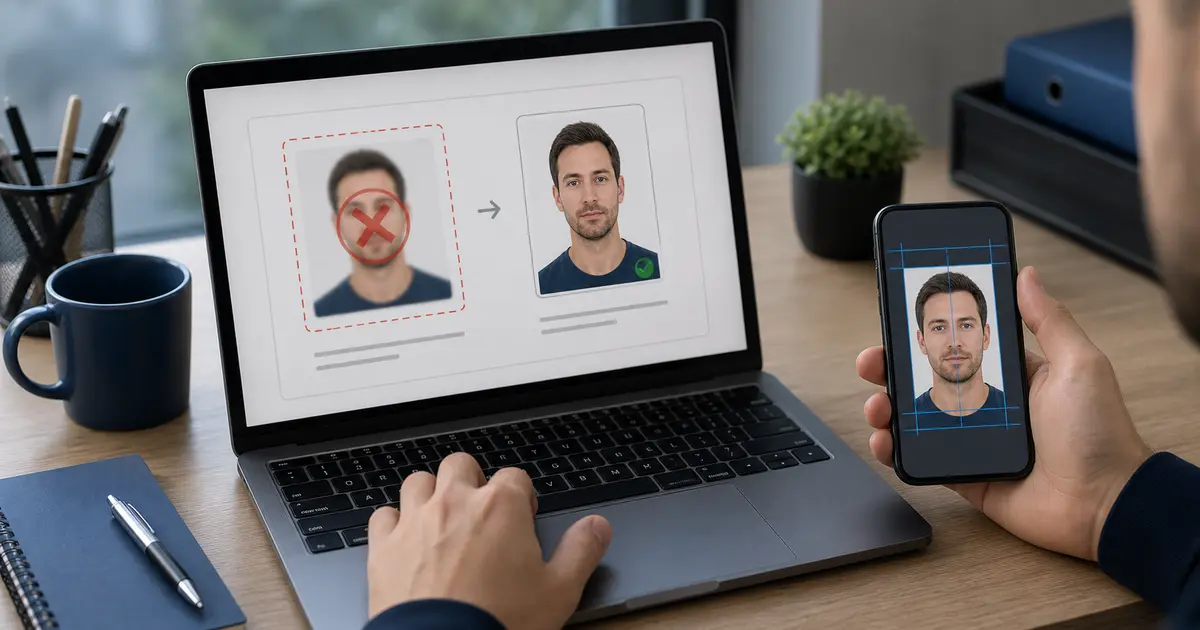
The UK rules are less about a classic printed passport-photo size and more about whether the digital image can identify you clearly. That means the file has to be large enough, sharp enough, recently taken, and not blocked by shadows, hair, glasses glare, hats, filters, or background clutter.
The photo should show your full head and shoulders. You should face forward, look at the camera, keep your mouth closed, and avoid smiling. The background needs to be plain and light, without objects or other people. Children have separate allowances, but adults should treat the photo as a biometric-style capture.
Upload, app capture, and appointment-centre routes
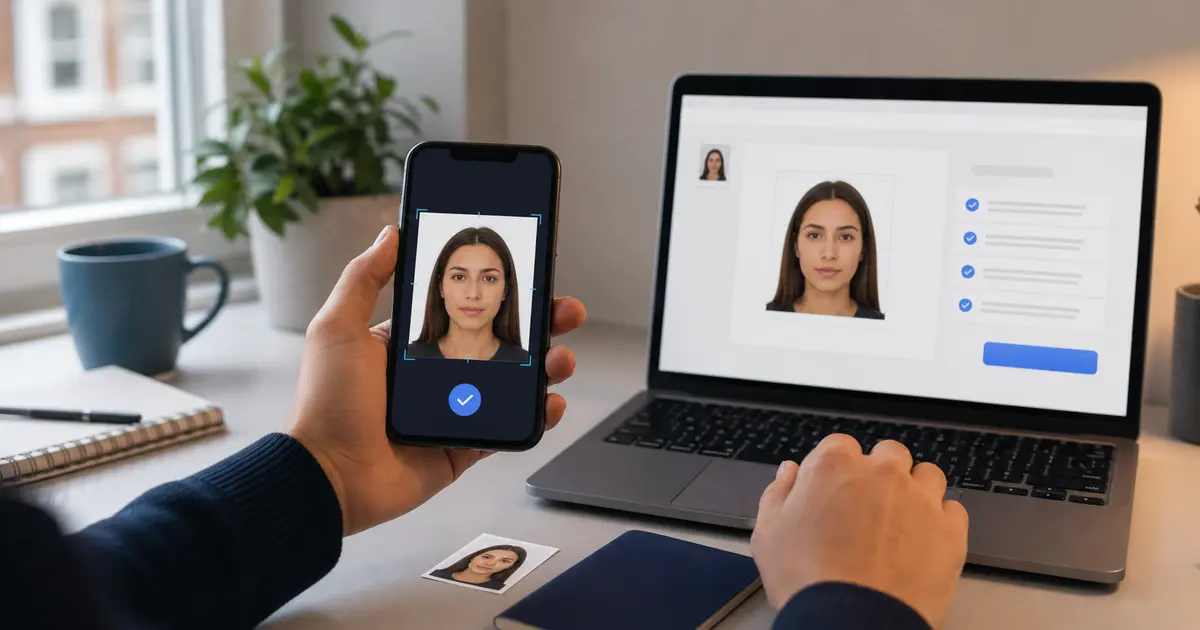
UK immigration routes do not all collect photos the same way. Some let you upload a prepared digital file. Some use an app or appointment-centre workflow where the official process captures or verifies the image. If your route asks you to take the photo inside an app or at an appointment, Passlens is only a preparation tool for lighting, background, and framing. The final capture must happen where GOV.UK tells you to do it.
- If the form asks for upload: prepare a JPG or PNG that meets the pixel and file-size rule.
- If the app captures the photo: use a clean wall and strong lighting, then follow the official app prompts.
- If the appointment centre takes it: bring documents as instructed and do not rely on a home file as a replacement.
Common UK visa photo upload failures
- The file is too small because it was exported from a thumbnail, messaging app, or screenshot.
- The photo is technically large enough but blurry after heavy compression.
- The background is not plain because a room, curtain, door frame, or shadow remains visible.
- The face is partly hidden by hair, glare, a hat, headphones, or a strong shadow.
- The image is not recent enough for the route, especially when reused from an older passport or visa.
A good UK upload file should look boring. Clear face, plain background, no filters, no dramatic lighting, and enough pixels that the system can inspect it without guessing.
How to prepare a UK visa photo in Passlens
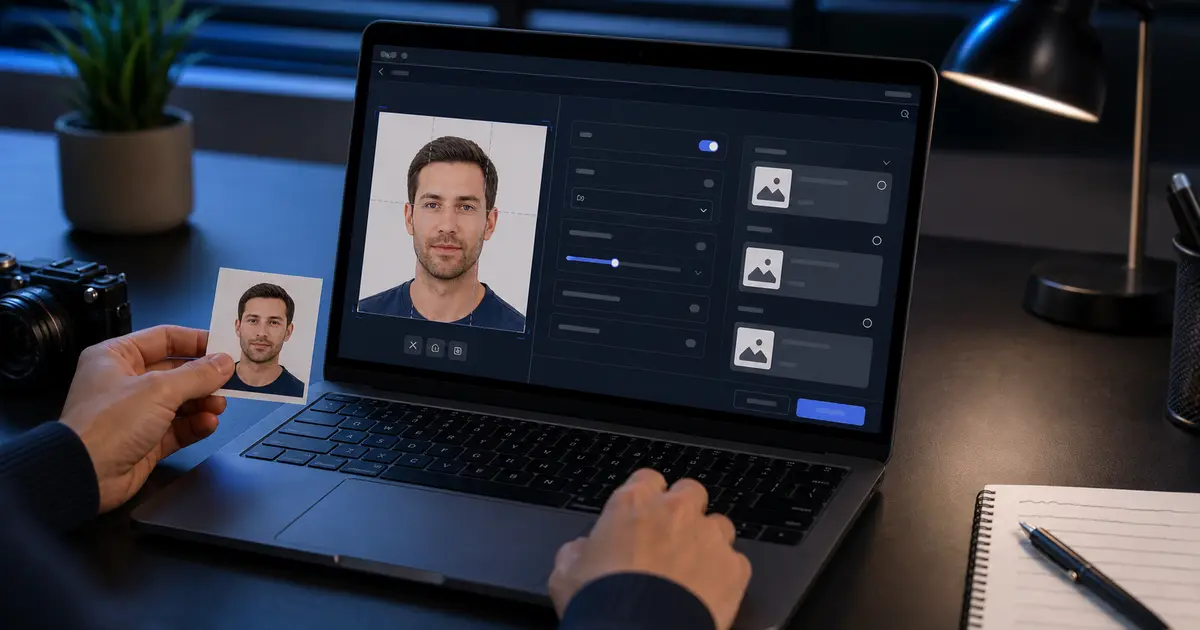
- Start from a recent portrait taken against a plain light wall.
- Use a UK-style digital portrait crop and keep the head and shoulders visible.
- Clean the background only enough to produce a plain light result.
- Export as JPG or PNG with enough pixels for the GOV.UK minimum.
- If the route demands app capture, use the prepared file only as a reference for pose and lighting.
For related upload problems, use the visa photo upload failure guide, the KB compression guide, and the HEIC to JPEG guide.
Frequently asked questions
Is 600x750 the exact UK visa photo size?
GOV.UK states a minimum of 600 pixels wide by 750 pixels tall for this digital-photo route. Larger files can be acceptable if they stay within the stated file-size limit and keep the correct portrait framing.
Can I upload an iPhone HEIC file?
Use JPG or PNG for the GOV.UK upload route. Convert HEIC before upload and check that the image did not rotate or compress badly during conversion.