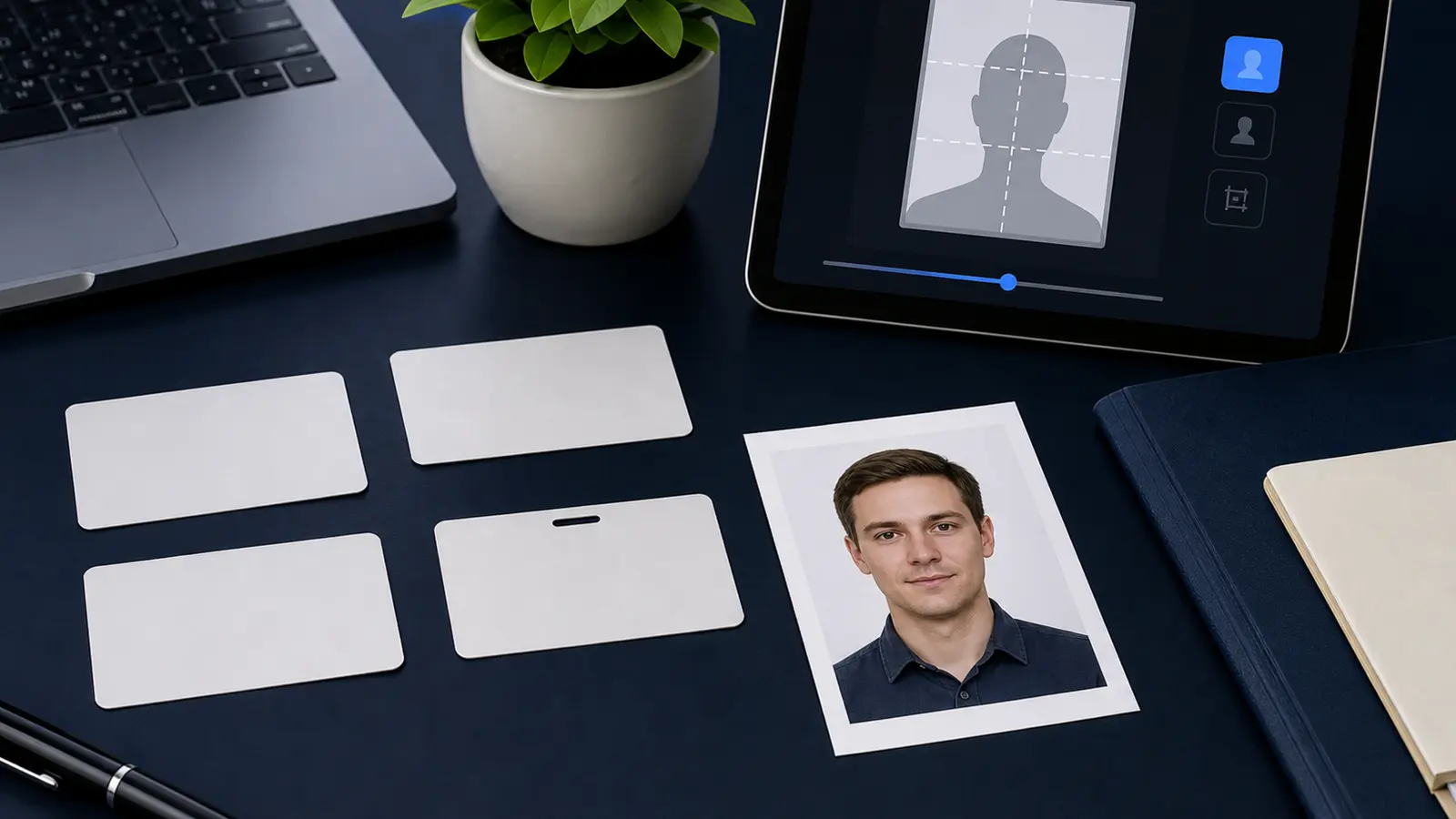
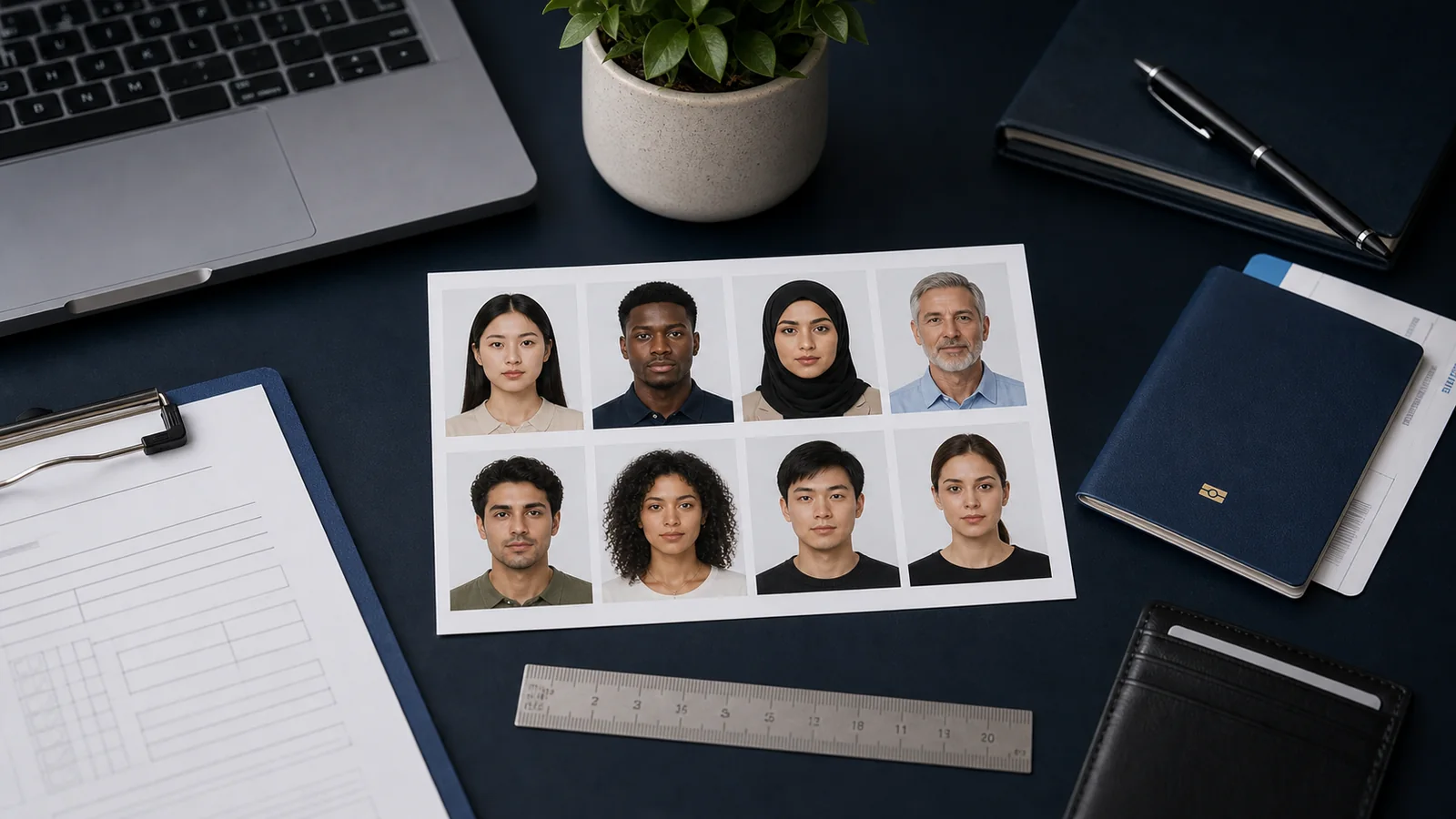
Visa Photo Maker Online: 35x45, 2x2, and Digital Upload Workflows (2026)
Use a visa photo maker online for 35x45, 2x2, and upload-first visa workflows. Learn what a visa photo tool should handle, where generic editors fail, and how to move from source photo to final file without guessing.

What people are really looking for when they search for a visa photo maker
A search like visa photo maker online usually means the user is already close to action. They have an application in mind, a source portrait on hand, and a growing suspicion that a generic crop tool will make them do too much manual checking. What they really want is a tool that narrows the problem down: choose the right visa workflow, fit the photo properly, clean the background, and export something that still makes sense at the point of upload or print.
This is why visa-photo intent is so useful for Passlens. It sits close to the product boundary. The user is not looking for sightseeing advice or immigration strategy. They are trying to finish a document-photo task without wandering through three different tools and hoping the result is fine.
The same demand also appears in shorter phrases like travel visa photo, visa picture size, or foto para visa. Those queries still point to the same product problem: pick the right visa workflow, get the crop and background right, and export the final file without guessing.
If your real route is a U.S. visa or passport-style upload, start with the US passport photo maker. If the blocker is the square digital target itself, use the 600x600 passport photo maker. If you only need a final review before you submit, use the passport photo checker.
Why visa photo workflows split into 35x45, 2x2, and upload-specific lanes
The phrase “visa photo” sounds generic, but the practical workflows are not. Many European and Schengen-style applications cluster around 35x45 mm. U.S.-style visa workflows often land in the 2x2 inch lane. Other authorities care less about the physical print standard and more about a digital upload file with its own dimensions or portal rules. That means the real job of a visa photo maker is not to offer a single visual template. It is to route the user into the right lane quickly.
| Visa workflow type | What the tool should make clear | Best related guide |
|---|---|---|
| Size-chart workflow | Which country or portal lane the user needs before choosing a crop | Visa photo size by country guide |
| 35x45 visa workflow | Whether the application uses the common biometric 35x45 format and what background rule applies | Schengen visa photo guide |
| 2x2 visa workflow | Whether the target is a U.S.-style square output and whether the submission is digital, print, or both | U.S. visa photo guide |
| 33x48 visa workflow | Whether the destination is a China visa route with portrait upload or print handling | China visa photo guide |
| Portal-upload workflow | What file dimensions, compression, and digital checks matter after the crop is finished | Digital upload guide |
What to compare in a visa photo maker online
- Preset coverage: the tool should start with the actual visa workflow instead of a generic “passport” crop.
- Background cleanup: the edge quality around hair and shoulders still matters a lot in visa photos.
- Head-size review: visa photos fail for framing problems more often than many users expect.
- Digital export clarity: if the visa is upload-first, the final file needs to be predictable.
- Print handoff: if the application still expects prints, the sheet layout cannot be an afterthought.
That is the difference between a visa photo maker and a generic image editor. The useful tool is not the one with the most knobs. It is the one that keeps the workflow tied to the document the user is actually trying to submit.
Where visa photo makers still fail in real use
The weak ones fail in predictable ways. They either flatten every visa into one crop shape, or they clean the background aggressively and leave the user to discover the edge problems later. Some look polished at the first step and then become vague at the export step, which is usually where the real trouble starts. That is exactly why the supporting content cluster matters. A visa photo maker page should lead naturally into the size guide, the upload guide, and the country-specific pages instead of acting like one page can answer every submission question.
The most useful next pages after a visa photo maker search
- Visa photo size by country guide
- Schengen visa photo guide
- Italy visa photo requirements
- Spain visa photo requirements
- Netherlands visa photo requirements
- U.S. visa photo guide
- China visa photo guide
- Australia visa photo guide
- New Zealand visa photo guide
- Vietnam eVisa photo guide
- 35x45 photo size guide
- Digital passport and visa upload guide
Those pages matter because a visa-photo search often ends in one of two ways: either the user needs exact country guidance, or they need reassurance that the file they are about to upload is shaped correctly. Good internal linking should follow that decision tree.