China Visa Photo Requirements (2026): 33x48 mm Prints, Digital Uploads, and COVA Photo Checks
Prepare a China visa photo for printed and online application routes. Covers the 33x48 mm photo pattern, digital upload sizing, background, face crop, and common China visa photo mistakes.
Quick answer for China visa photos
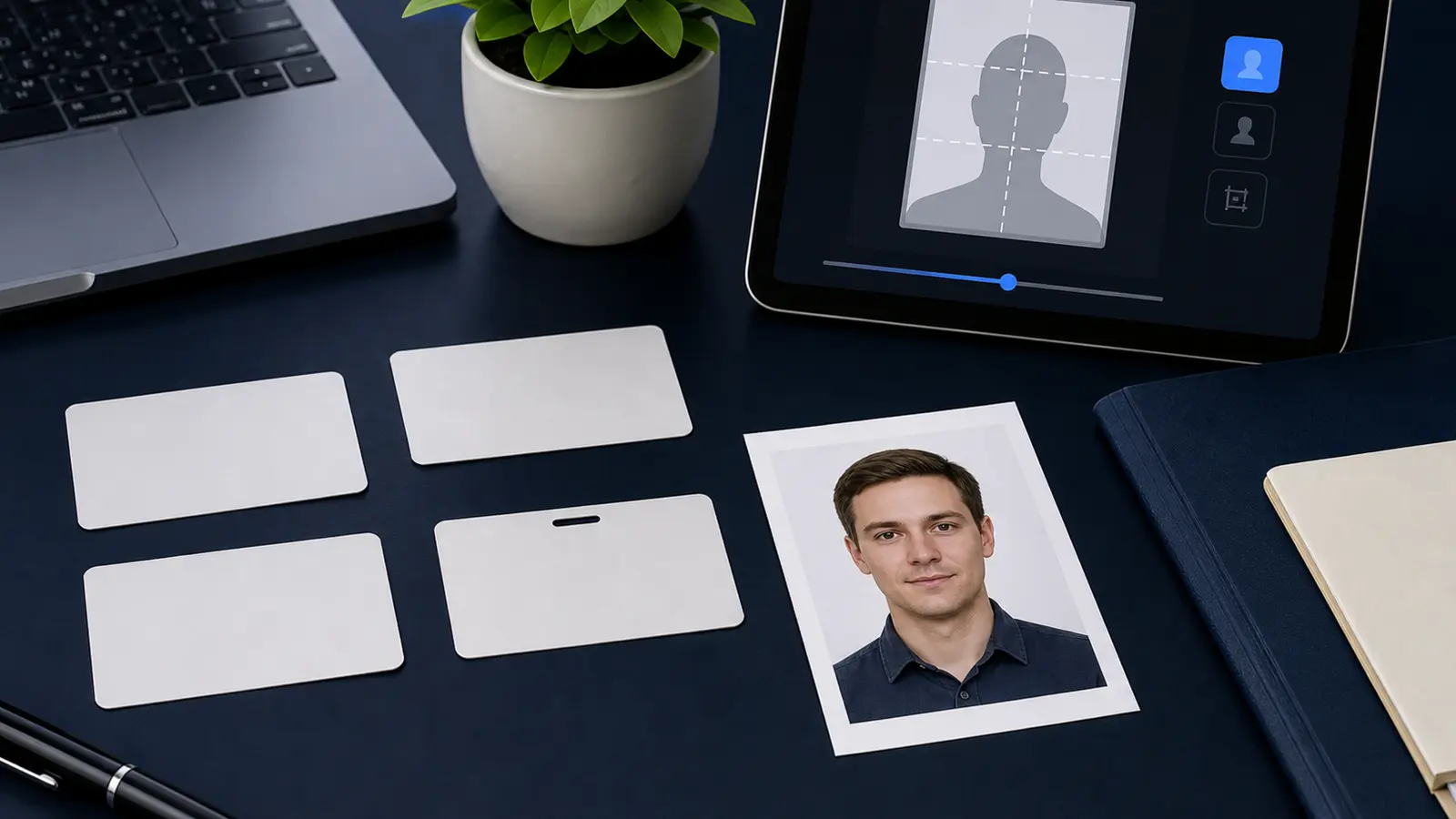
China visa photo instructions commonly use a 33x48 mm printed photograph and a matching digital-photo route for online application systems such as COVA. The digital image must still look like a formal visa photo: front-facing, plain light background, natural expression, clear eyes, no heavy shadow, and no fashion-style retouching.
| Requirement area | China visa photo pattern |
|---|---|
| Printed size | 33x48 mm |
| Digital shape | Portrait format that matches the 33x48 mm frame |
| Common digital pixel range | 354-420 px wide and 472-560 px high where the official photo specification uses that range |
| Background | White or near-white plain background |
| Pose | Full face, looking straight at the camera |
| Practical rule | Follow the embassy, consulate, or visa-centre page tied to your application country |
Printed China visa photo versus online upload
Many China visa applicants meet two photo steps: an online image during the application form and a printed photo for the appointment or application pack. Do not assume one automatically replaces the other. The online photo has pixel and file checks. The printed copy has physical size, paper, and attachment rules.
This is where a lot of failed submissions start. Someone prepares a good-looking 35x45 mm biometric photo because it worked for another visa, then discovers the China route expects a narrower 33x48 mm frame. The difference is small on screen and obvious on paper.
China visa photo mistakes to avoid
- Using a 35x45 mm Schengen-style crop instead of the China 33x48 mm pattern.
- Uploading a square U.S.-visa file to a portrait China visa photo slot.
- Cropping the shoulders out so tightly that the image no longer matches the official sample.
- Using a blue, grey, or busy background when the route expects white or near-white.
- Saving a small social-media copy instead of exporting from the original portrait.
How to prepare a China visa photo in Passlens
- Start from a recent, front-facing portrait with enough room above the head and around the shoulders.
- Use a China visa or custom 33x48 mm crop if your exact application route asks for that format.
- Export a digital file for the online application and a separate print-ready file if your appointment route asks for a physical photo.
- Check the final file against the exact embassy, consulate, or visa-centre page before submission.
For broader visa-upload checks, pair this page with the visa photo size by country guide, the visa photo upload failure guide, and the passport photo pixels guide.
Frequently asked questions
Is a China visa photo 33x48 mm or 35x45 mm?
Use the China-specific instruction for your application route. Official China visa photo specifications commonly use 33x48 mm, not the 35x45 mm format used by many European biometric-photo routes.
Can I reuse a U.S. visa photo for a China visa?
Usually no. A U.S. visa upload is square. China visa instructions commonly use a portrait frame, so you should export a separate file from the original portrait.