Australia Visa Photo Requirements 2026: Digital App Capture, Paper Photo Routes, and 35×45 mm Cases
Australia visa photo requirements vary by route. Learn when Home Affairs uses live app capture, when paper forms still ask for passport-size photos, and how to prepare a safer 35×45 mm visa photo workflow.
Overview
Australia visa photo requirements are easy to oversimplify. Some visa workflows still ask for a passport-style printed photograph. Some digital identity checks now use the Australian Immi App, where the applicant takes a live facial image inside the official app instead of uploading a normal passport photo file. That means the right starting question is not just “what size is the photo?” but “which submission path is my visa actually using?”
That distinction matters because a 35×45 mm print workflow and an app-based facial-image workflow solve different problems. If your route uses the official app, you need a clean live capture that fits the on-screen oval and background rules. If your route still uses a paper application or a visa form that asks for passport-sized photographs, then physical dimensions and print handling matter again.
Why there is no single Australia visa photo rule
The Department of Home Affairs uses different identity and photograph collection paths across visa and migration workflows. The Australian Immi App is available for eligible visa applicants who receive a biometrics letter with a Visa Lodgement Number starting with AUI. In that route, the applicant provides passport details and then takes a live photo inside the official app.
Other visa and migration forms still ask for recent passport-sized photographs. One example is form 47BT, which specifies 4 recent passport sized photographs (45 mm × 35 mm) against a plain background. That does not mean every Australian visa route uses paper photos today, but it does confirm that passport-style printed photos still exist in some Home Affairs workflows.
If your visa route uses the Australian Immi App
For eligible applicants, the app route is not a normal “upload any passport photo” flow. Home Affairs says the app asks you to take a photo of yourself during the identity check. The instructions say to stand in front of a light-coloured wall, keep the background clear, face forward, look directly at the camera, remove glasses if practical, avoid shadows, and keep the face unobstructed.
- Stand in front of a light-coloured wall.
- Keep objects and other people out of the background.
- Face forward and look directly at the camera.
- Keep your eyes open and visible.
- Remove glasses if practical.
- Avoid shadows on the face.
If your biometrics letter points you to the Australian Immi App, use that route first. A normal exported passport photo can still help you practice lighting and head position, but the final accepted image may need to be captured inside the official workflow rather than uploaded from a browser tool.
If your route still asks for a passport-style photo
Where a paper or form-based route still asks for passport-sized photographs, the safest working assumption is the standard Australian passport-style frame: 35 mm wide × 45 mm high, with a plain light background and a measured head height in the usual Australian range. That is consistent with Home Affairs and related Australian government photo guidance for identity-style applications.
For print preparation, use the same caution you would use for an Australian passport photo: keep the head within the official range, avoid digital beautification, and print at actual size. If the form or checklist names a different size, follow that exact authority instruction instead of relying on a generic passport assumption.
| Visa photo route | What to prepare | What to verify before submission |
|---|---|---|
| Australian Immi App / live identity check | Good lighting, clean background, no shadows, direct face capture | Whether your biometrics letter requires app capture or an ABCC appointment |
| Paper or form route asking for passport-size photos | 35×45 mm-style print with clean background and correct head size | Exact form wording, number of photos, print recency, and whether the route still accepts user-supplied paper photos |
How to use Passlens without over-claiming support
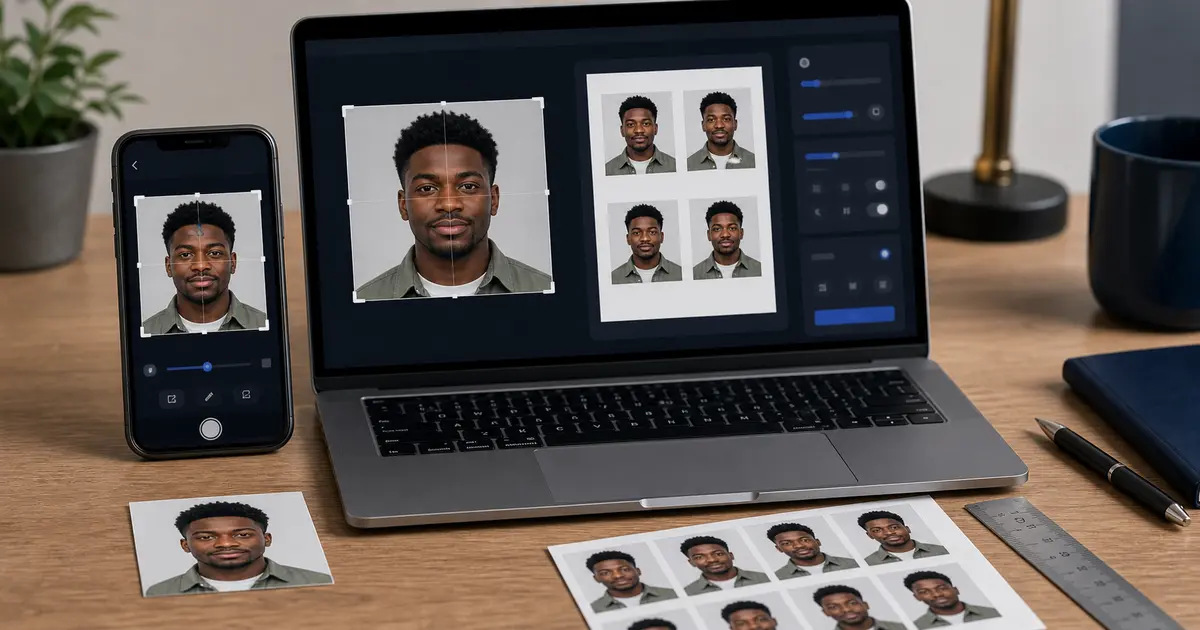
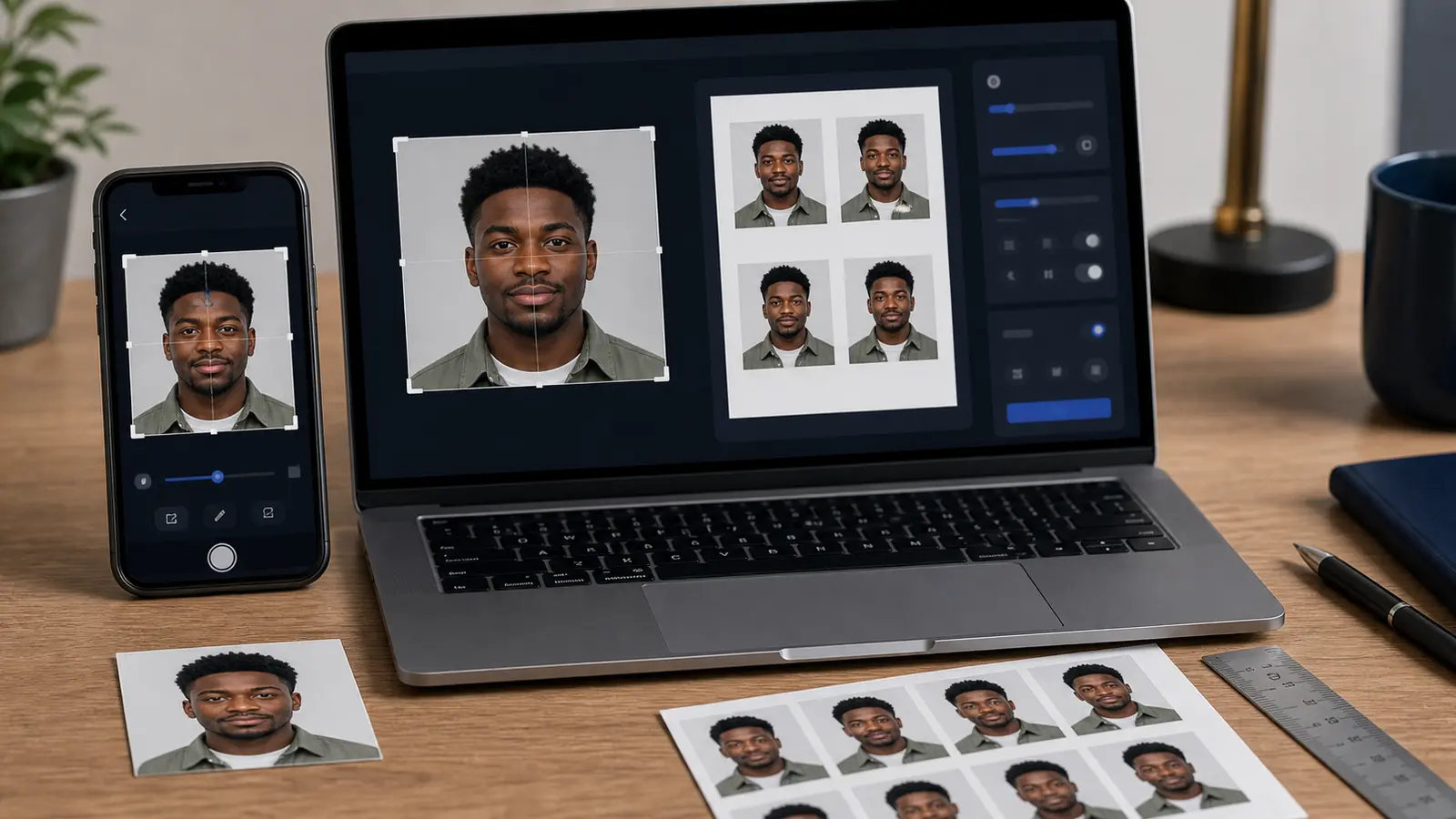
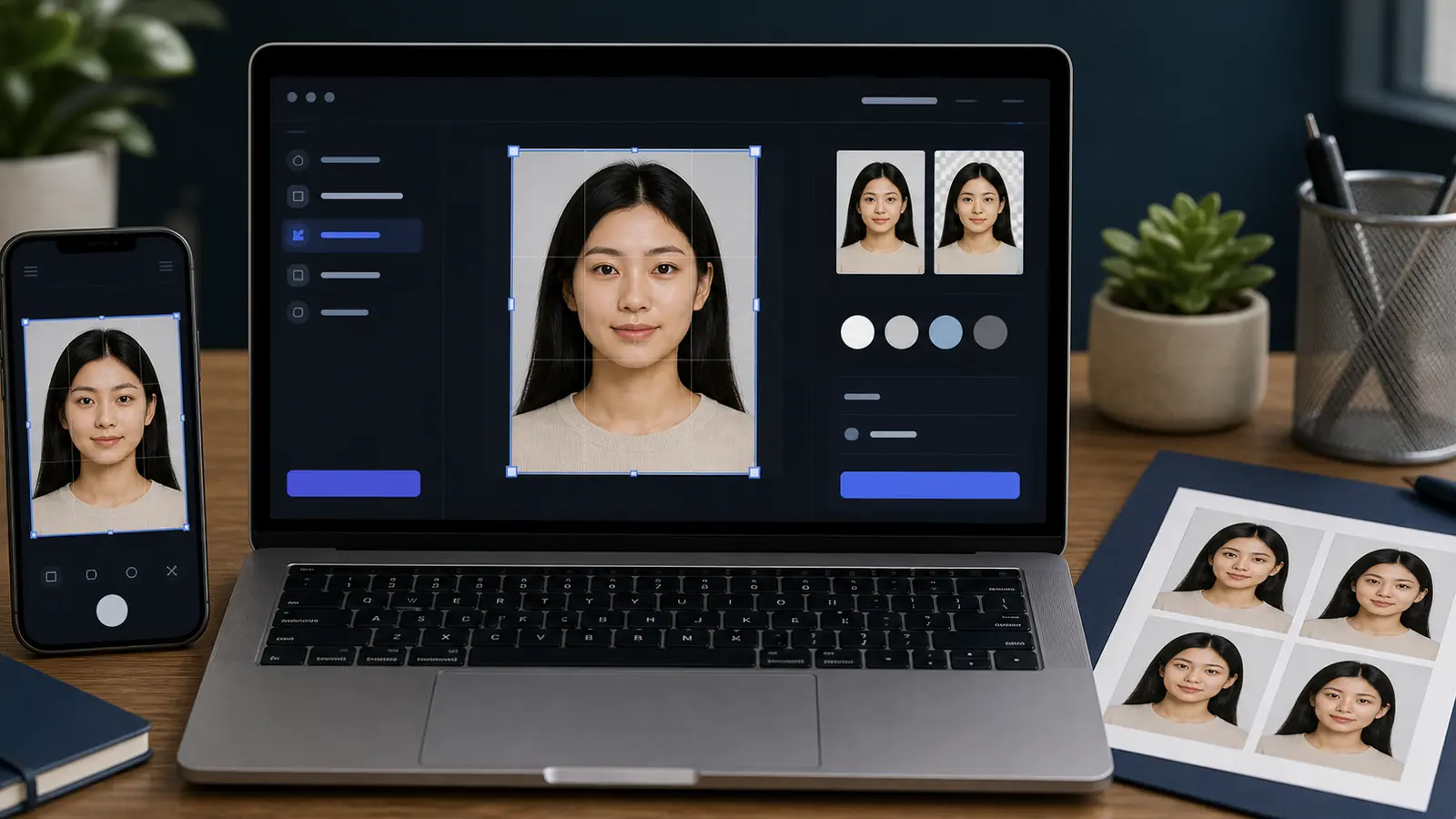
Passlens is most useful here as a preparation tool. If your route still needs a passport-style photograph, you can use a 35×45 mm preset, align the face, set a compliant light background, and export a print-ready file. If your route is app-capture only, Passlens can still help you rehearse framing and background discipline before you take the official in-app photo.
- Confirm whether your visa route uses a paper photo, a digital upload, or the Australian Immi App.
- If it still needs a printed passport-style photo, use a 35×45 mm workflow and verify the form-specific wording before printing.
- If it uses the Immi App, use Passlens only as a preparation step for lighting, pose, and background, then complete the final photo inside the official app.
- Check the digital-upload or form instructions one more time before submission, especially for file type, file size, and whether scans of printed photos are accepted.