U.S. Visa Photo Requirements 2026: DS-160 600x600 Uploads, 240 KB JPEGs, and 2x2 Prints
Source-backed U.S. visa photo requirements for DS-160 and other U.S. visa workflows: 2x2 prints, 600-1200 px square uploads, 240 KB JPEG limits, compression rules, and the mistakes that break uploads.
Quick answer for DS-160 and U.S. visa photos
For most U.S. visa work, start from the Department of State rules. A printed visa photo uses the same 2x2 inch (51x51 mm) frame as a U.S. passport photo. A digital upload should be a square JPEG, normally between 600x600 and 1200x1200 pixels, and no larger than 240 KB.
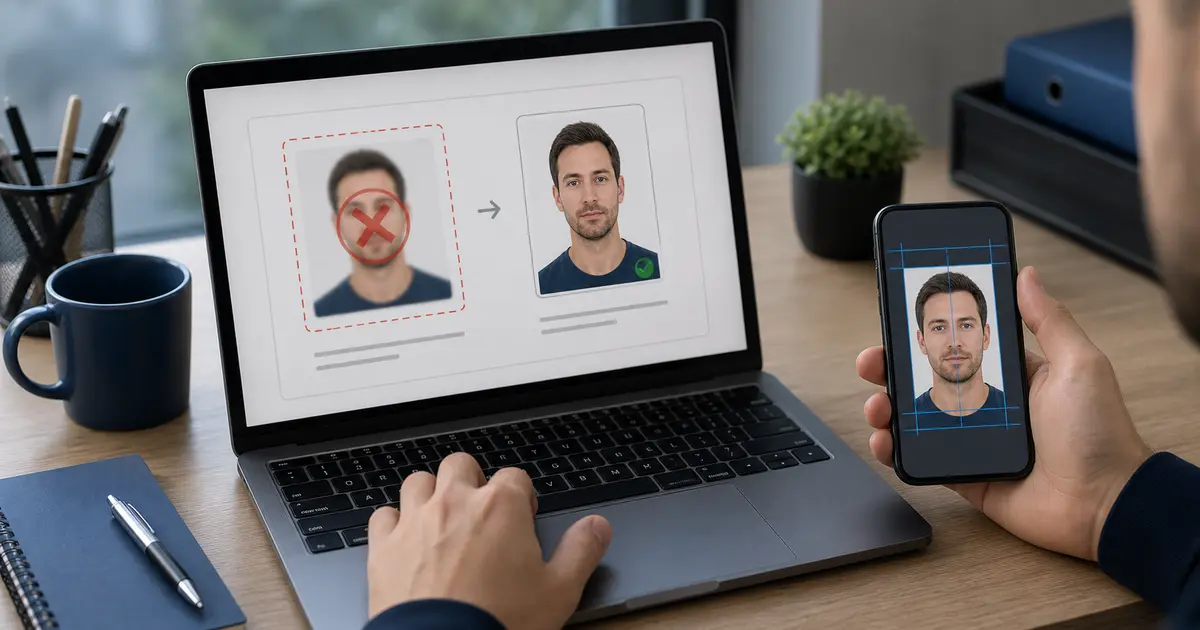
If you typed check photo U.S. visa, use this page as a pre-upload checklist: confirm the square JPEG limits first, then check the face crop, background, compression, and export from the same original file.
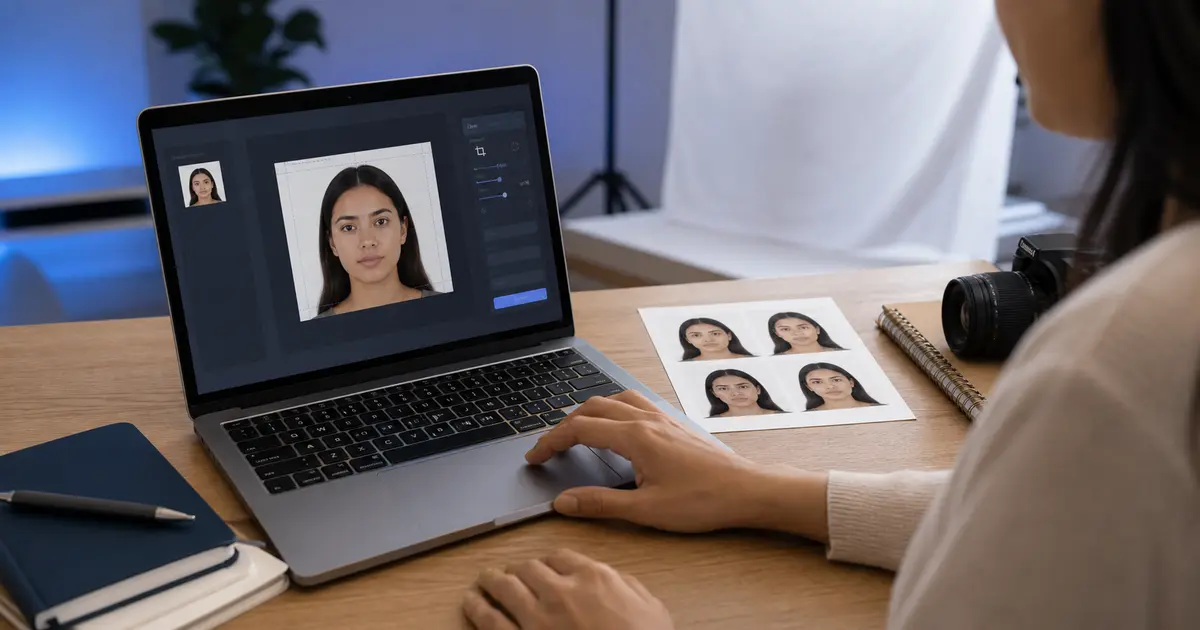
If you are ready to prepare the file, use the US visa photo maker. It starts from the DS-160 square-photo workflow and keeps the 600x600 to 1200x1200 pixel range, 240 KB cap, JPEG output, and printed 2x2 route in the same lane.
| Requirement | U.S. visa photo rule to check |
|---|---|
| Printed photo | 2x2 in, or 51x51 mm |
| Digital dimensions | Square image, 600x600 px minimum and 1200x1200 px maximum |
| Digital format | JPEG / .jpg |
| Digital file size | 240 KB or less |
| Compression | 20:1 or less |
| Background | Plain white or off-white |
| Photo age | Taken within the last 6 months |
The part people miss
A file can be 600x600 and still fail if it is too large, too compressed, shadowed, scanned poorly, or cropped with the head outside the allowed range.
DS-160 digital upload rules
The DS-160 path is usually an upload problem before it is a print problem. The Department of State digital image page gives the technical lane: square image, JPEG format, 240 KB maximum, sRGB color, and a square pixel range from 600x600 up to 1200x1200. If you scan a physical photo, the scan still has to become a square digital file that matches the same image-quality rules.
- Do not upload a phone screenshot. It often has the wrong pixels, extra bars, or platform compression.
- Do not crush the file just to hit 240 KB. Heavy JPEG artifacts can make a technically small file look rejected or unusable.
- Do not crop from a social profile photo. The head position and background are usually wrong.
- Do not assume the online photo tool is a guarantee. It can check some image properties, but the submitted photo still has to satisfy the official rules.
When you need a 2x2 printed U.S. visa photo
Some U.S. visa workflows, consular instructions, or appointment routes still ask for a printed photo. In that case, prepare a true 2x2 inch photo and print it at actual size. The digital canvas size does not replace the physical measurement. A 600x600 JPEG printed with fit-to-page enabled can easily come out at the wrong size.
- Export or print at 300 DPI or higher from a correct 2x2 preset.
- Use photo-quality paper if a printed copy is required.
- Disable fit-to-page, scale-to-fit, borderless auto enlargement, and any print-driver resizing.
- Measure the final print with a ruler before the appointment.
Composition, background, and appearance checks
The official photo page is strict about the basics: front-facing portrait, neutral expression, both eyes open, plain white or off-white background, no shadows, and no eyeglasses. Head coverings are only allowed for religious purposes, and they cannot hide the face. Uniforms are generally not acceptable unless they are daily religious clothing.
If you are replacing a poor background, keep the edit honest. Crop, exposure correction, and background cleanup should produce a plain document-photo result. Retouching that changes the face, skin texture, jawline, hairline, or expression creates risk even when the file size looks right.
How to make a U.S. visa photo in Passlens
- Open Passlens and choose the U.S. Visa preset.
- Start with a recent front-facing portrait, preferably taken against a plain light wall.
- Use Auto fit to center the face and keep the head in the U.S. visa composition range.
- Set a plain white or off-white background only where the source photo needs cleanup.
- Export a square JPEG for upload, or export a print sheet if your route asks for physical copies.
- If the DS-160 portal complains, check dimensions, file size, compression quality, orientation, and background before changing the crop blindly.
Why U.S. visa photo uploads fail
| Symptom | Likely cause | What to do |
|---|---|---|
| The portal rejects the file immediately | Wrong format, too many KB, or non-square dimensions | Re-export as JPEG, square, 600-1200 px, 240 KB or less |
| The photo looks blocky after compression | JPEG quality was lowered too far | Re-export from the original crop instead of recompressing a small file again |
| The photo passes size checks but looks wrong | Head crop or background is not compliant | Return to the crop/background step, not just the file-size step |
| A phone photo appears rotated | EXIF orientation was not flattened correctly | Open and export through a tool that writes the final orientation into the image |
For upload-specific troubleshooting, keep this guide connected with the visa photo upload failure guide, the visa photo compression guide, and the HEIC to JPEG guide for iPhone photos.
Frequently asked questions
Is a U.S. visa photo the same as a U.S. passport photo?
The printed frame is the same 2x2 inch format, and the composition rules are closely aligned. The digital visa upload adds portal-specific file checks, especially square pixels, JPEG format, and the 240 KB cap.
Can I use a 600x600 file for DS-160?
Yes, 600x600 is the lower end of the official digital image range. The file still needs to be a JPEG, 240 KB or less, and visually compliant.
What does 20:1 compression mean?
It means the image should not be compressed so heavily that quality collapses. In practice, export a clean JPEG from the original crop and reduce quality only enough to meet the KB limit.