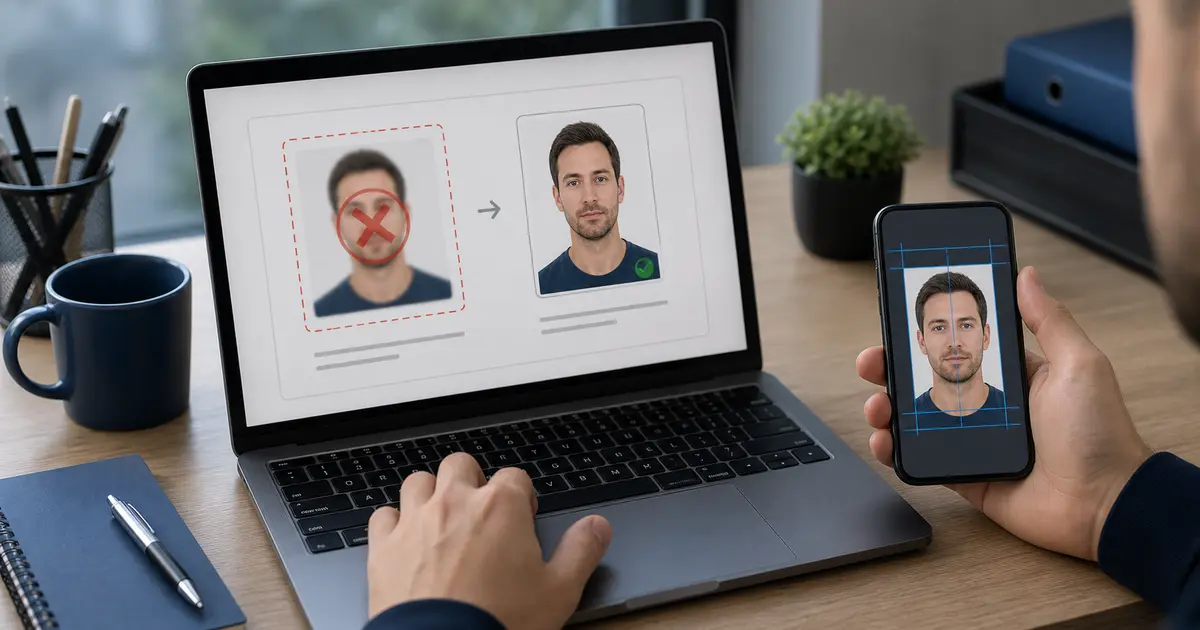
India eVisa Photo Requirements 2026: Square JPEG Upload, 10 KB-1 MB File Size, and Background Rules
India eVisa photo requirements explained from the official Indian Visa Online instructions: square JPEG photo, 10 KB-1 MB file size, front-facing crop, light background, and common upload mistakes.
Quick answer for India eVisa photo uploads
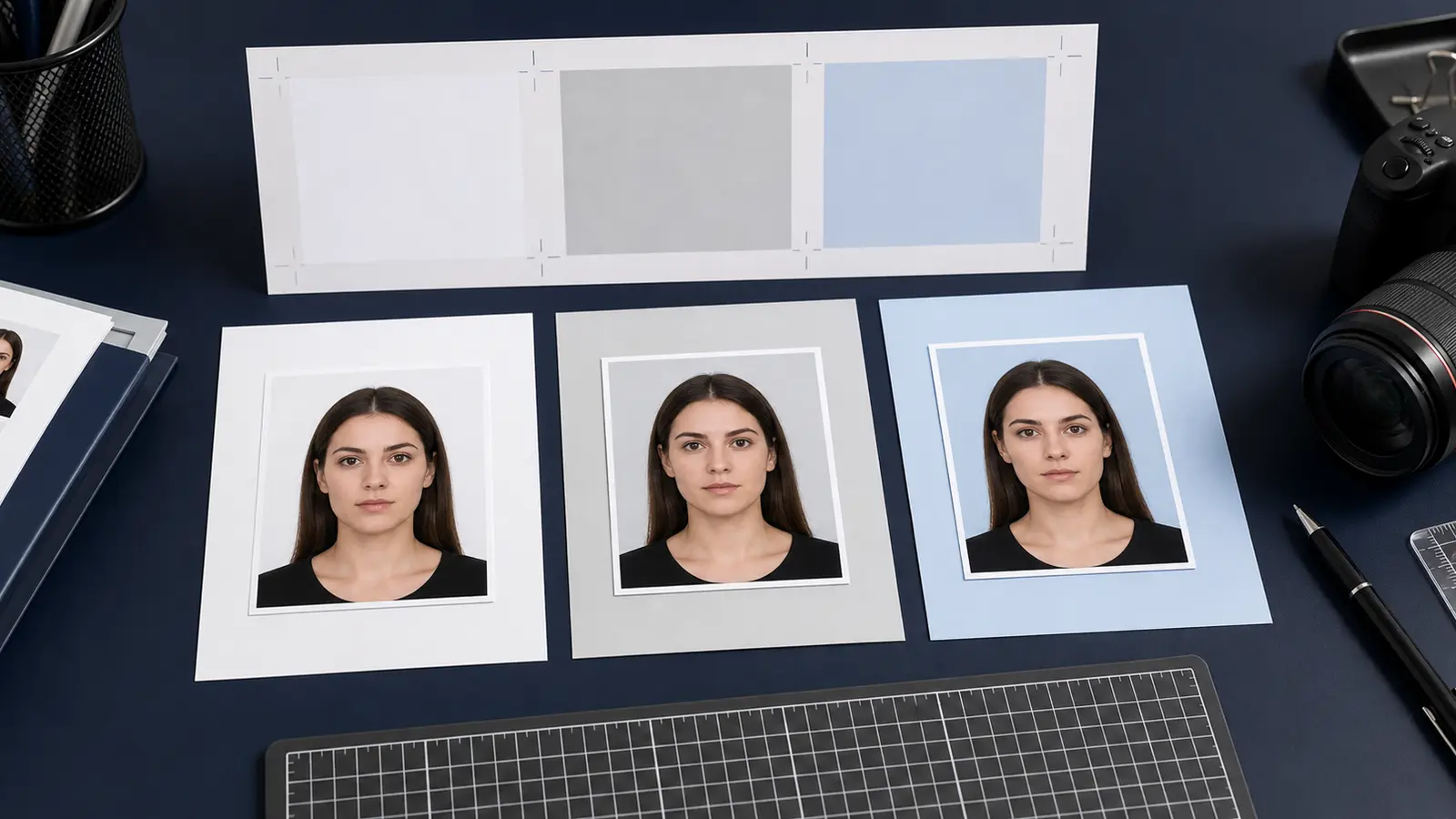
The Indian Visa Online eVisa instructions ask for a recent front-facing applicant photograph in JPEG format. The file should have equal height and width, with a file size between 10 KB and 1 MB. The face needs to be clear, centered, and shown against a plain light or white background.
| Requirement | India eVisa photo direction |
|---|---|
| File format | JPEG |
| File size | Minimum 10 KB, maximum 1 MB |
| Shape | Height and width should be equal |
| Pose | Front view, full face, eyes open |
| Background | Plain light or white background |
| Accessories | No spectacles or distracting objects if they hide or distort the face |
This is not the same as printing an Indian passport photo
The India eVisa photo is a portal upload. Do not solve it like a print-shop passport photo unless your separate route asks for a print. The file shape, JPEG format, KB limit, and background are the main technical checks. A printed photo scanned badly can pass neither the digital quality check nor the face-crop expectation.
The official page also separates the applicant photograph from the passport bio-page upload. The passport page has its own file rules. Do not compress both files with the same settings without checking the exact portal field.
Why India eVisa photos fail upload
- The file is not JPEG, often because the phone saved HEIC or the editor exported PNG.
- The image is not square because it was cropped as a portrait instead of equal height and width.
- The file is over 1 MB because the source image was exported at full camera resolution.
- The file is under 10 KB or looks blocky because it was compressed too hard.
- The background has shadows, furniture, patterns, or a strong color cast.
- The face is too small because the upload file was made from a wide group or travel photo.
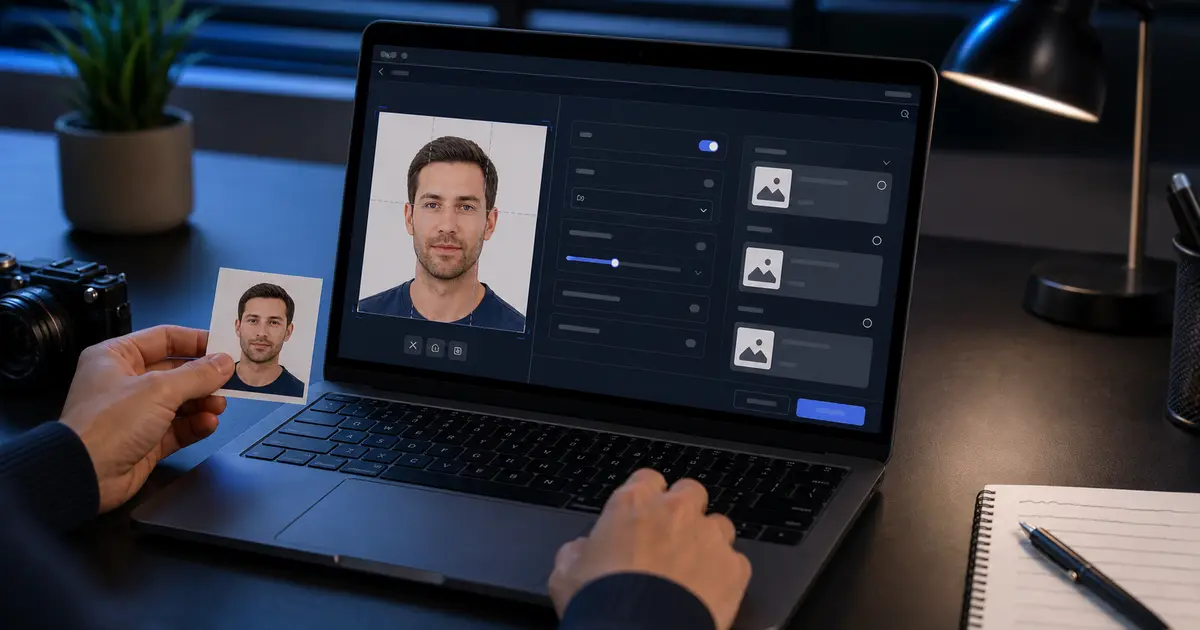
How to prepare an India eVisa photo in Passlens
- Choose an India eVisa or square digital visa workflow.
- Use a recent front-facing portrait, not an old passport scan.
- Crop to a true square with the face centered and clear.
- Clean the background to plain light or white only where needed.
- Export a JPEG and keep the final file between 10 KB and 1 MB.
- If the portal still rejects it, check file type, square dimensions, KB size, and whether the image was converted from HEIC correctly.
Frequently asked questions
Does the India eVisa photo need to be square?
Yes. The official eVisa instructions state that the height and width should be equal, so prepare a true square JPEG.
What is the India eVisa photo file-size limit?
The official eVisa instructions list a minimum of 10 KB and a maximum of 1 MB for the applicant photograph.