Free Passport Photo Validator Online: US Checker, AI Limits, Upload, and Print Review (2026)
Use a free passport photo validator online for US passport photo checker, AI checker limits, online renewal upload checks, crop, background, file size, and print scale.
Free passport photo validator online: what it should check
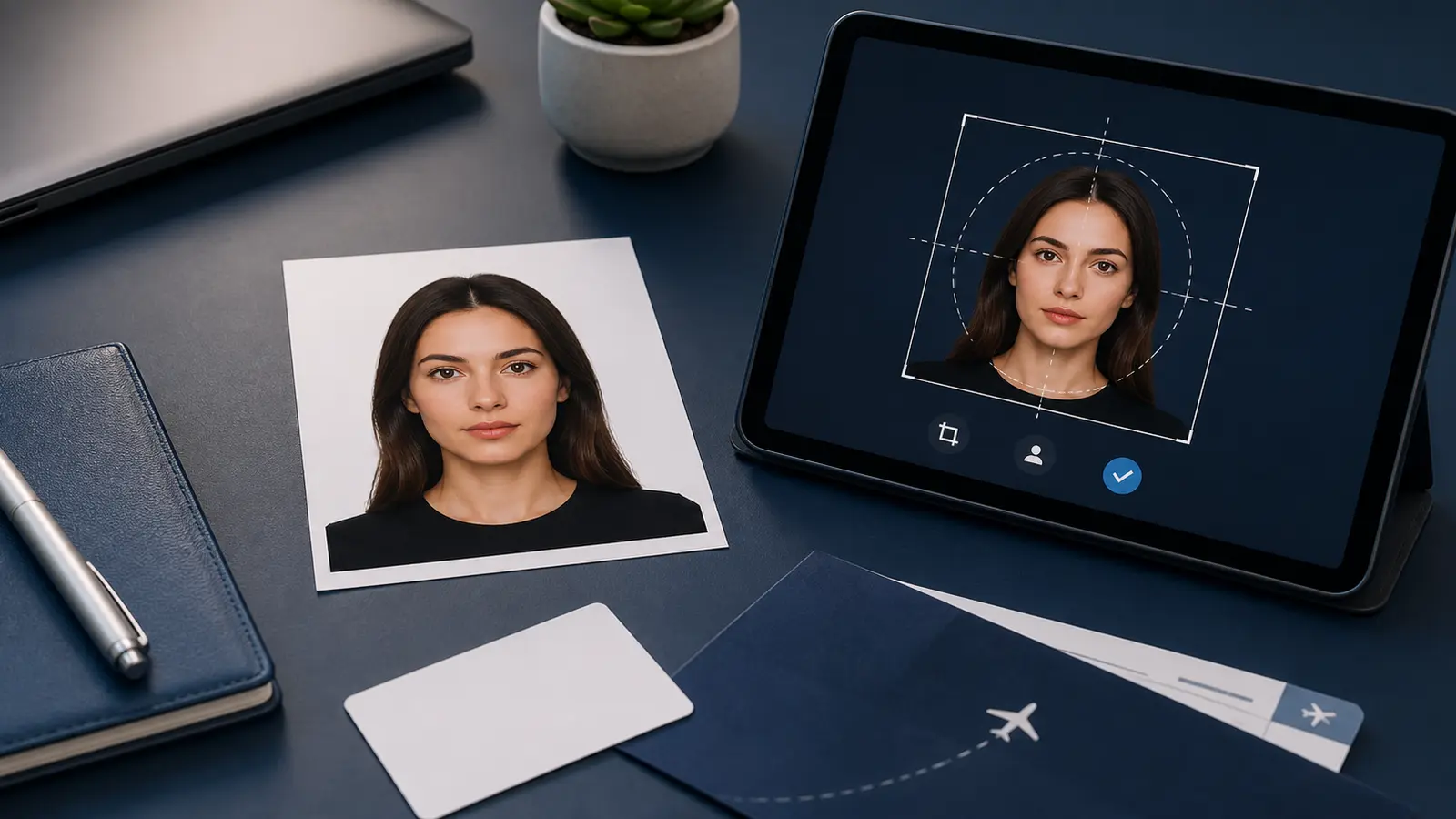
A free passport photo validator online should help you inspect a finished or nearly finished passport photo before you upload it, print it, or send it to someone else. The useful checks are concrete: head size, eye line, background, shadows, file size, and print scale. If a validator does not make those checks easy to understand, it is mostly a confidence badge.
People searching for passport photo checker online, passport photo checker online free, check passport photo online, or passport photo compliance check are usually late in the workflow. They already have a photo. They want to know whether it is worth using or whether they should fix it now. This page is built for that moment.
For U.S. users, the same intent often appears as US passport photo checker, 2x2 passport photo validator, passport photo verification online, or online renewal upload check. The wording changes, but the job is still practical: confirm the crop, background, file type, file size, and final export before the photo goes into an application or onto paper.
If you searched for passport photo checker online free and already have the file, go straight to the passport photo checker. Stay on this guide when you want to understand what a checker should inspect and what it cannot promise. If you still need to build the photo, use the passport photo maker first.
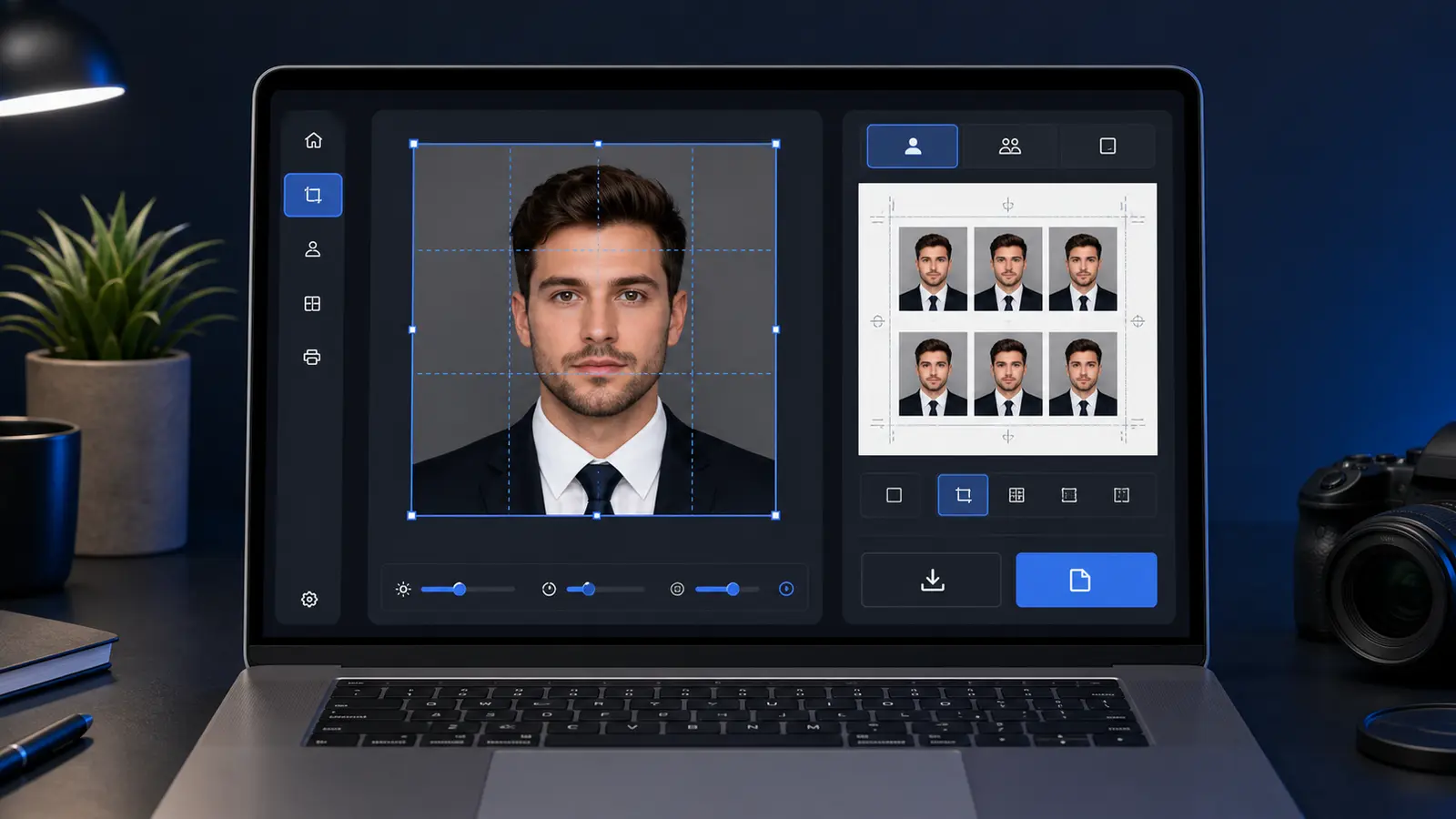
Passlens keeps the validator close to the editor: make or edit the photo, check the crop, inspect the background, then use the same browser flow to export a digital file or print sheet. If you want the default workflow to stay in the browser until you choose otherwise, use the passport photo maker without uploading by default. No signup, no watermark, and the core workflow is a privacy-first validator workflow because document-style portraits deserve clear processing boundaries. If you already know you need the U.S. route, open the US preset in the app.
A validator helps, but it does not guarantee acceptance
A passport photo validator can catch obvious problems. It can help you review size, head position, background, file format, and print layout. It still does not guarantee acceptance and does not replace a government review. The issuing authority, upload portal, clerk, or print route makes the final call.
That warning matters because many checker pages sound more certain than they should. The honest promise is narrower and more useful: catch avoidable issues before the next step. If the photo is blurry, heavily filtered, badly lit, or cut out too aggressively, a checker should tell you to fix the source, not flatter the result.
| Validator can help with | Validator cannot promise |
|---|---|
| Measured crop and frame review | That an authority will accept the final application. |
| Head position, eye line, and shoulder visibility | That every country or route interprets borderline cases the same way. |
| Background shadows, texture, and edge artifacts | That a weak source photo can always be repaired. |
| Pixels, file type, compression, and file-size checks | That a portal will never reject an upload for route-specific reasons. |
| Print layout and 100 percent scale reminders | That a printer, kiosk, or lab will handle the sheet correctly. |
US passport photo checker: what to verify before upload or print
A US passport photo checker has to separate paper-photo checks from online-renewal checks. A paper application still needs the 2 x 2 inch photo, the measured head range, a clear face, and a white or off-white background. An online renewal also has file rules, including accepted image types and a file-size window.
The State Department photo guidance says U.S. passport photos must not be changed with computer software, phone apps, filters, or artificial intelligence. For online renewal, the upload page also says the State Department photo tool checks the basic requirements first, then an employee reviews the photo after submission. That is the reason Passlens should talk about validator limits plainly instead of promising approval.
| US route | What to check first | Passlens page to use |
|---|---|---|
| Paper application | 2 x 2 inches, head size, white or off-white background, no glasses, no digital alteration. | U.S. passport photo requirements |
| Online renewal upload | JPG, PNG, HEIC, or HEIF, file-size range, recent color photo, shoulders and face framed correctly. | Online renewal photo upload guide |
| Digital dimensions | Whether the exported square file still matches the expected pixel target. | Passport photo size in pixels |
| 2x2 workflow | Crop, background, export, and print-sheet review for the U.S.-style square route. | 2x2 passport photo online free |
| Phone workflow | Whether an app-style flow gives enough review before export without forcing a subscription. | Passport photo app guide |
AI passport photo checker: useful, but not a guarantee
An AI passport photo checker can be useful when it points to visible issues: face too high, face too small, background shadow, uneven lighting, closed eyes, wrong file dimensions, or a print sheet that would scale badly. It is less useful when it hides those checks behind a single score.
For U.S. passport photos, be especially careful with any checker that says it can fix everything automatically. Cropping and resizing are different from changing the person or background. If the photo has a bad background, heavy shadow, glasses, expression problem, or obvious retouching, the safer answer is usually retake first, then validate the new file.
Use automated checks to catch measurable problems, then do a final review against the official route. The validator should help you decide what to do next, not turn uncertainty into a fake guarantee.
The checks that matter before upload or print
Good passport-photo validation is not a single yes/no label. It is a short inspection list. Each check answers a different failure mode, and each one has a different fix. A validator that puts everything under one score can hide the part you need to repair.
| Check | What to inspect | Likely fix |
|---|---|---|
| Document route | Passport, visa, ID, renewal, digital upload, or printed submission. | Choose the exact preset before judging the photo. |
| Outer size | 2 x 2 in, 35 x 45 mm, 50 x 70 mm, 600 x 600 px, or the route-specific target. | Use a measured crop instead of a generic square. |
| Head size | Face is not too small, too large, too high, or too low. | Recrop from the original or retake closer to the camera. |
| Eye line | Eyes are visible, level, and not pushed near the top or bottom of the frame. | Straighten slightly or retake if the head angle is wrong. |
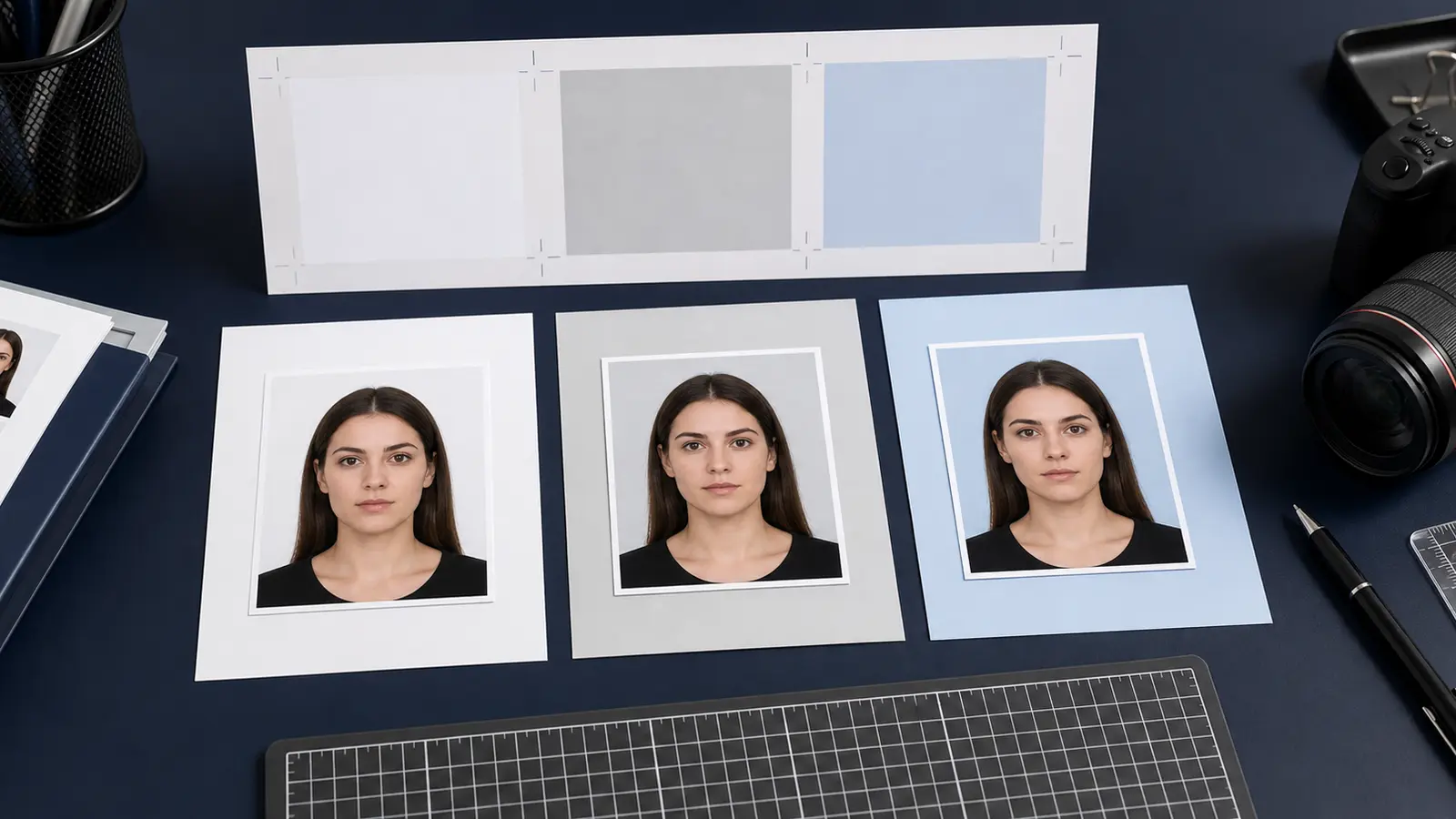
| Background | Plain color, no strong shadows, no wall seams, no objects, no obvious cutout halo. | Use a cleaner wall or careful background cleanup. |
| Expression and appearance | Neutral look, natural face, no beauty filters, no reshaping. | Retake if the photo has been edited like a portrait. |
| Digital export | Pixel size, file type, file size, and compression still match the upload route. | Export again with the right file target. |
| Print scale | A sheet such as 4x6, A4, or Letter will print at actual size. | Use a prepared print layout and avoid fit-to-page. |
The best checker is practical. It should point you to the next action: Retake, recrop, or export again. If it only says "pass" or "fail" without showing why, the user still has to guess.
Retake, recrop, or export again
When a validator finds a problem, the fix usually falls into one of three buckets. Retake when the source photo is bad. Recrop when the source is good but the frame is wrong. Export again when the crop looks right but the file or print layout is wrong.
- Retake if the face is blurry, the lighting is harsh, the head is turned, the eyes are hidden, the background is too busy, or the photo has a filter baked in.
- Recrop if the face is sharp and natural but sits too high, too low, too small, too large, or off-center in the frame.
- Export again if the visible photo is good but the file is the wrong type, too large, too small, over-compressed, or arranged on the wrong print sheet.
This is why Passlens links the validator to the crop tool, background removal, and print layouts. Validation should not be a dead end. It should route you to the part of the workflow that needs attention.
What official sources say to check
Official passport-photo pages do not describe the job as "make the photo look good." They talk about recent photos, plain backgrounds, face visibility, natural appearance, correct size, and upload or print constraints. Those rules are exactly why a validator has to stay boring and specific.
For U.S. passport photos, the Department of State gives size, background, pose, lighting, and appearance guidance. The online-renewal photo guidance warns against filters, retouching, and digitally altered appearance. GOV.UK gives similar practical checks for UK passport photos, including color, lighting, background, and no effects or filters.
A checker should help the user inspect those visible and export-related issues. It should not pretend to replace the official page. Use official sources for the rule, then use the validator to check whether the prepared file is worth taking to the next step.
Digital upload checks are different from print checks
A digital upload can fail even when the picture looks fine. Pixel dimensions, file format, file size, compression, and portal-specific constraints can matter. A printed photo can fail for a different reason: the sheet was scaled, the crop marks were wrong, the image was soft on paper, or the photo lab placed the picture inside an unexpected layout.
| Next step | Validator should check | Useful related page |
|---|---|---|
| Digital upload | Pixels, file type, file size, compression, and visible crop. | Passport photo upload checker |
| File-size rescue | Whether the file is too large, too small, or over-compressed after conversion. | Passport photo file-size checker |
| Home or retail print | Sheet size, number of copies, cut marks, and 100 percent scale. | Passport photo print layouts |
| Visual mistakes | Background, shadows, glasses, expression, head angle, and crop errors. | Common passport photo mistakes |
| Acceptance review | Whether the photo matches the practical checklist before submission. | Acceptable passport photos |
Do not validate only the preview. Validate the thing you intend to use. If you download a new file, check that file. If you build a print sheet, check that sheet. If you compress the file afterward, validate the compressed copy.
Common problems a passport photo checker should catch
Most rejected-looking photos are not dramatic. They are almost right. That is why a checker needs to call out small visible problems in plain language. A tiny background shadow, a slightly low face, or a soft export can be enough to make the user nervous, and nervous users go back to search.
- Head too low: there is too much empty space above the hair and the chin sits near the bottom edge.
- Head too high: hair or headwear gets close to the top edge, or the shoulders are barely visible.
- Background shadow: one side of the wall is darker, or there is a shadow behind the head or shoulders.
- Cutout halo: background cleanup left a bright or dark rim around hair, ears, collar, or shoulders.
- Wrong expression: the photo looks like a social portrait rather than a neutral document photo.
- Soft export: the downloaded file looks fuzzier than the preview because it was compressed too far.
- Print scaling: a 2 x 2 inch photo measures smaller after printing because the print dialog scaled the sheet.
A useful validator names these problems before download. That is the difference between a page that earns a click and a page that earns trust.
No signup, no watermark, and privacy matter for validator searches
Validator intent is sensitive. The user is uploading or checking a document-style portrait, not a random image. That makes the download terms and processing boundaries part of the product experience. If a tool asks for an account after the check or adds a watermark to the useful download, the user feels trapped at the last step.
Passlens should keep this promise simple: no signup for the core workflow, no watermark on the useful export, and clear choices when a feature needs upload-based processing. A validator earns trust by making the review understandable, not by hiding the final file behind a surprise.
That privacy-first approach is also useful for search. Many people now compare passport photo tools by whether they can finish in the browser, whether the result can be downloaded without an account, and whether the tool explains what happens to the image. Those are real buying criteria in this category.
How to use Passlens as a validator workflow
- Open the passport photo maker and choose the exact country or document preset.
- Use the editor to crop and straighten the photo before judging it.
- Open the validator-style review: check head size, eye line, background, shadows, and export target.
- If the photo fails visually, go back to the source image or retake it before trying file-size fixes.
- If the photo passes visually but fails the digital route, use the upload and file-size guides.
- If the photo is for paper, generate the print sheet and print it at actual size.
- Compare the final file or sheet against the official route before submitting.
Best habit
Validate after every meaningful change. A small crop adjustment, background cleanup, compression step, or print-layout switch can create a new issue.
Sources and related Passlens tools
- U.S. Department of State - Passport photos
- U.S. Department of State - Uploading a digital photo
- U.S. Department of State - Digital image requirements
- GOV.UK - Photos for passports
- Government of Canada - Passport photo requirements
- Passlens - Passport photo checker
- Passlens - Passport photo maker
- Passlens - Passport photo editor online guide
- Passlens - Passport photo checker guide
- Passlens - Passport photo upload checker guide
- Passlens - Passport photo file-size checker guide