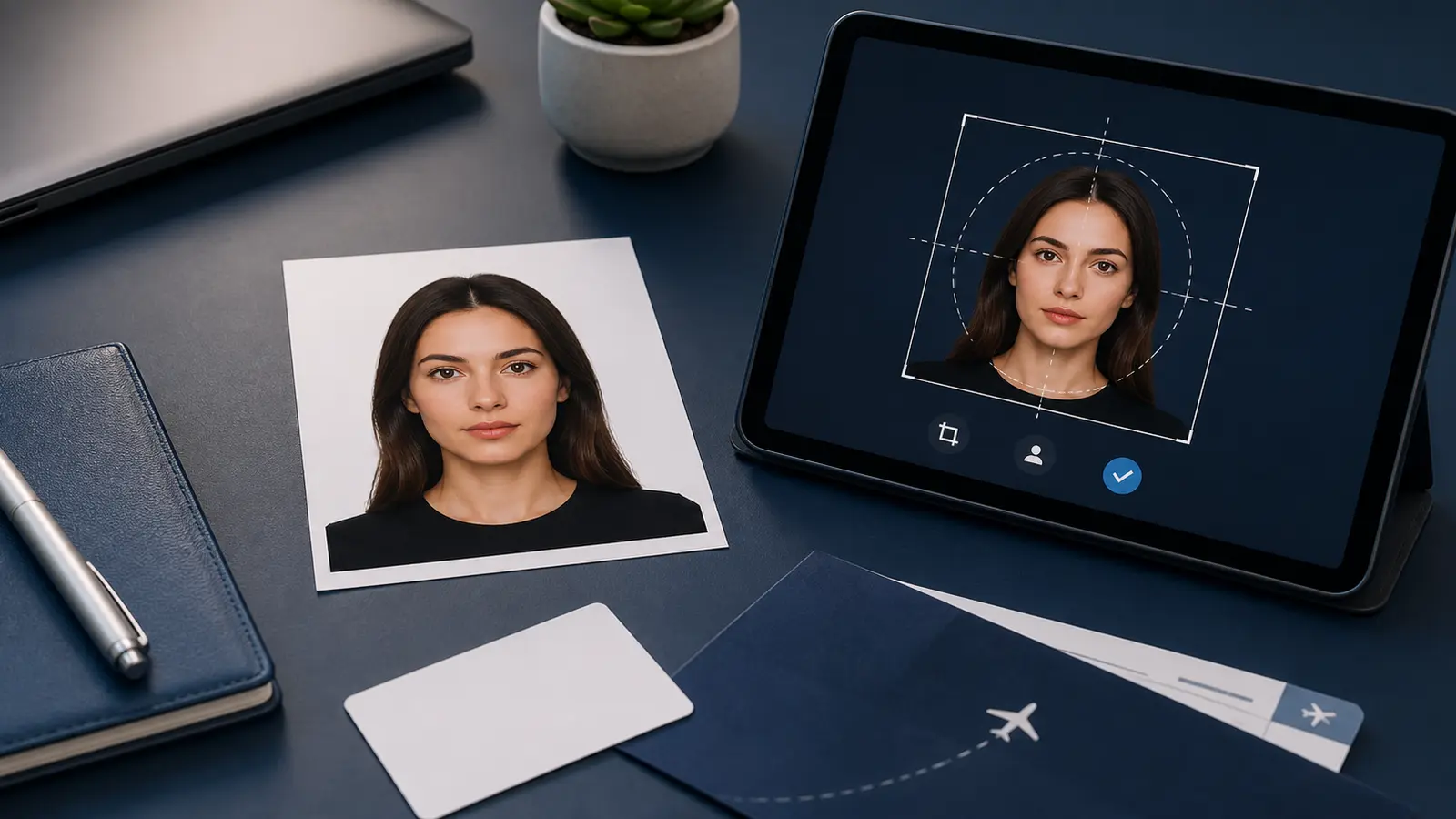
Acceptable Passport Photos: What Makes a Passport Photo Pass Before You Submit (2026)
Learn what makes a passport photo acceptable before you submit or print it. Covers the practical acceptance checklist for size, framing, background, and digital export quality, with direct paths into the validator and upload-check tools.
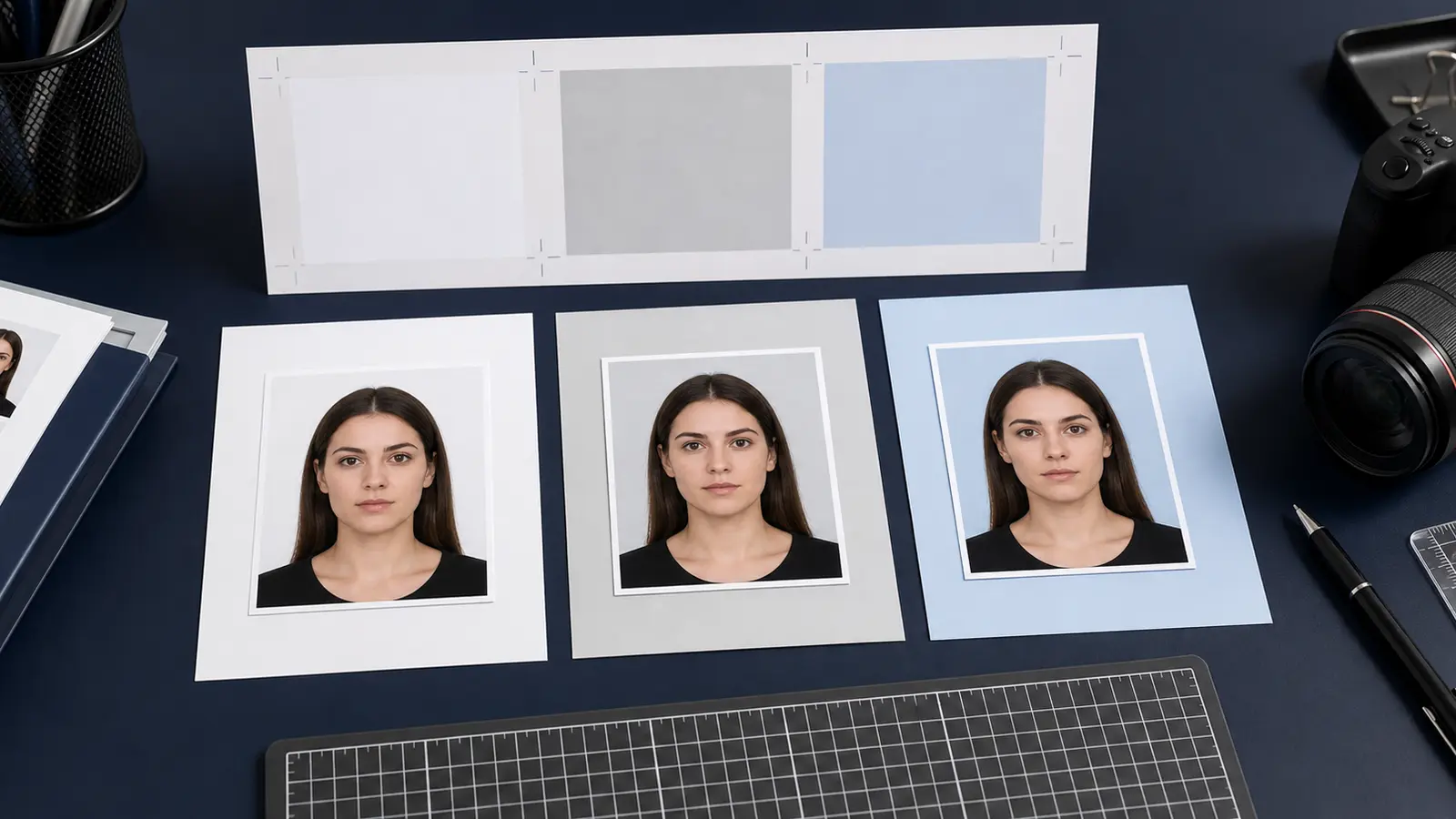
What “acceptable passport photo” usually means in real use
When people search for acceptable passport photos, they are usually not asking for a philosophical definition. They are asking a practical question: what does a photo need to look like so it stops getting second-guessed and starts feeling safe enough to submit? That is a useful intent. It means the user is already close to finishing the job and wants a cleaner last check.
That is also why acceptance language belongs next to validator and upload-check language. “Acceptable” is the user-facing version of “compliant enough to trust.” It is less technical, but it points to the same end of the workflow.
The same intent also appears as rejected passport photos. People use that phrase when they want to know which detail most likely caused the failure and how close the next attempt needs to be to pass cleanly.
If you are trying to recover a U.S. passport or square digital upload, start with the US passport photo maker or the 600x600 passport photo maker. If the image already exists and only needs a pass/fail review, use the passport photo checker. If you want to rebuild the file from the start, use the passport photo maker.
The practical acceptance checklist
| What to check | What a pass usually looks like |
|---|---|
| Correct document route | The crop and export were built from the actual passport, visa, or ID preset, not from a generic square or generic biometric template. |
| Framing and head size | The face does not feel too small, too large, too low, or too high in the frame. |
| Background | The background is even, clean, and appropriate for the route, without visible halos or rough cutout edges. |
| Digital export quality | The final file still looks sharp and believable after compression, resizing, and export. |
| Print or upload fit | The output matches the real next step instead of forcing the user to improvise after export. |
That checklist matters because most users do not fail on some mysterious hidden rule. They fail on one of these visible points. The problem is usually not the absence of information. It is that the information is scattered across different steps and the user only notices the weak point after the file is already moving toward submission.
The line between acceptable and rejected is usually small
This is where the frustration comes from. A photo can be almost right and still be rejected. The face might be slightly too low. The background might technically be the correct colour but still look uneven. The JPEG might fit the size limit but show enough artifacts to make the result feel risky. That is why a lot of people search for acceptance language after they have already been burned once.
The useful response is not to tell them to “try harder.” It is to give them a calm way to isolate the real problem. If the issue is the visual result, use the validator page. If the issue is the upload step, use the upload-checker page. If the issue is file size or compression, use the file-size page.
A simple rescue path when you are not sure the photo will pass
- Return to the exact passport or visa preset instead of reusing a generic crop.
- Check the framing and background before you change anything else.
- Choose the correct output mode: upload, print, or both.
- If the issue appears after export, run the upload-checker and file-size pages next.
- Do one last visual review before you submit.
Best question
Ask “what is most likely to fail next?” instead of “how do I fix everything at once?” That usually gets you to the right page faster.