Acceptable Passport Photo Examples (2026): What to Check Before You Submit
A practical examples-based checklist for acceptable passport photos, including face position, background, clothing, baby photos, digital changes, and export quality.

What examples actually help you see
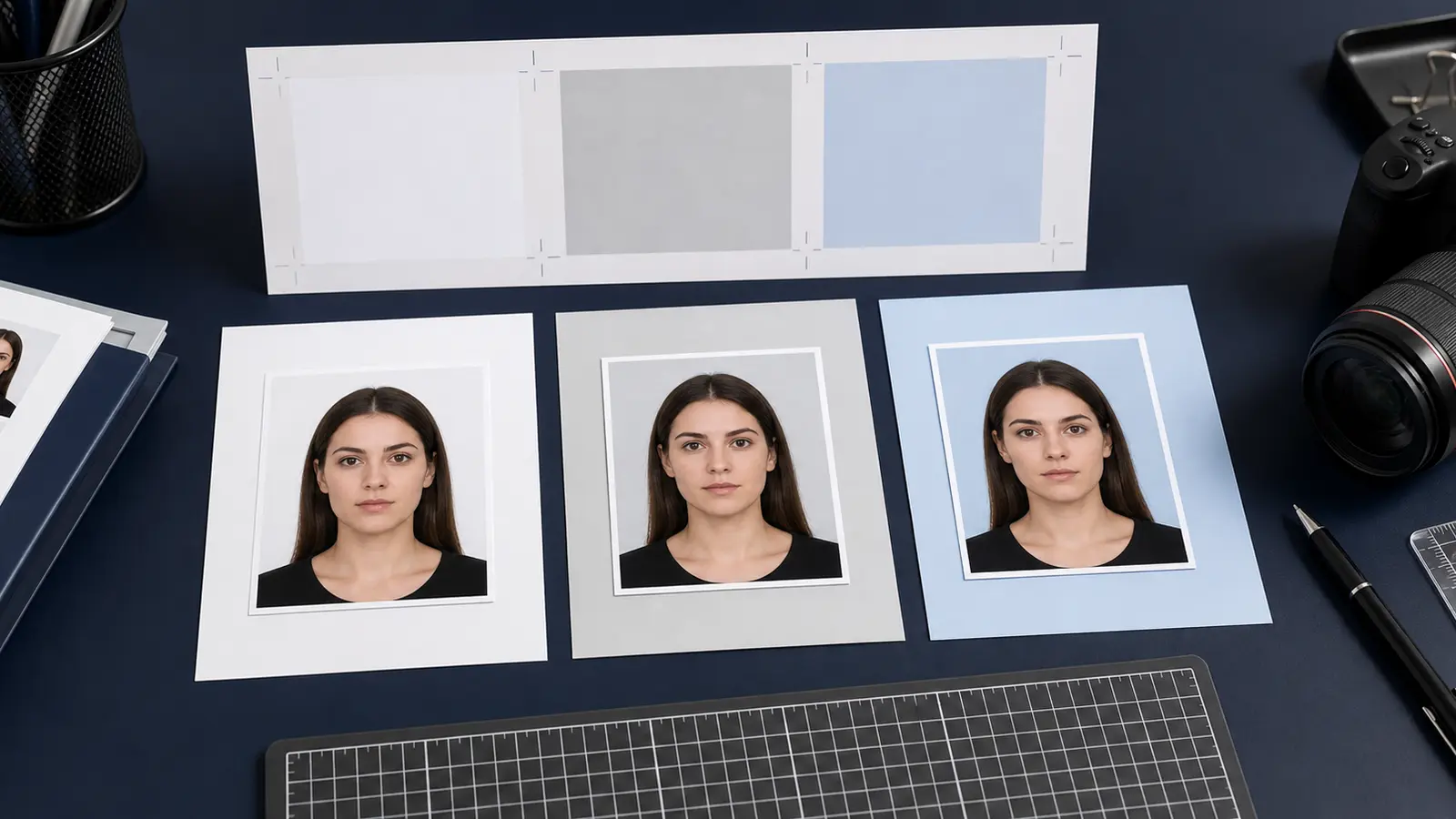
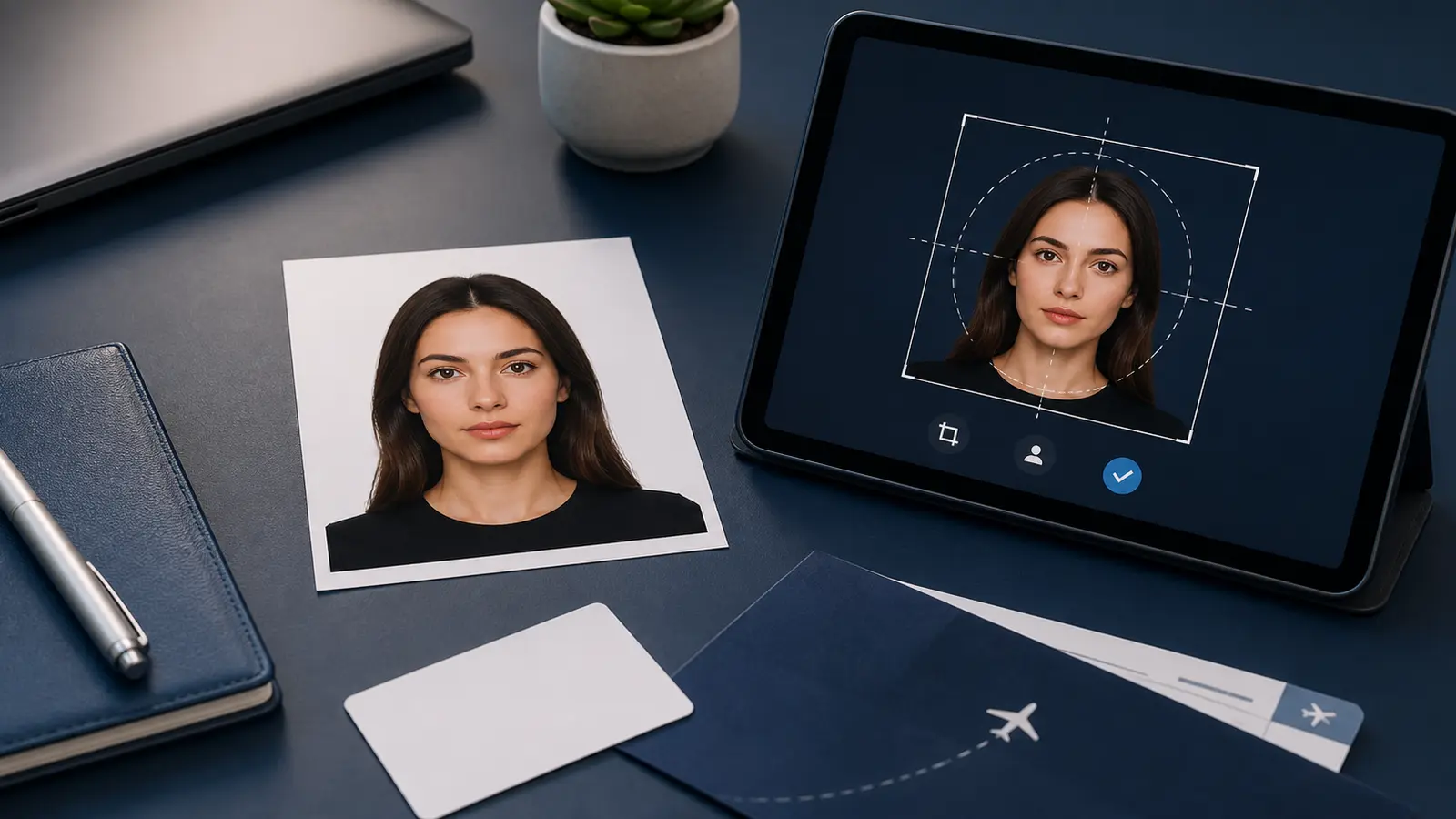
Examples are useful because passport photo failures are often visual. The size may be right, but the photo still looks wrong because the head is too low, the background is uneven, the face is turned, or the file has been edited too heavily.
A good examples checklist should make those visible problems easier to catch before the photo is uploaded, printed, or taken to an appointment.
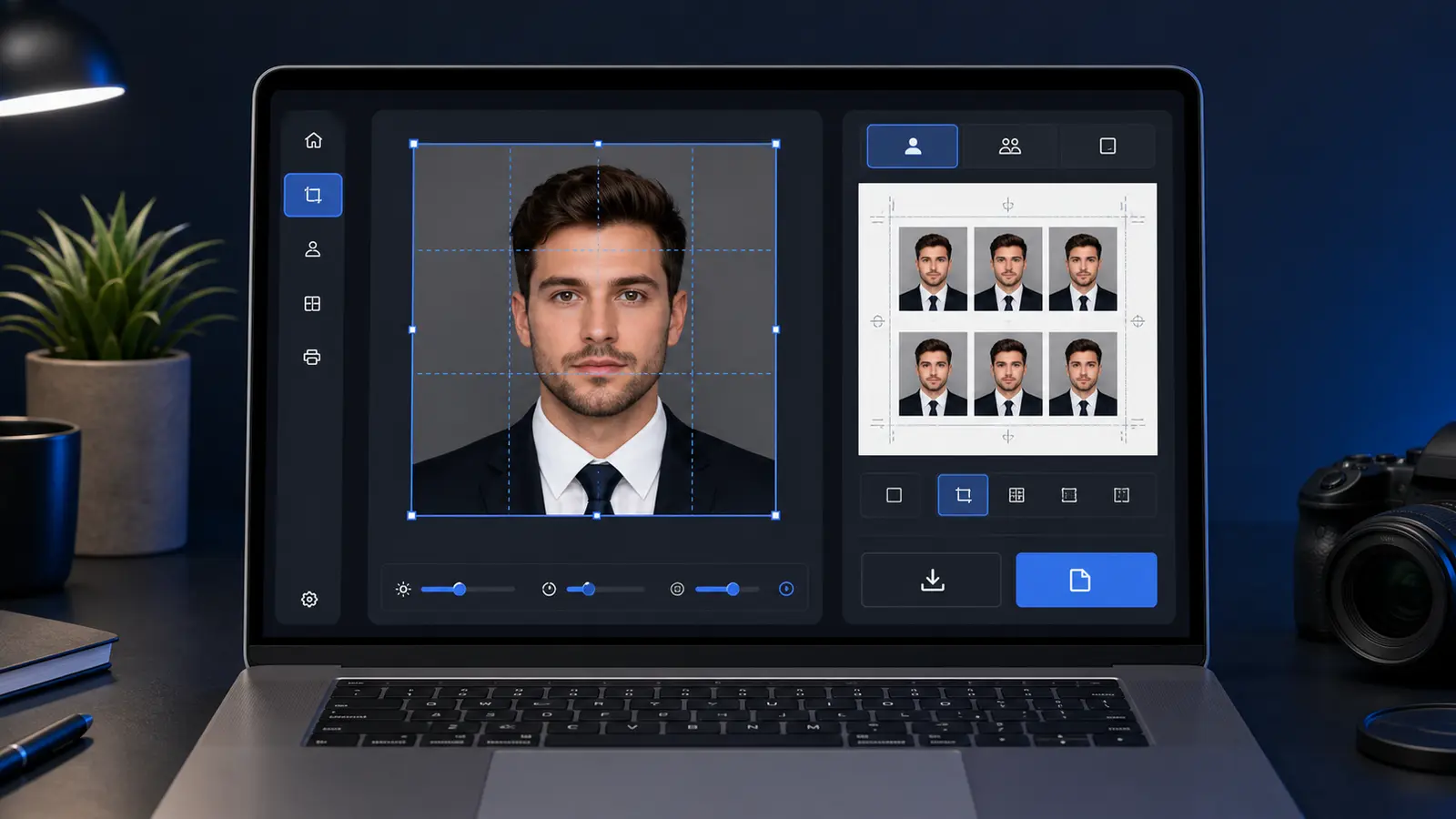
If you want the shortest final review, use the passport photo checker. If you still need to build the file, start with the passport photo maker. For U.S. passport or square-upload routes, use the US passport photo maker or the 600x600 passport photo maker.
Acceptable photo checklist
| Area | Acceptable pattern | Warning sign |
|---|---|---|
| Face position | Straight to camera, head not tilted | Portrait angle, raised chin, or head leaning |
| Background | Plain and evenly lit | Texture, shadows, halos, or visible objects |
| Expression | Neutral where required, face visible | Big smile, closed eyes, covered face, glare |
| Digital quality | Sharp color photo with natural skin texture | Filters, heavy retouching, blur, red eye |
| Export | Correct size for the chosen route | Right-looking crop but wrong file or print output |
Baby and child examples need a separate check
Children can have different expression allowances in some systems, but the photo still has to show the child alone. Hands, toys, pacifiers, and visible support can turn a promising photo into a risky one.
For babies, the useful example is usually not a perfect adult-style pose. It is a clear, front-facing image with no other person visible, a plain background, and enough face detail for identification.