Collage Photo Maker for Passport and ID Print Layouts (2026)
Use Passlens as a collage photo maker for passport and ID print sheets. Arrange multiple photos on 4x6, A4, Letter, or 5x7 pages with exact margins, spacing, and DPI.

A Collage Photo Maker for Print-Ready Document Sheets
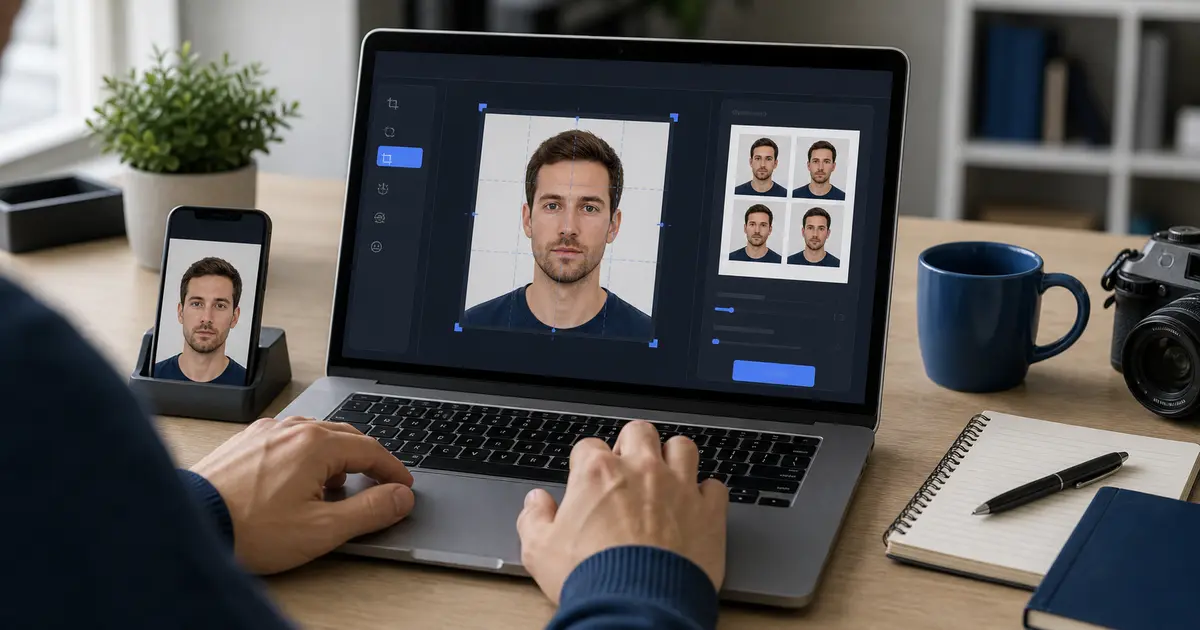
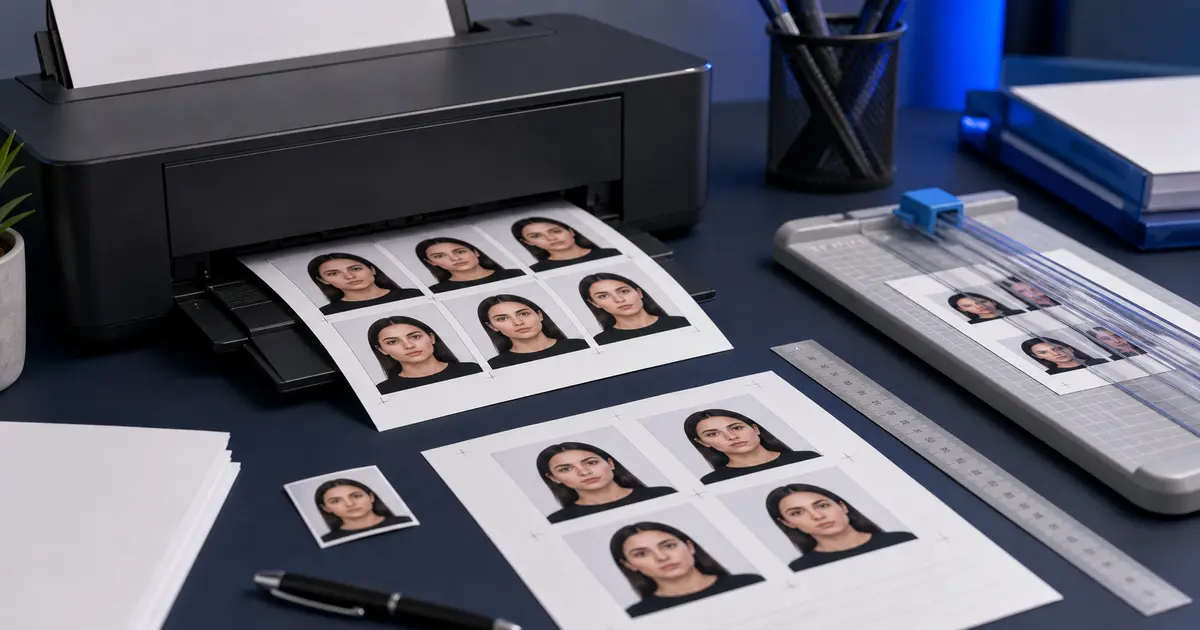
Passlens is not a social-media collage tool. It works more like a collage photo maker for print layouts: you take one or more document photos and arrange them on a page with exact size, spacing, margins, and DPI so the final print is usable for passport or ID submissions.
That makes it useful when you want multiple copies on a 4×6, A4, Letter, or 5×7 sheet without manually resizing and aligning everything in a generic design app.
What You Can Arrange
- Repeated copies of the same passport or ID photo
- Multiple edited photos on one print sheet
- Custom margins and spacing
- PNG page export, ZIP of all pages, or PDF export
Why Generic Collage Tools Often Fail for ID Prints
- They usually work in screen pixels, not real document millimeters
- They do not preserve passport-photo dimensions by default
- They can add scaling errors when you print
- They do not know which photo layout is acceptable for an official document workflow
How to Use Passlens as a Print Layout Maker
- Choose the correct passport, visa, or ID preset first.
- Edit and save the photo at the right crop and DPI.
- Open Print Layout and choose paper size, margins, spacing, and copies.
- Export the sheet and print at 100% scale.