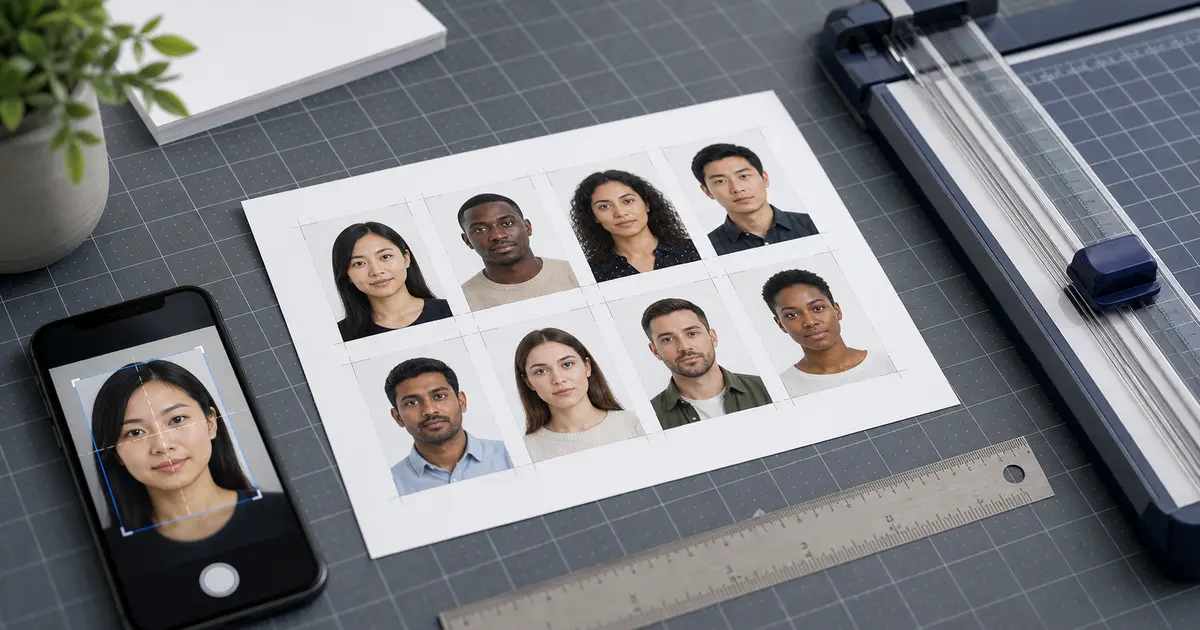
50x70 Passport Photo Size (2026): Canada Passport Dimensions, Pixels, DPI, and Print Checks
Understand 50x70 passport photo size for Canada and similar applications. Learn the exact dimensions, pixel sizes at 300/600 DPI, head-height rules, and how to keep 50x70 prints accurate on 4x6, A4, and Letter workflows.
Why 50x70 passport photos are easy to get wrong
The 50 × 70 mm photo size is most strongly associated with Canadian passport applications. It is larger than the common 35×45 biometric frame, and that larger format makes small scaling mistakes more obvious. A user can end up with something that looks visually fine but is physically wrong when measured with a ruler.
Canada is also a good reminder that the outer frame is not the whole rule. The face still needs to fall within a specific height range, the print quality needs to be high, and the photo must be prepared as a real passport photograph rather than a casual portrait enlarged to fit a bigger rectangle.
Quick answer
50 × 70 mm is about 1.97 × 2.76 inches. At 300 DPI it is roughly 591 × 827 pixels.
50x70 in inches, pixels, and print terms
| Format | Width | Height |
|---|---|---|
| Millimetres | 50 mm | 70 mm |
| Inches | 1.97 in | 2.76 in |
| Pixels at 300 DPI | 591 px | 827 px |
| Pixels at 600 DPI | 1181 px | 1654 px |
Those pixel conversions help when preparing the file digitally, but Canada passport workflows still centre heavily on the physical print. That means DPI and print scaling are part of compliance. A correctly sized digital file can still become a wrong-size paper photo if the print path scales it or if the lab treats it like an ordinary snapshot.
What matters in the Canadian passport workflow
For Canada, the common rule set is: exact 50 × 70 mm outer size, a face height typically in the 31–36 mm range, a plain white or light-coloured background, and a recent image printed at good quality. In practice, the most frequent user mistakes are not exotic. They are wrong print scale, poor paper quality, and a face that sits just outside the acceptable range because the crop was guessed instead of measured.
- Outer size: exactly 50 × 70 mm.
- Face height: around 31–36 mm chin to crown in the standard passport workflow.
- Background: plain white or very light background with no shadows.
- Print quality: sharp, well-lit, and suitable for a formal passport application.
Preparing 50x70 photos for print versus digital handling
A 50×70 passport photo is mainly a print-quality problem. Even if you start from a digital image, the point of the workflow is usually to create a compliant physical output. That means printer scaling, paper type, and final measurement matter more here than they do in a purely upload-first application flow.
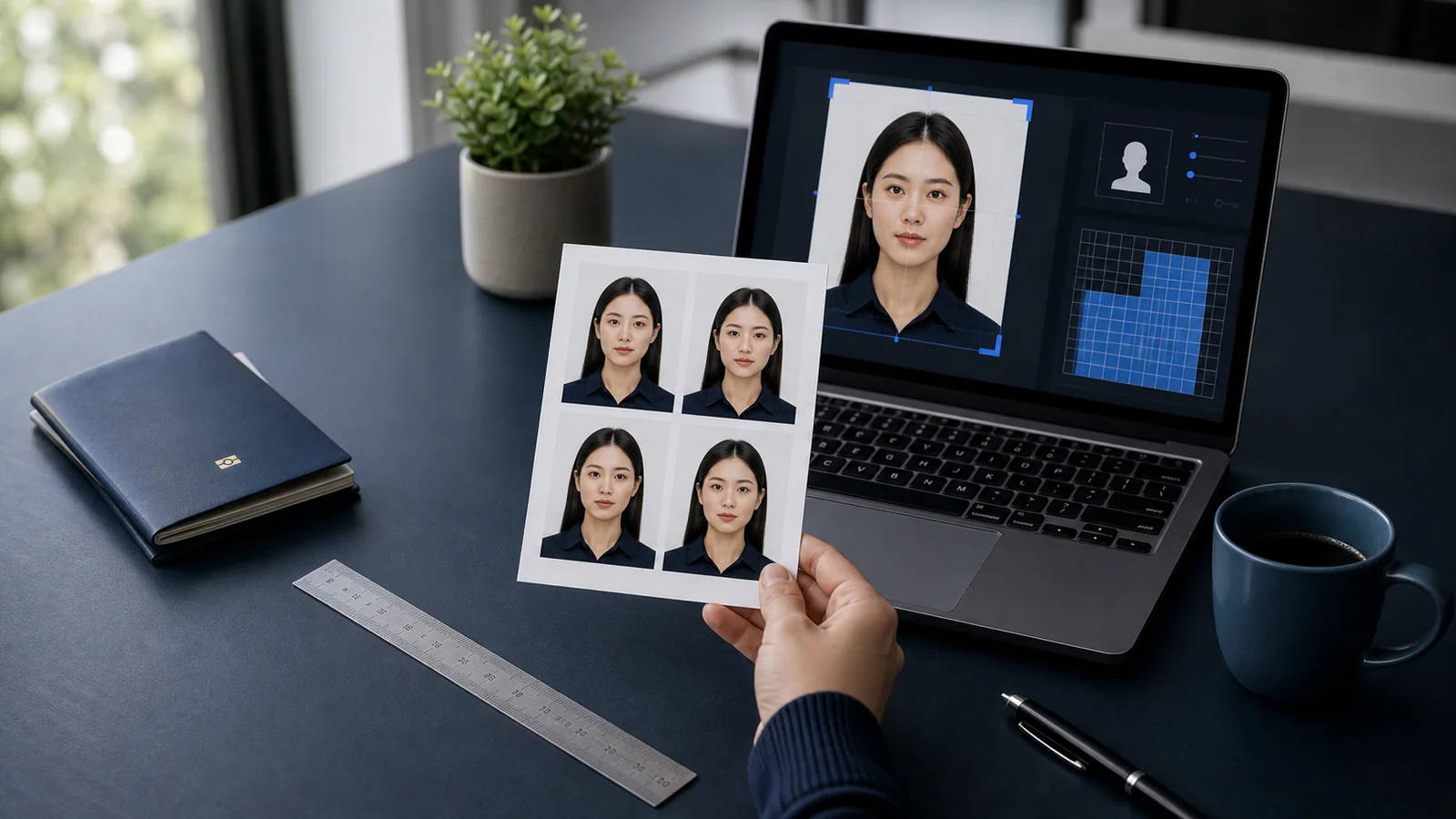
Passlens can still help with the digital side by exporting a file that maps correctly to the physical dimensions, but the user should treat that export as part of a measured print workflow. Print one sample, check the outer frame, check the face height, and only then print the final copies. If the real question is how the 50×70 frame maps into pixels or into a home-print sheet, use the passport photo DPI guide together with the 4x6 template, A4 template, or Letter template pages.
Common 50x70 mistakes
- Printing a 50×70 image with automatic scaling enabled.
- Ignoring face-height guidance and only checking the outer frame.
- Using low-resolution source material and enlarging it for print.
- Printing on the wrong paper or with poor-quality printer settings.
- Assuming any large portrait print is “close enough” for the Canada workflow.
How to verify a 50x70 print before submission
Because the Canadian-style format is larger than many other passport photos, it is worth measuring the result carefully after printing. Check the outer frame, then check the face height. If the photo is even a little off, the safest move is to correct the export or print settings before printing the final copies instead of hoping the application office will accept a near miss.
- Print one sample first.
- Measure the outer size with a ruler.
- Measure chin-to-crown face height on the print.
- Only print the final copies after both measurements look correct.
Why users still fail after getting the size right
The most common failure pattern is simple: the user prints something that really is 50 × 70 mm, but the face is not in the right range or the print quality is too soft. That is why the size guide has to talk about more than size. A passport photo is a composition rule inside a size rule, not just a rectangle with the right outer edge.
A good 50×70 workflow therefore always includes both measurement and visual review. If the print is technically the right size but the face sits wrong or the image quality is weak, it is still safer to fix the output before submission.
Create a 50x70 passport photo
If you need a Canada-style passport photo, start from the dedicated preset so the outer size, face range, and export settings all line up with the real 50×70 workflow instead of a generic large portrait crop.