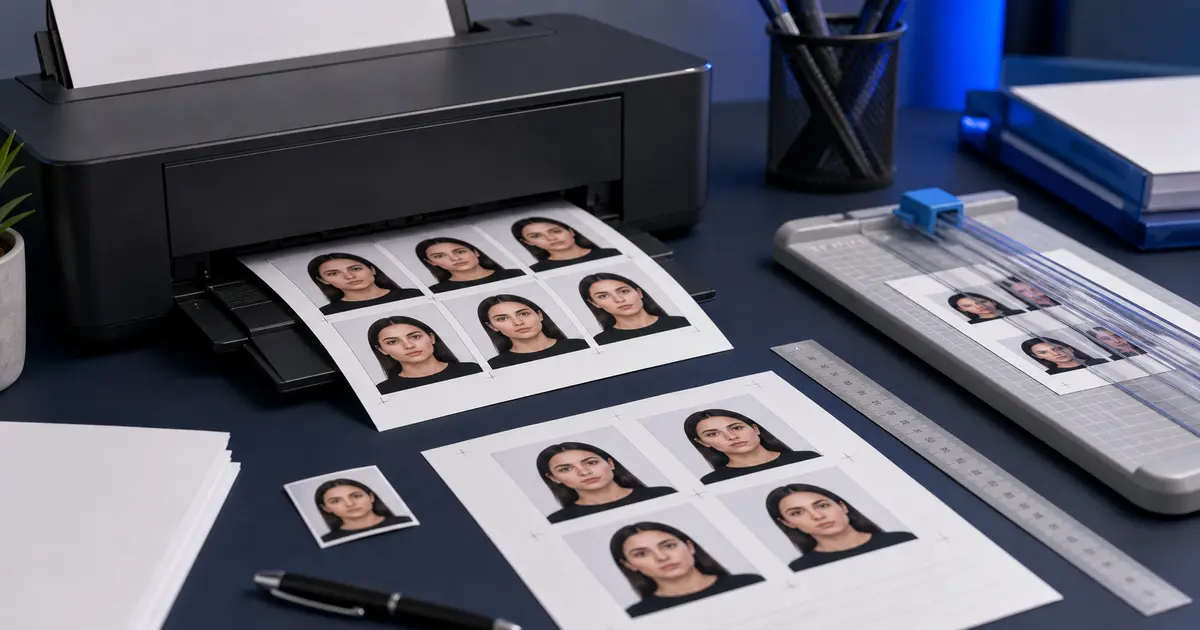
Letter Passport Photo Template (2026): Print Passport Photos on US Letter Without Distorting Size
Use a Letter passport photo template correctly on US office and home printers. Learn how to print passport photos on Letter paper at 100 percent scale, when Letter is better than 4x6, and how to avoid driver resizing.

Why Letter templates matter in North American print workflows
A Letter passport photo template is the natural print-layout option when the user is working from a U.S. or Canada-style office printer that expects Letter paper by default. In those workflows, forcing everything into a 4x6 photo-paper path can be less convenient than using the paper size the printer already handles best.
The challenge is that Letter sheets make it easy to forget the final goal. The user is not printing a general document. They are printing a measured photo. That means the layout still has to preserve the exact passport or ID-photo size on the page, no matter how large the sheet itself is.
When Letter is the better template choice
- You are printing from a North American office printer that defaults to Letter.
- You need more room for copies, spacing, or multiple layout blocks than a 4x6 sheet allows.
- You want a simple home workflow without loading separate photo paper for every test print.
- You need a larger sheet to verify layout and cut lines before switching to a final print path.
Letter is not automatically better than 4x6. It is simply better when the printer and the user workflow are already centered around Letter handling. In those cases, staying on the native paper size often reduces friction and avoids paper-feed surprises.
How to keep a Letter template accurate
The same rule applies here as everywhere else in passport photo printing: the sheet size is not the output size. The template is only useful if the photos on the sheet still measure correctly after printing. That means the user has to control scaling carefully and verify the result with a ruler before cutting final copies.
- Choose Letter as the actual page size in the print dialog.
- Disable “fit,” “shrink oversized pages,” or any automatic scaling mode.
- Check whether the printer applies border correction or printable-area adjustments.
- Print one sample and measure the photo size before printing the final sheet.
Which passport formats pair well with Letter
Letter templates are especially practical for 2x2 U.S. passport photos, mixed batches of passport and ID photos, and test prints where the user wants to check multiple copies before trimming. They can also support 35x45 mm and 50x70 mm layouts, but the exact usefulness depends on how much margin and spacing the user wants to keep.
This is why template pages should not pretend to be universal. A 2x2-focused U.S. print flow on Letter is a different job from a Canada-focused 50x70 print flow. The sheet may be the same, but the ideal layout strategy is not.
Use Passlens for Letter-size print layouts
Passlens is useful here because Letter templates are only valuable when the photo blocks on the page stay exact. Use the print-layout workflow if you want Letter convenience without the usual fit-to-page mistakes that distort a 2x2, 35x45, or 50x70 output.