EAD Photo Requirements 2026: USCIS I-765 Passport-Style Photo Checks, 2x2 Size, and Filing Route Cautions
EAD photo requirements for Form I-765 routes that ask for passport-style photographs. Learn the 2x2 workflow, when USCIS route instructions control the photo step, and how to avoid printing or uploading the wrong file.
Start with the current I-765 instruction
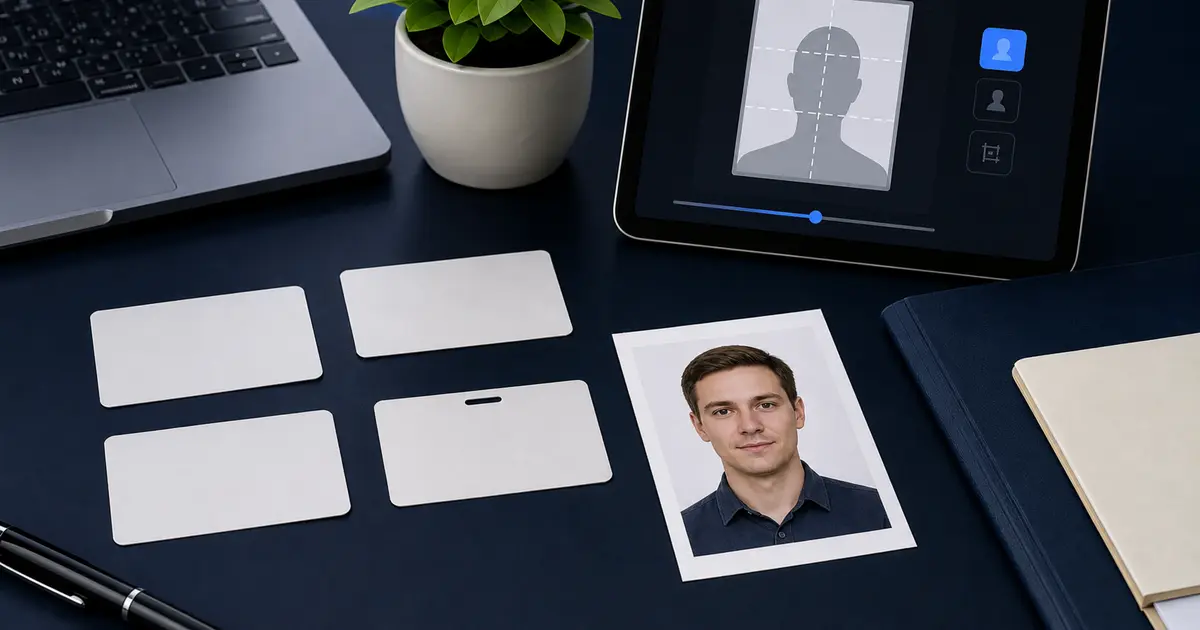
An EAD photo is not a separate worldwide size. It is a USCIS filing-route question. When your current Form I-765 instruction, notice, or online account step asks for passport-style photos, prepare a U.S. 2 x 2 inch photo with the usual passport-style head position and plain light background.
Do not assume every employment authorization filing still needs applicant-provided photos. Some routes depend on online filing, biometrics, or request-specific instructions. The filing route controls the number of photos, print versus upload handling, and whether photos are needed at all.
EAD passport-style photo checklist
| Check | Use this when USCIS asks for passport-style photos |
|---|---|
| Outer size | 2 x 2 inches, about 51 x 51 mm |
| Pixels for print export | 600 x 600 px at 300 DPI, or 1200 x 1200 px at 600 DPI |
| Background | Plain white or off-white style background unless the USCIS instruction says otherwise |
| Pose | Full face, eyes open, neutral expression, no heavy shadows |
| Head position | Use U.S. passport-style composition guidance |
| Route check | Confirm whether the current I-765 route asks for printed photos, uploads, biometrics, or no photo from you |
Mistakes that make EAD photo prep harder
- Preparing a 35x45 mm biometric photo when the USCIS route asks for U.S. passport-style photos.
- Printing a 600x600 file with fit-to-page enabled, which changes the final 2x2 inch size.
- Using an old visa or passport scan instead of a current portrait.
- Missing a route-specific instruction about online filing or biometrics.
- Cropping tightly around the face without leaving the U.S. head-position margin.
How to prepare an EAD-style photo in Passlens
- Open the current USCIS I-765 instructions or account step first.
- If it asks for passport-style photos, use a U.S. 2x2 workflow.
- Check crop, head size, background, and shadows before exporting.
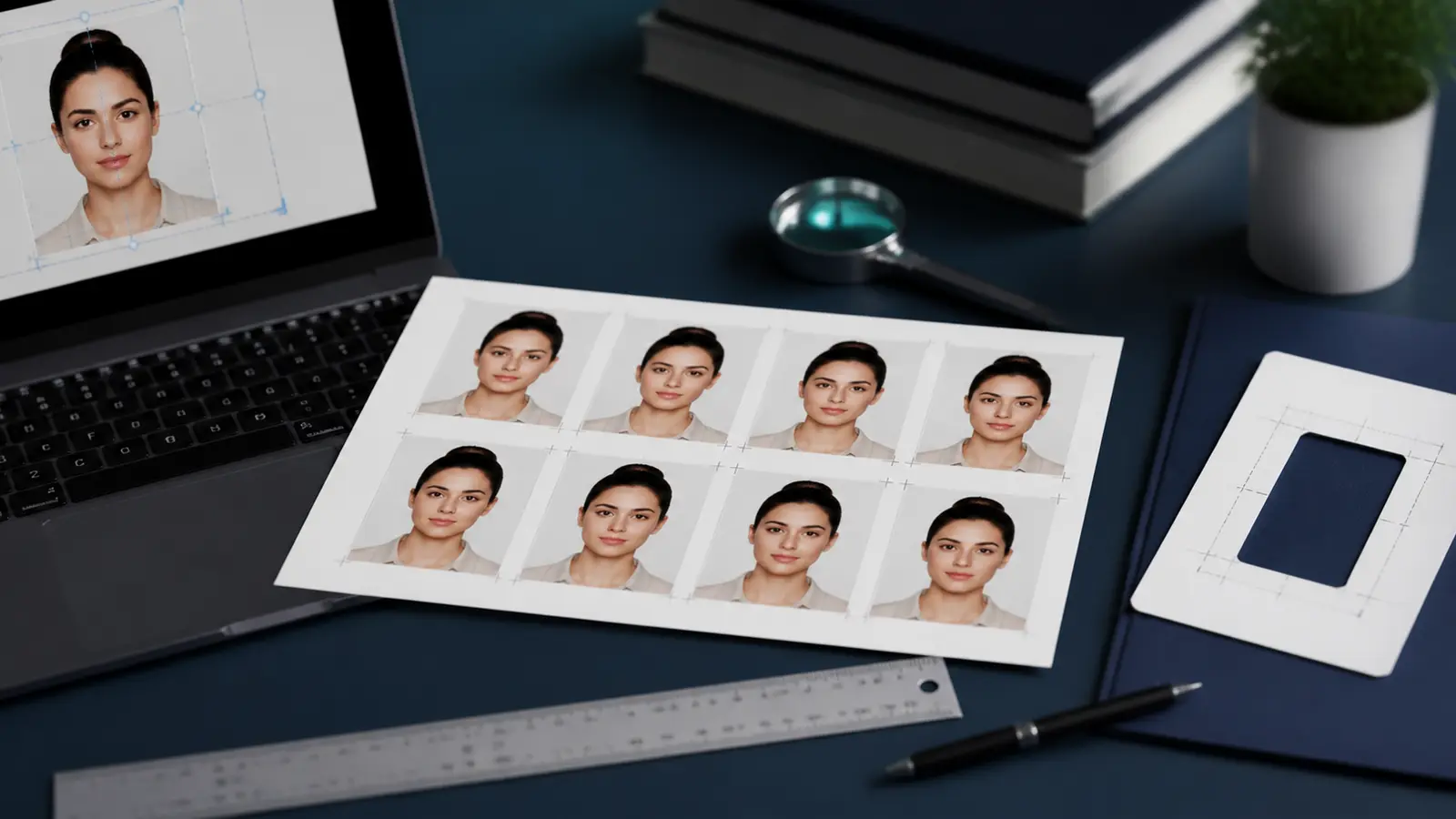
- For paper filing, compose and print at 100% scale, then measure the final square.
- For upload, check the account field rules before choosing JPEG or PNG.