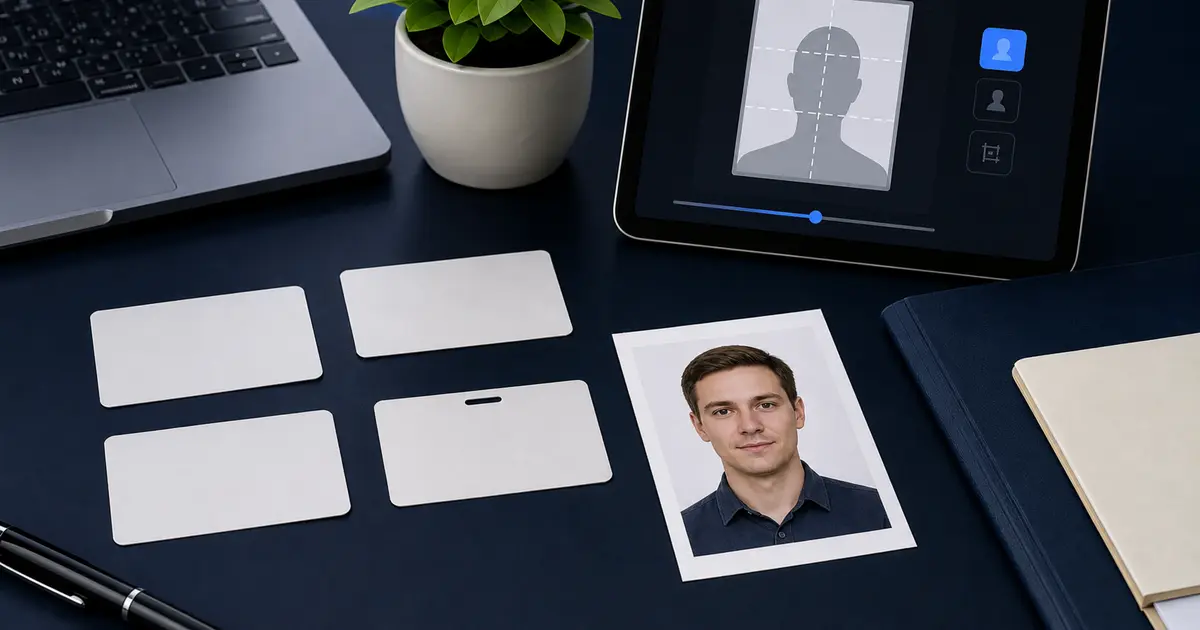
Green Card Photo Requirements 2026: USCIS 2x2 Passport-Style Photos, I-485, I-90, and DV Lottery Differences
Green card photo requirements explained by route: USCIS passport-style 2x2 photos, I-485 and I-90 filing checks, DV Lottery digital photos, and how to avoid mixing print and upload rules.
First identify the green-card route
Green card photo searches can point to more than one workflow. A USCIS filing route may ask for passport-style 2 x 2 inch photos. A Diversity Visa entry uses a square digital photo with its own upload rules. A renewal or replacement path may use current USCIS instructions, biometrics, or online-account handling. The route matters before the crop.
| Route people mean | Photo problem to solve | Best Passlens starting point |
|---|---|---|
| USCIS filing asks for passport-style photos | 2x2 print or upload, route-controlled instructions | USCIS 2x2 guide |
| Green card replacement / renewal search | Check current I-90 route before preparing a photo | Green card 2x2 page |
| Diversity Visa / green card lottery | Square digital entry photo and DV-specific rules | DV Lottery photo guide |
When the route asks for passport-style 2x2 photos
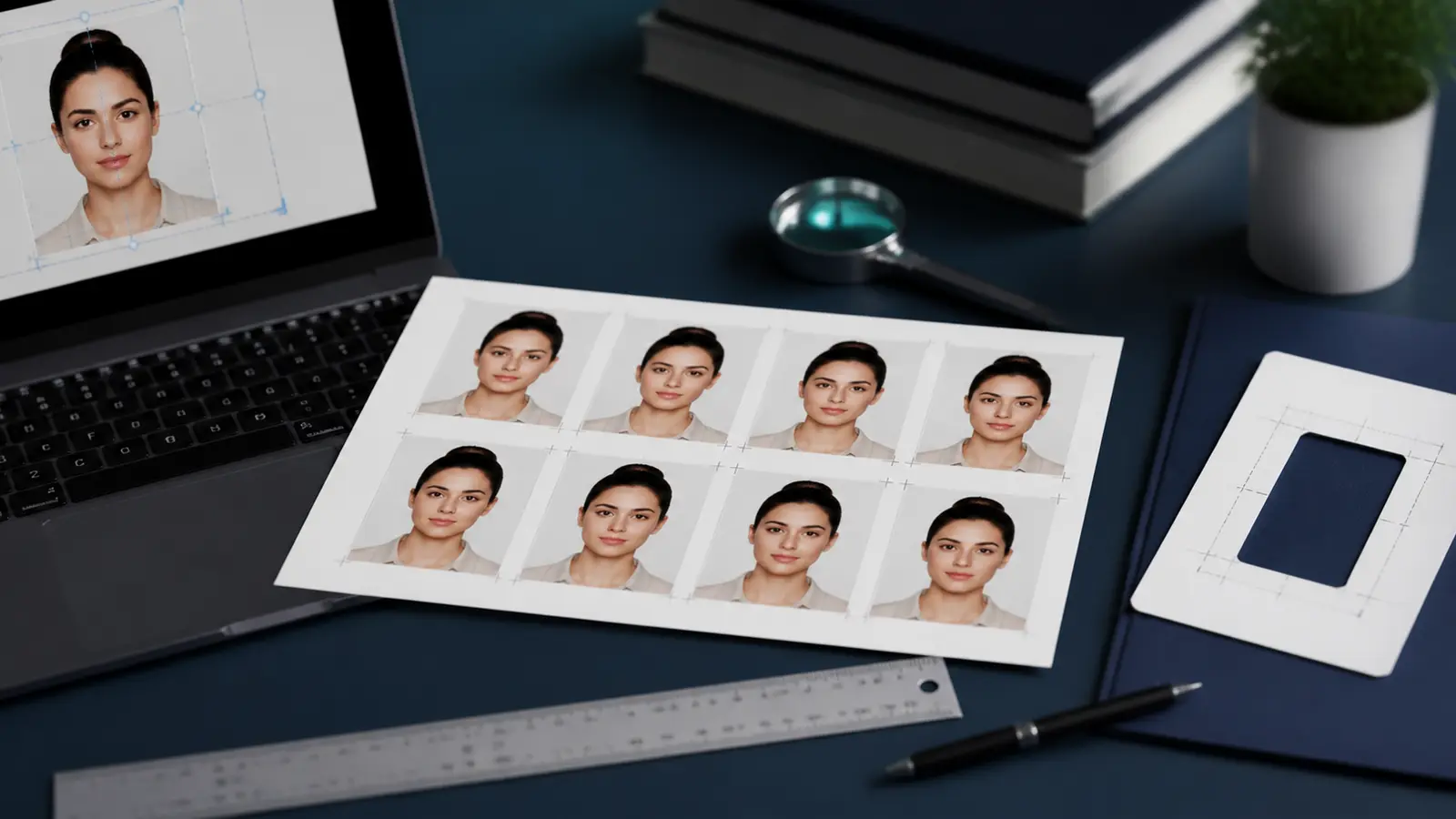
Use the U.S. passport-style photo model: 2 x 2 inches, plain white or off-white style background, centered head, neutral expression, clear eyes, and no heavy shadows. For print exports, 600 x 600 px at 300 DPI or 1200 x 1200 px at 600 DPI gives the right square when printed at actual size.
The trap is reusing a visa upload file without checking the filing route. A square JPEG can be useful, but a paper packet cares about the final measured print. A digital upload cares about the portal rules. Treat those as separate checks.
Do not mix green card lottery and USCIS filing rules
The DV Lottery route is often called a green card photo search, but it is not the same as printing passport-style photos for a USCIS packet. DV entries are digital, square, and bound to the official Diversity Visa instructions for that entry year. If you are entering the lottery, use the DV-specific guide rather than a paper-filing checklist.
How to prepare the correct file
- Choose the route first: USCIS filing, green card replacement or renewal, or DV Lottery.
- If the route asks for passport-style photos, use a U.S. 2x2 crop and print or export according to the route.
- If the route is DV Lottery, use the DV digital guide and do not rely on a print-sheet workflow.
- Measure printed photos after printing. Do not trust printer preview scaling.
- Keep a clean original file in case the authority asks for a different upload or print format.