2x2 Picture Size in Pixels (2026): 600x600 at 300 DPI, 1200x1200 at 600 DPI, and Upload Rules
Use this 2x2 picture size in pixels guide for 600x600 at 300 DPI, 1200x1200 at 600 DPI, 2 inch by 2 inch photo conversions, and the export checks that matter beyond DPI math.

The short answer for 2x2 pixels
The quick answer for 2x2 picture size in pixels is usually 600x600 pixels at 300 DPI. At 600 DPI, the same 2 inch by 2 inch photo becomes 1200x1200 pixels. Those are print-density conversions. They are useful, but they are not a promise that every upload portal wants exactly the same file.
If you only need the short answer, a 2 x 2 inch photo is usually 600 x 600 pixels at 300 DPI and 1200 x 1200 pixels at 600 DPI. If you want to make or verify the file now, open the 2x2 passport photo maker or run it through the passport photo checker before you export.
That difference is why people get conflicting answers online. One answer is about printing a 2 by 2 inch square. Another answer is about a government upload portal. Start with the document route, then choose the export size.
2x2 conversion table
| Question | Practical answer | What to check next |
|---|---|---|
| 2x2 at 300 DPI | 600x600 px | Head size, background, and file quality |
| 2x2 at 600 DPI | 1200x1200 px | Whether the destination accepts larger files |
| 2 inch by 2 inch in pixels | Usually 600x600 px for 300 DPI print math | Whether the portal gives a separate pixel rule |
| 2x2 picture size | 2 in x 2 in, about 51 mm x 51 mm | Whether the route is a U.S.-style document photo |
| 2x2 picture size in px | Use the same 600x600 baseline at 300 DPI | Do not upscale a weak source photo just to hit the number |
Why pixel-only fixes fail
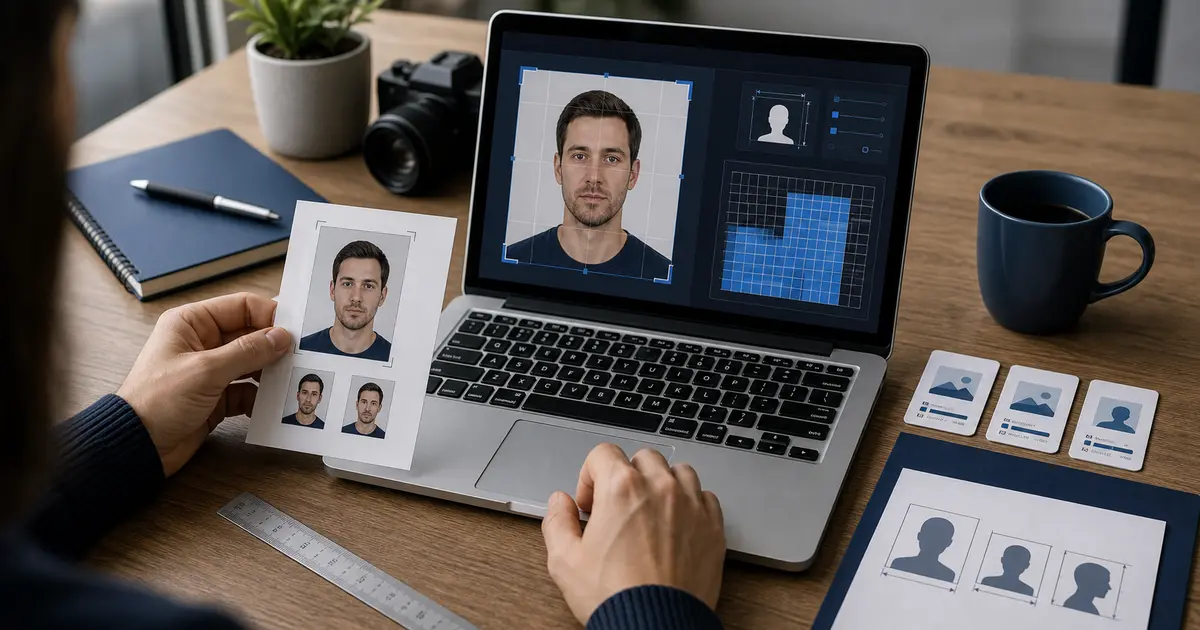
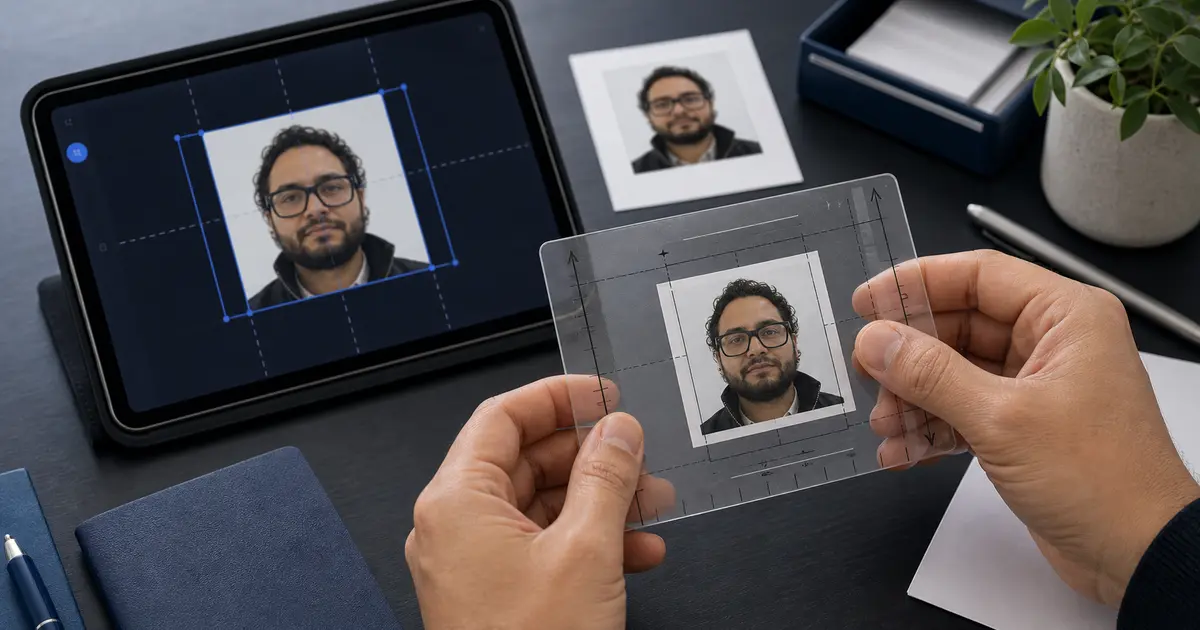
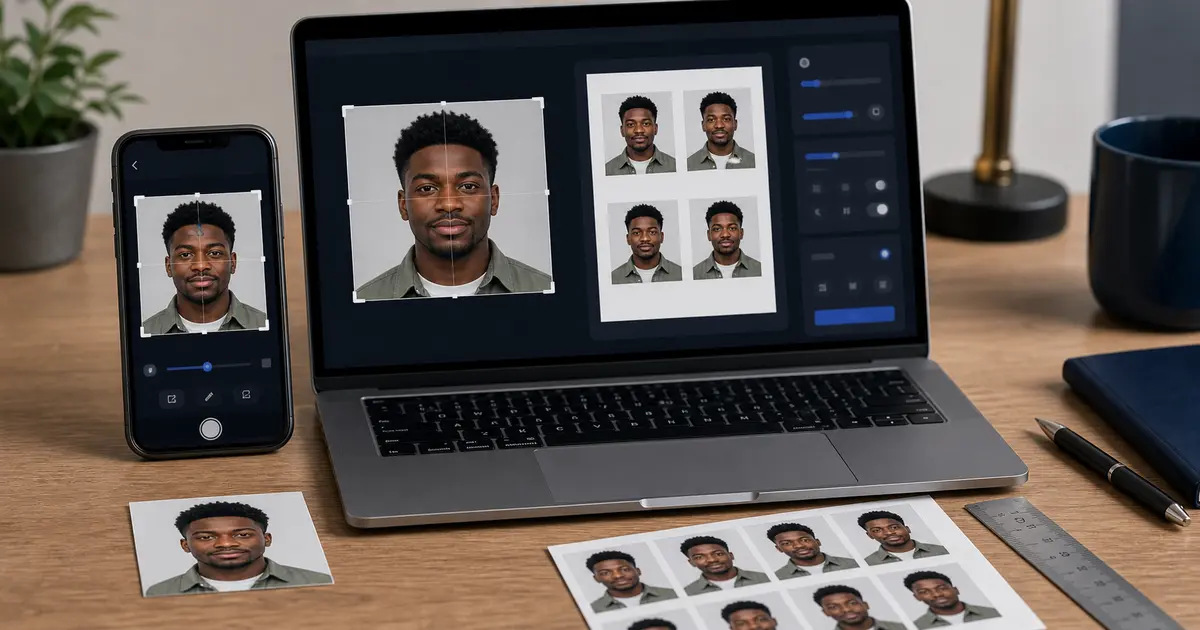
A file can be 600x600 and still be a bad passport photo. The face can be too small, the shoulders can be cropped strangely, the background can be uneven, or the image can be soft from compression. Pixel dimensions only describe the canvas.
The safer workflow is to start with a sharp image, fit the face to the document guide, then export at the needed pixel size. Resizing a weak image after the fact is usually just a bigger weak image.