How to Track U.S. Passport Status: What the Status Messages Mean and When to Follow Up (2026)
Learn how to track U.S. passport status, what the common status updates mean, when to expect movement, and when it makes sense to follow up. Includes a photo-prep checklist so image issues do not slow the application down further.

Where to check passport status
If your search is track passport status or tracking the passport, the important distinction is whether you mean the application status or the physical mailing stage after approval. The U.S. Department of State provides an official passport status route, and that is the place to start before you chase third-party answers.
That matters because status anxiety usually comes from uncertainty, not from the lack of a webpage. People want to know whether the application is moving normally, whether it is stuck, and whether the problem could be something simple like missing supporting documents or a photo issue. A good guide should explain the workflow in plain language rather than sending the user into a loop of vague reassurance.
That is why this page also tries to absorb the plain-language versions of the same query, like how can we check passport status or check the status of your passport. They are all asking for the same thing: where the official check happens, what the common status messages mean, and when a quiet period is still normal.
What the status stages usually mean
| Status stage | What it usually means | What to do next |
|---|---|---|
| Not available | The application may not be visible in the status system yet, or the record has not updated. | Wait a bit before assuming something is wrong, then check again through the official status tool. |
| In process | The application is moving through review and normal processing. | Keep monitoring through the official channel rather than reacting to every quiet period. |
| Approved | The application has cleared review and is moving to final issuance or shipment. | Watch for the next movement if you are waiting on delivery. |
| Mailed / shipped | The passport has moved into the delivery phase. | Switch from application-status worry to delivery tracking expectations. |
The most useful mindset is to treat the status messages as stage markers, not emotional signals. A quiet application is not automatically a broken one. But if the status remains unchanged far beyond the published expectations, then it becomes reasonable to follow the official escalation path rather than waiting passively forever.
If your search is tracking the passport, that is usually what you want to know. Not “is there a tracker?” but “does this status still look normal, or is it time to act?” The tracker is only the first step. The real value is understanding what the status is telling you.
When it makes sense to follow up
Following up too early usually does not improve anything. Following up too late can be stressful if you have upcoming travel. The practical answer is to compare your case with the official processing guidance, then escalate only when your case falls clearly outside that normal window or when the agency explicitly asks for something else from you.
If you are still preparing the application, this is also the right moment to reduce avoidable problems. A correct photo does not guarantee faster processing, but a bad one can create unnecessary friction. If your application still needs the image step, use the U.S. passport photo guide and the 2x2 size guide before you submit.
How photo issues can slow the process
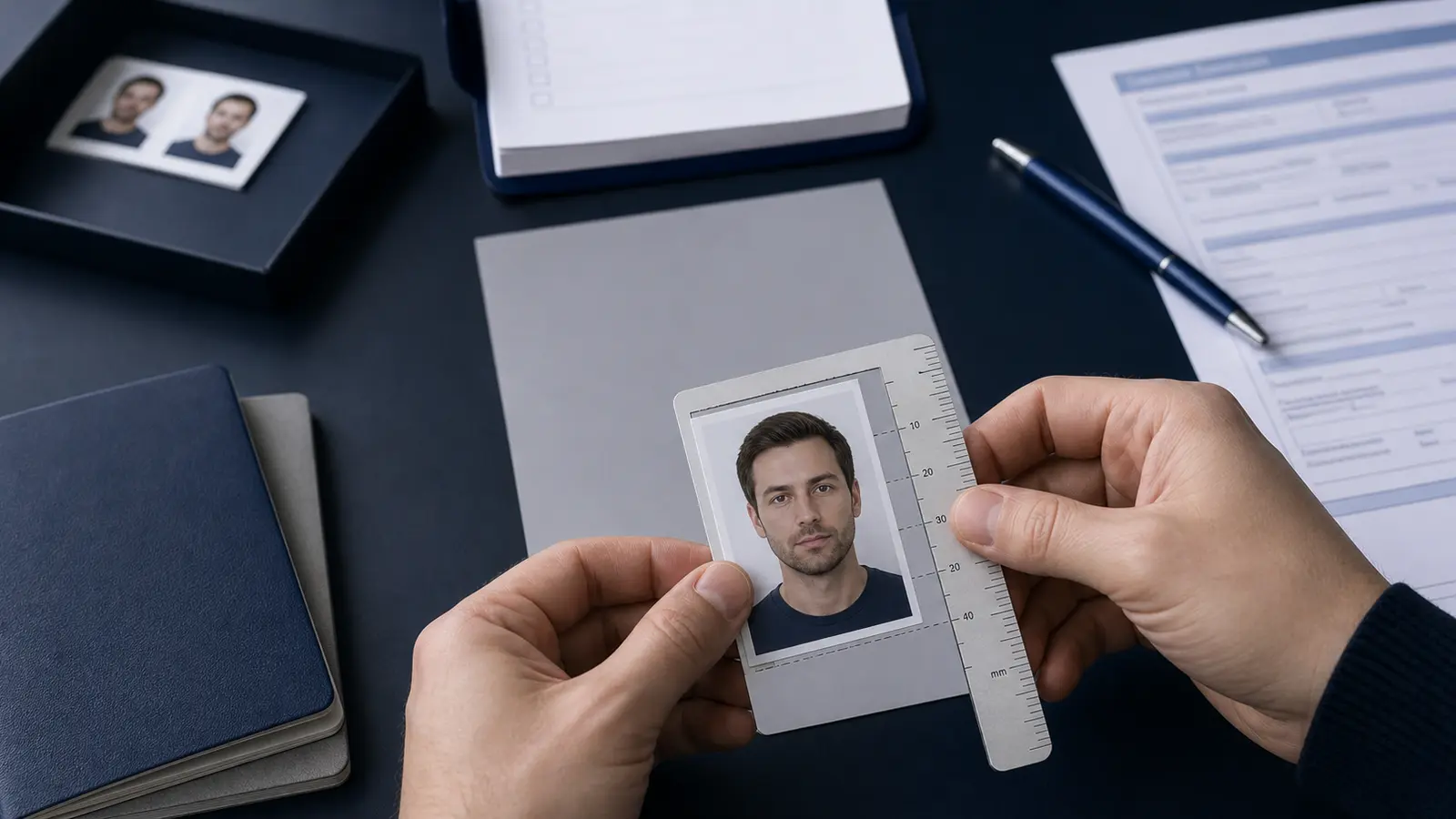
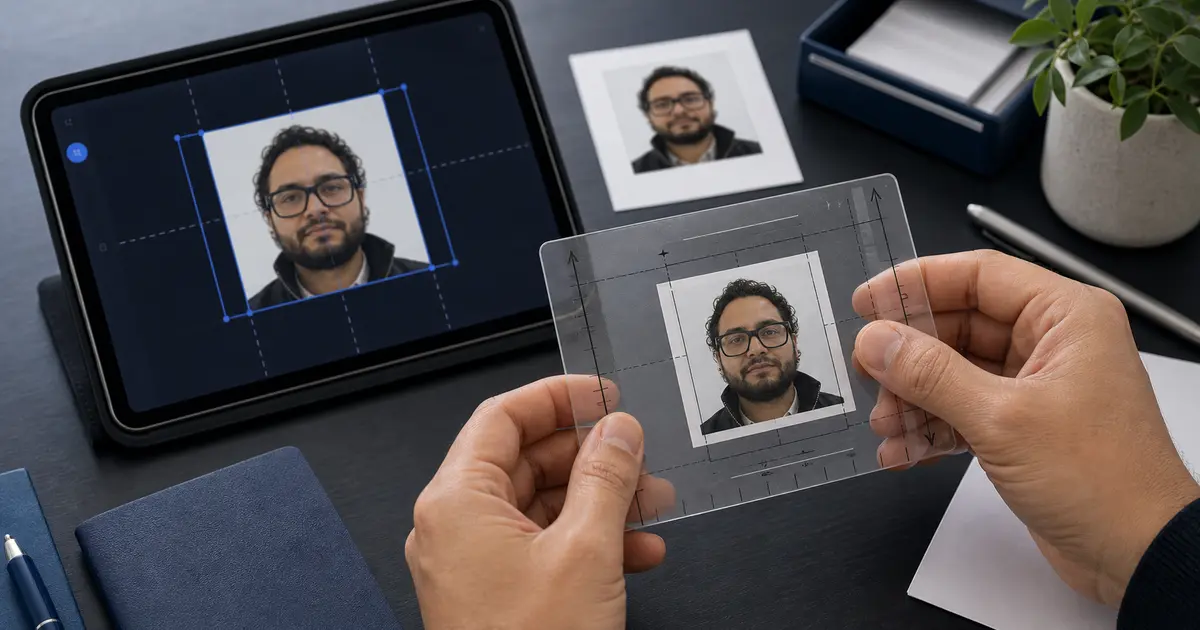
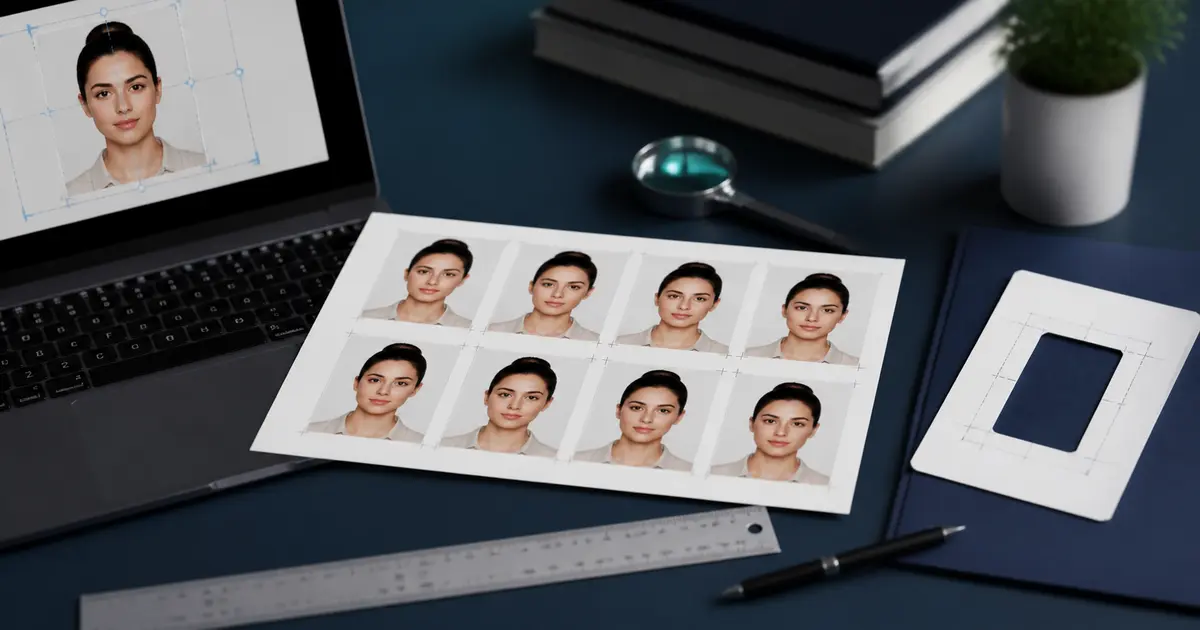
People often think of status tracking and photo preparation as separate problems. In reality, they connect. If a passport photo is unclear, badly framed, non-compliant, or mismatched to the application route, it can create the kind of preventable friction that makes a waiting period feel much worse. That does not mean every delay is a photo issue. It means the photo is one of the few parts of the application you can actually control before submission.
- Use the right document preset: do not rely on a generic square crop.
- Check the background: visual cleanliness still matters before upload or print.
- Keep a digital and print-aware copy: some users need one, some need the other, and some need both.
- Do the photo right once: it is easier than trying to guess later whether the image was the source of the problem.
Frequently asked questions
How do I track my U.S. passport status?
Use the official U.S. Department of State passport status route first. That is the source designed for application-stage updates and is more reliable than third-party summaries.
Does “in process” mean there is a problem?
No. It usually means the application is still moving through the normal review stage. The useful question is how long it has remained there compared with the official processing expectations.
Can a passport photo problem affect status updates?
A bad photo can create avoidable friction. It is not the only reason an application can slow down, but it is one of the easiest things to get right before submission.