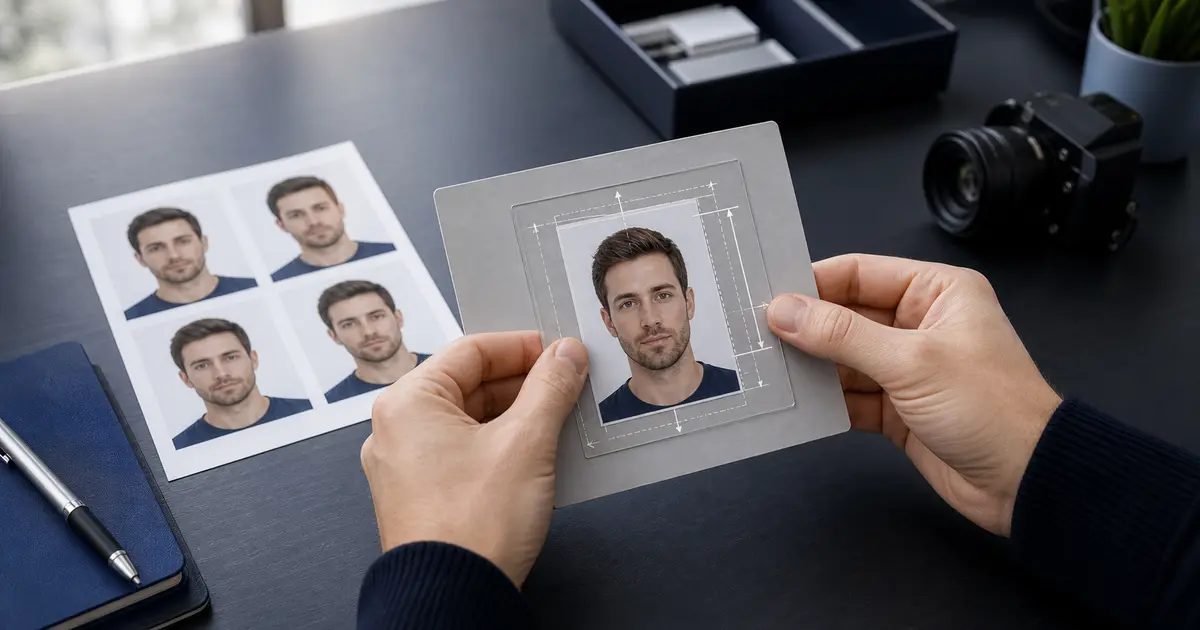
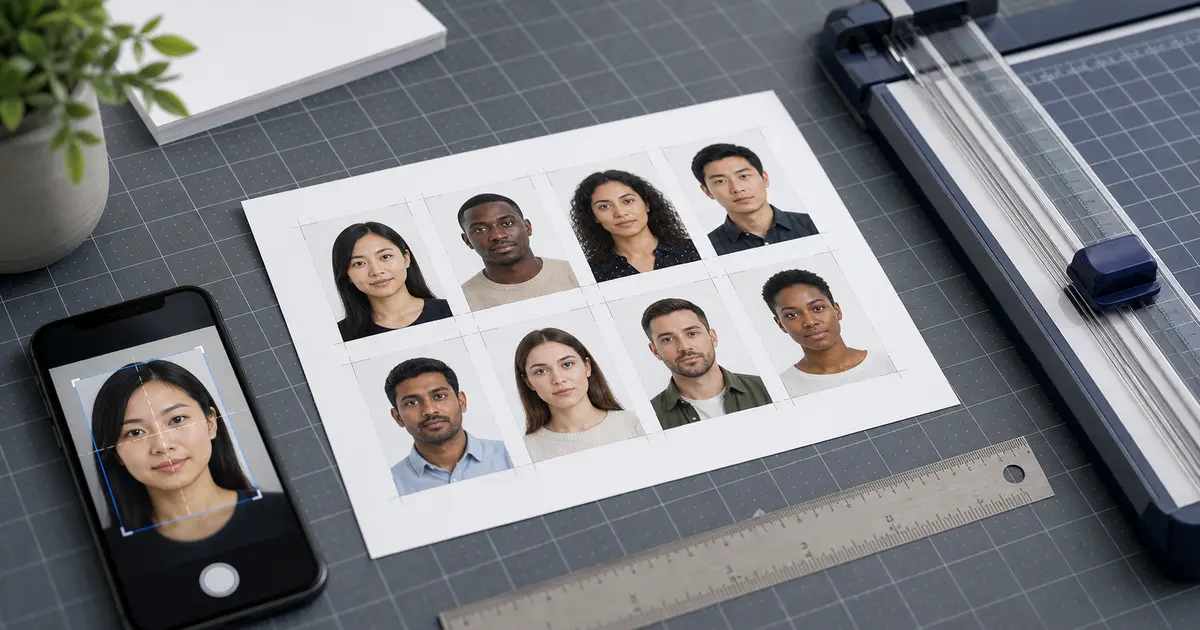
35x40mm Photo Size (2026): When It Is Confused with 35x45 Passport Photos and How to Fix It
Learn what a 35x40mm photo size usually means, why it is often confused with 35x45 passport photos or 3.5x4.5 cm document photos, and how to verify the right preset before you print or upload.
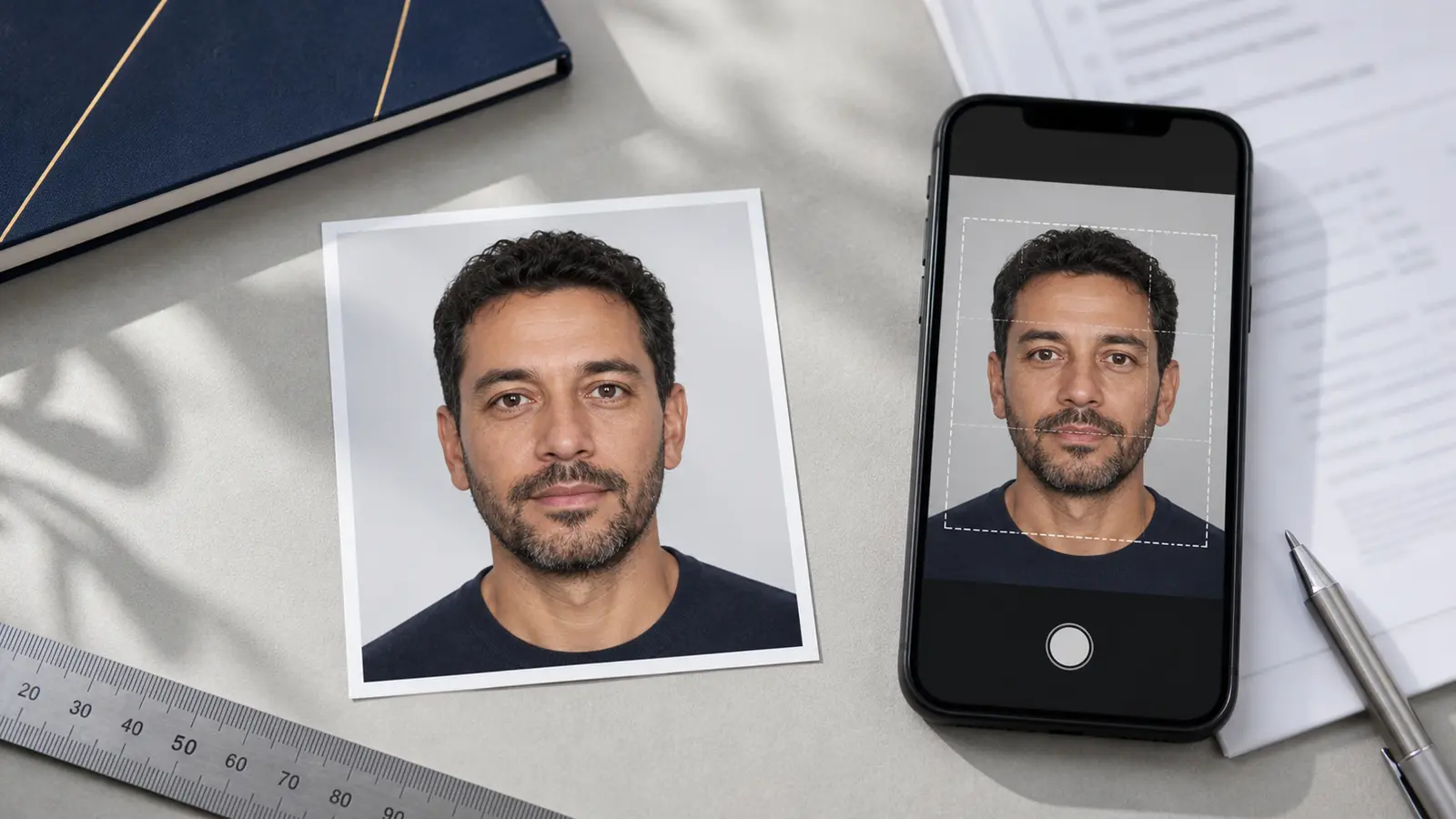
What people usually mean when they search for 35x40mm
Most searches for 35x40mm come from a size-confusion problem, not from a universal passport standard. In Passlens traffic, this query usually means one of three things: the user really needs a 35x45 mm passport photo, the user has been told to prepare a 3.5 x 4.5 cm photo and rounded it incorrectly, or the user is mixing passport sizing with a smaller local ID-photo format.
That matters because 35x40 mm is not the common passport size for the main routes most users care about. The UK and most European passport routes use 35x45 mm. Mexican consular guidance uses 3.5 x 4.5 cm, which is also 35x45 mm. So if you start from 35x40 by mistake, you can end up five millimetres short on the height before you even reach the crop rules inside the frame.
If you only need the short answer, 35 x 40 mm is usually a mistaken size query, and the common passport route people usually need is 35 x 45 mm. Before you print or upload anything, compare the exact route against the 35x45 photo size guide and the broader passport photo size guide.
35x40 versus 35x45 and other common document sizes
| Format | Where it commonly appears | Why confusion happens |
|---|---|---|
| 35 x 40 mm | Often a mistaken or rounded query | People mix it up with 35 x 45 mm or other local ID formats |
| 35 x 45 mm | UK passports, many EU passports, many visa workflows, Mexico consular passport photos | This is the real common passport-style format people often mean |
| 30 x 40 mm / 3x4 | Some local ID or form-photo workflows, depending on the country | Users remember a smaller ID-photo size and apply it to a passport by mistake |
| 2 x 2 in / 51 x 51 mm | United States passport and related U.S. workflows | Users treat “passport photo” as universal and forget that U.S. sizing is square |
Why the missing 5 mm matters
A five-millimetre mistake sounds small until you remember that passport photos are judged on both the outer frame and the biometric crop inside it. If the required frame is 35x45 and you deliver 35x40, you have already shortened the image by more than ten percent. That can throw off the space above the head, the face-height range, and the print layout all at once.
That is why “close enough” sizing fails so often. Once the outer rectangle is wrong, every downstream decision becomes harder: head size, template spacing, print alignment, and digital upload checks.
Which routes commonly use 35x45 instead
If your query is really about a passport photo, the better next check is usually whether the authority expects 35x45 mm. That is the common route for the UK and many European passport workflows. Mexican consular passport instructions also describe the photo as 3.5 x 4.5 cm, which is the same size written a different way.
What to do if someone specifically asks for 35x40
- Check the official document source and confirm whether the route really says 35x40, or whether it actually says 35x45 or 3.5 x 4.5 cm.
- If the source is a store clerk, kiosk label, or marketplace listing, do not trust it over the authority page.
- If the route is still unclear, start with the country guide rather than the raw size query.
- Only print or export after the exact preset matches the authority size and the biometric crop still looks right.
This is one of those queries where a single wrong number quietly creates a rejection later. It is worth resolving before you pay for prints or upload the file anywhere.
Frequently asked questions
Is 35x40 a standard passport photo size?
Usually no. In passport workflows, people often mean 35x45 mm and have shortened the height by mistake.
Is 3.5 x 4.5 cm the same as 35x40?
No. 3.5 x 4.5 cm converts to 35 x 45 mm, not 35 x 40 mm.
What should I use if I actually need a common European passport size?
Use the 35x45 photo size guide or the exact country guide instead of guessing from a shortened 35x40 query.