UK Passport Photo Requirements 2026: HMPO 35x45 mm Rules for Digital and Printed Photos
UK passport photo requirements 2026 from HMPO and GOV.UK: 35x45 mm print size, light grey or cream background, digital photo checks, and the main mistakes that trigger rejections.
Overview
The United Kingdom requires a 35 x 45 mm passport photo that meets strict standards set by His Majesty’s Passport Office (HMPO). This same format applies to UK passport renewals, first-time applications, and most UK visa submissions.
UK passport photos follow ICAO (International Civil Aviation Organization) standards, which are shared across many countries. However, HMPO enforces additional specific rules around background colour, expression, and head positioning that you need to be aware of. If you are comparing the UK route with other countries, start with the passport photo requirements hub and the passport photo DPI and pixels hub before you export.
If you plan to use a retailer rather than prepare the file yourself, the detail that matters most is whether the service gives you an HMPO-ready digital photo code or just printed photos. For that comparison, see the Max Spielmann ID photo booth guide before you choose a shop workflow. If you still need a printed backup, pair this page with passport photo print layouts so the 35x45 mm size survives all the way to paper.
A lot of users also arrive through the admin-side query cost of passport renewal UK. The renewal fee itself belongs to HM Passport Office’s current fee schedule, but the photo rule still stays here: 35x45 mm for prints, HMPO’s digital-photo checks for uploads, and the same strict background and expression rules whether the application is first-time or renewal.
This page also answers broader wording like British passport photo requirements, passport photo dimensions UK, and passport photo examples UK. The practical answer is still the same HMPO route: a 35 x 45 mm print format for paper copies, a compliant digital image for the online checker, and a tighter background and expression standard than many people expect from generic “passport photo rules” articles.
If your search is UK passport photo requirements 2026 or HMPO photo rules, the working answer is simple: keep the print size at 35 x 45 mm, keep the digital upload at least 600 x 750 pixels, use a light grey or cream background, remove glasses, and treat the GOV.UK checker as part of the real rule rather than a last-minute extra.
Official Specifications
| Requirement | Value |
|---|---|
| Document | Passport |
| Size | 35 × 45 mm |
| Background | Light / neutral |
| Head height | 29–34 mm |
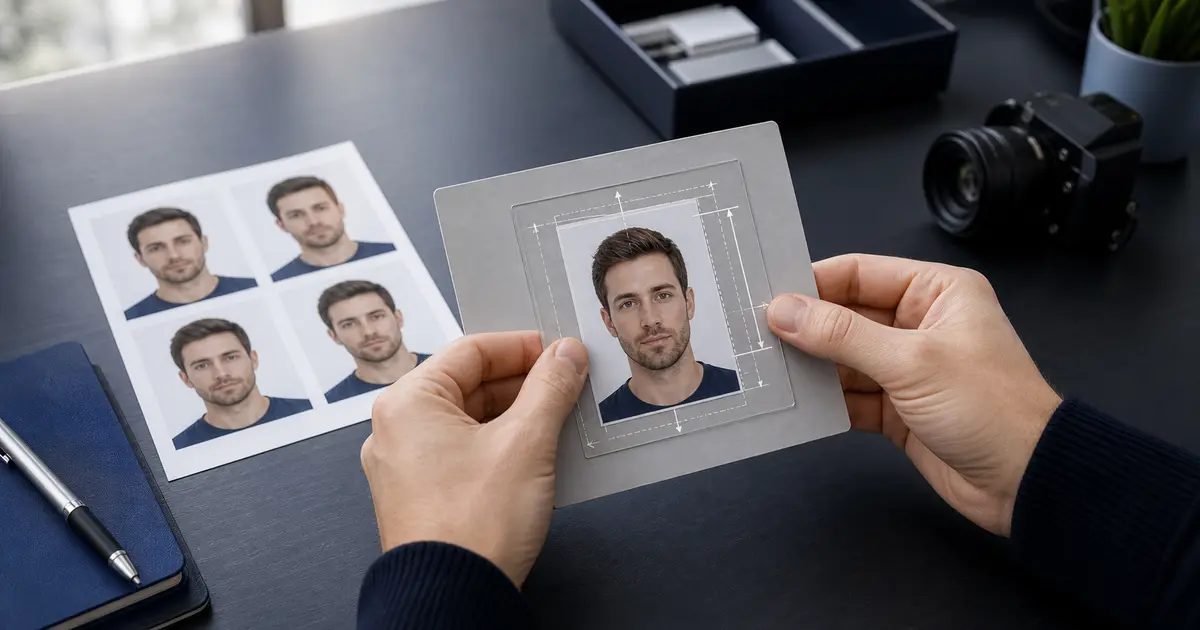
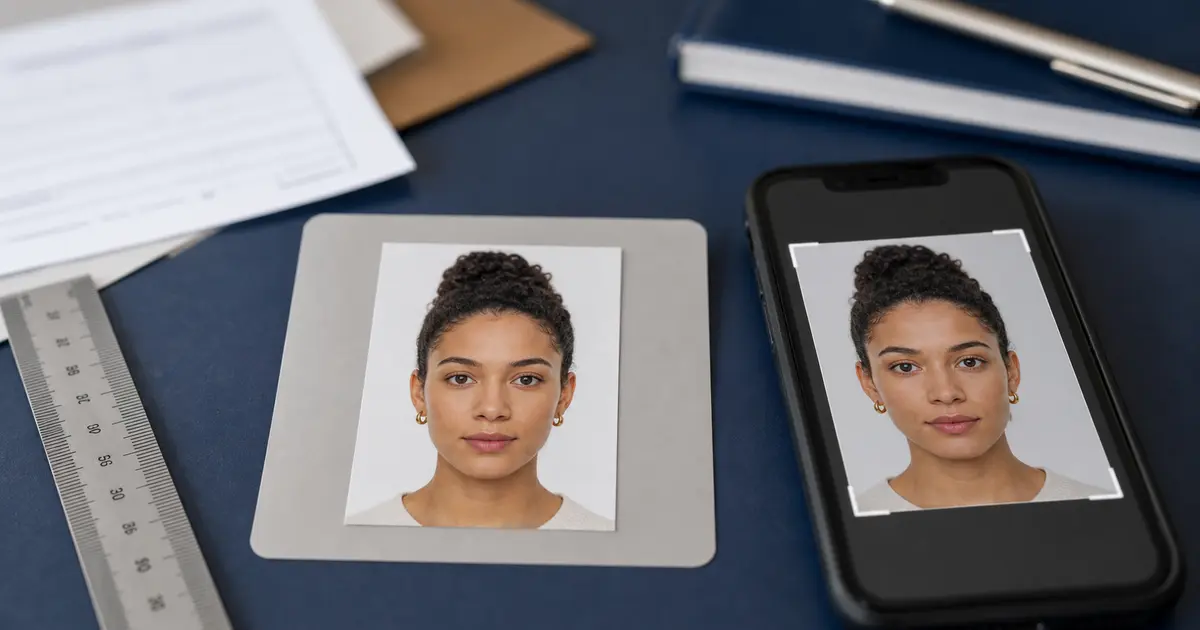
Your photo must be 35 mm wide and 45 mm tall. It should be printed on high-quality photo paper with no borders. The head height from chin to crown must be between 29 mm and 34 mm. Eyes must be positioned between 29 mm and 34 mm from the bottom edge of the photo.
| Specification | Requirement |
|---|---|
| Photo size | 35 x 45 mm |
| Head height (chin to crown) | 29–34 mm |
| Background | Light grey or cream (plain) |
| Color | Full colour, no filters |
| Digital size | 600x750 pixels minimum |
| File size (digital) | Up to 20 MB |
| Recency | Taken within last 1 month |
Background Requirements
The background must be plain light grey or cream. Pure white is also generally accepted for printed photos, but HMPO prefers a light-coloured background that contrasts with your face. There must be no patterns, objects, or other people visible.
Shadows on the background are a common cause of rejection. HMPO uses automated checks that are particularly strict about uneven lighting and shadow detection.
Digital Submissions
When submitting online through GOV.UK, the system uses automated photo-checking technology. A light grey background produces the best contrast and the highest pass rate with the automated checker.
Clothing and Appearance
You must face forward with a neutral expression — mouth closed, no smiling. Both eyes must be clearly visible and open.
- Glasses: Not allowed in UK passport photos since 2018. Remove all eyewear including clear lenses and sunglasses.
- Head coverings: Only permitted for religious or medical reasons. Your face must be fully visible from the bottom of the chin to the top of the forehead.
- Expression: Neutral, with mouth closed. Even a slight smile may trigger rejection from the automated system.
- Hair: Must not obscure your eyes or face. Pull hair back if needed.
- Makeup: Allowed, but should not alter your appearance dramatically.
- Children under 6: Eyes must be open but the expression rules are relaxed. Babies under 1 do not need to look directly at the camera.
How to Make It with Passlens
Creating a compliant UK passport photo at home is simple with Passlens. Skip the photo booth and save time and money.
- Open Passlens and select the UK Passport preset.
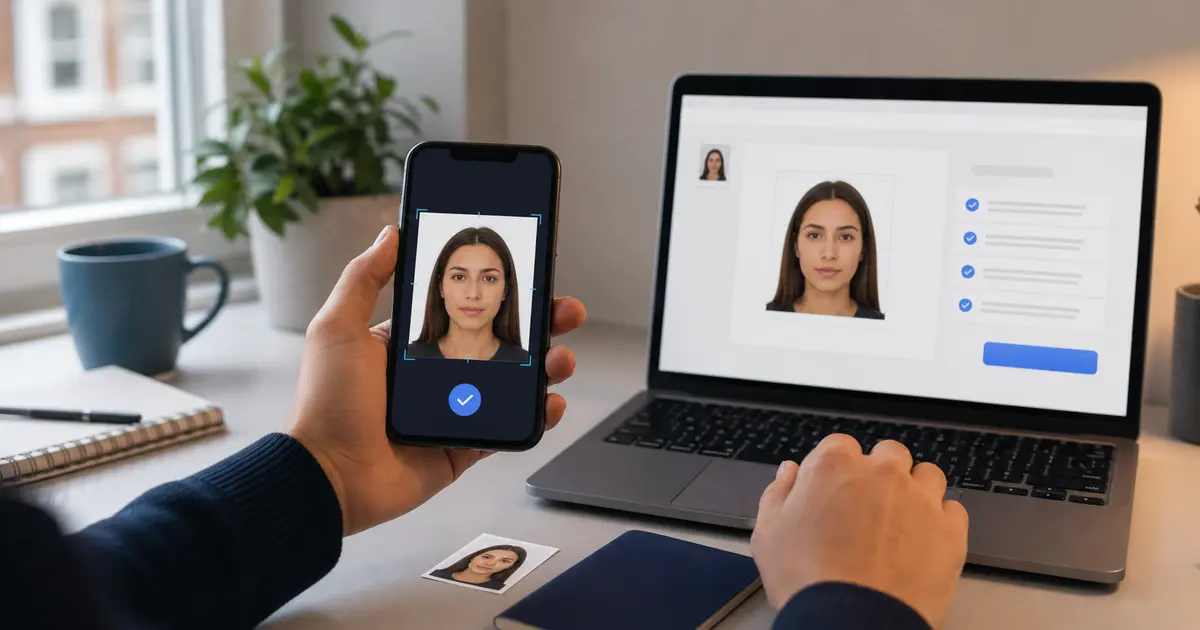
- Take your photo against a plain light-coloured wall, or upload an existing image.
- Passlens automatically crops to 35 x 45 mm and validates head size (29–34 mm).
- AI background removal ensures a clean, even background that meets HMPO standards.
- Check the compliance report for issues like head tilt, eye visibility, and background uniformity.
- Download for online submission (GOV.UK format) or generate a print sheet for postal applications.
Where to Submit
UK passport applications are managed by His Majesty’s Passport Office (HMPO). Applications can be submitted through several channels:
- Online (GOV.UK): The fastest and cheapest method. Upload your digital photo and complete the application at gov.uk/apply-renew-passport.
- Post Office Check & Send: Staff verify your form and photo before sending. Available at participating branches for an additional fee.
- Paper application: Download or pick up form from the Post Office. Include two identical printed photos.
| Service | Timeline | Cost (2026) |
|---|---|---|
| Online standard | Up to 10 weeks | £82.50 (adult) |
| Paper standard | Up to 10 weeks | £93 (adult) |
| 1-week Fast Track | 1 week (appointment) | £142 (adult) |
| 1-day Premium | Same day (appointment) | £177 (adult) |
Common Mistakes
HMPO’s automated checking system is notoriously strict. These are the most common reasons UK passport photos are rejected:
- Wearing glasses — The number one reason for rejection. All glasses must be removed.
- Smiling or mouth open — The automated system detects even slight smiles.
- Shadows on face or background — Uneven lighting is flagged immediately.
- Red eye — Common with flash photography. Use natural light or Passlens correction.
- Head too small or too large — Must be precisely 29–34 mm from chin to crown.
- Incorrect background — Patterned or dark backgrounds are rejected.
- Photo too old — Must be taken within the last month, unlike many other countries that allow 6 months.
Frequently Asked Questions
What are the UK passport photo requirements for 2026?
Use a 35 x 45 mm photo for print, keep the digital image at least 600 x 750 pixels, use a light grey or cream background, remove glasses, keep a neutral expression, and use a photo taken within the last month. Those are the core HMPO checks whether you are renewing online or preparing a printed backup.
Can I wear glasses in my UK passport photo?
No. Since 2018, glasses of any kind are not permitted in UK passport photos. This includes prescription glasses, clear-lens glasses, and tinted lenses. The only exception is if you cannot remove glasses for medical reasons, in which case you need supporting documentation.
What background colour should I use?
HMPO specifies a plain light grey or cream background. Pure white is also accepted. Avoid coloured backgrounds like blue, which are common in other countries but will be rejected for a UK passport.
How recent does my UK passport photo need to be?
Your photo must have been taken within the last month. This is stricter than most countries, which typically allow photos up to 6 months old. The photo must reflect your current appearance.
Do I need an HMPO-ready digital photo code?
Not always. If you are uploading directly through GOV.UK, what you need is a compliant digital image that passes HMPO’s checker. A retailer code can be useful in a shop workflow, but the real requirement is still the same HMPO-compliant digital photo rather than the code itself.
Do I need a countersignature on my photo?
A countersignature is only required if you are applying for your first adult passport, if your appearance has changed significantly, or if your previous passport photo was taken when you were under 12. The countersigner must write on the back of one photo and sign it.
Can I use my phone to take a UK passport photo?
Yes, smartphone cameras are perfectly acceptable as long as the resulting photo meets all technical requirements. Modern phones produce sufficient resolution. Use Passlens to ensure correct dimensions and compliance.