Max Spielmann ID Photo Booth Photos (2026): How to Use the Booth, Get a Digital Code, and Choose the Right UK Workflow
Use this Max Spielmann passport photo booth guide for the £10 booth price, digital photo code, support-contact handoff, Apply & Go limits, and when to prepare a compliant file first.

Fast answer: Max Spielmann passport photo booth price, code, and support contact
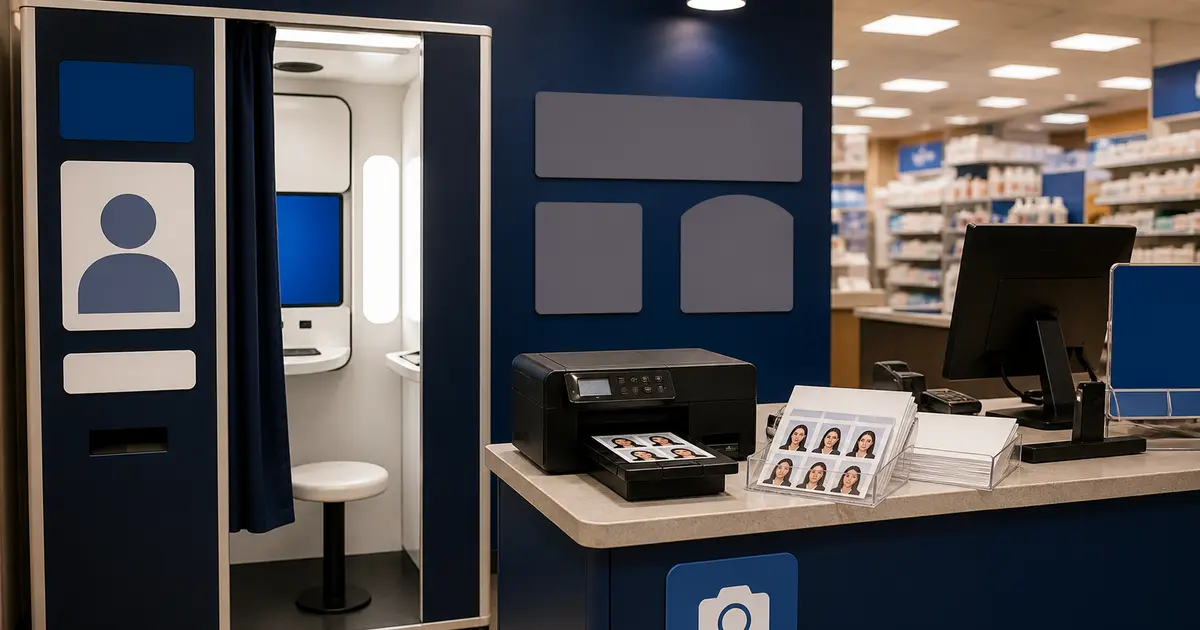
Max Spielmann says its passport photo booths cost £10 and include a digital photo code. The booth route is for quick self-service passport or ID photos; the staffed shop passport-photo service starts from £12.99 for UK passports; and the online print route is for files you already have.
If your search is Max Spielmann passport photo booth support phone, support contact, or contact number, Passlens cannot fix a retailer booth or recover a retailer-issued code. Use Max Spielmann customer support for booth, order, payment, rejection, or code problems.
Apply & Go is only available in Max Spielmann shops, not at photo booths. If you need the retailer to help complete the online passport application, choose the staffed shop route. If you only need the booth photo and code, follow the booth workflow.
| Max Spielmann route | What it is for | What to watch |
|---|---|---|
| Passport photo booth | £10 passport or ID photos with a digital photo code. | Use customer support for booth, payment, code, or rejection problems. |
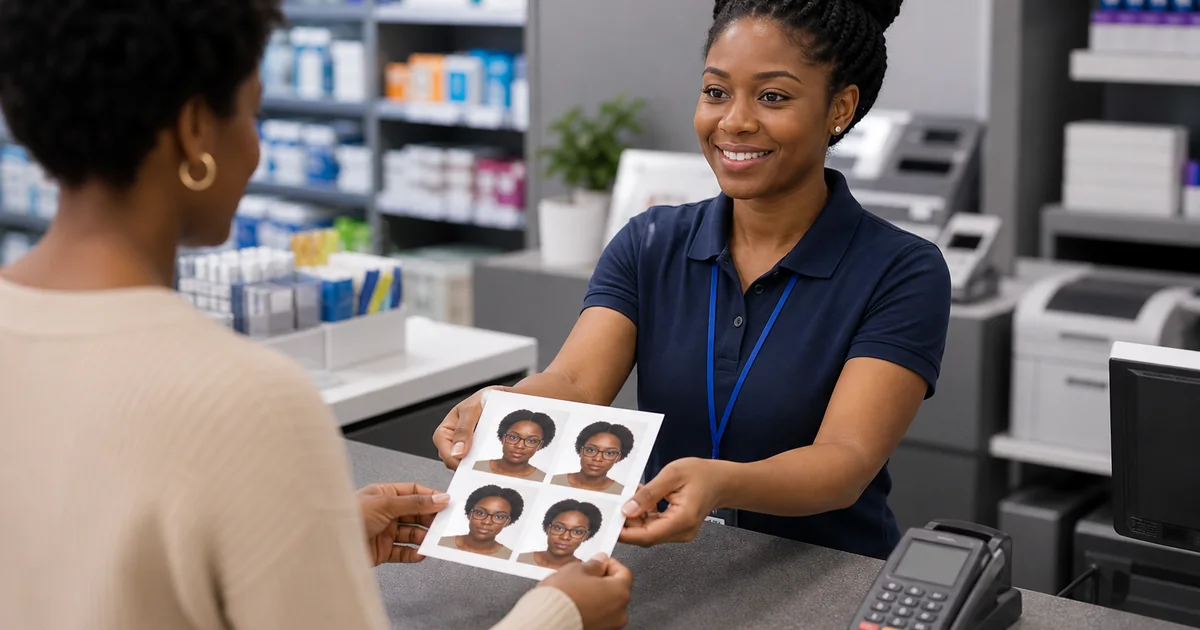
| In-store passport photos | Staffed passport-photo service with printed and digital copies. | Best when you want a person to take and check the photo. |
| Apply & Go | A shop-only passport application support route. | Not available at photo booths. |
| Online passport photos | Prints from a file you already have. | Max says this route does not include a digital code or HMPO check. |
What people usually mean by “Max Spielmann ID photo booth”
Searches for Max Spielmann ID photo booth or Max Spielmann ID photo booth photos are usually really about three different workflows: a passport photo booth, an in-store passport photo service, and an online print service that turns a file you already have into printed photos. Max Spielmann covers all three on its own site, but the outputs are not identical, and that matters if you are trying to finish a UK passport application or another document that needs a digital code.
If you only need the short answer, use the Max Spielmann booth or in-store passport-photo service when you need a UK passport digital photo code, and use the online print service only when you already have a compliant file and only need prints. If you still need to prepare or verify the file first, start in the passport photo maker or run it through the passport photo checker before you pay for the retail step.
Max Spielmann’s official pages are clear on the important split. Passport photo booths print a set of passport photos and include a digital photo code. In-store passport photos are also sold as a digital passport-photo service, with staff checking the shot against HMPO criteria and giving you both printed and digital copies. But online passport photos are a different product: you upload your own image and order prints, and those prints do not include a digital code and are not checked with HMPO.
That is the key point most comparison pages miss. If your real goal is to finish a UK passport application, the right question is not just “Is there a Max Spielmann near me?” It is “Do I need a digital photo code, a printed set, or an already-prepared file I can print anywhere?” Once you separate those workflows, the best option becomes much easier to choose.
Searches for Max Spielmann passport service usually bundle all of those routes together, but the outputs are different enough that you should treat “booth”, “passport service”, “Apply & Go”, and “online prints” as separate products. That is why the safest path is to decide what output you need before you choose the Max Spielmann route.
If your search is the shorter Max Spielmann photo booth or the exact query Max Spielmann - ID photo booth photos, the same rule applies. Decide first whether you need the digital code, the staffed passport service, or just prints from a file you already trust.
That is why this page is written as a workflow guide rather than a store-locator page. The live search intent behind Max Spielmann ID photo booth photos is usually not “where is the shop?” It is “which Max Spielmann route actually solves my passport or licence task without forcing a second trip?”
What Max Spielmann officially offers
| Service | What Max Spielmann says it includes | Best fit |
|---|---|---|
| Passport photo booth | Printed passport photos plus a digital photo code | UK passport applications where you want a quick booth workflow |
| In-store passport photos | Staffed service with printed and digital copies checked to HMPO criteria | People who want shop help instead of self-service |
| Online passport photos | Upload your own image and order prints only, with no digital code and no HMPO check | People who already have a compliant file and only need prints |
| Apply & Go checklist flow | Retail guidance for supported application/document workflows | Users comparing passport-photo service options before visiting a branch |
This split matters because the booth and in-store services are designed around the HMPO code workflow, while the online-print product is basically a print fulfilment step. If you show up expecting the online print product to solve the digital-code problem, you are using the wrong product. If you already prepared an exact file in Passlens and only need prints, that online-print route can still be useful because you no longer depend on the retailer to decide the crop for you.
Max Spielmann photo booth checklist
- Need a UK passport digital photo code? Use the booth or the staffed in-store passport-photo service, not the upload-your-own online print product.
- Need only printed passport photos? The online-print route can still work when you already have a compliant file and do not need HMPO validation or a code.
- Need a driving licence or over-18 workflow? Check the actual authority route first, because the right output may be a prepared print rather than a passport-code product.
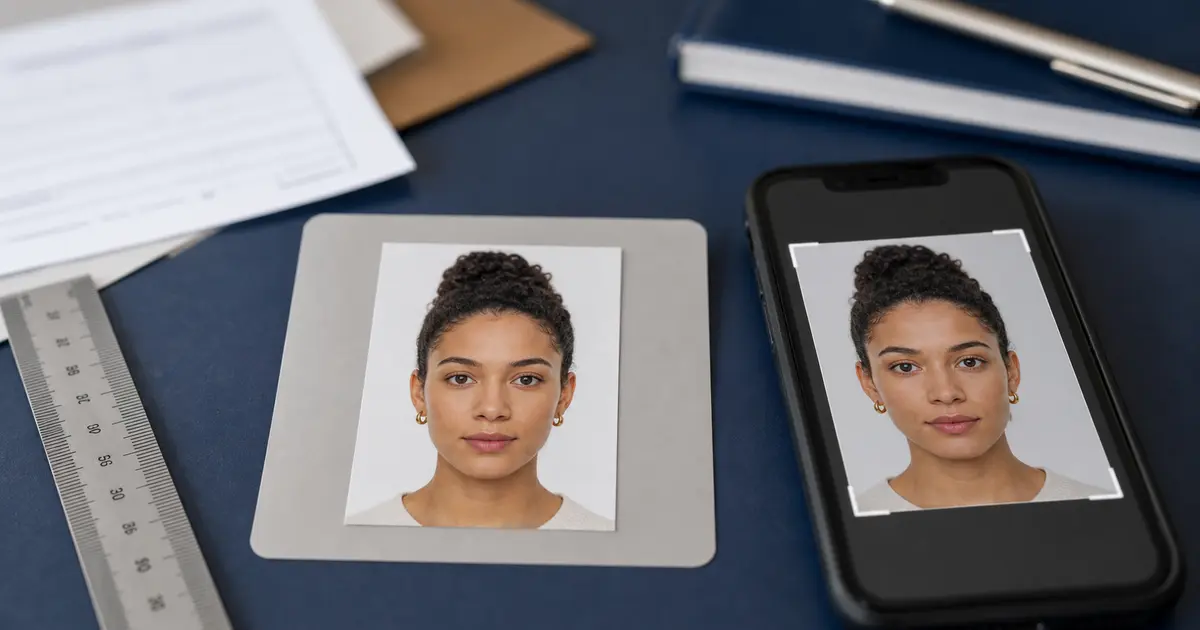
- Need to control the crop before paying? Prepare the file first in Passlens, then use Max Spielmann only for the last-mile print or code step.
- Need a digital passport photo Max Spielmann can print? Treat the retailer as the output step and make sure the source file is already compliant before you order.
That checklist is the practical answer behind most searches for Max Spielmann photo booth, digital passport photo Max Spielmann, and how to use a Max Spielmann photo booth. The brand offers several routes, but they are not interchangeable.
When the booth or in-store service is enough
- You are applying for a standard UK passport and want a digital code for the HMPO online application.
- You prefer a retail or booth workflow instead of preparing the file yourself.
- You want a familiar chain with a find-a-shop journey and a simple passport-photo purchase.
- You do not need a non-standard size, a custom print sheet, or repeated crop adjustments before paying for the final output.
For those cases, a Max Spielmann booth or store service can be a perfectly rational choice. The official product pages explicitly position these services around online passport applications, digital codes, and in-store support. If that matches your task, the retailer is doing exactly what it says on the tin.
Where booth-first workflows fall short
A passport booth is not the same thing as a document-photo preparation tool. It is designed for speed and convenience around common workflows. It is weaker when the real problem is document-specific control, not merely printing or receiving a code.
- You need to compare a passport route with a driving-licence route before choosing the output.
- You need a print layout such as a 4x6 sheet instead of a simple retail set.
- You want to retake the photo several times, refine the crop yourself, or check head size before spending money.
- You need a document format that is not covered by the shop’s standard booth offering.
- You want to start from one source photo and export both a digital file and a print sheet without relying on the retailer’s default crop.
That is where a browser-first tool like Passlens is stronger. You solve the compliance-sensitive part first, then decide whether the last mile should be a booth, a pharmacy counter, a lab print, or your own printer. In other words, the retailer becomes the output step, not the place where the rule interpretation happens.
Digital photo code, Apply & Go, and why the distinction matters
On GOV.UK, the normal online passport route asks for a digital photo and explains that one common way to get it is from a booth or shop that gives you a code. Max Spielmann’s own product pages line up with that: booths and stores are positioned around digital passport photos, while the online-print path is not. The brand also surfaces an Apply & Go checklist in the passport-and-ID section, which reinforces that some of its retail workflows are built around application-ready code usage rather than just paper prints.
If your search is really about a digital passport photo Max Spielmann can deliver, the safest interpretation is simple: use the service that explicitly promises the digital photo code. That is not the same thing as uploading a file for prints and hoping the checkout route covers HMPO or DVLA expectations.
If the thing you need is the code, use the booth or store service. If the thing you need is control, use Passlens first. These are not contradictory pieces of advice. They are simply different tools for different failure points.
How to use a Max Spielmann photo booth
For people searching how to use a Max Spielmann photo booth, the practical sequence is simple. Start by deciding whether you need a digital photo code for a UK passport application or just printed photos. If you need the code, use the booth or the staffed in-store passport-photo service rather than the online-print product.
If your real search is Max Spielmann driving licence photo, the same brand can still be part of the solution, but the question changes. A driving-licence, proof-of-age, or over-18 photo route is less about HMPO codes and more about whether you need a standard printed set, a prepared digital file, or a UK-specific application workflow. That is why it is worth checking the UK driving licence photo guide and the driving licence photo ID over 18 guide before you pay for a booth flow designed around passports.
- Choose the document route first, especially if you are comparing a UK passport application with a driving-licence or other ID route.
- Use the booth or the staffed in-store service if your goal is an HMPO-ready digital code.
- Use the online-print route only when you already have a compliant file and only need prints.
- If the document needs more crop or print-sheet control, prepare the file first in Passlens and then use the retailer as the last-mile print or code step.
If your real task is a licence or proof-of-age workflow rather than a passport, jump to the UK driving licence photo guide before you pay for a booth output that was optimized for a different document path.
The best workflow for most users
- Start from the actual document guide, not the retailer brand.
- Decide whether your output needs to be a digital code, a prepared digital file, or a print sheet.
- If you only need a standard UK passport route with a code, a Max Spielmann booth or store can be enough.
- If you need exact crop, sheet layout, a non-standard document, or multiple export options, prepare the file first in Passlens and treat the retailer only as the final print step.
Frequently Asked Questions
How do I use a Max Spielmann photo booth for a passport application?
Decide first whether you need a digital photo code for a UK passport application or only printed photos. If you need the code, use the booth or the staffed in-store passport-photo service, follow the booth steps, and keep the code for the HMPO application. If you already have a compliant file and only need prints, use the online-print route instead.
What does Max Spielmann passport service include?
In practice, “Max Spielmann passport service” can mean a passport photo booth, a staffed in-store passport-photo service, or an online passport-photo print order. The booth and store routes are the ones tied to digital photo codes; the online-print route is for prints only and does not include HMPO validation or a digital code.
Do Max Spielmann do passport photos?
Yes, but not through one single product. Max Spielmann offers passport photo booths, a staffed passport-photo service in store, and an online print route for files you already have. The important part is choosing the route that matches your job. If you need a digital passport photo code, use the booth or the in-store service. If you only need prints from a file you already trust, the online-print route can still work.
Do Max Spielmann online passport photos include a digital photo code?
No. Max Spielmann’s online passport photo product is a print service for a file you already have. The official product pages make the split clear: the booth and in-store passport photo workflows are the ones tied to digital photo codes, while the online-print route does not include a code and is not checked with HMPO.
Do passport photo booths give a code?
Some do, some do not. In the Max Spielmann case, the booth and the in-store passport-photo service are the routes tied to the digital photo code. That does not automatically mean every booth-style product or every online print order does the same thing, which is why the product split matters before you pay.
What is the difference between a Max Spielmann booth and the online print service?
The booth is designed around a ready-made passport-photo purchase and a code workflow, while the online print service is simply a way to turn your own file into printed photos. If you only need prints from a compliant file you already prepared, the online service can work. If you need the retailer to supply the digital passport code, you need the booth or the staffed in-store service instead.
When is Passlens the better workflow?
Passlens is stronger when you need control before the final retail step: exact crop review, repeated retakes, a custom print sheet, or a document format that goes beyond the default booth workflow. In that setup, you prepare the file first in Passlens and then use the retailer only for the last-mile print or code step that actually matches your application.
Can I use a Max Spielmann booth for a driving licence photo?
Sometimes, yes, but only if the output matches the route you actually need. A booth can be useful when you just need a standard retail photo set, but a driving licence photo or over-18 photo ID workflow often depends on the exact application path, digital-vs-print output, and whether the final crop still matches the authority guidance. If the route is not a straightforward passport-code workflow, preparing the file first in Passlens usually gives you more control.
Should I use Max Spielmann Apply & Go, the booth, or the online print service?
Use Apply & Go and the booth/in-store route when you are following a standard supported application path and want the retailer’s passport-photo workflow with a digital code. Use the online print service only when you already have a compliant file and only need prints. If you still need to fix the crop, retake the portrait, or compare passport and driving-licence outputs, prepare the file in Passlens first.