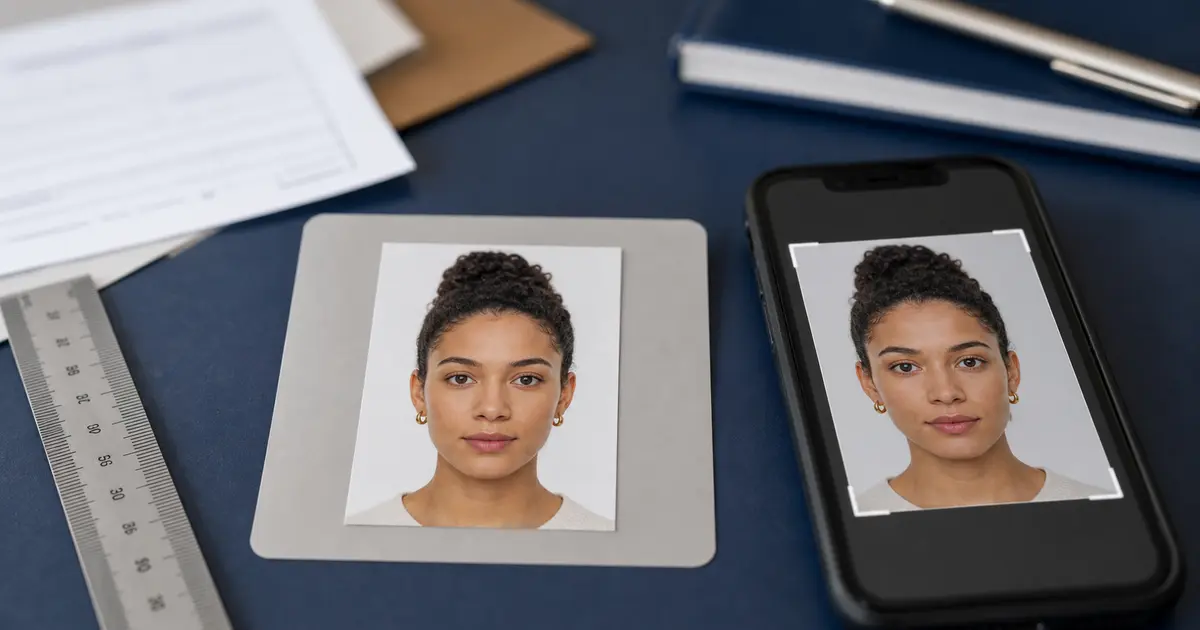
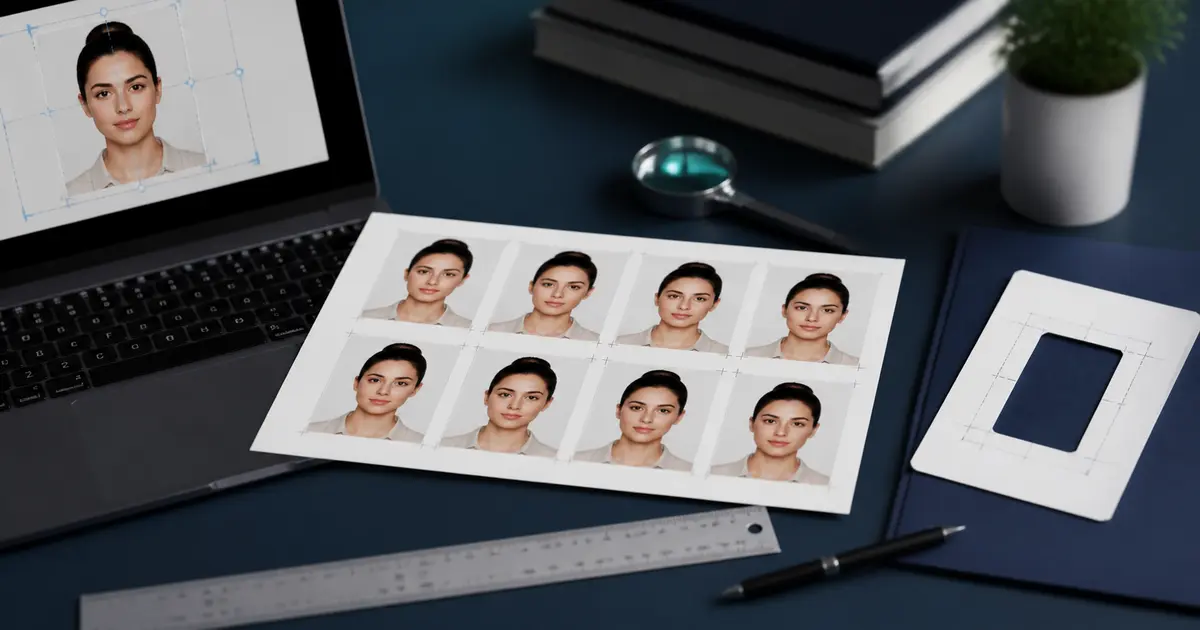
Passport Photo Booth Guide: Boots, Max Spielmann, Pharmacies, and Online Alternatives (2026)
Compare passport photo booths, Boots, Max Spielmann prices, digital photo codes, support-contact searches, and online prep. Use the booth for the output it actually offers, and prepare the file first when crop or upload control matters.
Fast answer: passport photo booth, Max Spielmann, and Boots
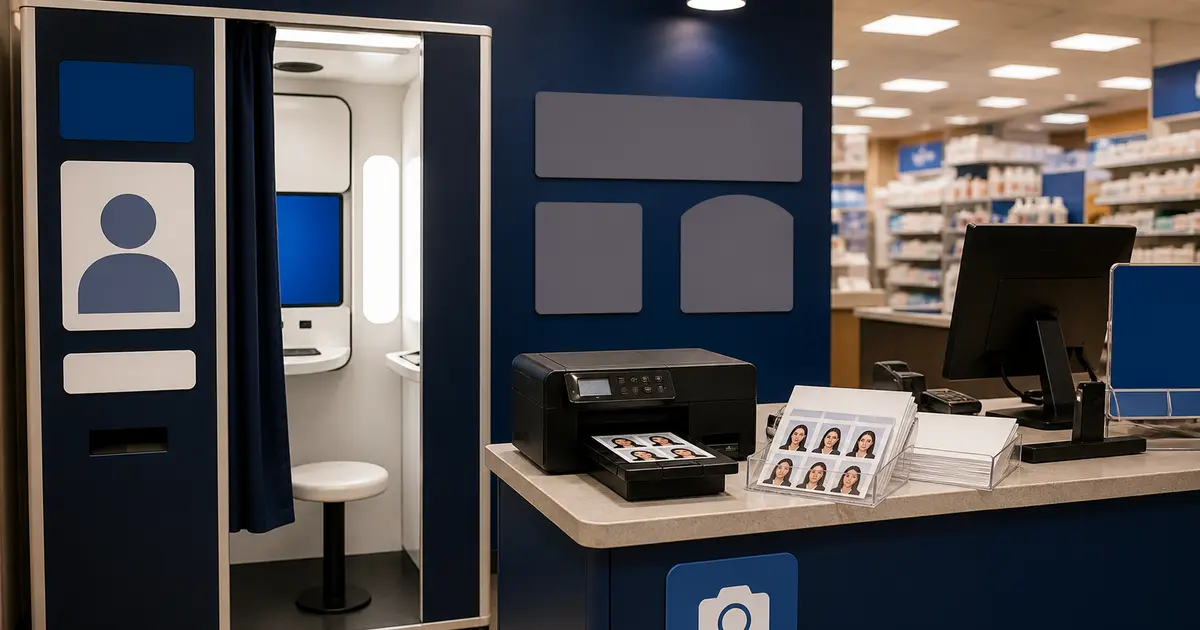
A passport photo booth is useful when you need a standard retail output: printed photos, a passport-photo code, or a fast in-store capture. It is weaker when you need to control the exact crop, export a non-standard document size, or prepare one file for both upload and print.
Max Spielmann says passport photo booths cost £10 and include a digital photo code for online UK passport applications. Its staffed shop service starts at a higher price and can include HMPO checking, while its online print service is for files you already have and does not include the same digital-code workflow.
For Max Spielmann passport photo booth support phone or contact-number searches, use Max Spielmann customer support. Passlens cannot troubleshoot a store booth, fix a payment issue, or recover a retailer-issued code.
Boots Photo store pages can list Passport Photo Set, digital download, photo code, and print-in-store products, but availability is store-specific. Check the exact Boots Photo store page before you travel, then decide whether the store is capturing the photo, printing a prepared file, or both.
| Search intent | Best next step | Why |
|---|---|---|
| Max Spielmann passport photo booth support phone | Max Spielmann customer support | Only the retailer can handle booth support, payment, or code recovery. |
| Max Spielmann passport photo booth price | Max Spielmann ID photo booth guide | The Max guide owns the £10 booth, digital-code, in-store, and online-print split. |
| Boots passport photo booth | Boots passport photo guide | Boots availability depends on the exact store and Photo service page. |
| Photo booth for passport photos | Prepare the file first | Use Passlens first when the risk is crop, size, background, or upload format. |
What people usually mean when they search for a passport photo booth
If you only need the short answer, a booth is fine for a standard supported passport print or code workflow, but prepare the file first when you need exact crop, digital upload control, or a non-standard document. In those cases, start with the passport photo maker, check the result with the passport photo checker, and use the booth only for the final print or code step.
Searches like passport photo booth often bundle together several different services: self-service retail booths, staffed in-store photo desks, pharmacy passport-photo counters, and “online passport photo” tools that prepare a compliant image before it is printed somewhere else. Those are all adjacent options, but they solve different parts of the job.
A booth or pharmacy counter is usually about convenience. It can be a good answer when you want a quick standard passport print in a market the retailer already supports well. But convenience is not the same thing as document-specific control. If you need an unusual format, a non-passport ID photo, a specific print layout, or a digital file that matches an online application portal, the hard part is still the crop, size, background, and export format before the retail step even begins.
This guide is the comparison page that should exist publicly. It explains where booth and pharmacy services fit, where they are too generic, and how a browser-first tool like Passlens fits into the workflow. The goal is not to pretend booths are useless. It is to stop users from assuming a booth automatically solves every passport or ID-photo requirement just because the machine says “passport.”
That also covers the more literal versions of the same search, like photo booth for passport photos, passport photo booth near me, and pharmacy passport photos near me. Those queries sound like location questions, but the real issue is usually whether the store solves the whole job or only the last print step.
What a booth or retail counter actually solves
Retail photo services are strongest when the workflow is already standardised and the user mainly needs an acceptable final print. For example, a UK applicant using a well-supported passport format may value a familiar chain, a digital code, or a store-locator experience more than a custom print sheet. A U.S. applicant may want same-day passport photos from a pharmacy rather than setting up photo paper and printer settings at home.
What those services usually do not solve is the full document-preparation problem. A booth rarely explains whether your national ID card uses a different size from the passport. A retail counter is not there to map a government application’s digital upload limit back to your source photo. If the underlying crop is wrong, the machine or staff workflow may still produce a neat-looking print that fails the actual application.
| Option | Best when | Main limitation |
|---|---|---|
| Retail booth | You want quick self-service output for a common passport workflow | Booths optimise for speed, not deep document-specific guidance |
| Pharmacy counter | You want a staffed passport-photo service or same-day print | Often focused on standard passport formats, not broader ID-photo workflows |
| Home print after online prep | You want exact layout and print control | Requires a good printer workflow and 100% scaling discipline |
| Passlens + retail print | You want exact crop/size first, then a convenient print location | You still need to choose a print location after export |
How the booth conversation differs between UK and U.S. users
UK users often search for Boots or Max Spielmann because those brands are tied to a familiar passport-photo and photo-code workflow. The important question for them is not just “which shop is near me?” but “does this workflow give me the right type of output for my exact document?” A standard HM Passport Office path is one thing; a driving-licence route or non-standard foreign document is another.
If Max Spielmann is the retailer you are comparing, the useful distinction is between its booth/store digital-code workflow and its online-print workflow. Those are not interchangeable, and users often end up on the wrong product page when what they really need is an HMPO-ready digital code.
U.S. users often search for Walgreens, CVS, or Walmart because the practical need is a same-day 2×2 inch print. That can work well for a standard U.S. passport photo, but it does not automatically answer questions about visa-photo rules, digital-upload preparation, or non-U.S. sizes. In the U.S. context, the difference between “take the passport photo for me” and “print the correctly prepared passport photo I already made” is also important.
Boots, Max Spielmann, and photo-code searches
Searches such as Boots passport photo, Boots digital passport photo, Boots passport photo booth, and does Boots print passport photos are usually store-route questions. Check the current Boots Photo page for availability and ordering details, then decide whether you need a digital file, a print, or both. If you already have a prepared file, the print step is different from asking a shop to capture and check the photo for you.
For Max Spielmann searches, separate the service question from the support question. If you searched Max Spielmann passport photo booth, how to use Max Spielmann photo booth, or do passport photo booths give a code, use the Max Spielmann ID photo booth guide first. If you searched for a Max Spielmann passport photo booth support phone, contact number, or support contact, use the retailer’s official support page. Passlens cannot troubleshoot a store booth or recover a retailer-issued photo code.
The practical rule is simple: use the booth or retailer when you need their capture, code, or print service; use Passlens first when you need to control the crop, size, background, file format, or print sheet before choosing where to print.
When retail or booth service is enough
- You need a common passport format that the retailer explicitly supports.
- You care most about speed, location, and pickup convenience.
- You do not need a custom print sheet, unusual size, or cross-document comparison.
- You already know the authority workflow and only need the last-mile capture or print.
If those conditions are true, a retail solution can be perfectly reasonable. The mistake is assuming that a reasonable retail option for one document means the same store or booth is the best answer for all ID-photo problems.
That is why booth-intent traffic is useful for Passlens. A lot of those users are not loyal to the booth. They are loyal to convenience. If the browser workflow gives them the same speed with better control over crop, background, and print layout, many of them are willing to switch.
When online prep is the better starting point
Online preparation is stronger when the difficult part is not taking a picture but getting the rules right. If you need to compare a passport route with a national ID route, test different crops, fix a background, export a digital file and a print sheet, or prepare a file before sending it to a local print service, the browser-first workflow is usually better because it gives you control before money is spent on the final print.
- You need an exact preset for a specific country or document.
- You want to compare digital upload and print output from the same source photo.
- You need to fix crop, rotation, zoom, or background before printing.
- You want a 4×6, 5×7, A4, or Letter sheet instead of a one-off retail print.
The strongest combined workflow
For many users, the strongest workflow is not “booth only” or “home print only.” It is prepare the correct file first, then choose the most convenient print location. That keeps the compliance-sensitive part under your control and leaves the retailer to do what retailers are good at: producing a print quickly.
- Start from the exact country or document guide.
- Prepare the compliant crop and export in Passlens.
- If you need paper copies, export the right print layout at 300 or 600 DPI.
- Use a booth, shop, or pharmacy only as the final print stage if that is the most convenient option.
Next step
If the hard part of your workflow is the actual photo rule, start with Passlens and the right document guide first. If the hard part is simply where to print a compliant file, then a booth or retail print service can still be a useful final step.
Representative sources
This comparison page relies on a mix of official government requirement pages and the retailers’ own descriptions of the services they actually offer.
- U.S. Department of State — Passport photos
- GOV.UK — Photos for passports
- Boots Photo — Passport photos
- Boots Photo — Instant prints and in-store kiosks
- CVS Photo — Passport and ID photos
- Walmart Photo — Passport photos
- Max Spielmann — Passport photo booth
- Max Spielmann — ID photos
- Max Spielmann — Customer support