Cheapest Places to Print Passport Photos: Home Printing, Pharmacies, Retail Counters, and What Actually Costs Less (2026)
Compare the cheapest places to print passport photos without relying on stale coupon pages. Learn when home printing is cheaper, when Walgreens, CVS, Walmart, or USPS-style routes make sense, and how to compare the real cost of the workflow when you need to print passport photos near you.

What “cheapest” really means in passport-photo printing
A search like cheapest places to print passport photos sounds simple, but it usually hides two different questions. Some people want the lowest possible cash cost for a finished print today. Others want the lowest total cost for the whole workflow, including retakes, digital copies, travel time, and the risk of paying twice because the first result was not quite right.
That distinction matters. A store that looks cheap at the counter may be expensive if it does not give you a usable digital copy, if retakes are awkward, or if you still have to fix the crop somewhere else. A home-print route can look more expensive upfront if you count paper and ink loosely, but become much cheaper over time if you already have a printer and expect to reprint or prepare several sets.
So the real comparison is not only store price versus store price. It is full workflow cost versus full workflow cost. Once you frame it that way, the cheapest route depends on what part of the job you still need solved.
That is also why searches like passport photo coupon or Walgreens coupon code for passport photo are not enough on their own. Coupons can lower a receipt. They do not fix a bad crop, a missing digital file, or a second trip. For most users the better low-cost question is still: which route gives me the finished result with the least total friction?
The main low-cost routes people actually use
| Route | When it is cheapest | Where extra cost usually appears |
|---|---|---|
| Home printing | You already have a decent printer and only need paper plus a correct print layout | Bad media settings, reprints, or wasted paper if the file is not ready |
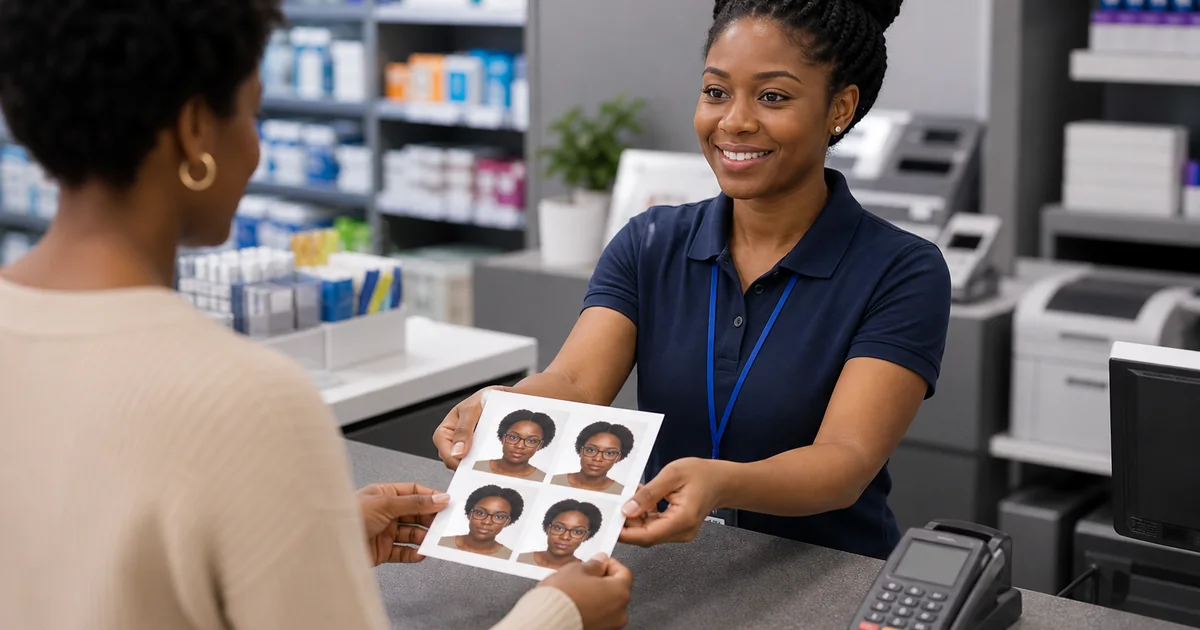
| Pharmacy counter | You want a same-day print without managing your own printer | You may still need a separate digital workflow or an extra attempt if the first result is weak |
| Retail photo center | You already trust the file and just need paper output | Travel time and reprint friction can make a “cheap” service less cheap |
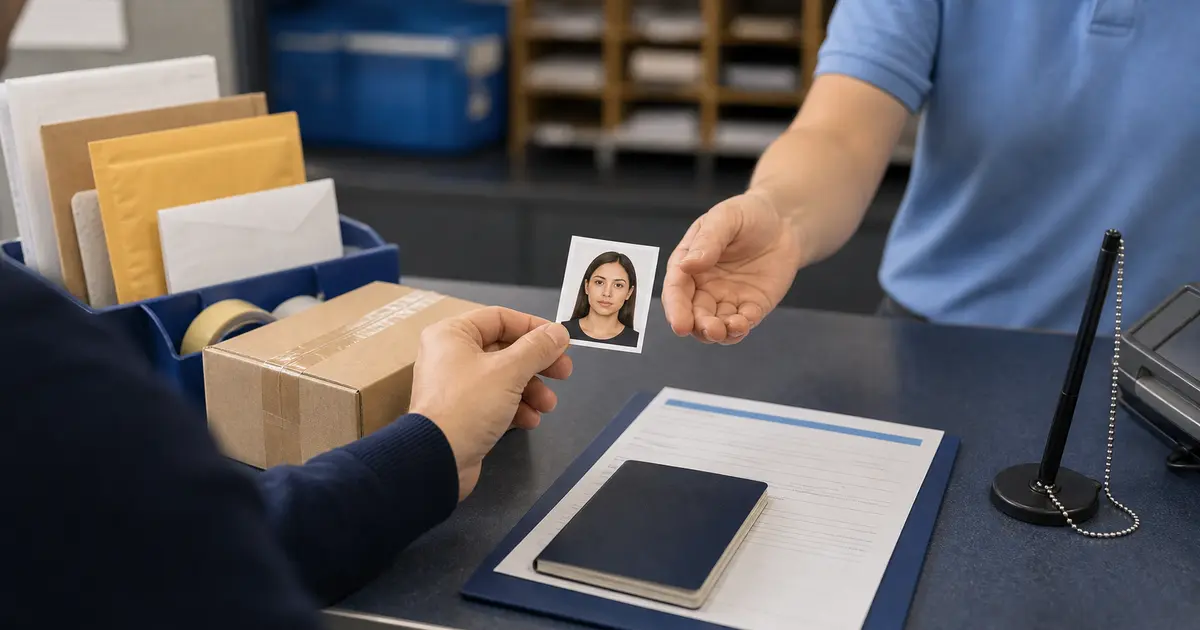
| Acceptance-facility or postal route with photo service | Useful if you are already applying in person and can bundle tasks | Availability varies by location, and convenience can matter more than headline price |
For many users, the cheapest route is not a specific brand. It is: prepare the correct file first, then choose the lowest-friction print route second. That is often cheaper than paying a store to handle both the image and the paper when the store is really only strong at the paper part.
Why home printing is often the true low-cost option
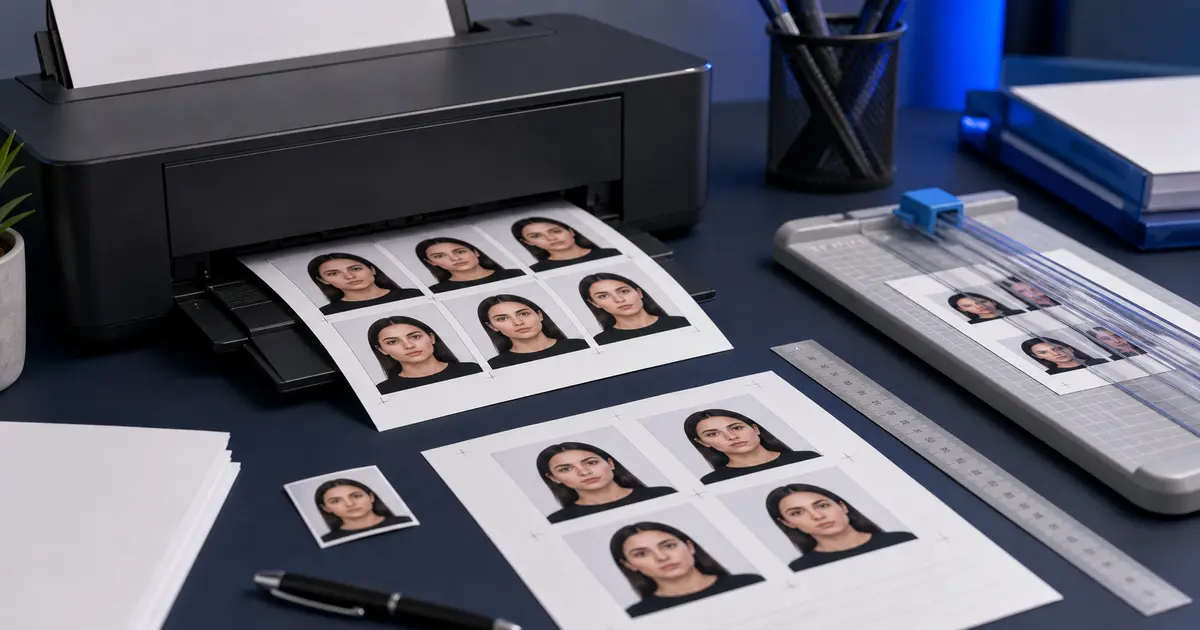
If you already have a working home printer, home printing is often the strongest low-cost route because it separates the compliance work from the retail markup. You can review the crop, background, and layout in the browser first, print at actual size, and only spend on paper and ink instead of a per-order service fee every time. That is why the home printing guide and the 4x6 template guide are so useful in this intent cluster.
Home printing is not the right answer for everyone. But for users who already trust their printer and mainly want a cheap, repeatable route, it is hard to beat. The mistake is to compare it only against a single retail receipt instead of comparing it against multiple future reprints and corrections too.
How Walgreens, CVS, Walmart, and USPS-style routes fit the comparison
Retail chains and postal/acceptance-facility routes are useful because they reduce hassle. Walgreens, CVS, Walmart, and some USPS-linked passport-photo routes give users a recognizable place to get the physical step done quickly. That convenience matters. But convenience is not automatically the same thing as the cheapest full workflow.
The better way to compare them is to ask what each route is solving. If you already have a correct file, a chain store or local print counter can be a practical finishing step. If you still need the document crop, the digital copy, or background cleanup, then a cheap retail print can still become an expensive workflow because you are paying for only the last five percent of the job while the risky ninety-five percent remains unresolved.
That is also why straightforward searches like print passport photo or where can I print out passport photos are more valuable than they look. The user is already close to the finish line. The real job is to separate “I still need help with the image” from “I only need paper output now.”
- Use Walgreens when you want a familiar same-day retail route.
- Use CVS when pharmacy convenience matters more than deep document control.
- Use Walmart when you already trust the file and mainly want a quick print step.
- Use UPS or USPS when a shipping or postal counter is already part of your errand.
- Use Target, Rite Aid, or Costco mostly as print-route research, not guaranteed capture service.
- Use the near-me guide when you are still comparing capture, print, and at-home routes together.
How to compare real cost instead of only advertised cost
- Count reprints: a cheap first print is not cheap if you pay again after a bad crop review.
- Count the digital file: some routes are only cheap if you do not also need an upload-ready image.
- Count your travel and waiting time: a store can be “cheap” and still cost you an extra hour.
- Count the whole document workflow: if the file still needs work, the retail print is not your real endpoint yet.
The practical low-cost rule
If the image is the uncertain part, fix the image first. If the print is the only remaining part, then choose the cheapest convenient print route near you.
Frequently asked questions
What is usually the cheapest place to print passport photos?
For many people, the cheapest route is home printing once the file is correct. If you do not want to print at home, the cheapest practical route often depends on which local chain or counter is easiest for you to use without adding more workflow friction.
Is Walgreens or CVS cheaper for passport photos?
The better question is which route costs less once you include retakes, digital-copy needs, and convenience. A simple price comparison can miss the real workflow cost entirely.
Can I lower the cost by preparing the file myself first?
Yes. In many cases that is exactly how users reduce cost. If you already trust the crop and output, the final print step becomes much easier and cheaper to shop around.