Walgreens Passport Photo: In-Store Prints, Digital Copies, and When to Use an Online Alternative (2026)
Walgreens offers in-store passport photos, same-day printing, and a digital copy option. Learn when Walgreens fits a standard passport-photo workflow, where exact ID formats need more control, and how Passlens compares.
What Walgreens Is Good At
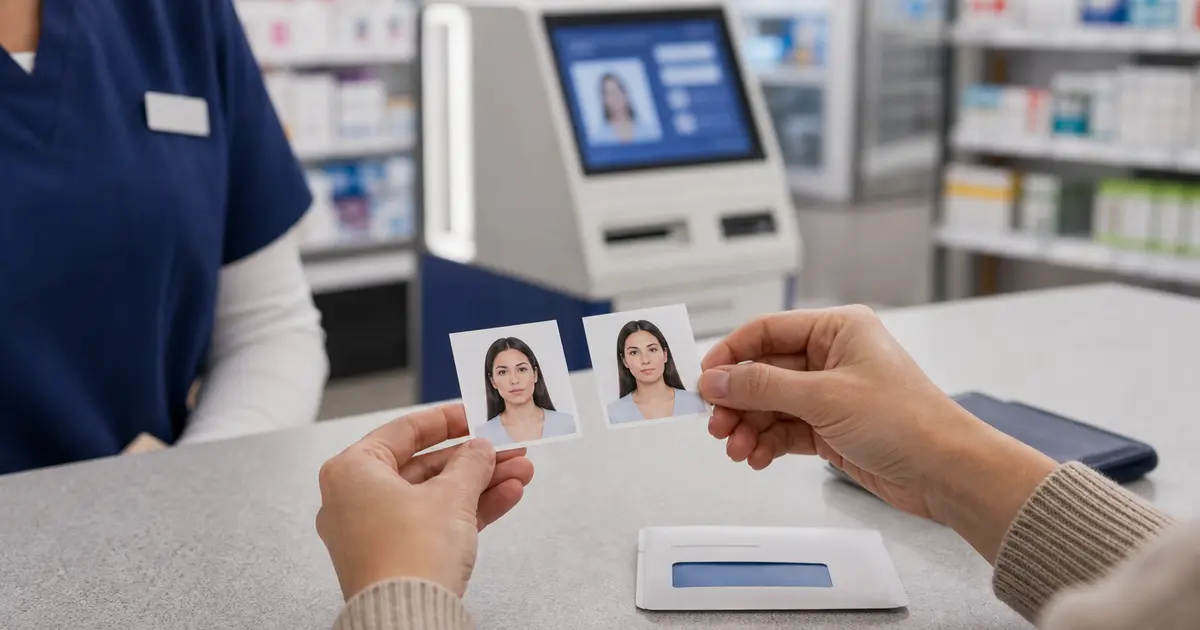
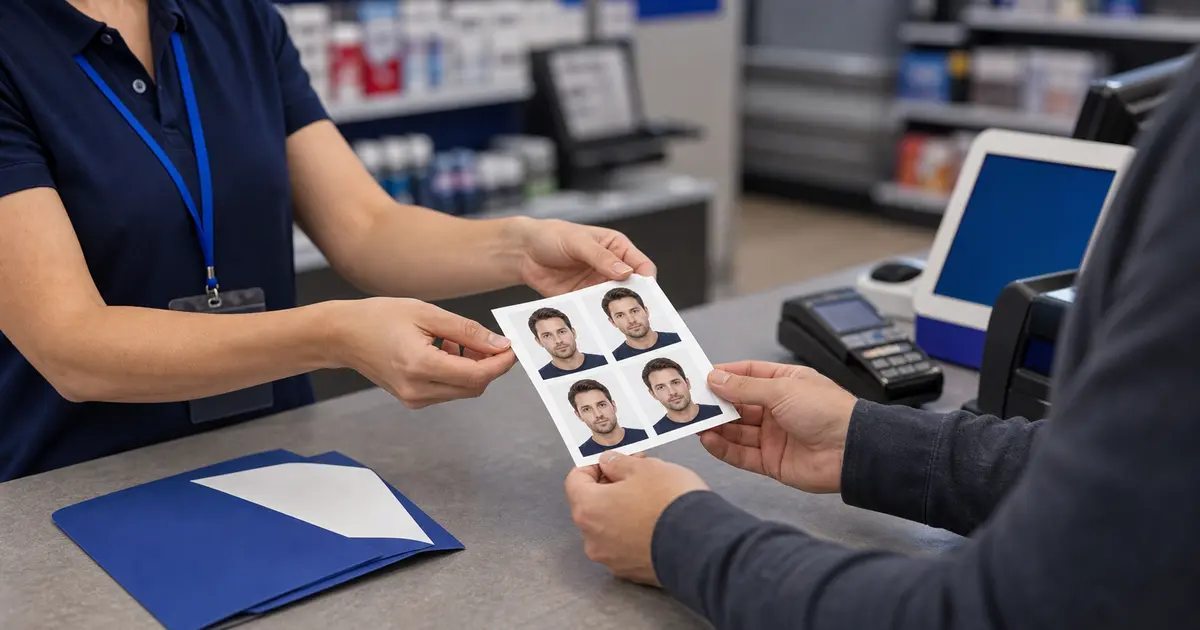
People searching for Walgreens passport photo usually want a standard U.S. passport photo service, a quick print, or a pharmacy option with same-day convenience. Walgreens officially offers in-store passport-photo service and photo-printing, so it is a real fit when you mainly need a familiar retail finishing step.
That still does not replace exact document-photo prep. If you need a national ID photo, a driving licence photo, or a non-U.S. size, the hard part is getting the crop, background, and physical dimensions correct before you ever send a file to the counter.
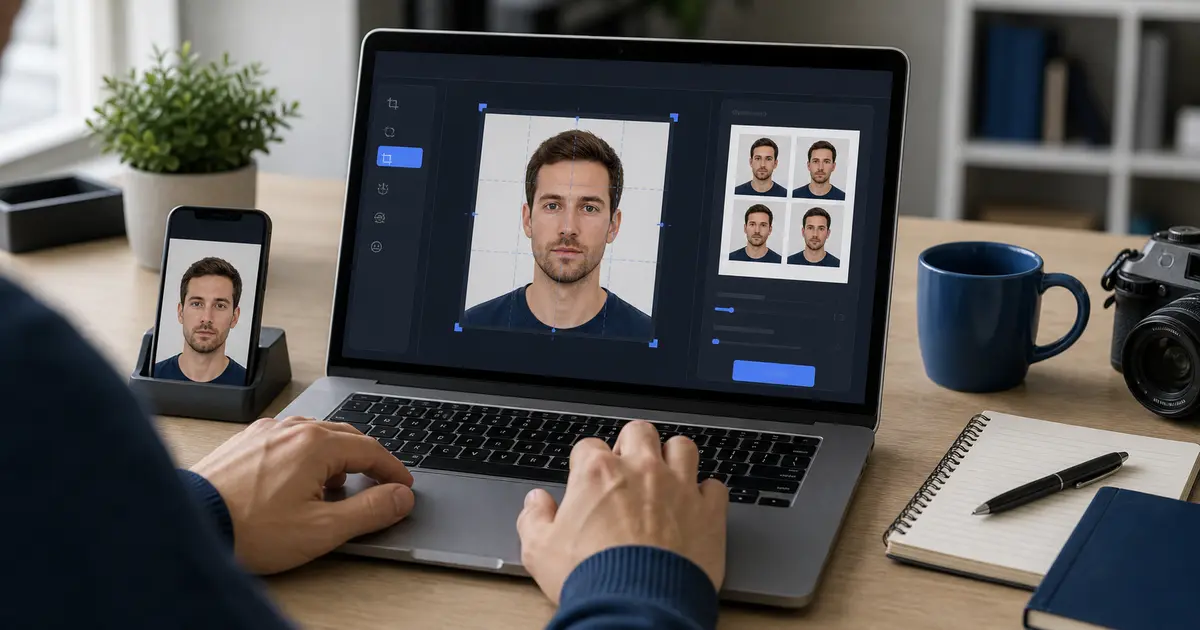
If Walgreens is only your final print stop, prepare the file first in the passport photo maker, the passport photo checker, or the ID photo print guide. The counter is useful for printing, not for choosing the right crop or preset.
The other common Walgreens question is whether you need an appointment. The safe answer is to treat that as a local-store question, not a universal rule. Walgreens clearly offers the service, but photo-counter hours and staffing can still vary by location. If timing matters, confirm the store flow before you go instead of assuming every open Walgreens handles passport photos the same way all day.
Price-sensitive users also search for a Walgreens coupon code for passport photo. That is understandable, but coupon pages change faster than the document workflow itself. Treat promo pages as temporary. The stable part of the decision is still whether Walgreens is only your print step or whether you are expecting the counter to solve the crop and compliance work too.
Walgreens passport photo workflow snapshot
| Question | Walgreens |
|---|---|
| Capture available? | Yes, Walgreens advertises in-store passport-photo service. |
| Print-only route? | Yes. Walgreens Photo can also be useful when you already have a prepared print sheet. |
| Digital copy likely? | Possible, but check the current store service and whether the copy fits your upload route. |
| Appointment needed? | Usually a store-by-store question. Confirm photo counter availability before a deadline. |
| Same-day practical? | Often practical for common U.S. passport photos and ordinary photo prints. |
| Best use case | A nearby pharmacy route when you want capture plus printed copies, or a print counter for a finished file. |
- 4x6 passport photo template for common pharmacy and retail print sizes.
- Letter-size passport photo template when you are printing several copies at home or at a copy shop.
- A4 passport photo sheet guide for UK, EU, and international print setups.
- Clean PNG and JPEG export guide before you send a file to a store, kiosk, or online print order.
When Walgreens Can Work
- You need a straightforward U.S. passport photo workflow.
- You want an in-store photo counter rather than home printing.
- You already have the right file and mainly want a same-day print option.
Where a Pharmacy Counter Is Not Enough
- You need a non-U.S. size such as 35×45 mm or 50×70 mm.
- You need a government-issued photo ID that is not just a standard passport photo.
- You need a driving licence photo workflow with specific head-size or background rules.
- You want exact layout and DPI control before printing or sending a file to a store.
Important
Retail passport service solves convenience, not every compliance edge case. If the underlying file or crop is wrong, the store counter does not fix the real document requirement for you.
A Better Workflow with Passlens
- Start with the exact preset, such as U.S. passport or a specific photo ID workflow.
- Export the exact single photo or the correct print layout at 300 or 600 DPI.
- If you still want a Walgreens print, bring the already-correct file to the final retail step instead of relying on the counter to decide the crop or physical size.