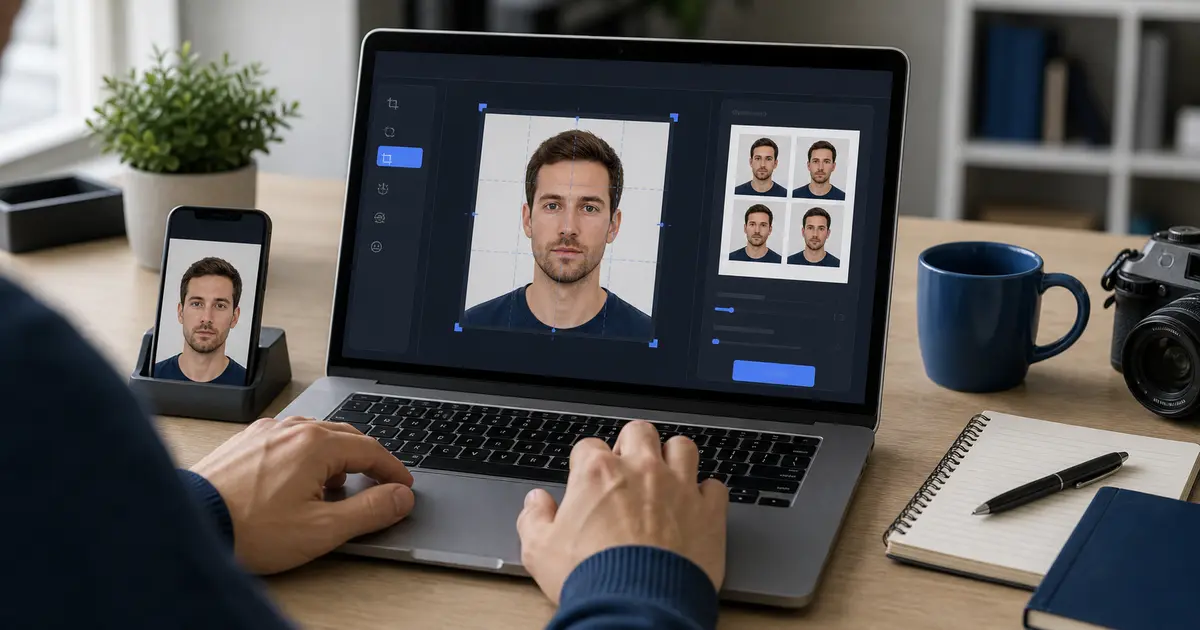
Passport Photo Clean Export Guide (2026): No Watermark, Correct Size, and Print-Ready Downloads
Learn what a clean passport photo export should include: no watermark, predictable preview-to-download behavior, correct digital size, and print-ready sheets for 4x6, A4, or Letter output.
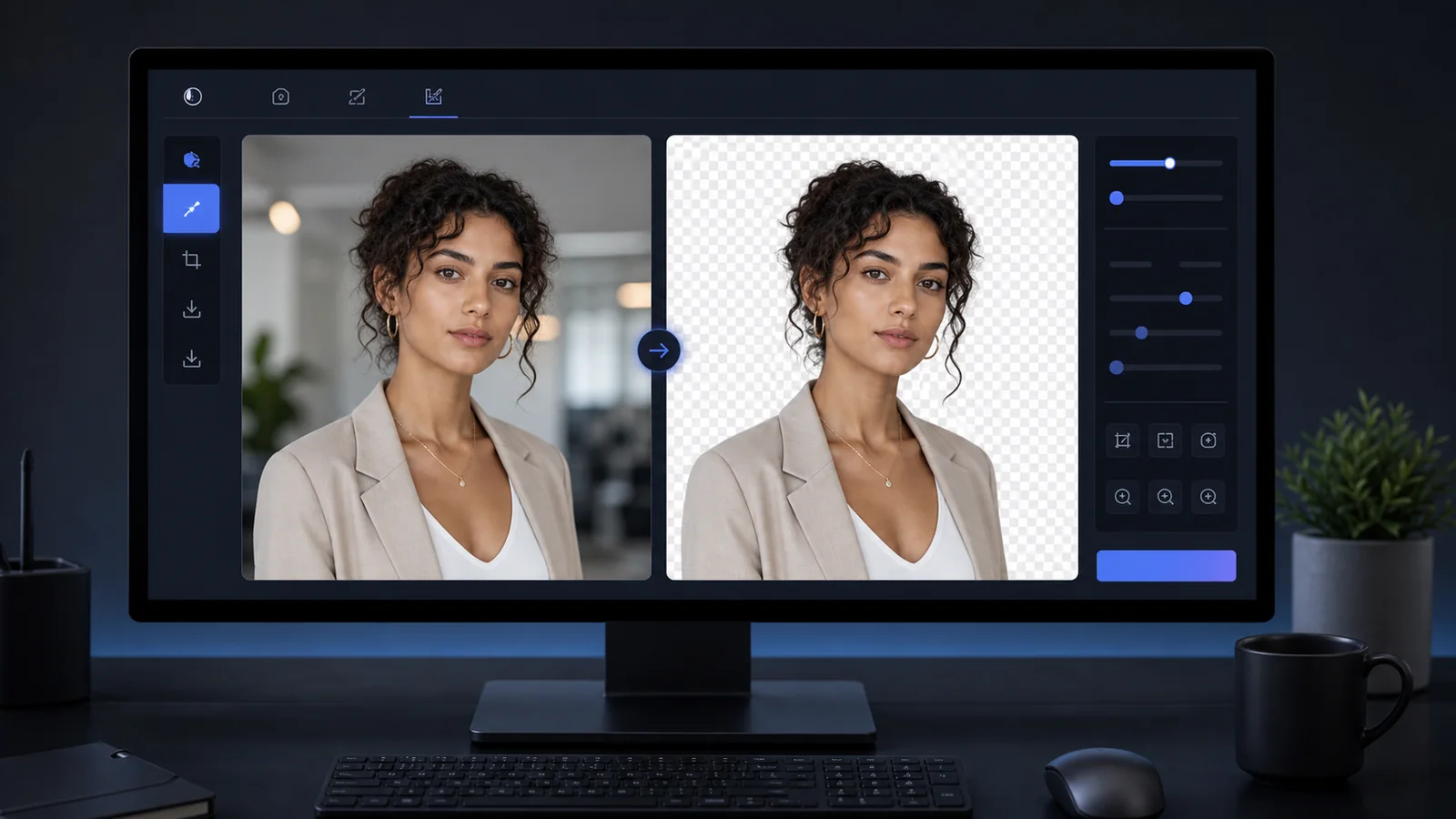
What clean export means for a passport photo
A clean passport photo export is not only a file without a visible logo. It is the exact reviewed image or print sheet, at the intended size, with no watermark, no surprise compression, and no mismatch between the preview and the downloaded result.
This is why passport photo maker no watermark is a real workflow query. A watermark can make a document photo unusable, but a clean export also has to preserve the crop, background, resolution, and print layout the user approved.
If you need the direct no-watermark route, start with the passport photo maker with no watermark. If you are preparing a print sheet, use passport photo print layouts. If the image still needs editing, go back to the passport photo maker. If the file is already made and only needs a last review, use the passport photo checker.
Clean export checklist
- No watermark: no logo, diagonal text, sample mark, or brand overlay inside the final photo area.
- Same as preview: the download should match the crop and background shown before export.
- Right output type: a single digital file for uploads, or a measured sheet for print.
- Stable size: the pixel size or physical print size should match the chosen preset.
- Inspectable result: the user should be able to open the file and verify it before submitting or printing.
Digital export and print-sheet export solve different jobs
| Export type | Best use | Main risk |
|---|---|---|
| Single digital image | Online applications and upload portals | Wrong pixels, file size, or background after compression |
| 4x6 print sheet | Retail photo labs and common photo-paper printing | Store scaling or cropping the sheet like an ordinary snapshot |
| A4 or Letter sheet | Home and office printers | Printer driver scaling away from 100 percent |
| Transparent or matte output | Review and advanced workflows | Using a review artifact as the final submission file by mistake |
The export step should make the next action obvious. If the user needs an upload file, give them a clean single image. If they need paper copies, give them a measured sheet and tell them to print at actual size.
Why preview-to-download matching matters
Users lose trust when the downloaded file is not the file they just inspected. That can happen when an app reprocesses the image after preview, swaps output modes, compresses too aggressively, or adds branding at the final step. A document-photo workflow should avoid those surprises.
A browser workflow can keep export close to the reviewed render. The app can draw the final image or sheet, turn that result into a downloadable file, and let the user inspect it immediately. The key is not the technology by itself. The key is a product rule: final export should match final review.
A practical clean-export workflow
- Finish crop, background, and head-position review first.
- Choose the output type that matches the next step: upload file, 4x6 sheet, A4 sheet, or Letter sheet.
- Download and open the exported file before closing the editor.
- For print sheets, print at 100 percent scale and measure one copy before cutting.
- If you make any change after export, download and inspect the new file again.