UPS Passport Photos (2026): The UPS Store Photo Service, Costs to Check, and Better Prep Workflow
Learn how UPS passport photos work at participating UPS Store locations, what to confirm before you go, and when to prepare the passport photo file first for better digital and print control.

Where UPS fits in the passport-photo workflow
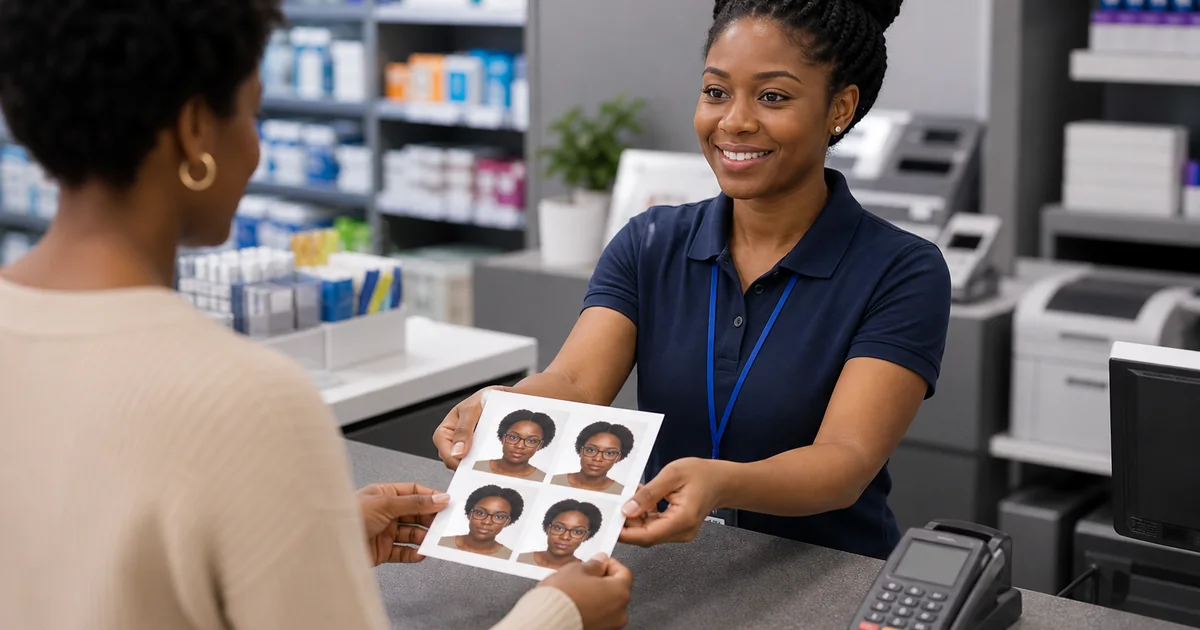
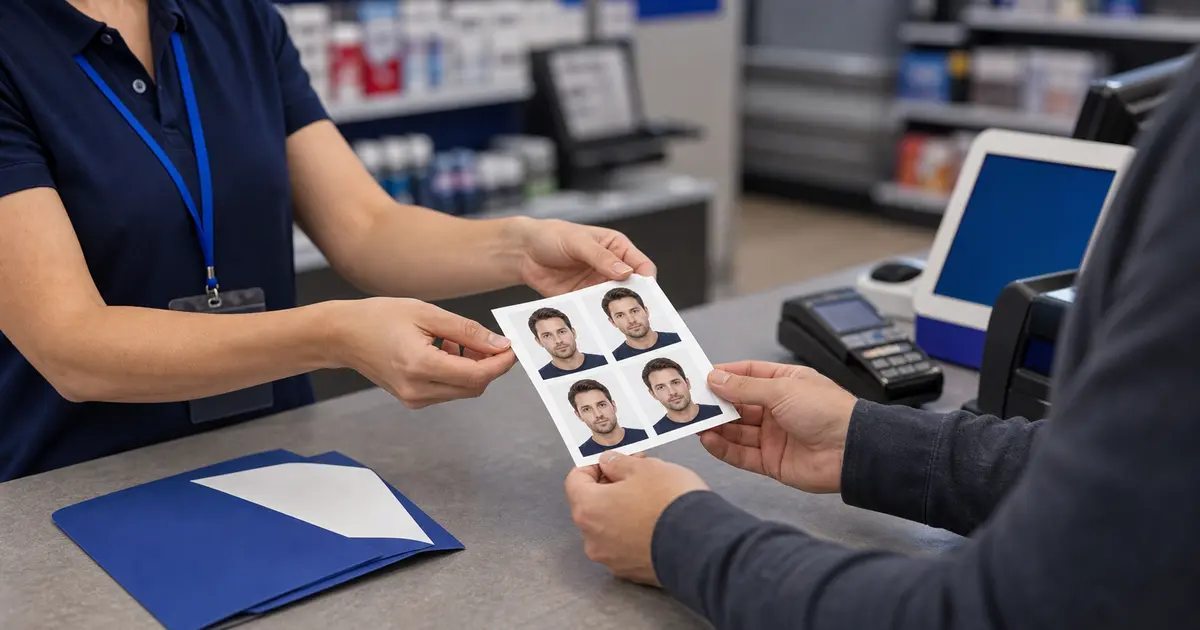
The UPS Store passport photos route can be useful when a nearby location offers passport and ID photo services and you want a familiar counter experience. It belongs in the same decision set as Walgreens, CVS, Walmart, and USPS, but with one extra reminder: UPS Store locations are franchised, so the exact service, staffing, and price can vary by store.
That makes UPS a good candidate for a local errand, not a reason to skip preparation. If you need a digital upload, a non-U.S. size, or a print layout you can reuse, prepare the file first and use UPS only if the local store is the right finishing step.
UPS passport photo workflow snapshot
| Question | The UPS Store |
|---|---|
| Capture available? | Yes at participating UPS Store locations that offer passport and ID photo service. |
| Print-only route? | Possible, but ask the store whether it will print a prepared sheet without resizing. |
| Digital copy likely? | Confirm with the exact store. Do not assume a digital upload file is included. |
| Appointment needed? | Usually store-specific. Call ahead if timing matters. |
| Same-day practical? | Often practical where the service is active, but availability and price vary by location. |
| Best use case | A shipping-store counter when the local store clearly offers the photo service you need. |
- 4x6 passport photo template for common pharmacy and retail print sizes.
- Letter-size passport photo template when you are printing several copies at home or at a copy shop.
- A4 passport photo sheet guide for UK, EU, and international print setups.
- Clean PNG and JPEG export guide before you send a file to a store, kiosk, or online print order.
What to confirm before you visit a UPS Store
- Does this location offer passport or ID photos today? Do not rely only on a national service page.
- What does the price include? Ask whether it includes two printed photos, retakes, or a digital file.
- Do they support the document you need? U.S. passport photos are not the same as every visa or national ID format.
- Can you review the crop before paying? A quick counter workflow is only useful if the final image is acceptable.
UPS vs USPS for passport photos
| Route | Best fit | Main limitation |
|---|---|---|
| UPS Store | A local shipping-store counter with passport or ID photo service | Availability and exact price can vary by store. |
| USPS | Combining passport acceptance and photo service at participating locations | Not every appointment route is equally flexible for digital output. |
| Passlens plus local print | Preparing the exact file before choosing a counter | You still need to choose a reliable printer if paper copies are required. |
When to prepare the file before using UPS
Prepare the image before visiting UPS when you need more than a standard U.S. 2x2 inch print. That includes visa photos, overseas passport sizes, online-renewal uploads, background cleanup, and any workflow where you need both paper and digital output.
- Start with the passport photo size guide or the specific country preset.
- Use background removal if the original background is distracting or non-compliant.
- Export a single image or print sheet, then ask the UPS Store to print without resizing.
How to avoid paying twice
UPS can be convenient, but the same passport-photo mistake still applies: a local counter is not automatically a document-photo validator. If the photo is rejected because of glare, background, head size, or the wrong format, the receipt from the first attempt will not help much. Check the image before the counter step whenever you can.
Ask what the store gives you at the end of the service. Some users only need two printed photos. Others need a digital file, a saved copy for a visa portal, or a print sheet they can reuse. If the store cannot provide the output you need, it may still be useful as a printer after you prepare the file yourself.
This matters most for people searching UPS passport photo cost. The price is only meaningful if it includes the output you actually need. A slightly higher route can be cheaper overall if it prevents a second trip, a second photo fee, or a separate digital-file purchase.
Frequently asked questions
Does UPS take passport photos?
The UPS Store advertises passport and ID photo services, but you should confirm availability and price with the exact store you plan to use.
Is UPS better than USPS for passport photos?
It depends on the rest of the workflow. USPS can be convenient when you are applying in person. UPS can be convenient as a local counter. If the photo itself still needs careful preparation, finish the file first and compare both as print or counter options.