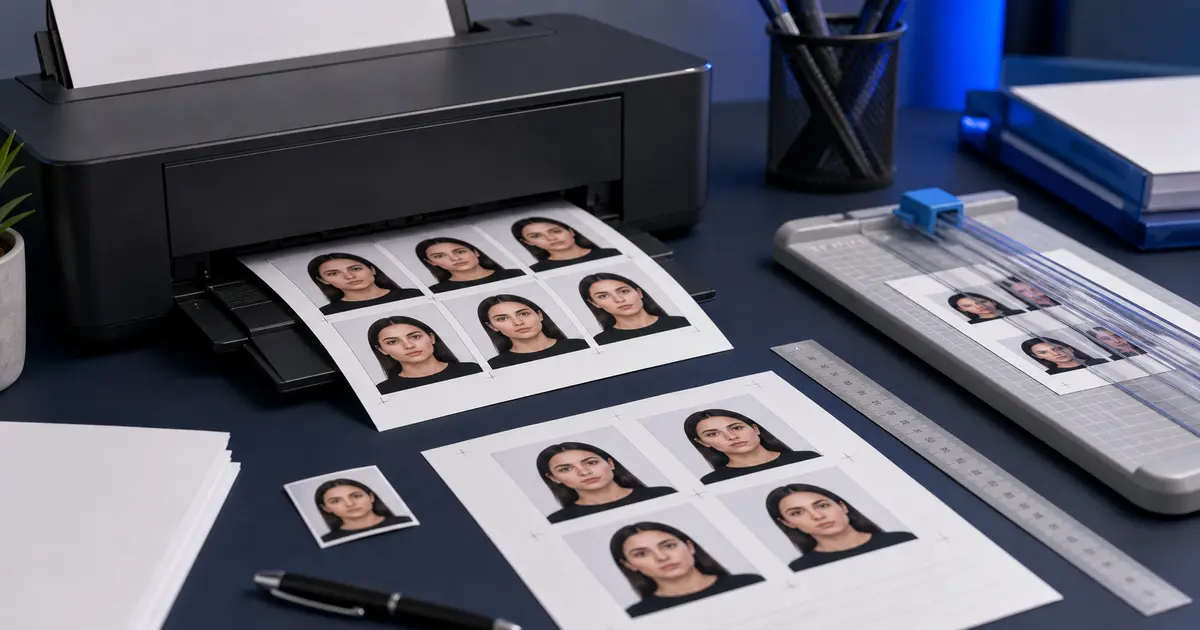
Passport Size Photo on A4 Sheet Online Free (2026): Print Without Scaling Errors
How to place passport size photos on an A4 sheet online free, keep the photo dimensions correct, avoid printer scaling, and choose between A4, 4x6, and Letter exports.

Why A4 passport photo sheets go wrong
An A4 sheet can hold several passport photos, but it is also where many otherwise correct photos get ruined. The usual problem is scaling. The crop looks right on screen, then the print dialog shrinks or expands the sheet and the physical photo no longer measures correctly.
That is why an A4 passport photo sheet has to be treated as a print layout, not just a collage. Each photo tile must keep its real size after export and print at 100 percent scale.
The A4 workflow that keeps size under control
- Choose the exact document preset before building the sheet.
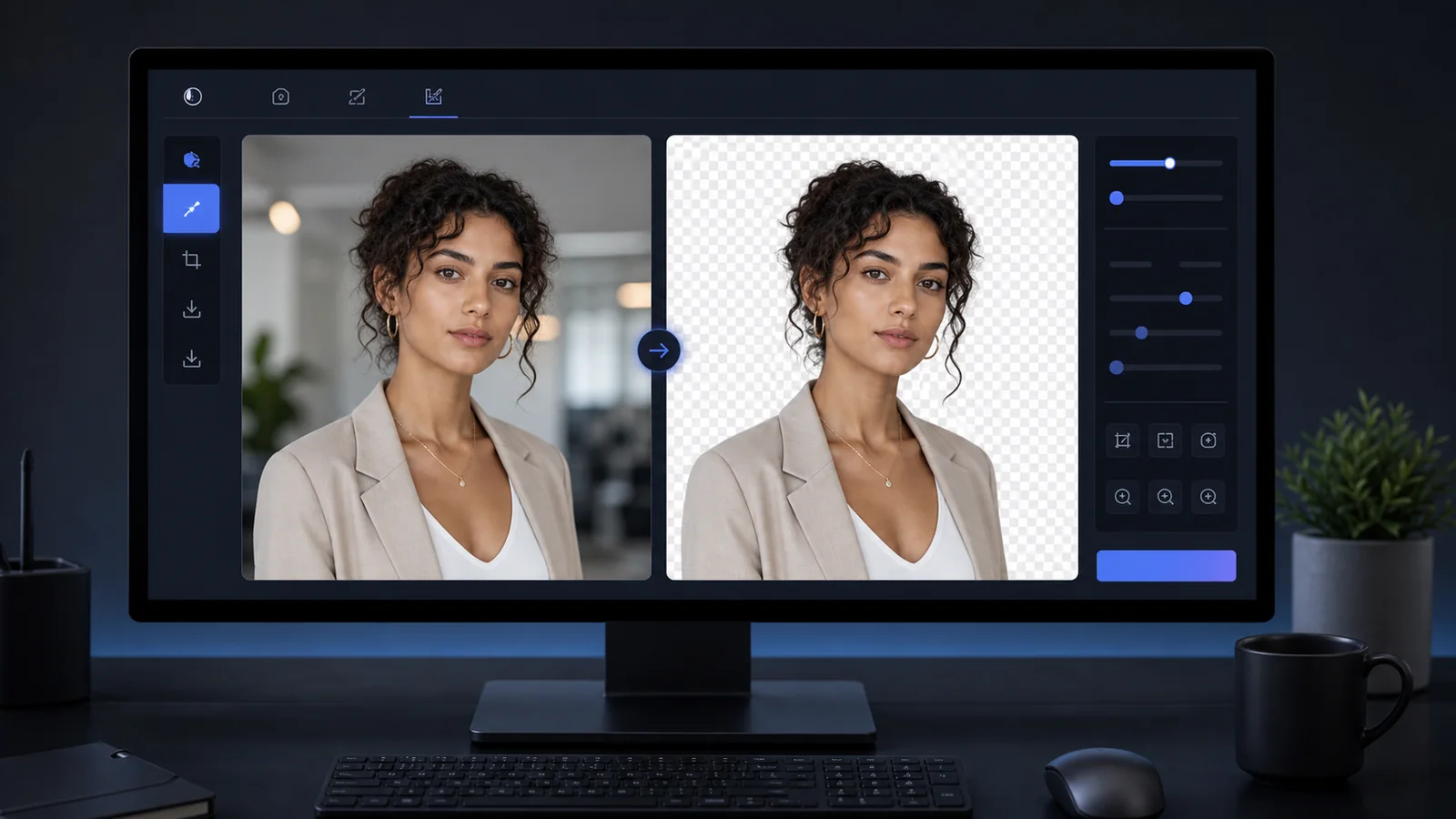
- Finish the crop and background first.
- Select the A4 sheet only when the single photo is ready.
- Export the sheet with cut lines if you need to trim by hand.
- Print at actual size or 100 percent scale.
If the printer offers options like fit to page, shrink oversized pages, or borderless expansion, turn them off unless you have measured the result. Those settings are convenient for normal photos and risky for document photos.
A4 is not always the best paper choice
| Paper choice | Best use | Common mistake |
|---|---|---|
| A4 | Home or office printing when A4 paper is already loaded | Printing with fit-to-page enabled |
| 4x6 photo paper | Lab-style photo prints and compact sheets | Choosing a print service that auto-crops the sheet |
| Letter | U.S. home printing | Using an A4 file on Letter paper without checking scale |
The right sheet is the one that your printer or print shop can output without changing scale. A perfect digital sheet is not enough if the final paper path changes it.