Best Camera and Lens for Passport Photos (2026): Phone, Mirrorless, 35mm, 50mm, and Passlens Workflow
Compare cameras and lenses for passport photos, ID portraits, product photos, and Passlens exports. See when a phone is enough, when a mirrorless camera helps, and which lens focal lengths are easiest to use at home.

The short answer before you buy a camera
A good passport photo does not require a professional camera. It needs a clean face-forward capture, even light, a plain background, enough pixels, and a final crop that matches the selected document preset. For many people, a recent phone camera is enough if the lighting is controlled and the photo is not taken too close to the face.
A dedicated camera starts to make sense when you want repeatable portraits, family ID photos, product photos, shop images, or cleaner files for print. The camera does not replace Passlens. It improves the raw photo that Passlens receives. Passlens still handles the sizing, crop, background checks, print layout, and export.
Simple buying rule
Do not buy a camera only for one passport appointment. Buy one if you will also use it for portraits, product photos, video, school forms, family documents, or content work.
Camera comparison for passport, ID, and product photos
The best camera for passport photos is usually the one you can keep steady, place far enough from the subject, and use with soft front lighting. Resolution matters, but not as much as distance and light. A sharp 24 megapixel image taken from too close can still make the face look distorted. A modest camera placed at a better distance can look more natural.
| Camera path | Best use | What to check before buying |
|---|---|---|
| Phone camera | Occasional passport, visa, or ID photos when light and background are easy to control. | Avoid ultra-wide lenses and close selfies. Use the main camera, step back, and crop later. |
| Canon EOS R50 kit | A small Canon RF starter kit for still portraits, family documents, and beginner photography. | The 18-45mm kit lens is flexible, but a 50mm prime may need more room indoors. |
| Sony ZV-E10 II kit | A Sony E-mount option for users who want stronger video features plus still-photo flexibility. | It is screen-first, so confirm you are comfortable without a built-in viewfinder. |
| Nikon Z30 kit | A compact Nikon Z route for stills, simple video, and small-room portrait work. | It is also screen-first. Check whether the Z mount lens options you want are available in your country. |
Lens comparison: 35mm, 50mm, and short telephoto
For document photos, lenses are mostly about distance. A very wide lens close to the face can make the nose look larger and the ears look smaller. A longer lens from farther away usually looks calmer. That is why portrait photographers often like short telephoto focal lengths. Passport photos are stricter and flatter than portraits, but the same basic geometry still applies.
| Lens type | How it behaves | Best fit |
|---|---|---|
| Kit zoom around 35-45mm on APS-C | Flexible and easy to frame in a normal room. | Most home passport-photo setups, especially when space is limited. |
| 35mm prime on APS-C | A normal-looking view that is still usable indoors. | Sony APS-C users who want sharper stills without stepping too far back. |
| 50mm prime on APS-C | A tighter portrait view that can flatter faces but needs more distance. | Head-and-shoulders portraits when the room is long enough. |
| 56mm prime on APS-C | A short telephoto view with stronger background separation. | Portrait and product-photo work more than quick document photos. |
How to use the camera with Passlens
- Set the camera at about eye height. Do not shoot from below the chin or above the forehead.
- Step back and zoom or crop later. Leave extra space around the head, hair, shoulders, and background.
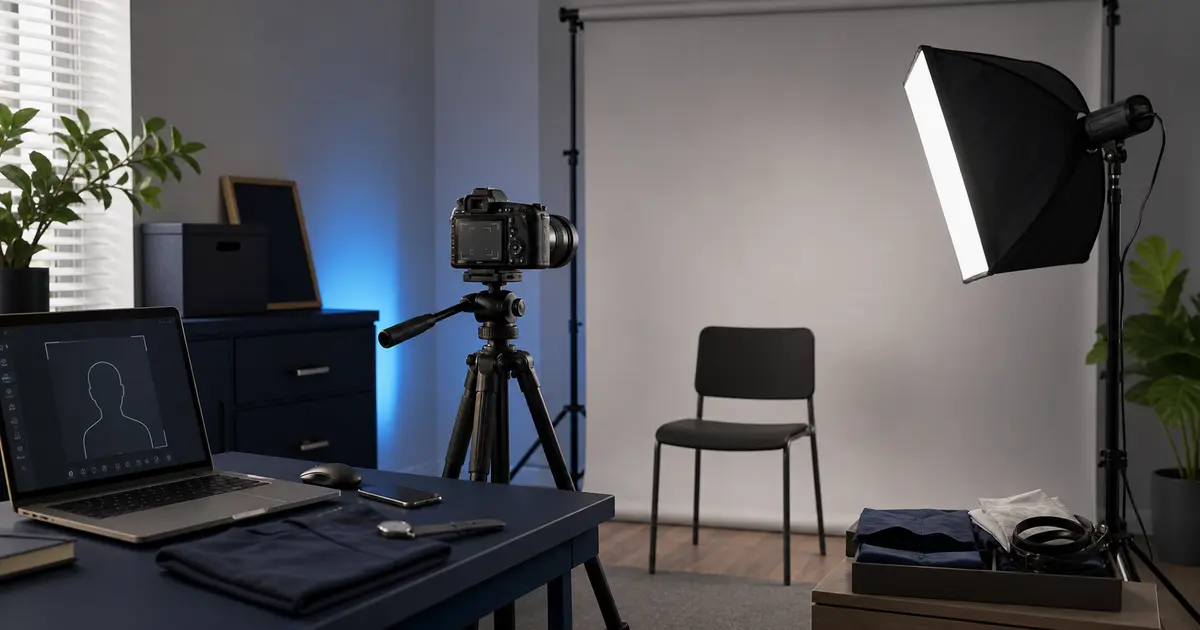
- Use soft front light. A window, softbox, or bounced light is usually better than a small harsh lamp.
- Keep the background plain. White, light grey, or off-white depends on the document preset, so check the preset before taking the photo.
- Import the best frame into Passlens, pick the exact preset, then let the app size, crop, check the background, and export the file or print sheet.
Avoid doing the final crop in the camera app. Camera apps are good at capture. Passlens is where the document sizing should happen because a passport photo is measured in millimeters, pixels, DPI, head height, and print layout. Those details are easy to damage if every app in the chain tries to improve the image.
Why this also matters for product photography
The same gear can serve two jobs. Passport photos need neutral light and a controlled background. Product photos need the same discipline, just with a different subject. A small mirrorless camera, a normal or short telephoto prime, a plain background, and soft light can make cleaner product images for marketplace listings, profile photos, and small business pages.
Do not overbuy for product photos either. If the subject is small, a lens that focuses close matters more than a more expensive camera body. If the subject is reflective, light placement matters more than megapixels. If the final image is going into a shop page, consistency across the whole set is usually more valuable than one technically impressive frame.
Amazon buying notes
The product cards use tagged Amazon links for exact item names or ASIN-backed targets where the match was clear during research. They do not show live prices, ratings, review counts, delivery promises, or seller claims because those details change and require API-approved data to keep accurate at scale.
Before buying, open the Amazon listing and check the mount, kit contents, color, warranty region, seller, and included lens. Camera listings often look similar while hiding important differences in the bundle. A body-only listing, a kit lens listing, a grey-market import, and a third-party accessory bundle are not the same purchase.
Do this before checkout
Match the lens mount to the camera body. Canon RF, Sony E, and Nikon Z are different systems. A lens that looks right in search can still be wrong for your camera.
Sources and related guides
- Canon U.S.A. - EOS R50 product page
- Sony - ZV-E10 II specifications
- Nikon USA - Z30 product page
- Canon U.S.A. - RF50mm F1.8 STM product page
- Sony - E 35mm F1.8 OSS product page
- Sigma - 56mm F1.4 DC DN Contemporary product page
- Amazon - Canon EOS R50 RF-S18-45mm kit
- Amazon - Sony ZV-E10 II 16-50mm kit
- Amazon - Nikon Z30 16-50mm kit
- Passlens - Passport photo supplies checklist
- Passlens - Passport photo printer guide
- Passlens - Passport photo background color guide