Driving Licence Photo Requirements: Supported Countries, States, and Sizes (2026)
Compare driving licence photo requirements across supported countries and state-level workflows. See which licence applications use passport-style photos, the exact sizes used, and where user-supplied licence photos are actually accepted.
Driving licence photo requirements are not one global standard
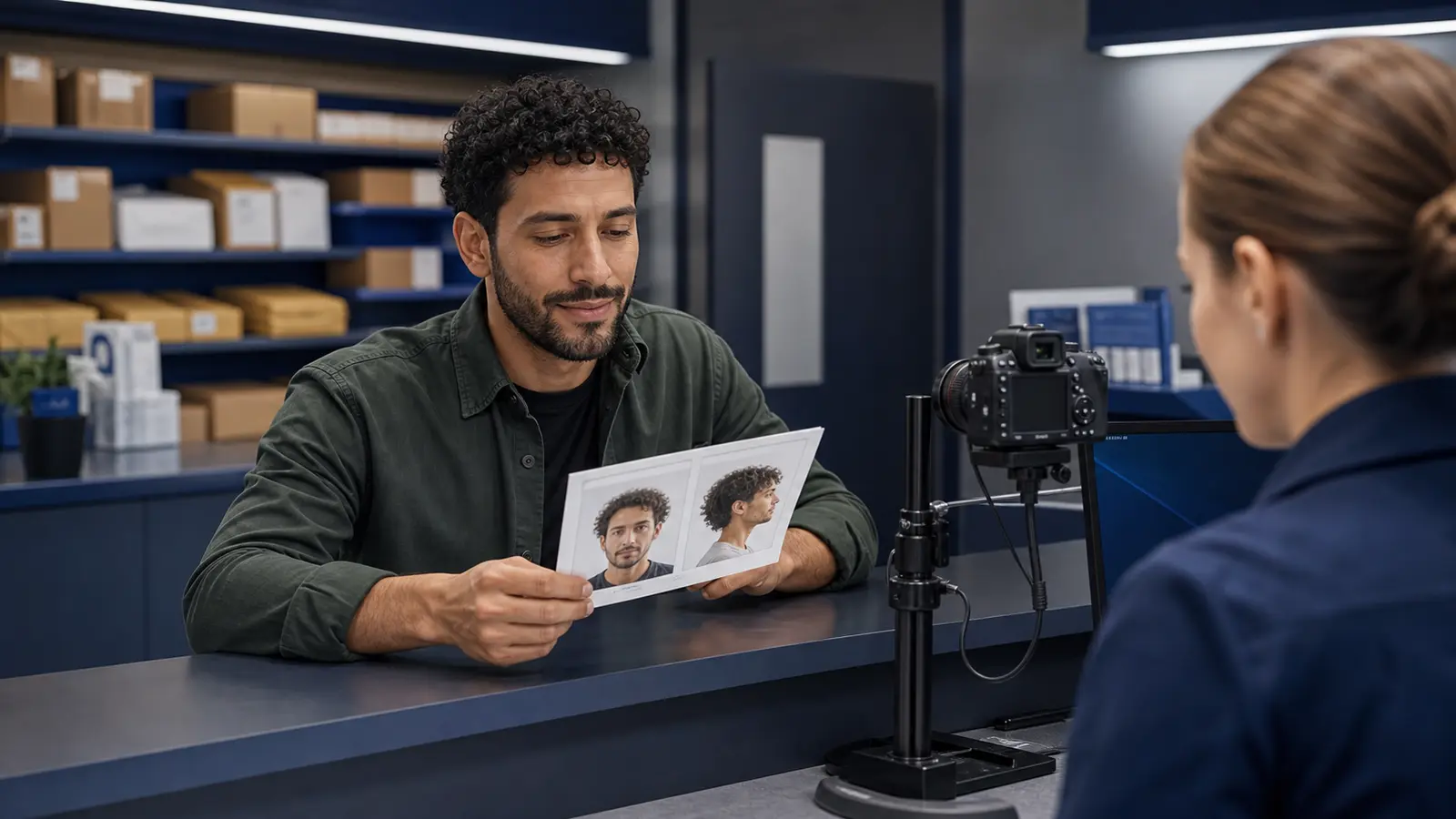
A driving licence photo sounds like one category, but in practice it is a collection of very different government workflows. Some licence authorities accept a standard passport-style photograph. Some reuse an existing passport image during online renewal. Some still require a printed photo for postal forms. Others capture the final image at a counter, kiosk, or licensing office and do not rely on a user-supplied photo at all.
That distinction matters because the right answer depends on the exact authority workflow, not on the generic keyword. A UK driver renewing online through DVLA may be able to reuse a passport image or upload a new photo. A Northern Ireland applicant may need to follow DVA digital-photo rules or submit a passport-size photograph with a paper application. A French applicant may run into an e-photo / photo-signature path rather than a plain uploaded file. Western Australia can require in-person capture unless the applicant qualifies for a photo kit because they are interstate, overseas, or medically unable to attend.
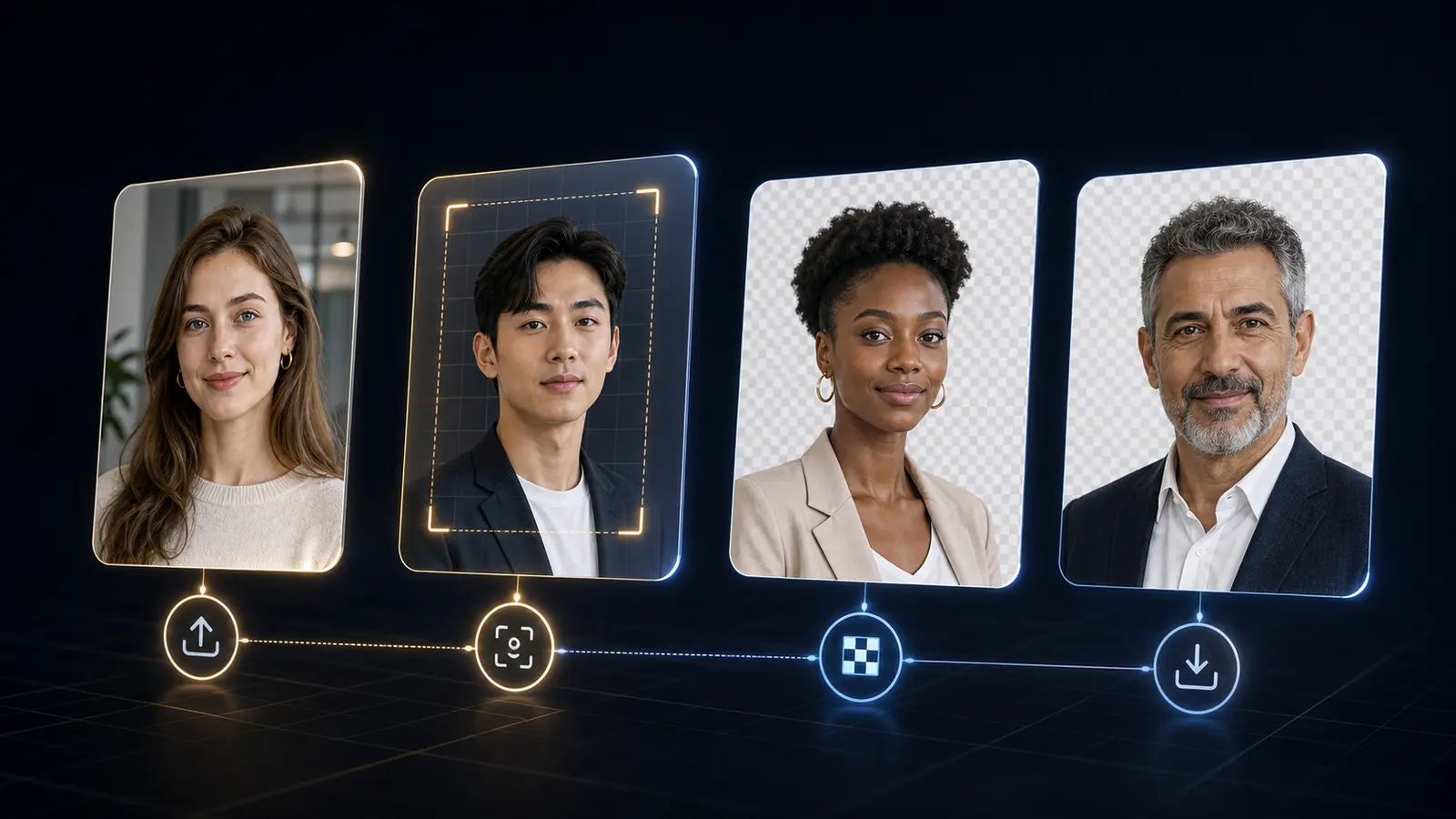
This page exists to separate supported user-photo workflows from the ones that are still largely office-captured or code-based. If a licence workflow is genuinely user-supplied, Passlens can help with crop, background, export size, and printing. If the authority does not really accept a self-prepared photo in the normal flow, the honest answer is to say so clearly rather than pretending every licence application can be solved with a generic passport crop.
That is also the honest answer to where can I get my driver's license photo taken. Sometimes the answer is a printable passport-style route, sometimes it is an online renewal that reuses an existing passport photo, and sometimes the answer is simply the licensing office because the normal workflow does not accept a self-prepared image at all.
If your question is not about preparing a replacement photo at all, but about whether a UK photocard works as photo ID to prove you are over 18, read the dedicated driving licence photo ID over 18 guide. That is a different problem from size and crop rules, and it is easier to answer cleanly when the age-check question is kept separate from the photo-production question.
Quick answers: driving licence photo size, DVLA rules, and driver-license wording
Most searches for driving licence photo size are really asking two separate things. One is the physical photo size, such as 35 × 45 mm or 2 × 2 inches. The other is whether the licensing authority accepts a photo from you in the first place. Check the second point first. A perfectly sized photo still will not help if the normal route takes the picture at the licensing office or uses an official photo-code system.
| Search question | Short answer | Best next page |
|---|---|---|
| What size is a driving licence photo? | There is no universal size. UK and several European workflows often use passport-style 35 × 45 mm; Spain commonly uses a smaller licence-photo format; some U.S. edge cases ask for 2 × 2 in. | Passport photo size guide |
| Can you use a passport photo for a driving licence? | Sometimes. It depends on the authority and submission lane. DVLA online renewal may reuse a passport photo, while paper or regional routes can ask for a fresh passport-type photo. | UK driving licence photo guide |
| What are DVLA photo requirements? | DVLA rules depend on the service: online renewal, paper exchange, or a photo update. Start from the GOV.UK service page and then prepare the matching digital or printed output. | DVLA photo requirements |
| What are provisional licence photo requirements? | A provisional licence photo follows the licensing authority route, not a separate generic size rule. For the UK, check the current DVLA application lane before preparing a file. | UK provisional licence photo help |
| What is the photo size for an international driving permit? | Do not assume your domestic licence-photo size applies. International driving permit issuers can ask for passport-style photos, and the exact rule depends on the issuing country or motoring organisation. | Passport-style photo sizes |
| Is driver license photo size the same as driving licence photo size? | The spelling changes by country; the workflow changes by authority. U.S. driver-license searches usually need a state-specific answer, while UK, Ireland, Australia, and Europe often use “driving licence.” | U.S. driver license photo rules by state |
What to check before preparing any licence photo
Before choosing a preset, answer three questions. First: are you applying online, by post, or in person? Second: does the authority explicitly accept a user-supplied digital or printed photograph? Third: if a photo is accepted, does the workflow use the normal passport-style composition or a more specific local format?
Many rejection stories come from mixing these stages together. A user reads “passport style photo” on one page, assumes that means any 35×45 mm crop is fine, then misses a second page explaining that the online renewal path reuses a passport photo automatically, requires a digital photo code, or only falls back to a printed photograph if a certain condition is met. That is why Passlens licence content tries to document the submission mode as well as the size.
- Confirm whether the photo is user supplied at all.
- Check whether the authority wants a digital upload, a printed photograph, or an e-photo / code-based workflow.
- Match the document to the exact market: country, region, or state.
- Only then choose the preset and decide whether you need a digital export or a print layout.
Supported driving licence guides in Passlens
The guides below are the licence workflows where Passlens can usefully help with a user-supplied image, either because the authority accepts a printed passport-type photograph, a digital upload, or a photo-kit style submission in a documented edge case.
| Market | Typical size | How the workflow usually works | Guide |
|---|---|---|---|
| United Kingdom | 35 × 45 mm / passport-style | DVLA can reuse a passport photo online or request a fresh printed passport-type photo for other paths | UK driving licence photo guide |
| Northern Ireland | Passport-size / digital-photo rules | DVA online renewal uses digital-photo guidance; paper routes can still require a passport-size photograph | UK / Northern Ireland driving licence guide |
| Germany | 35 × 45 mm | Biometric-style photo closely aligned with German ID/passport standards | Germany driving licence photo guide |
| Netherlands | 35 × 45 mm | Dutch pasfoto rules are reused across several official ID workflows | Netherlands driving licence photo guide |
| Spain | 32 × 26 mm | Smaller carnet-style photo format than the standard passport size | Spain driving licence photo guide |
| France | 35 × 45 mm | French identity-photo rules plus ANTS e-photo / photo-signature workflow details | France driving licence photo guide |
| Italy | 35 × 45 mm | Tessera-style identity photo similar to other Italian ID workflows | Italy driving licence photo guide |
| United States state workflows | Mostly office capture or photo-on-file, with only a few narrow exceptions | U.S. driver license photo rules by state | |
| Texas | 2 × 2 in | Very specific out-of-state mail renewal edge case rather than a normal DMV counter flow | Texas driver license photo guide |
| Ohio | 2 × 2 in | Military / dependent out-of-state edge case rather than a general retail workflow | Ohio driver license photo guide |
| Victoria | 35 × 45 mm | VicRoads photo-kit style flow where eligibility matters | Victoria driving licence photo guide |
| Western Australia | Photo kit / in-person capture | Normal flow is in-person; photo kit is for specific remote, medical, interstate, or overseas cases | Western Australia driving licence photo guide |
Driving licence photo size by workflow
A useful licence-photo size table has to name the workflow. “Driver licence size” can mean the plastic card, the photo printed for an application, or the uploaded portrait inside an online service. Passlens only prepares the portrait or print output, not the final card dimensions.
| Workflow | Typical photo output | What to avoid |
|---|---|---|
| UK DVLA online renewal or photo update | Passport-style digital photo, or passport-photo reuse where GOV.UK allows it | Do not make a new crop if the service is explicitly reusing your passport photo |
| UK paper or exchange route | Printed passport-type photo when the form asks for one | Do not print with “fit to page”; keep the photo at actual size |
| EU biometric-style licence routes | Often 35 × 45 mm, but country-specific rules still control the final answer | Do not reuse a generic 35 × 45 mm crop if the country guide lists a smaller local format |
| U.S. driver-license renewal | Usually DMV capture or photo-on-file, with narrow mail-renewal exceptions in some states | Do not treat a 2 × 2 in exception as a national rule |
| International driving permit | Often passport-style photos supplied to the issuing organisation | Do not copy the domestic licence-photo rule without checking the IDP issuer |
Passport-style rules versus special local formats
The biggest trap in licence photography is assuming that “passport style” always means the same final crop. In some markets, it really does mean a normal biometric 35×45 mm portrait with light background and neutral expression. Germany and the Netherlands are good examples of licence workflows that sit close to their national ID and passport photo rules. In other markets, the licence photo is smaller or subject to a different operational path even if the person’s face still needs to look biometric and front-facing.
The U.S. is a separate case again. There is no single national driver-license photo format you can trust across all fifty states. Most states either reuse the image already on file or take the picture at the DMV, which is why the U.S. state driver-license matrix exists instead of a generic national licence preset.
Spain is a clear example of a size difference. Its licence-photo workflow is often described alongside general identity-photo rules, but the common licence presentation is smaller than the 35×45 mm format people assume from broader European passport guidance. Texas and Ohio are examples of a different kind of special case: a 2×2 inch photo appears only in narrow mail-renewal or out-of-state workflows, not as a broad “driver license photo” rule for all applicants.
The safe workflow is therefore to start from the exact guide for the jurisdiction and only then inherit any broader passport-style assumption. If the authority explicitly reuses passport standards, Passlens should say so. If it uses a smaller format, a photo-kit exception, or an e-photo system, the guide should lead with that instead.
Digital, paper, and office-capture workflows
Licence-photo problems often come from treating online, postal, and office-capture routes as interchangeable. They are not. A government page may say “upload a digital photo or use your passport photo” for online renewal, while the paper pack says “include a recent printed passport-type photograph.” Both are true, but they describe different lanes. If a content page collapses them into a single sentence, the user will almost certainly prepare the wrong output.
| Workflow type | What Passlens can help with | Main caution |
|---|---|---|
| Online upload | Prepare the right crop and digital export before upload | Check whether the authority reuses an existing passport image or requires a fresh digital photo |
| Paper application | Prepare exact-size print output and print-layout sheets | Print at 100% scale and confirm the authority still wants a printed photo |
| E-photo / code-based | Help understand the underlying photo rules | A browser export may not replace an official code workflow |
| Office capture only | Guide the user to the right requirement page | Do not assume a self-prepared photo is accepted |
This is also why printing guidance matters. If your licence route still accepts a printed photo, the correct export size and print scaling are part of the compliance job. If the route is digital, file dimensions and upload instructions matter more than the paper layout. A good guide should not leave the user guessing which of those two jobs they are actually doing.
Common driving licence photo mistakes
- Using a passport preset from the wrong country because the workflow “looked similar.”
- Preparing a printed photo when the normal route is office capture or digital-photo code.
- Missing a note that the authority can reuse an existing passport photo online, making a fresh custom crop unnecessary in that lane.
- Printing at the wrong scale because “fit to page” was enabled.
- Assuming any light background is fine when the authority or e-photo workflow is more specific.
Best rule of thumb
Treat licence workflows as document-specific, not as “passport photo with a different label.” If the official authority page distinguishes online, postal, and in-person capture, your photo workflow should distinguish them too.
How to use Passlens for a supported licence workflow
- Open the exact country or state guide for your licence workflow.
- Confirm that the authority really accepts a user-supplied digital or printed photo for that lane.
- Choose the matching preset in Passlens and prepare the crop, head position, and background.
- If the route is paper-based, export at 300 or 600 DPI and print at actual size.
- If the route is digital, double-check file-size and upload instructions on the authority page before submitting.
Official sources and supporting references
These are the kinds of authority pages Passlens uses to decide whether a licence-photo workflow is truly user-supplied, passport-style, photo-kit based, or office-capture only.