Private Passport Photo Maker (2026): Local Processing, No Signup, and Clear Processing Choice
A privacy-first guide for people comparing private passport photo makers, local processing, no-upload defaults, no signup workflows, and optional enhanced processing for heavier background removal.
What private should mean in a passport photo maker
A private passport photo maker should be specific about image handling. Privacy is not just a badge in the footer. It means the user can understand when a photo stays in the browser, when a remote request is made, and which step they are approving before the image leaves the device.
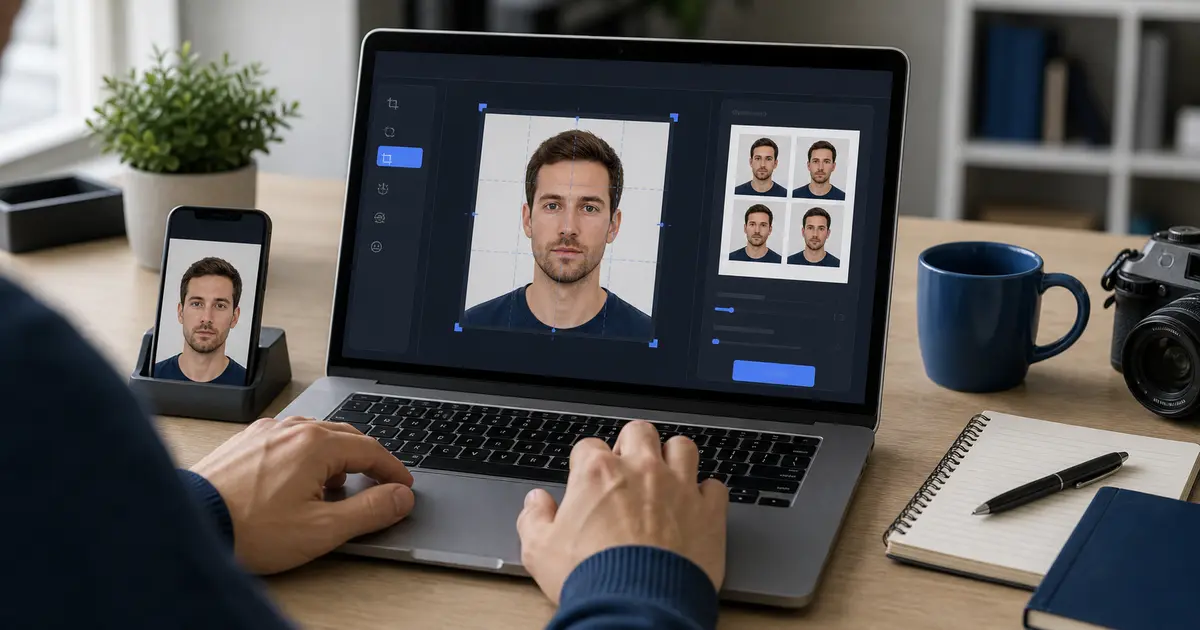
For most document-photo work, the first expectation is simple: open the tool, choose a file, crop it, review it, and export it without creating an account or silently uploading the image at file selection. That is why privacy searches often overlap with passport photo maker no signup, passport photo maker without uploading, and local passport photo editor queries.
Where the image can move during a browser workflow
| Workflow stage | Local-first expectation | What should be disclosed |
|---|---|---|
| File selection | The browser receives a local file from the device | Whether selection alone triggers any upload |
| Crop and size review | Canvas and UI state can run in the browser | Whether crop data or image data is sent elsewhere |
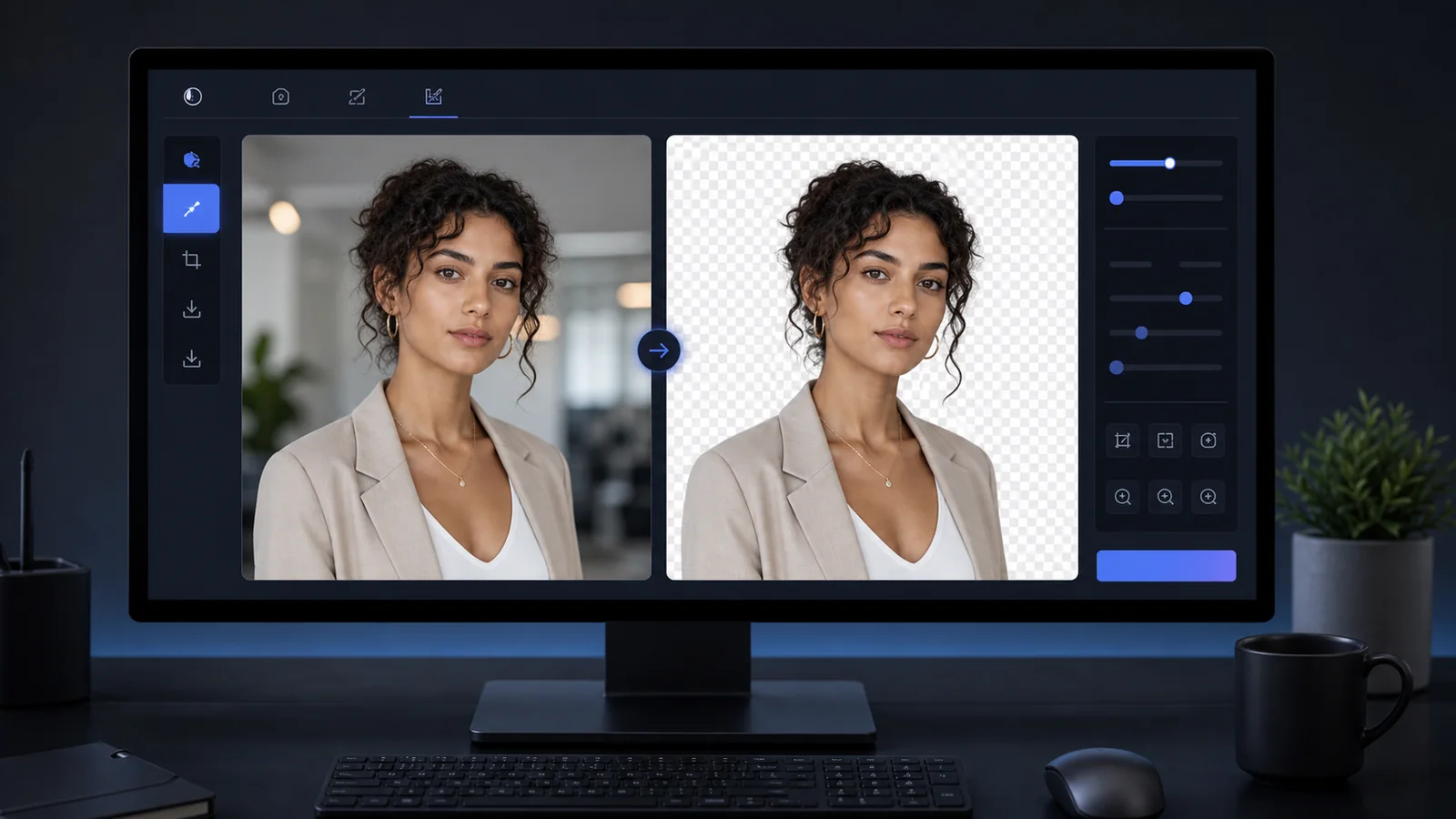
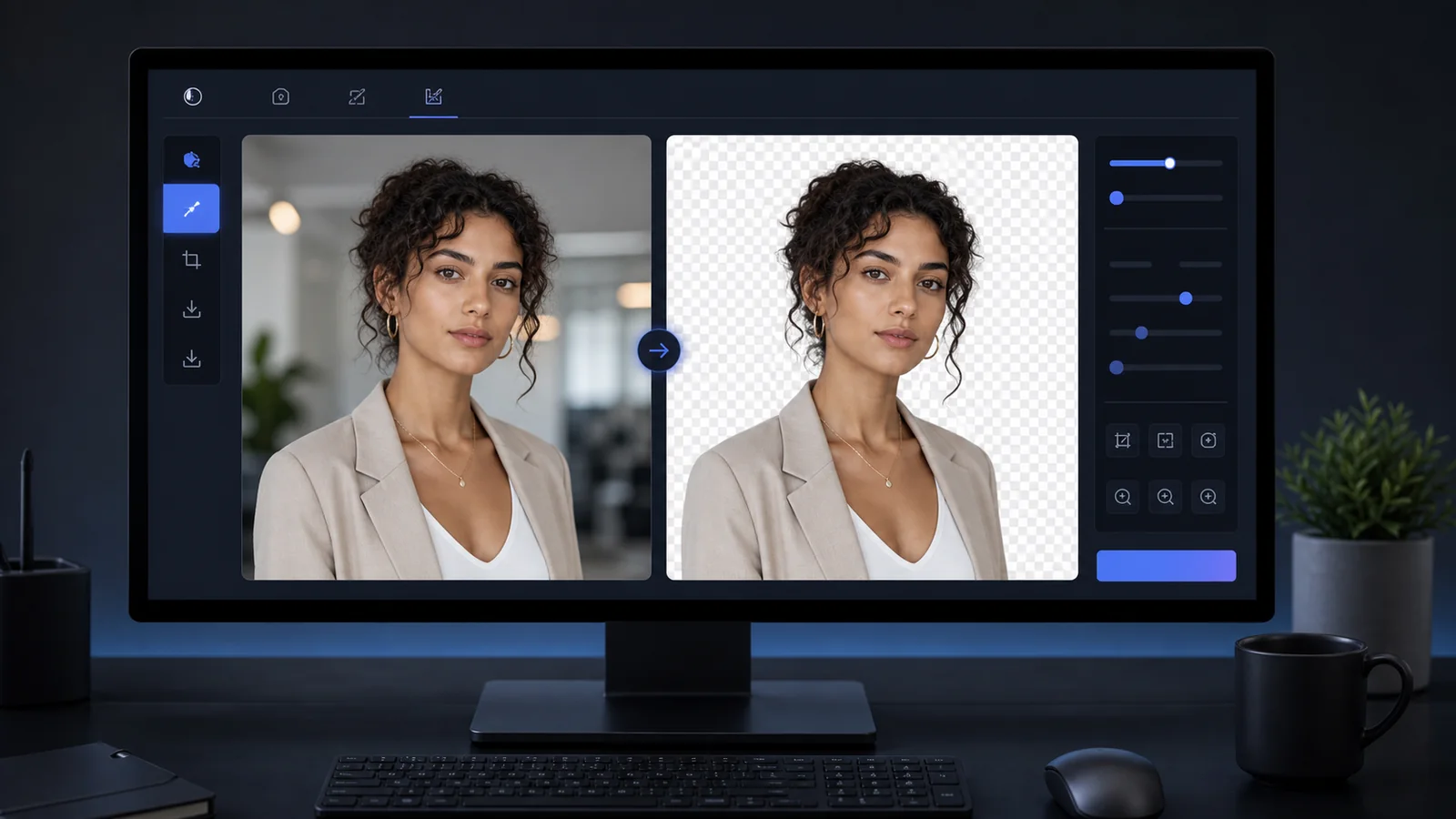
| Background removal | Lightweight paths may stay local; heavier paths may need an upload-based choice | Which option is being used for the current run |
| Export | The final image or sheet can be generated for download | Whether export is direct or routed through a gated service |
This is why vague privacy copy is not enough. A useful product explains behavior at the task level. Users should not need to guess whether a processing option keeps the photo local or asks them to upload it for that specific task.
No signup and no-upload defaults answer different questions
No signup answers the account question. Without uploading by default answers the image-handling question. They are related, but they are not the same promise. A site can skip accounts and still upload every image. A site can process locally and still ask for an account later. Users deserve the distinction in plain language.
The cleanest trust pattern is direct: no account wall before editing, no automatic photo upload when the file is selected, a visible choice for heavier processing, and a final export path that does not add a surprise watermark or gate.
If you want the shortest no-account route, use the passport photo maker with no signup. If the main concern is keeping the normal workflow in the browser until you choose otherwise, use the passport photo maker without uploading by default. If you still need the main editing route, go to the passport photo maker. If the file already exists and you only need a final review before export, use the passport photo checker.
What to check before trusting a passport photo privacy claim
- Does the page say what happens when a local file is selected?
- Does background removal clearly label the processing option being used?
- Can the user complete the ordinary crop and export path without an account?
- Does the privacy policy describe service providers and support-message handling?
- Does the product avoid surprise watermark, upload, or checkout steps after review?
Good privacy copy is operational
The most useful privacy statement tells you what happens in the actual workflow, not only what the company values.
A practical private-photo workflow
- Start in the browser and choose the correct preset.
- Use local crop, sizing, and export tools for ordinary edits.
- Read the processing choice before using heavier background removal.
- Keep the source photo on your device until you decide whether an upload-based option is worth it.
- Export the final file or sheet only after checking crop, background, and output route.