Singapore Visa Photo Requirements 2026: Passport-Size Image, SAVE Upload, and Mission Checklist Notes
Use this guide when a Singapore visa application asks for a passport-size photo image. It explains what ICA and mission documents actually say, where the guidance is specific, and where you should follow the exact visa checklist in front of you.

What Singapore visa documents usually ask for
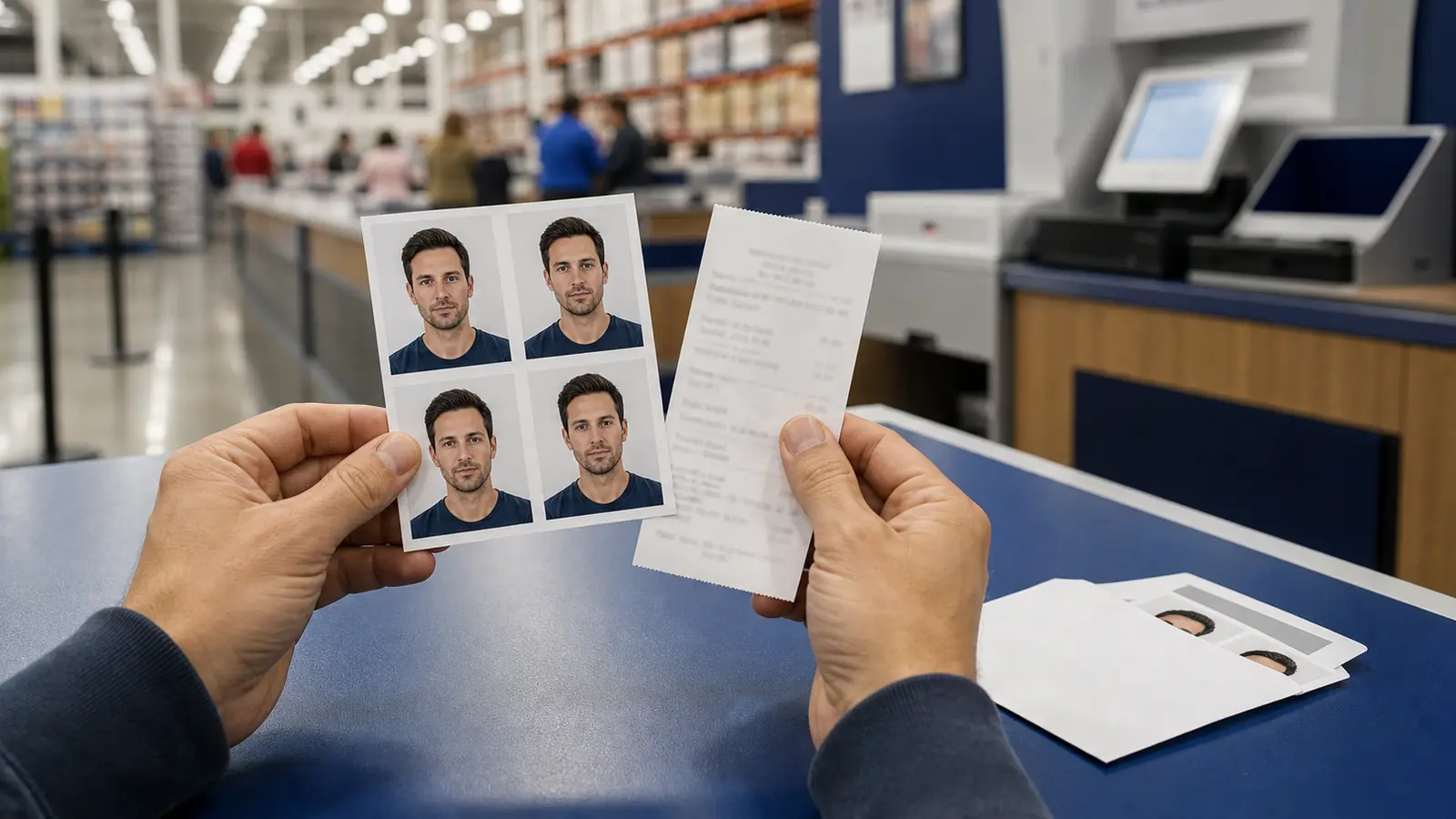
Singapore visa instructions often use simple wording: upload a passport-size photo image or provide a recent passport-sized colour photograph. The official manuals do not always repeat a full biometric size chart on the same page, so the real job is to follow the specific visa route you are using and prepare a clean passport-style image that matches that route.
That matters because people searching for Singapore visa photo specification are usually not asking for theory. They want to know whether the application needs a printed passport-style photo, a SAVE upload image, or a mission-specific form requirement. The answer depends on the route in front of you, not on a generic passport-photo assumption.
What to check before you submit
- Confirm the application lane: ICA SAVE manuals and mission forms may phrase the photo step differently.
- Prepare a recent passport-style colour image: clean crop, neutral expression, and plain background.
- Follow the exact upload or attachment instruction: some routes ask for an uploaded image, others talk about a printed passport-sized photograph.
- Do not borrow the wrong dimensions from another country: visa workflows look similar until one portal or form rejects the file.
If the visa form or mission note gives you a hard size, use that hard size. If it only says passport-size photo image, the safest approach is to prepare a normal document-photo portrait and then match the portal or form instructions exactly.
How to prepare the image without guessing
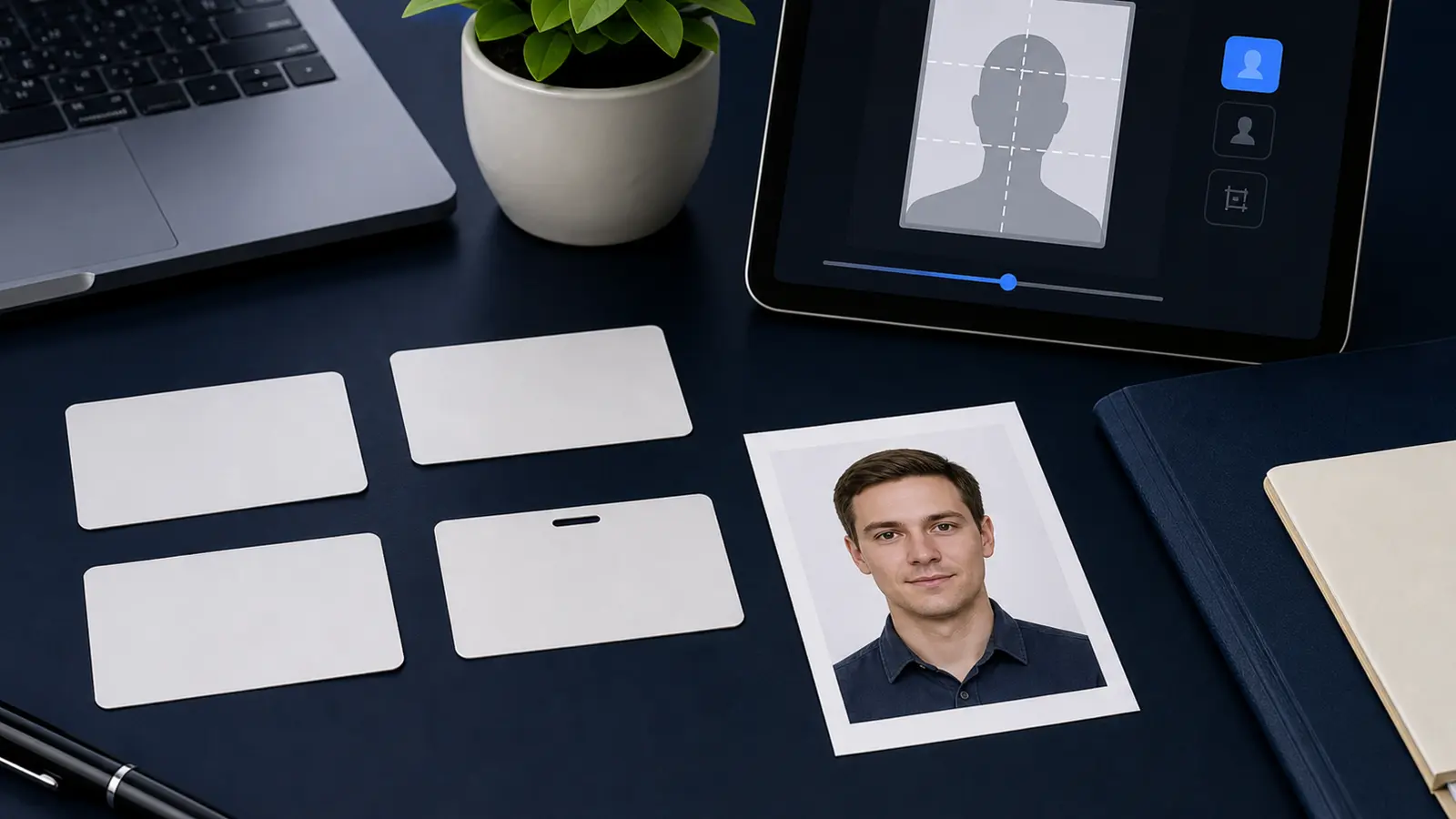
Singapore visa routes often sit close to other ICA-style document workflows. That does not mean every visa route republishes the full ICA passport spec. So the practical workflow is: build a clean passport-style portrait first, then adapt the export to the route you are actually using.
- Start with a recent, front-facing colour portrait.
- Use a plain background with clear subject separation.
- Export the image to fit the specific visa upload or print instruction you have.
- If the route is digital, double-check the portal prompt before final upload.