Walgreens vs CVS Passport Photos: Which Retail Route Is Better for Price, Convenience, and Workflow Control? (2026)
Compare Walgreens vs CVS passport photos for convenience, print workflow, digital-copy handling, and when neither store route is actually the best option for your document photo.

What people are really comparing in Walgreens vs CVS searches
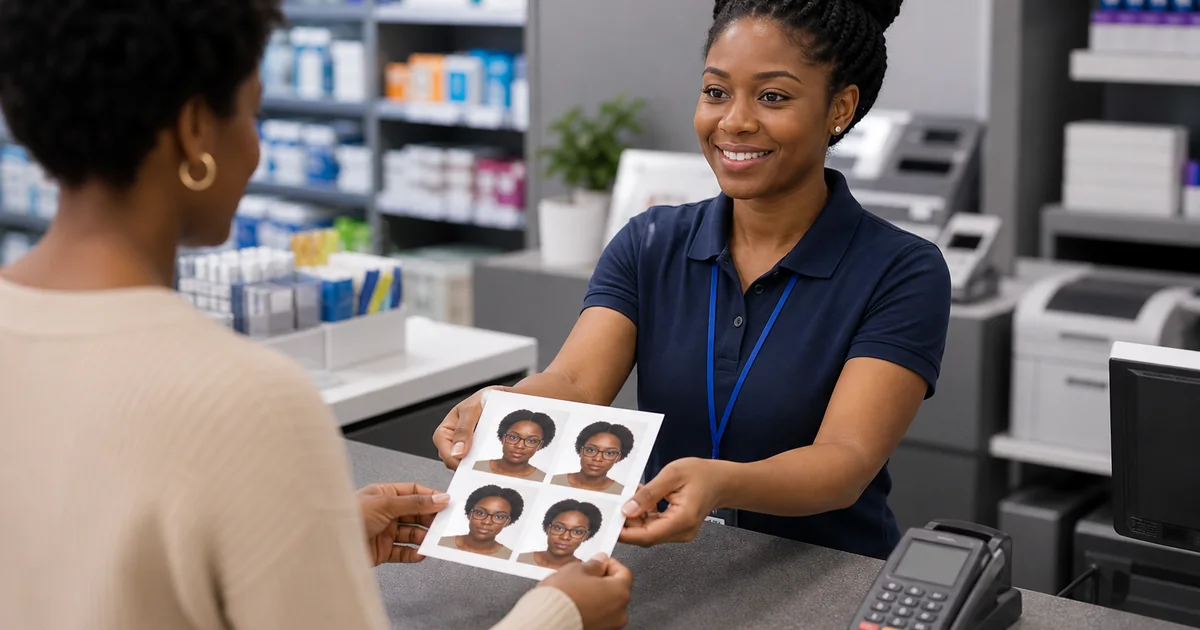
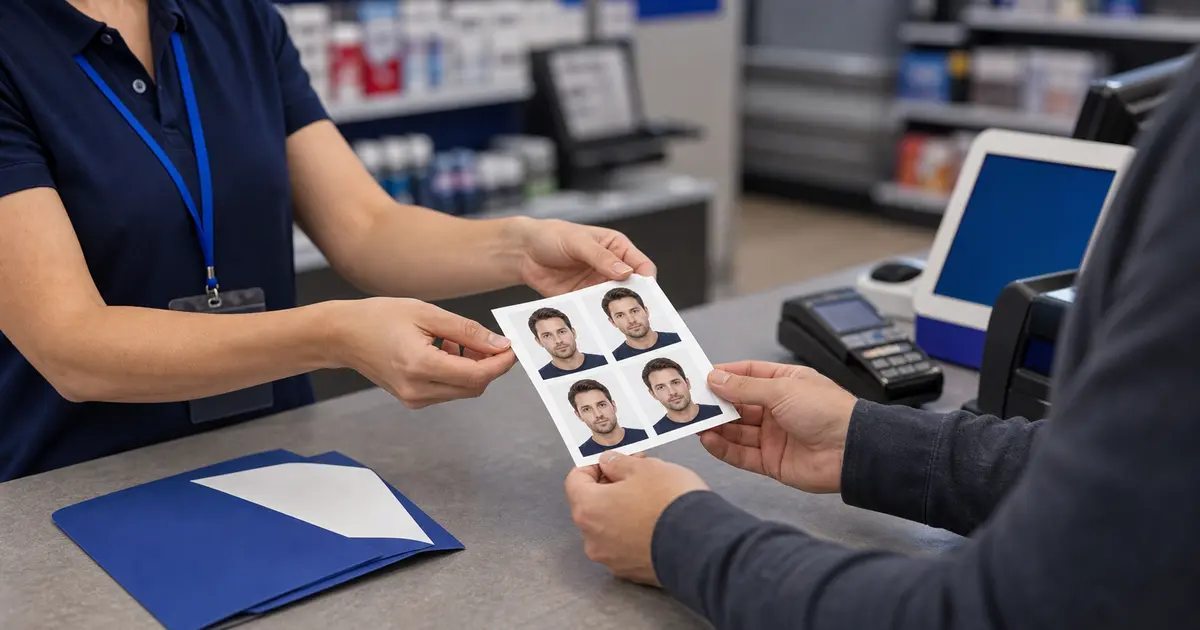
Most Walgreens vs CVS passport photos searches are not really about brand loyalty. They are about which store will get the job done with the least friction. The user usually wants to know which one is easier, which one is cheaper in practice, which one handles the print step better, and whether either one still leaves them with a digital-file problem afterward.
That means this comparison should stay practical. A retail store is mainly solving convenience and printing. It is usually not solving the whole compliance workflow. If the image still needs work before printing, the difference between two chains matters less than people expect.
Where Walgreens and CVS are similar
| Comparison area | Walgreens | CVS |
|---|---|---|
| Primary strength | Convenient retail print/photo route | Convenient pharmacy and print route |
| Best use case | Simple mainstream passport-photo finishing step | Simple mainstream passport-photo finishing step |
| Main weakness | Less control over the full document-photo workflow | Less control over the full document-photo workflow |
In other words, the two routes are more alike than different. Both are useful if the file is already basically right and you want a familiar retail finish. Neither is automatically the best answer if the crop, digital upload, or print layout still needs real work.
Where the real decision actually happens
The real decision is usually not Walgreens versus CVS. It is retail print route versus browser-first preparation plus retail print. If the image is already correct, either chain can be workable. If the image is not correct yet, comparing stores too early can waste time because you are optimizing the last step before the important step is done.
That is why a lot of users get a better result by preparing the file first and only then choosing the most convenient store. Once you trust the crop and output, the retail step becomes much simpler to compare on pure convenience terms.
When each route makes sense
- Choose Walgreens if that store is simply the easier same-day route for you and you mainly need the final print step.
- Choose CVS if pharmacy convenience or location makes it the easier finishing step for your schedule.
- Choose neither first if the image still needs crop, background, digital upload, or print-layout work before printing.
Useful rule
If the file is ready, compare stores. If the file is not ready, compare workflows first.
A better comparison path for most users
Frequently asked questions
Is Walgreens or CVS usually cheaper for passport photos?
That depends on the exact route and whether you count only the store charge or the total workflow cost. If the file still needs work, the store comparison alone can be misleading.
Which is better if I only need a simple print today?
If the file is already correct, the better option is often just the one that is easier for you to reach and use today.