Vietnam eVisa Photo Requirements 2026: 4x6 cm Portrait, JPG/JPEG Upload, White Background, and No Glasses
Vietnam eVisa photo requirements from the national eVisa portal: 4x6 cm portrait, JPG/JPEG upload, straight face, no hat, no glasses, white background, and file-size caution.

Quick answer for Vietnam eVisa photos
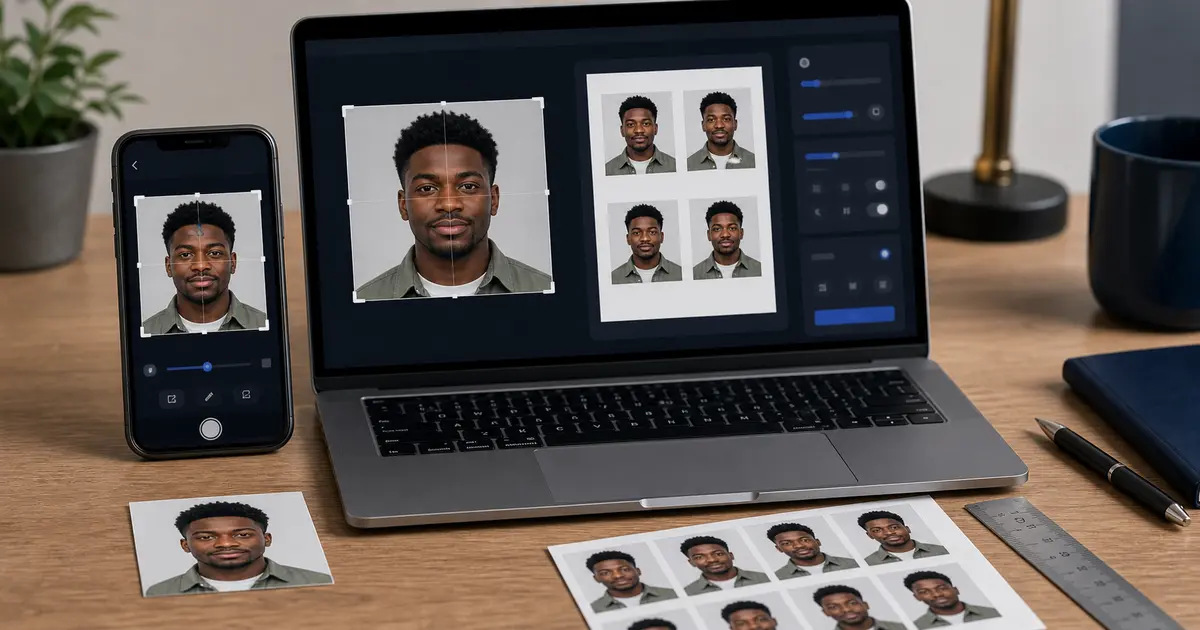
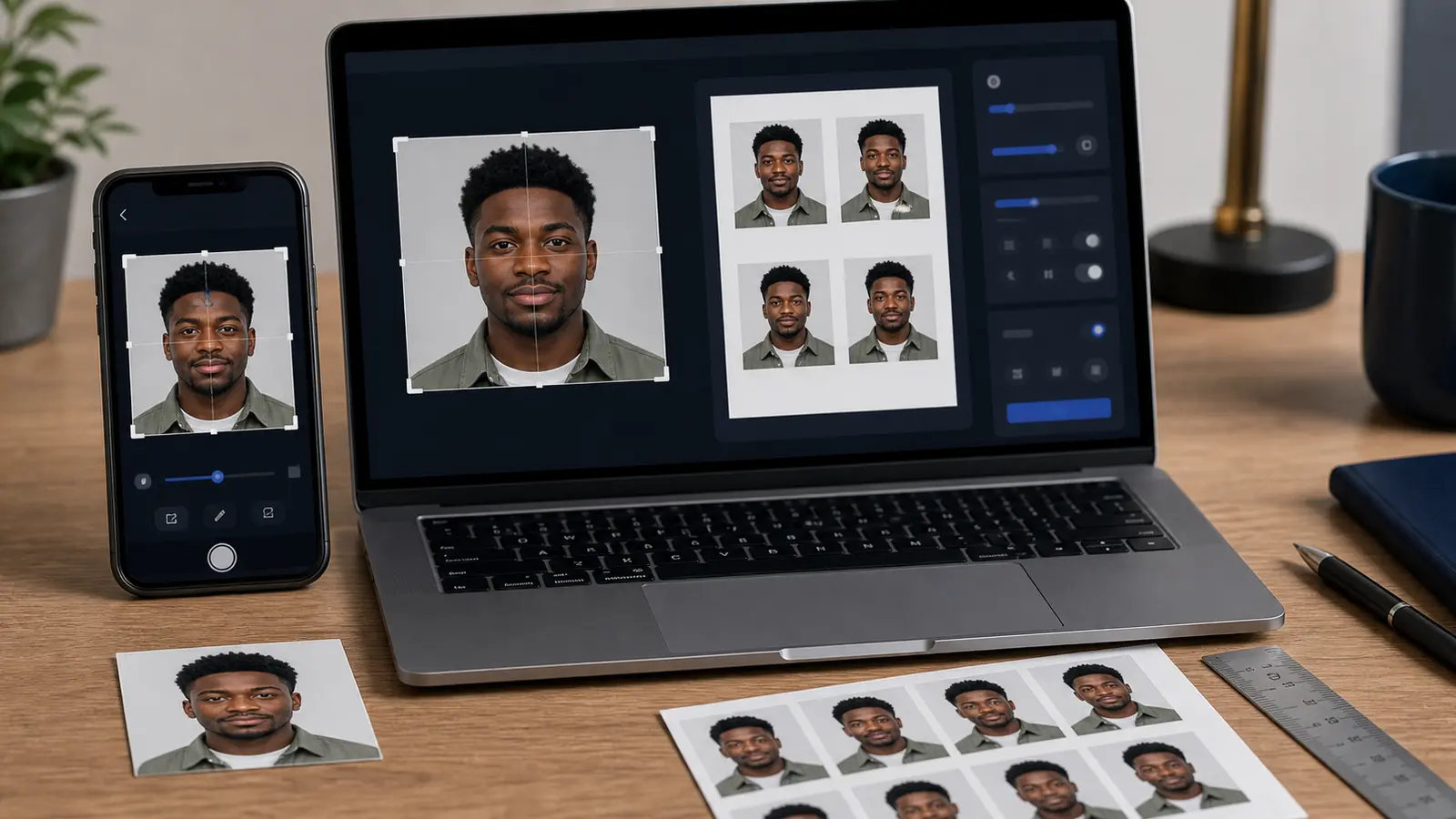
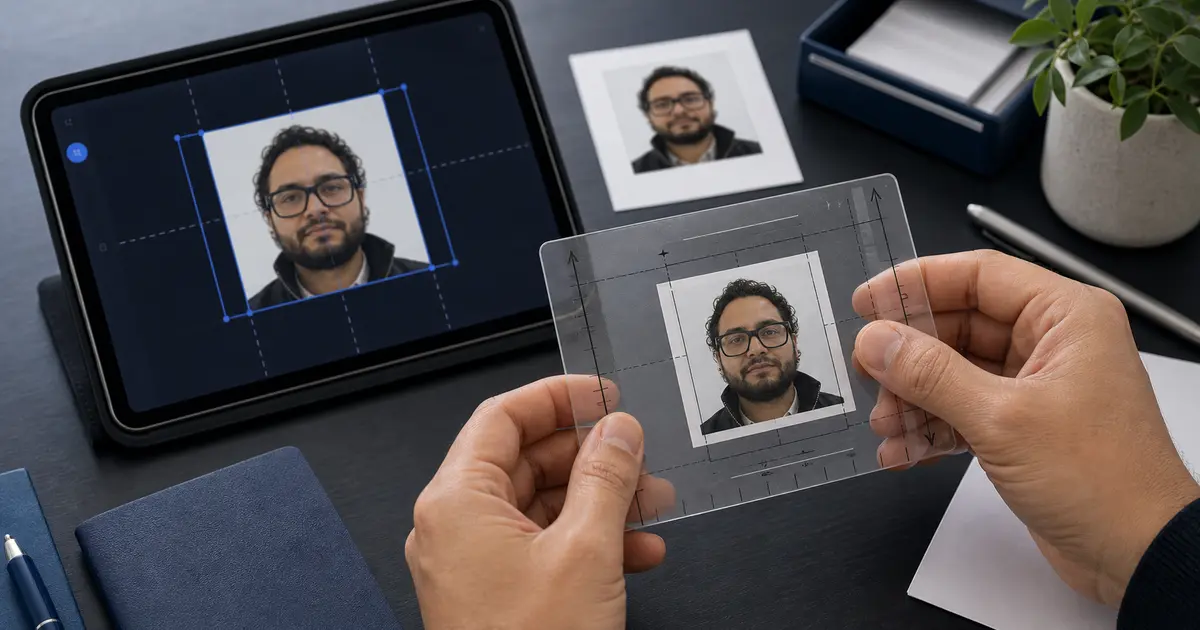
The Vietnam National Electronic Visa portal describes the applicant portrait as a recent 4x6 cm photo in JPG/JPEG format. The face should look straight at the camera, with no hat, no glasses, polite clothing, and a white background.
| Requirement | Vietnam eVisa portal wording |
|---|---|
| Portrait size | 4 x 6 cm |
| File format | JPG/JPEG |
| Pose | Face looking straight |
| Accessories | No hat and no glasses |
| Background | White background |
| Clothing | Polite/formal clothing |
File-size caution
The current portal text includes more than one file-size reference across its upload strings. Some applicant-photo text refers to a file under 2 MB, while another rule string references a larger limit. For a safer eVisa upload, keep the portrait under 2 MB unless the exact field you are using clearly says otherwise.
Do not solve the file-size check by over-compressing the portrait until the face looks blocky. A clean 4x6 cm portrait with moderate JPEG compression is usually better than a tiny file that loses eye, hair, or face-edge detail.
Do not confuse the portrait with the passport data page
The Vietnam eVisa flow separates the applicant portrait from the passport data page image. The portrait is the 4x6 cm face photo. The passport data page is a document image. Treat them as different uploads with different quality checks.
- Use a recent face photo for the portrait upload.
- Use a clear passport data-page image for the passport upload.
- Do not crop the passport page like a portrait photo.
- Do not use a scanned passport page as the eVisa portrait.
Common Vietnam eVisa photo upload failures
- The file is HEIC, PNG, or WebP instead of JPG/JPEG.
- The photo is not 4x6 cm in portrait orientation.
- The face is turned, tilted, covered by glasses glare, or partly hidden by hair.
- The background is grey, blue, patterned, or visibly shadowed instead of white.
- The file is too large for the upload field or compressed so hard that the face loses detail.
How to prepare a Vietnam eVisa photo in Passlens
- Start with a recent front-facing portrait.
- Crop it to a 4x6 cm portrait frame.
- Set a plain white background and remove shadows.
- Export as JPG/JPEG and keep the file under 2 MB unless your portal field shows a different limit.
- Upload the portrait separately from the passport data page image.