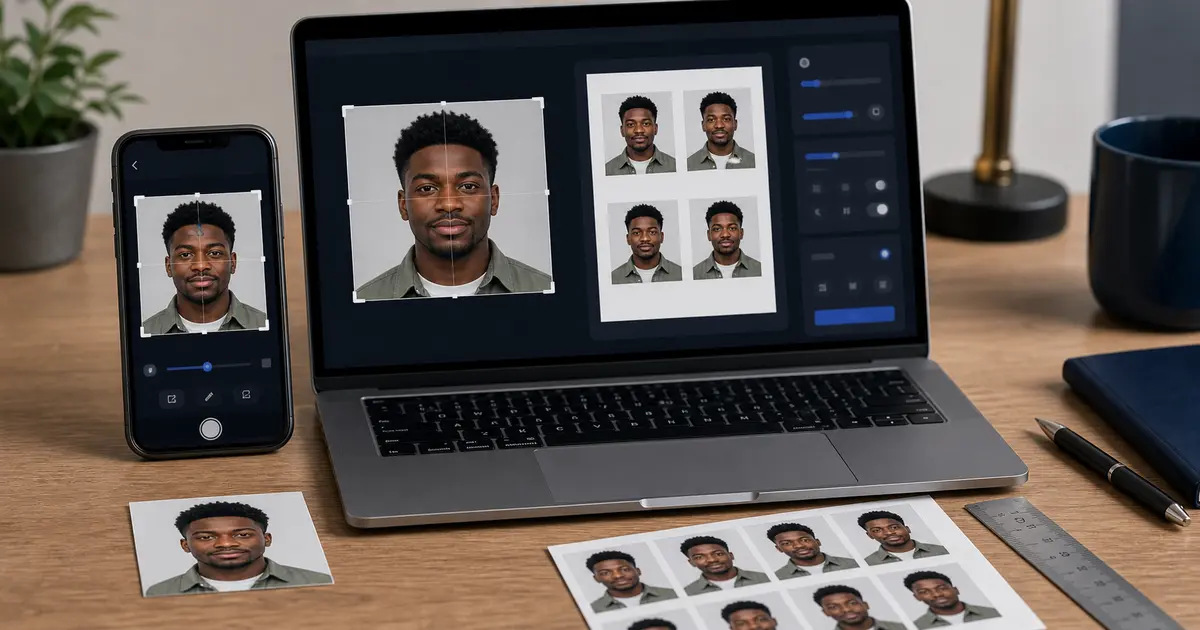
India Visa Photo Requirements 2026: eVisa Square JPEGs, Paper Visa Photos, and Upload Mistakes
India visa photo requirements depend on the route. This guide separates India eVisa square JPEG uploads from paper or appointment routes, then links to the exact eVisa file-size and background checks.
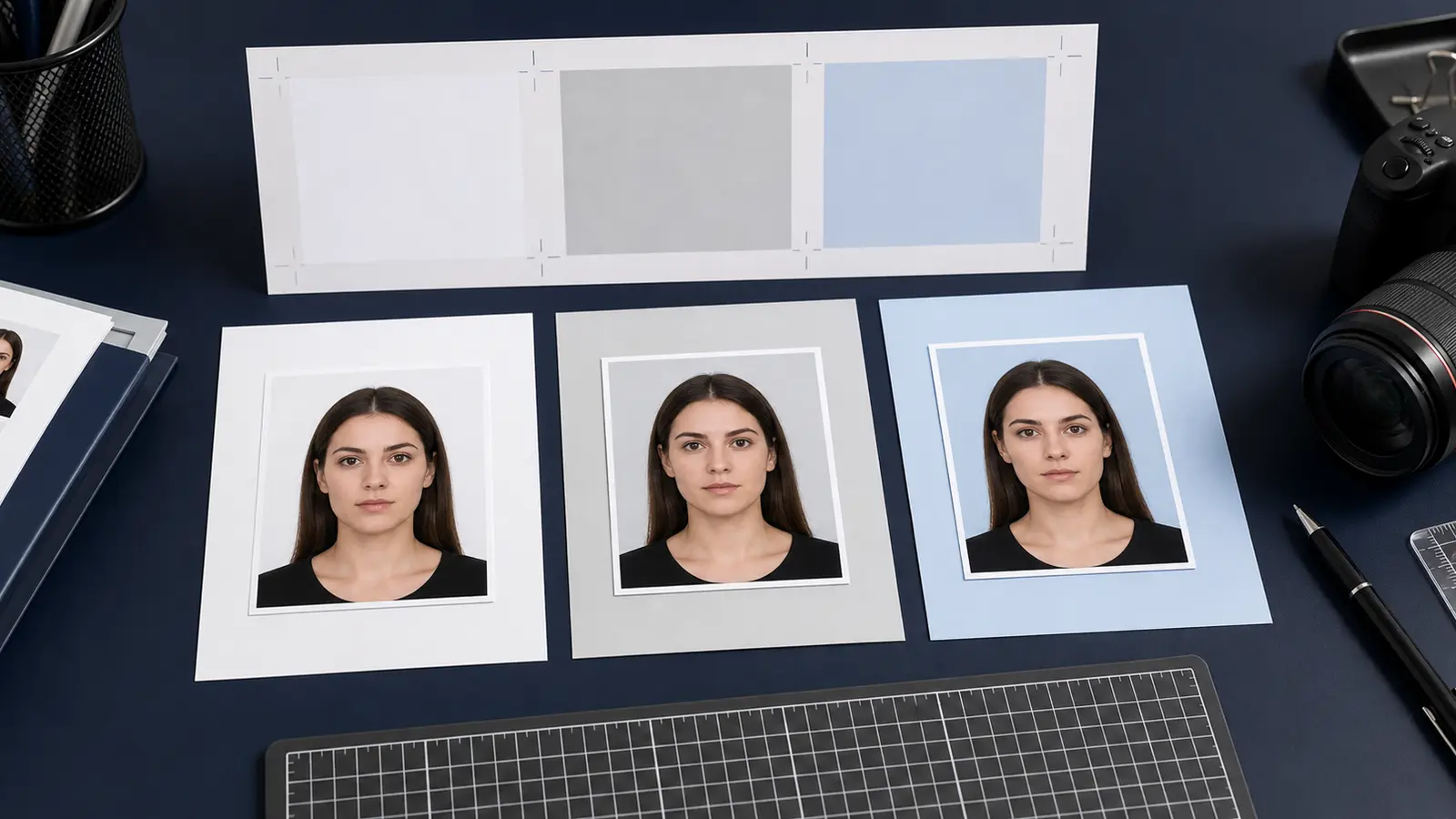
India visa photos are route-specific
India visa photo requirements are easiest to handle when you separate the route first. The India eVisa route is a digital upload: a square JPEG applicant photo with the official file-size range. A paper, consular, or appointment route may ask for printed photos or a different handoff. Do not reuse one India visa file across every route without checking the portal or checklist in front of you.
| Route | Photo job | Best next page |
|---|---|---|
| India eVisa | Square JPEG upload, 10 KB to 1 MB, light or white background | India eVisa photo requirements |
| Paper or appointment route | Follow the mission or visa-centre checklist for print size and number of photos | Visa photo size by country |
| File rejected by portal | Check square shape, JPEG format, file size, and compression | Visa photo upload failure guide |
India eVisa quick specs
For the India eVisa applicant photograph, Indian Visa Online asks for a recent front-facing JPEG with equal height and width, file size from 10 KB to 1 MB, and a plain light or white background. The passport bio-page upload is a separate file field with separate rules, so do not compress both documents with the same settings by default.
When a non-eVisa route asks for printed photos
A printed India visa route should be handled from the exact mission or visa-centre checklist. Some appointment workflows use their own wording for photo count, recency, background, and attachment. If the page you are using does not ask for a printed photo, do not add one just because another India visa guide mentions printed photographs.
How to prepare it in Passlens
- Confirm whether you are using India eVisa or a paper or appointment route.
- For eVisa, use a square crop and export JPEG within the 10 KB to 1 MB range.
- For a paper route, use the mission checklist before choosing a print size.
- Keep the background plain light or white, with no shadows or objects.
- If upload fails, fix one variable at a time: format, square shape, KB size, then crop quality.