Office Depot Passport Photo Printing (2026): Print-Only Route, 4x6 Sheets, and What It Does Not Check
Office Depot passport photo guide for users who need to print a prepared 4x6 passport photo sheet, understand print-only limits, and avoid treating ordinary photo printing as compliance checking.
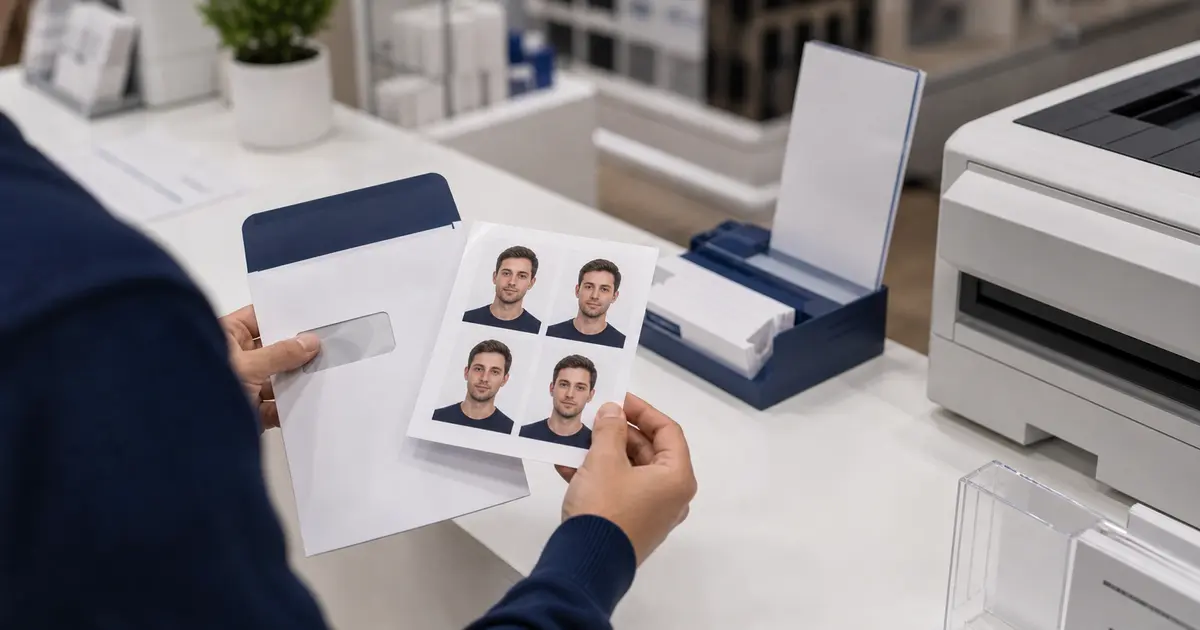
Office Depot is a print route, not a passport-photo counter
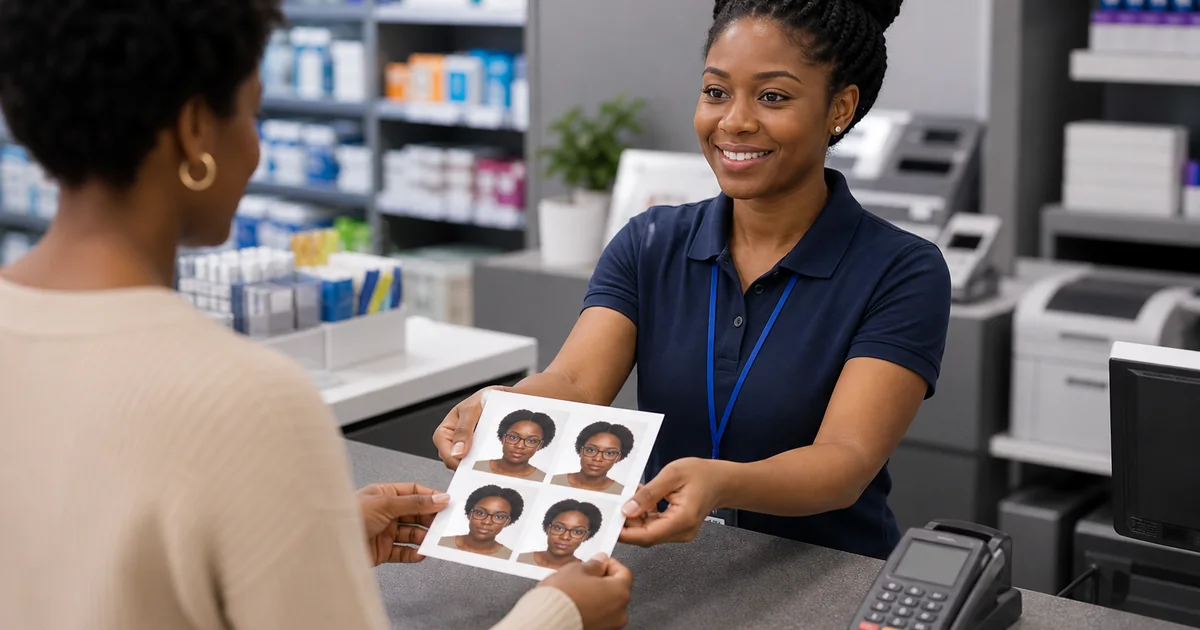
Office Depot belongs in this cluster because people search it when they want a cheap local print. The official Office Depot photo surface is about photo printing and photo gifts, not a clear passport-photo capture counter. Treat it as a place to print a file that is already finished.
That difference matters. A 4x6 print can be a good final step if your sheet already contains correctly sized passport photos. It is not a compliance review. Office Depot will not know whether your head height, background, or digital file rules match the document you are applying for unless the file was prepared before upload.
Office Depot passport photo workflow snapshot
| Question | Office Depot |
|---|---|
| Capture available? | No clear national passport-photo capture route on the official photo-printing surface. |
| Print-only route? | Yes. Use it as a photo-printing route for a finished image or 4x6 sheet. |
| Digital copy likely? | No. You should already have the digital file before ordering prints. |
| Appointment needed? | Usually not relevant for photo printing; order timing and pickup timing matter more. |
| Same-day practical? | Possible for eligible photo products, but check the store and order cutoff. |
| Best use case | Printing a prepared 4x6 passport sheet after Passlens has handled crop, size, and export. |
- 4x6 passport photo template for common pharmacy and retail print sizes.
- Letter-size passport photo template when you are printing several copies at home or at a copy shop.
- A4 passport photo sheet guide for UK, EU, and international print setups.
- Clean PNG and JPEG export guide before you send a file to a store, kiosk, or online print order.
How to use Office Depot without breaking the size
- Create the passport photo in the exact preset or guide route you need.
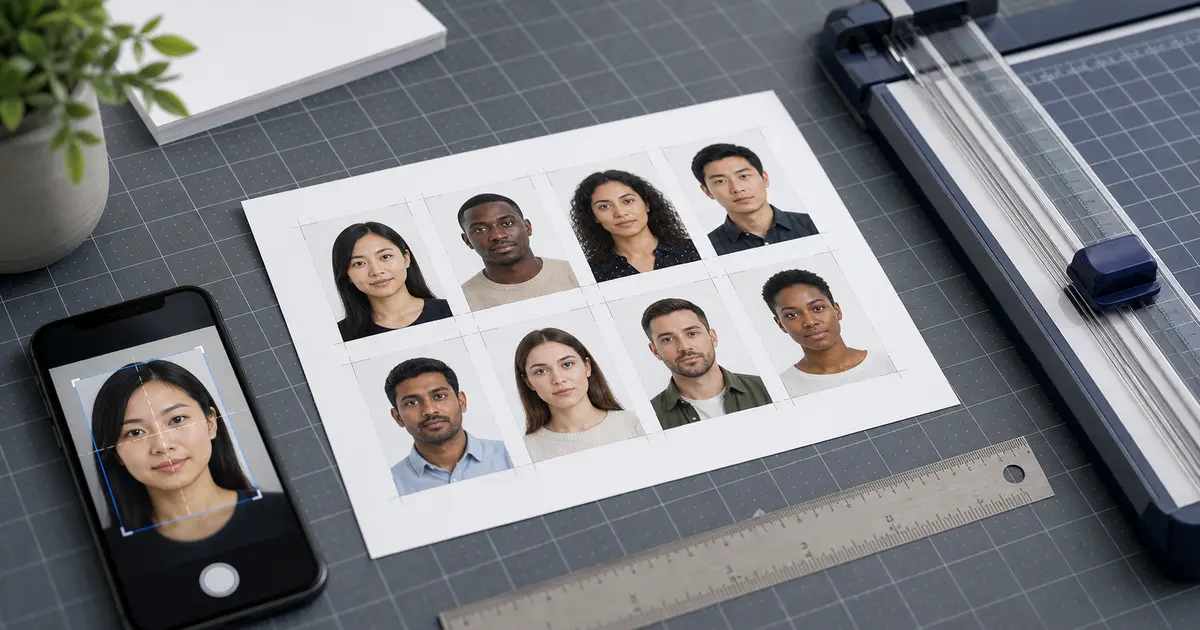
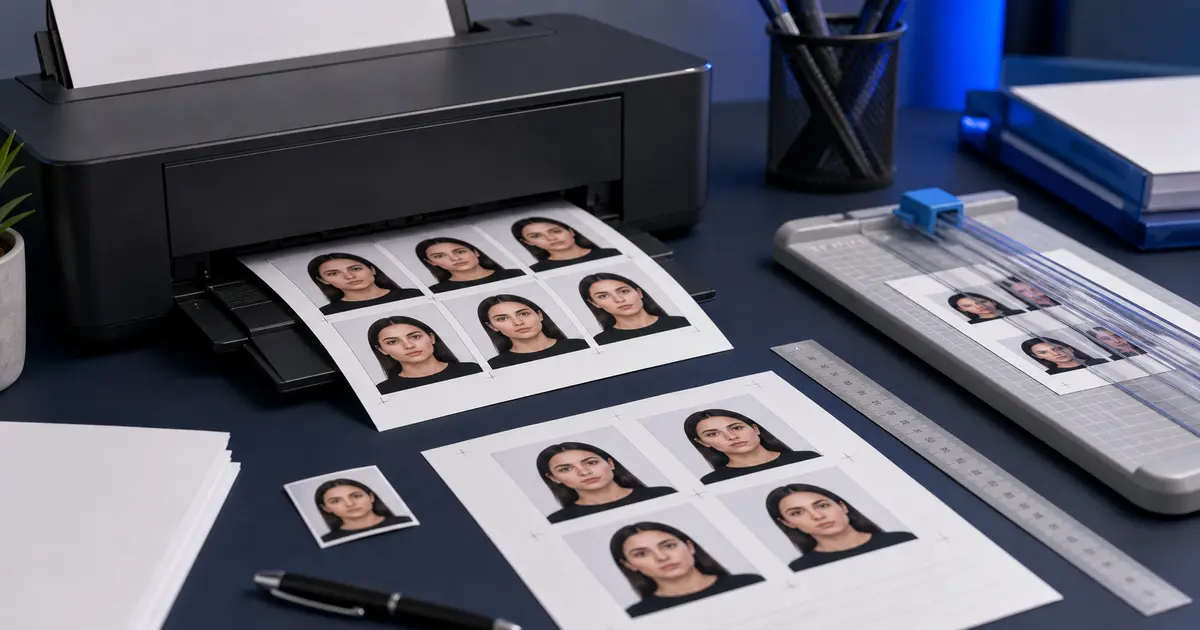
- Export a 4x6 sheet, Letter sheet, A4 sheet, or single exact PNG/JPEG.
- Order the print without automatic cropping, beautifying, or fit-to-page scaling.
- Measure one finished photo before cutting the full sheet.
Use the store for paper, not rule interpretation
If a route is sensitive, prepare and check the file first. The print counter should preserve the finished file, not decide the passport-photo rules.