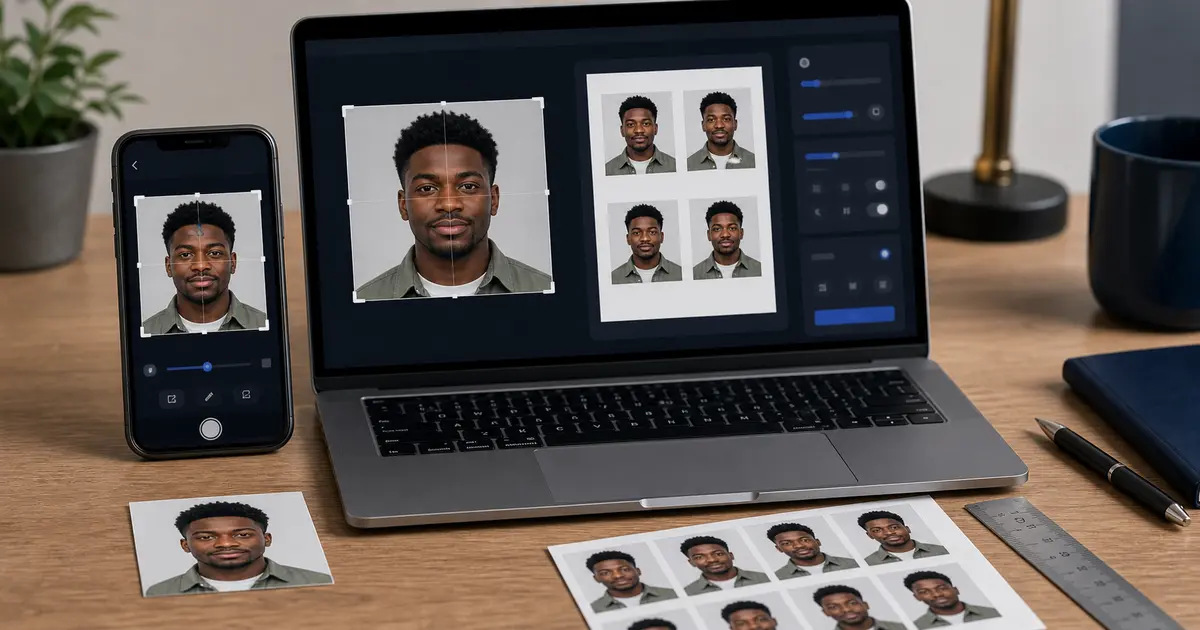
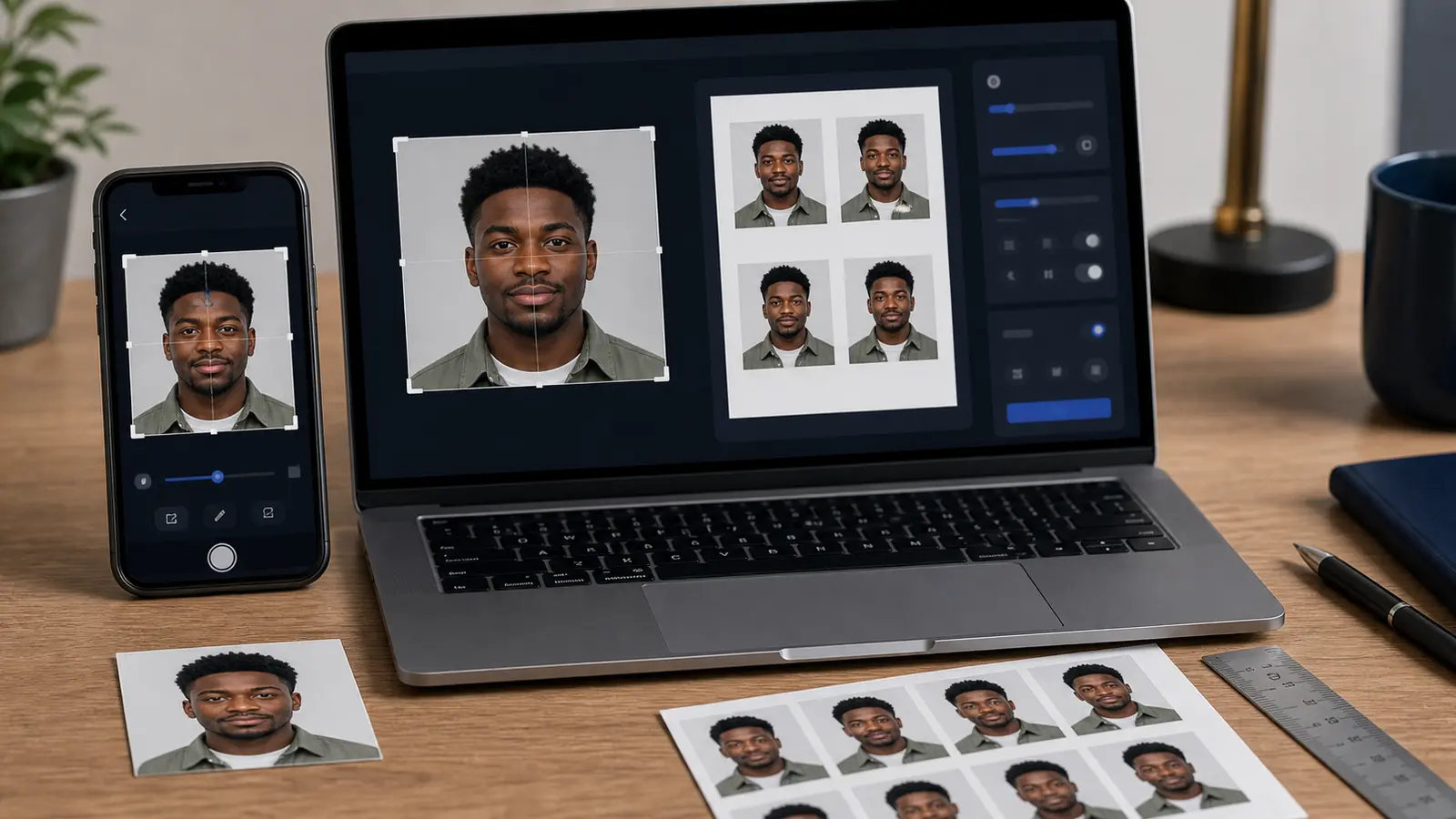
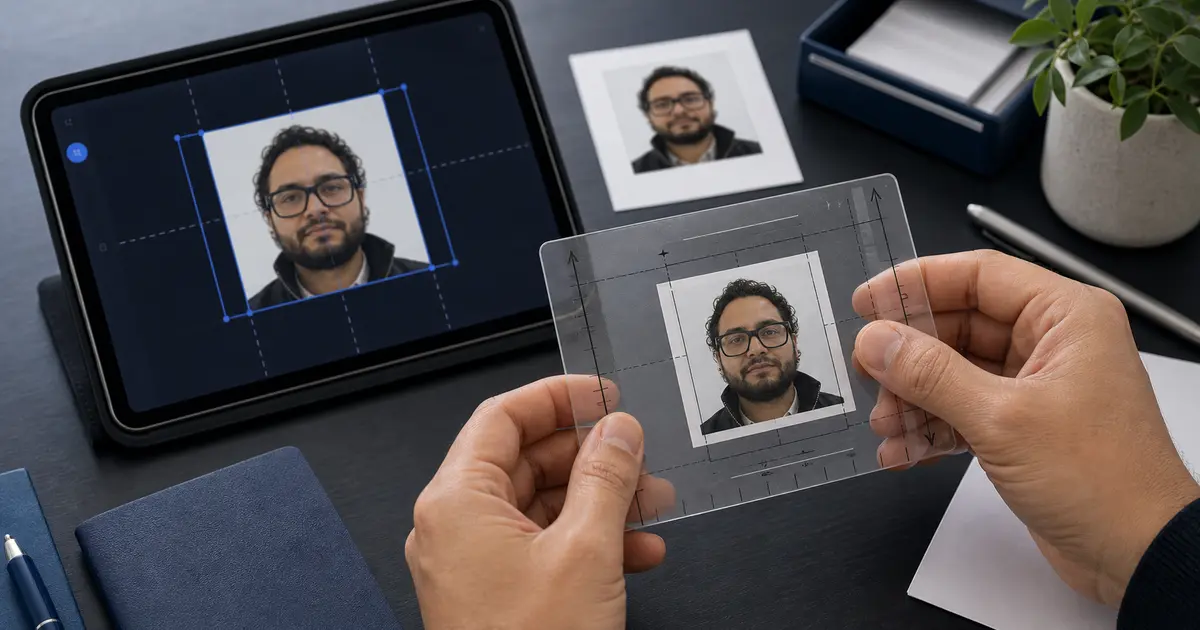
UAE Visa Photo Requirements 2026: Passport-Style Photo Checks, White Background, and Route-Specific Upload Rules
UAE visa photo requirements vary by service route. This guide explains how to handle passport-style UAE visa photos, white-background expectations, and why the exact ICP, embassy, airline, or sponsor checklist controls the final file.

UAE visa photos depend on the route
There is not one public UAE visa photo rule that safely covers every entry-permit, residence, airline, sponsor, embassy, and identity-service route. Many workflows ask for a passport-style personal photo, often with a plain white background, but the exact size, file type, upload field, and number of photos come from the service checklist you are using.
| Route type | What to verify before editing |
|---|---|
| ICP or UAE government service | The exact service-card photo dimensions, file type, and upload field |
| Embassy or consular service | Whether a printed passport-style photo is required and how many copies |
| Airline, sponsor, or travel-agent route | The portal file-size limit and whether the sponsor reformats the image |
| Emirates ID or residence-related photo | Whether the authority captures the image or asks for an uploaded personal photo |
Safe preparation rules when a UAE route asks for a photo
- Use a recent front-facing portrait with the full face visible.
- Use a plain white or very light background if the route does not state a different background.
- Avoid shadows, glare, filters, and face retouching.
- Do not force a 35x45 or 2x2 size until the service checklist names the size.
- Keep the original photo available in case the portal asks for a different crop or file size.
How to use Passlens without guessing
- Open the UAE service, embassy, airline, or sponsor checklist first.
- If it names a physical size, choose the matching Passlens preset or closest size guide.
- If it names pixels or KB limits, prepare the crop first, then export for upload.
- If the service captures the photo itself, use Passlens only to practise lighting and background before the official capture.
- When in doubt, follow the service checklist over a generic web search result.